How to Remove a Stand from an iMac
Turn off the computer and make sure all cords are disconnected.. Place the iMac screen-down on a soft surface and lift the stand so the screen rotates down.. Release the latch inside the stand.
Steps
1
Turn off the computer and make sure all cords are disconnected.
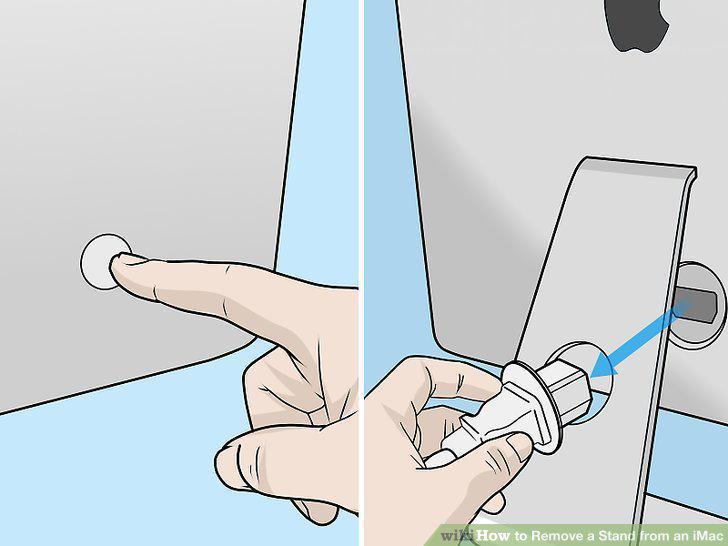
Turn off the computer and make sure all cords are disconnected.
2
Place the iMac screen-down on a soft surface and lift the stand so the screen ro
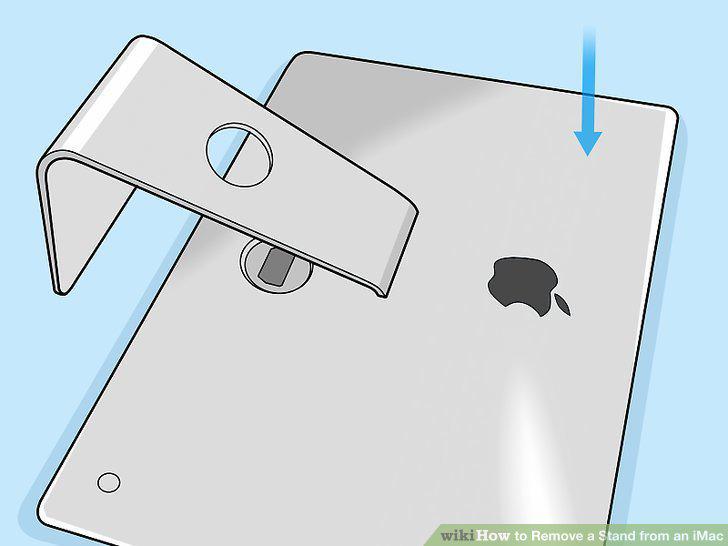
Place the iMac screen-down on a soft surface and lift the stand so the screen rotates down.
3
Release the latch inside the stand.
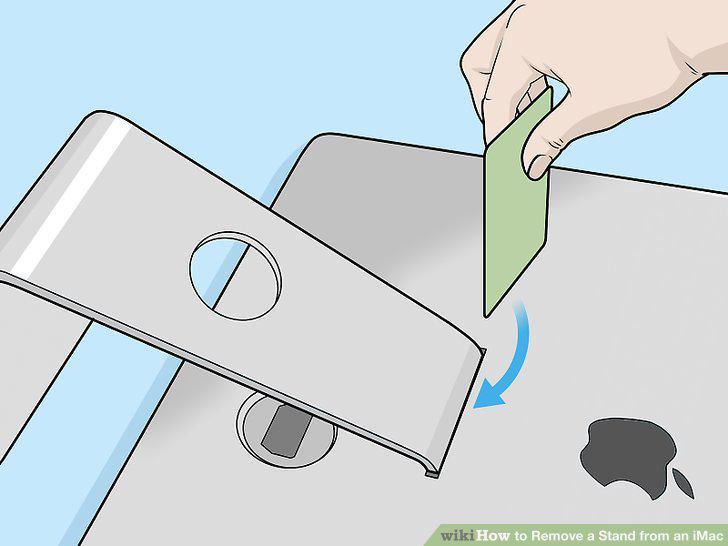
Release the latch inside the stand.
4
Push the stand down until it locks.
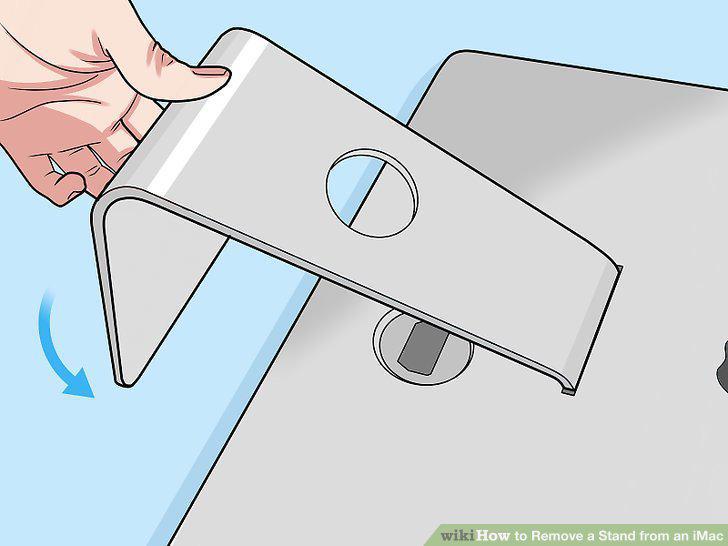
Push the stand down until it locks.
5
Remove the screws with the TORX tool.
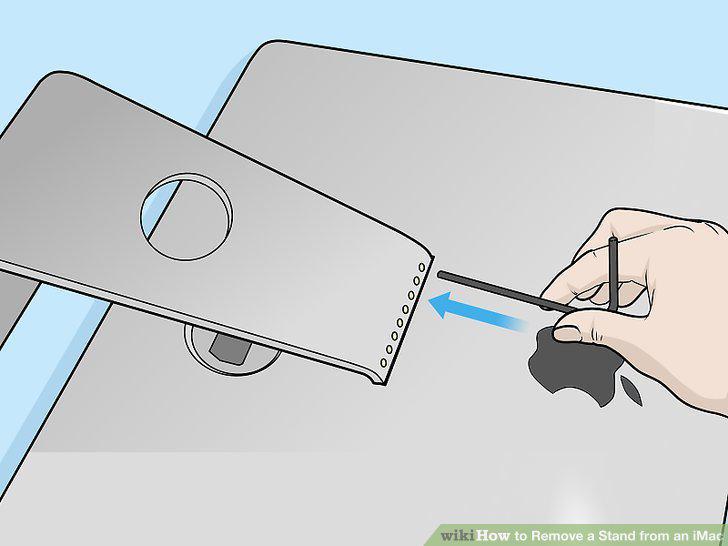
Remove the screws with the TORX tool.
6
Lift the stand off the iMac.
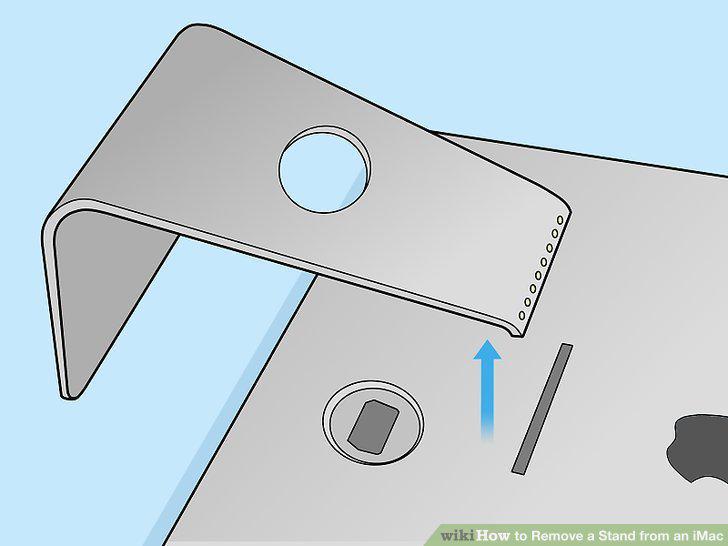
Lift the stand off the iMac.
Comments (0)
No comments yet. Be the first to share your thoughts!