How to See Devices Signed in to an Apple ID on an iPhone
Open your iPhone's Settings .. Tap your name.. Scroll down to the device list.
Steps
1
Open your iPhone's Settings .
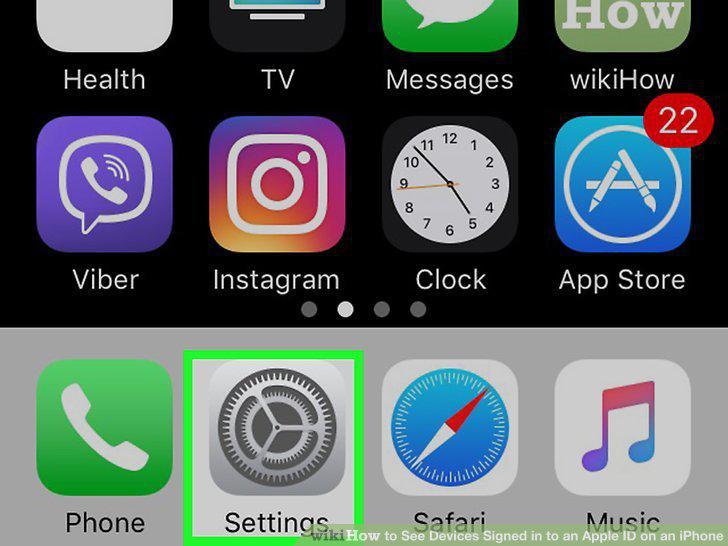
Open your iPhone's Settings .
2
Tap your name.
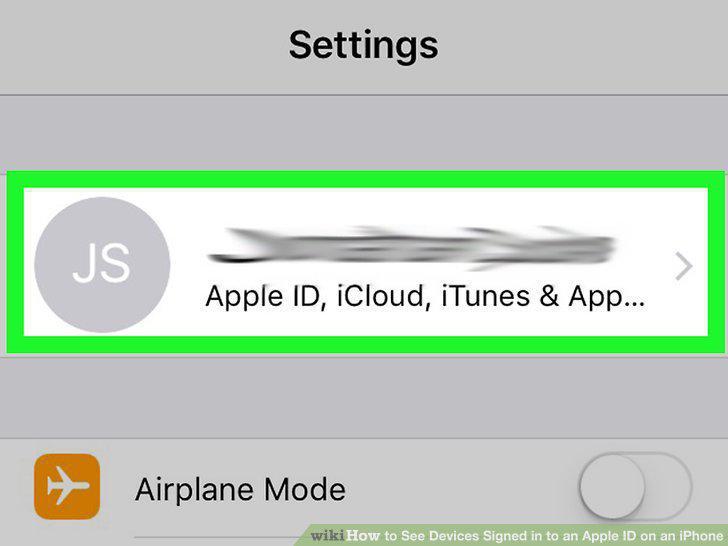
Tap your name.
3
Scroll down to the device list.
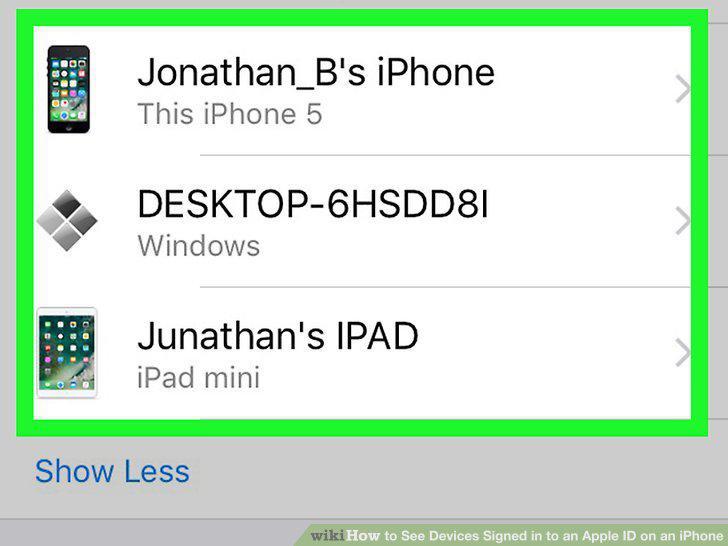
Scroll down to the device list.
4
Tap a device to learn more about it.
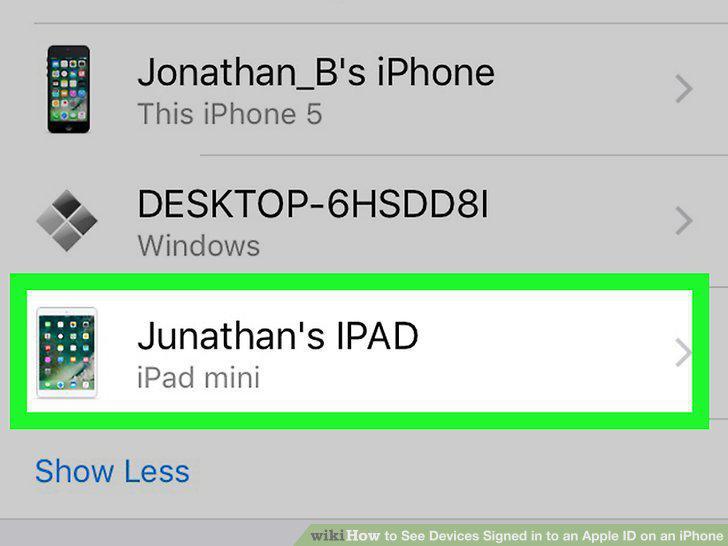
Tap a device to learn more about it.
5
Tap Remove from Account to sign out remotely (optional).
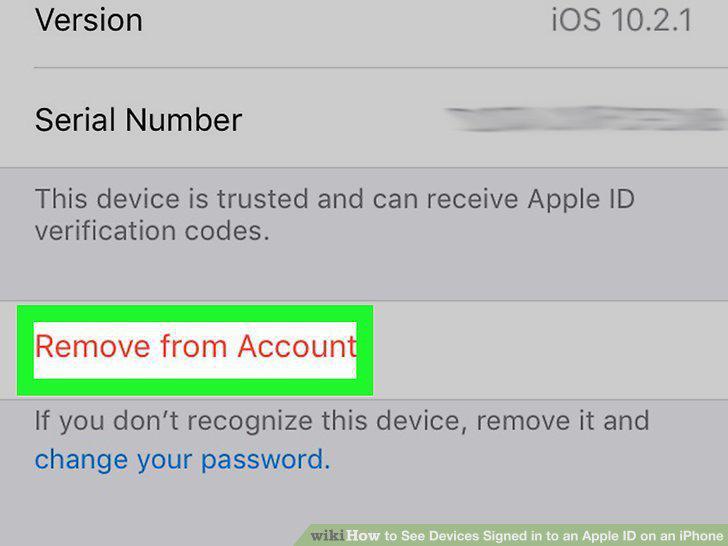
Tap Remove from Account to sign out remotely (optional).
Comments (0)
No comments yet. Be the first to share your thoughts!