How to Sign Out of Your Apple ID Account on an iPhone
Open your Settings.. Select iCloud.. Select Sign Out.
Steps
1
Open your Settings.
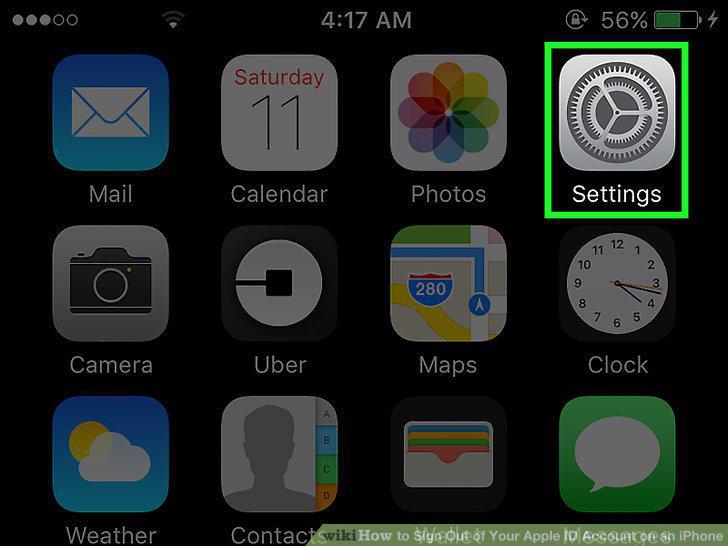
Open your Settings.
2
Select iCloud.
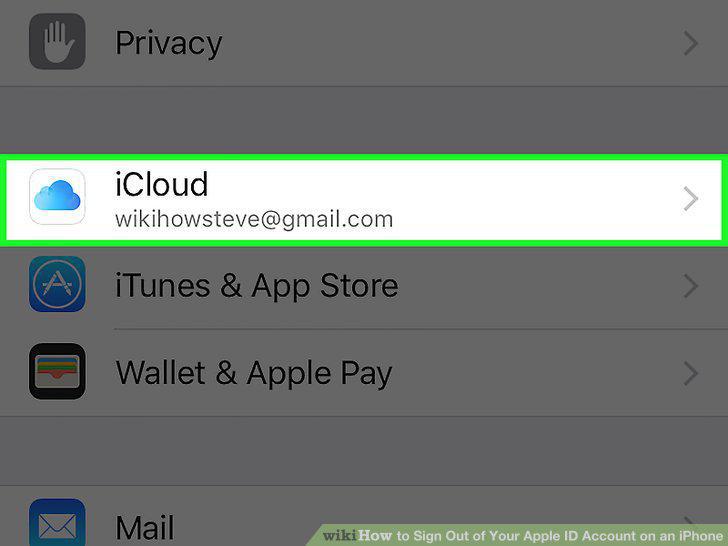
Select iCloud.
3
Select Sign Out.
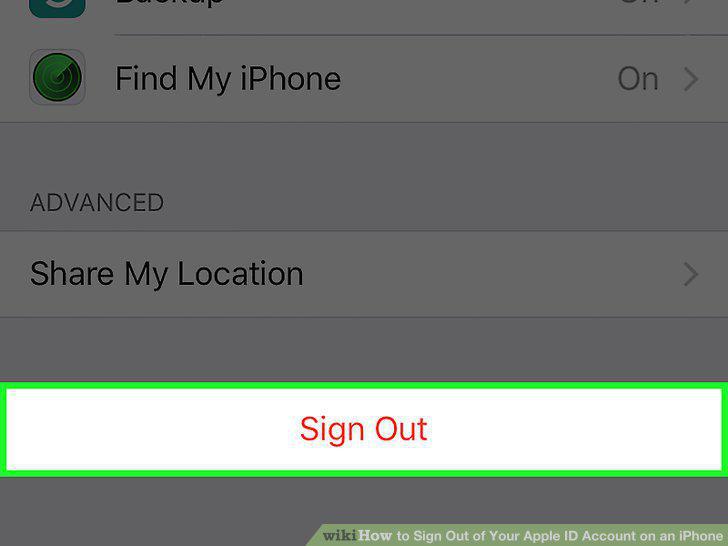
Select Sign Out.
4
Tap Sign Out.
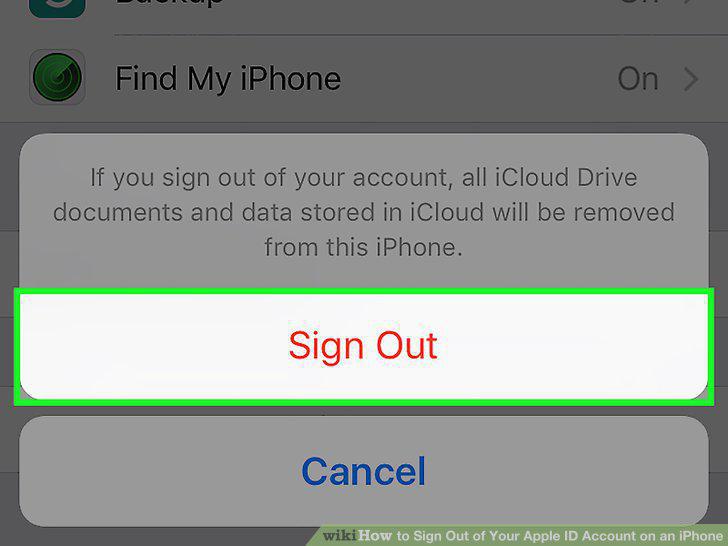
Tap Sign Out.
5
Tap Delete from My iPhone.
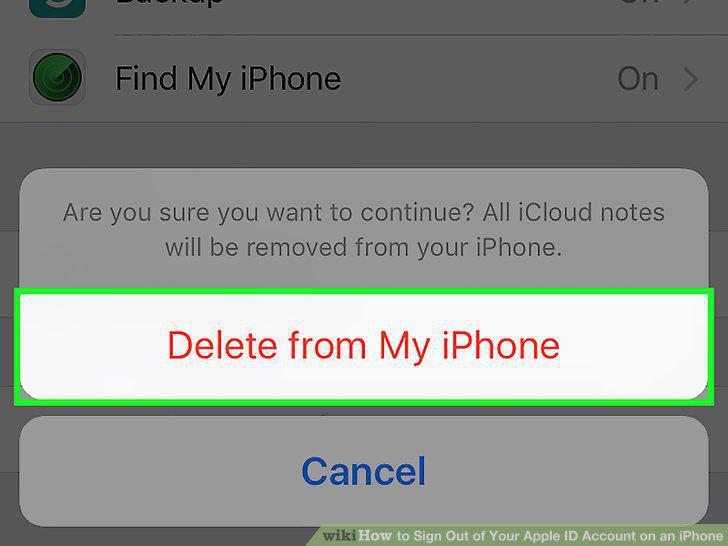
Tap Delete from My iPhone.
Comments (0)
No comments yet. Be the first to share your thoughts!