How to Print Your Google Calendar
Go to https://calendar.google.com in a web browser.. Select a calendar format.. Use the arrows to select a time period.
Steps
1
Go to https://calendar.google.com in a web browser.
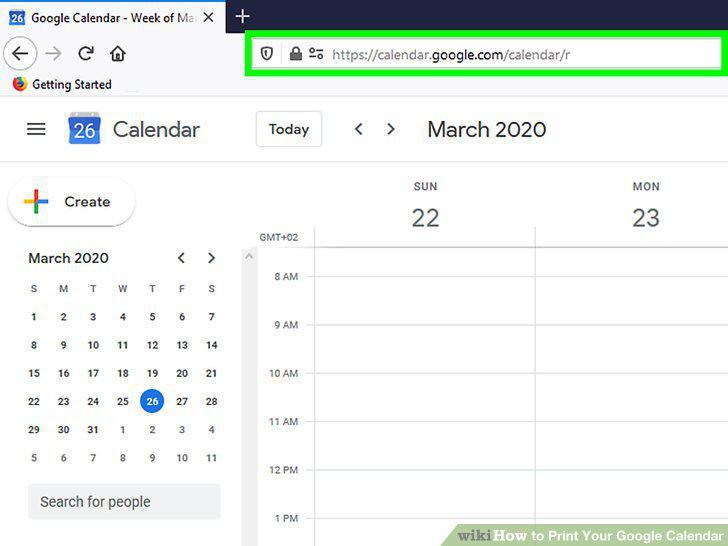
Go to https://calendar.google.com in a web browser.
2
Select a calendar format.
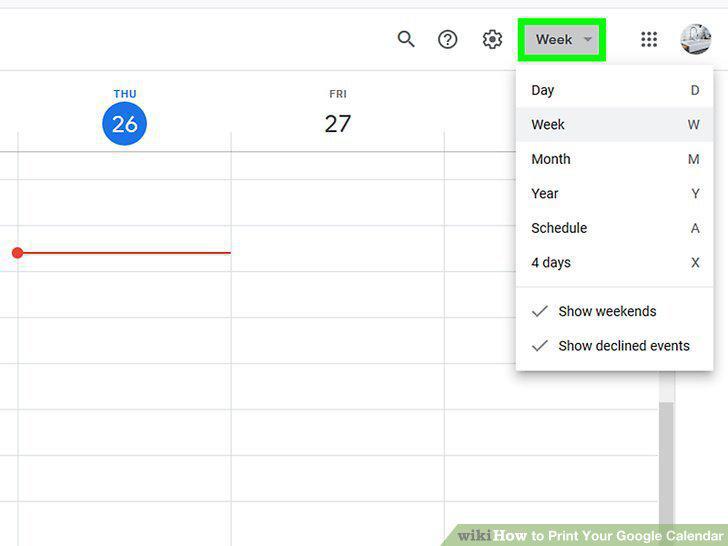
Select a calendar format.
3
Use the arrows to select a time period.
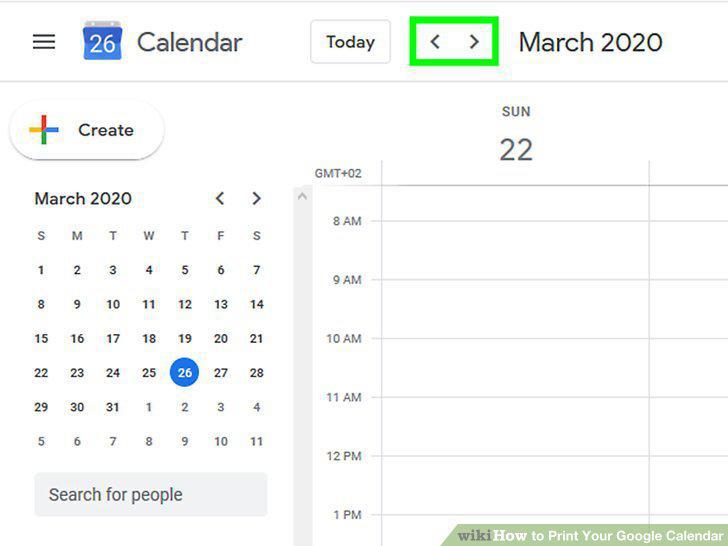
Use the arrows to select a time period.
4
Click the Settings icon .
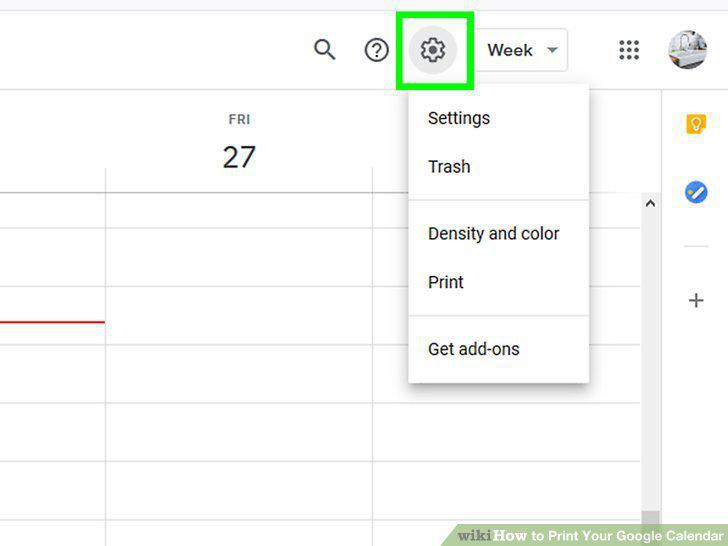
Click the Settings icon .
5
Click Print.
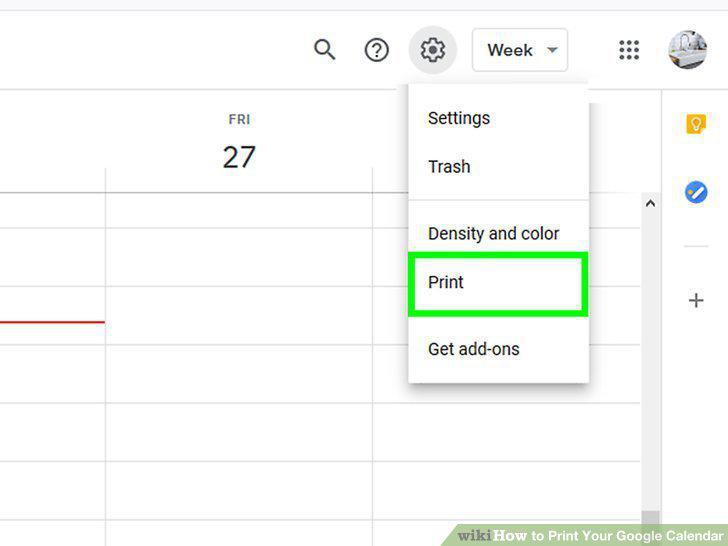
Click Print.
6
Select your print options.
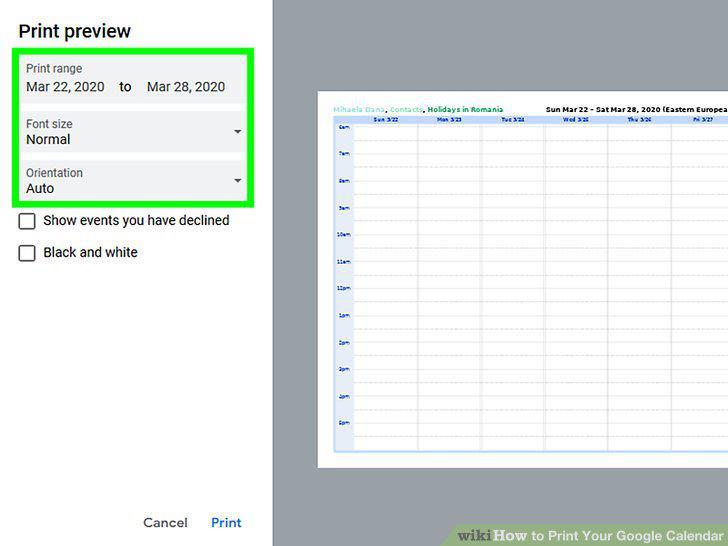
Select your print options.
7
Click Print.
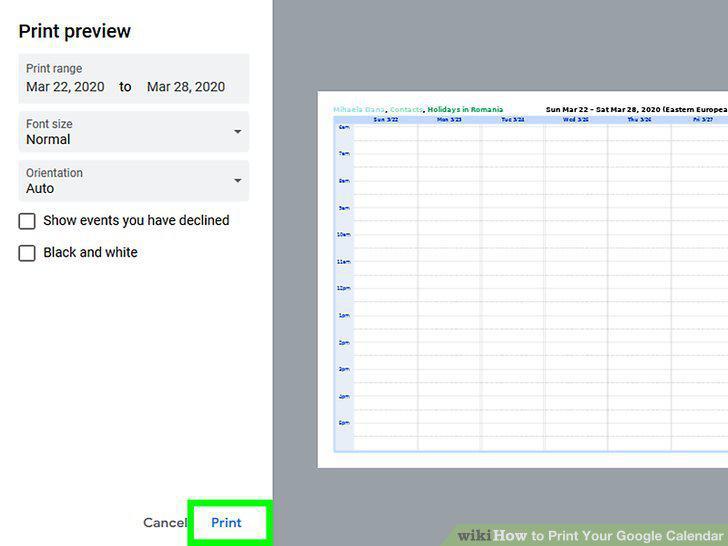
Click Print.
8
Select a printer from the "Destination" menu.
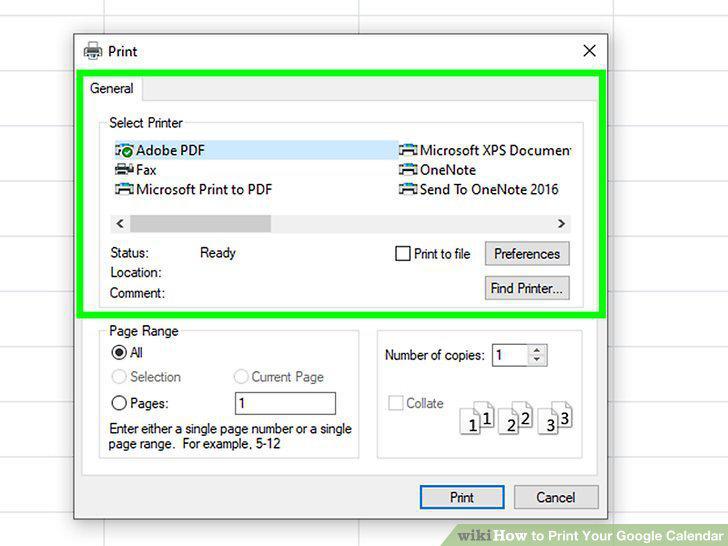
Select a printer from the "Destination" menu.
9
Select your print options (optional).
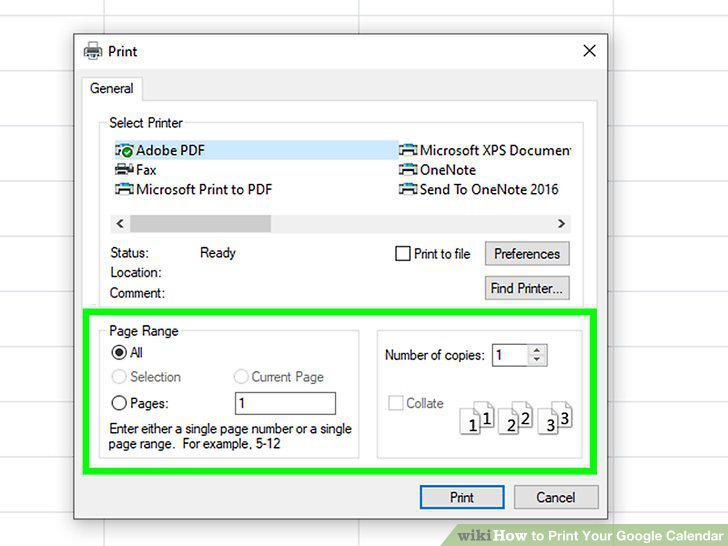
Select your print options (optional).
10
Click Print.
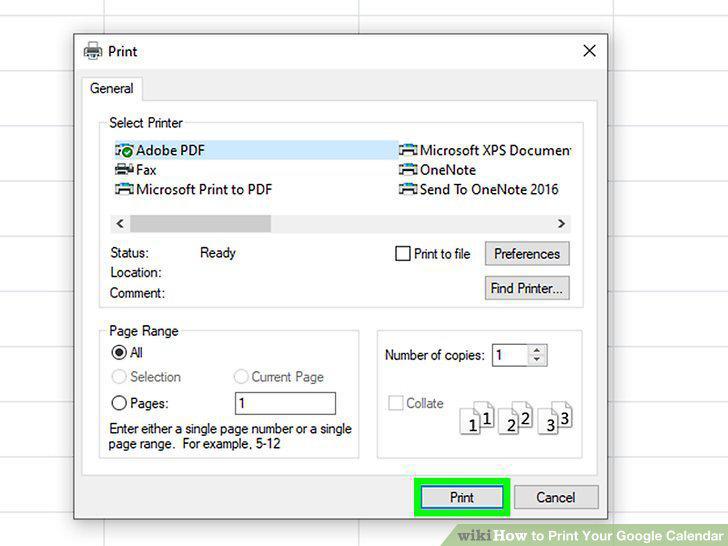
Click Print.
Comments (0)
No comments yet. Be the first to share your thoughts!