How to Split a Cell on Google Sheets on iPhone or iPad
Open Google Sheets in your mobile internet browser.. Tap the spreadsheet file you want to edit.. Tap the merged cell you want to split.
Steps
1
Open Google Sheets in your mobile internet browser.
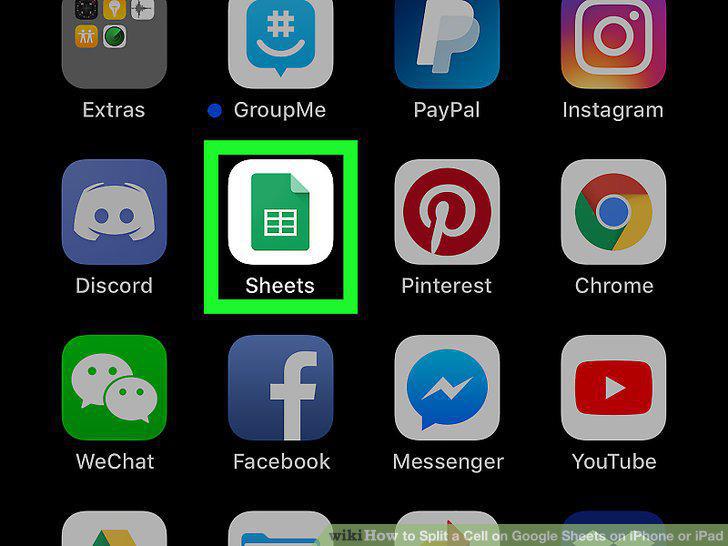
Open Google Sheets in your mobile internet browser.
2
Tap the spreadsheet file you want to edit.
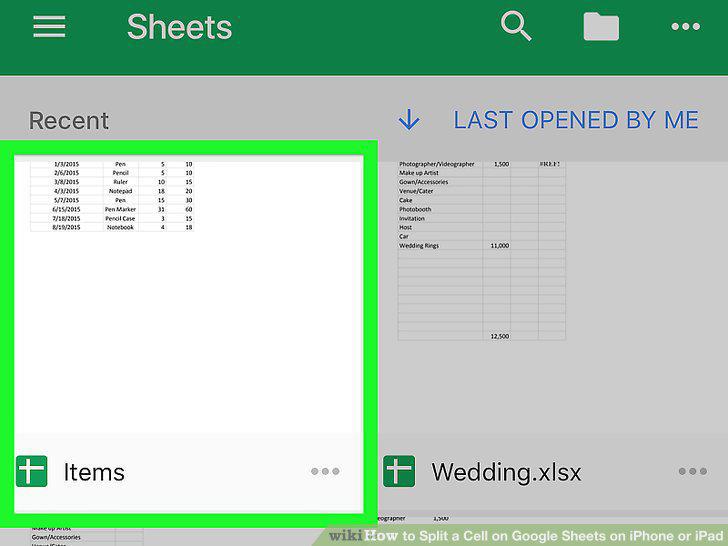
Tap the spreadsheet file you want to edit.
3
Tap the merged cell you want to split.
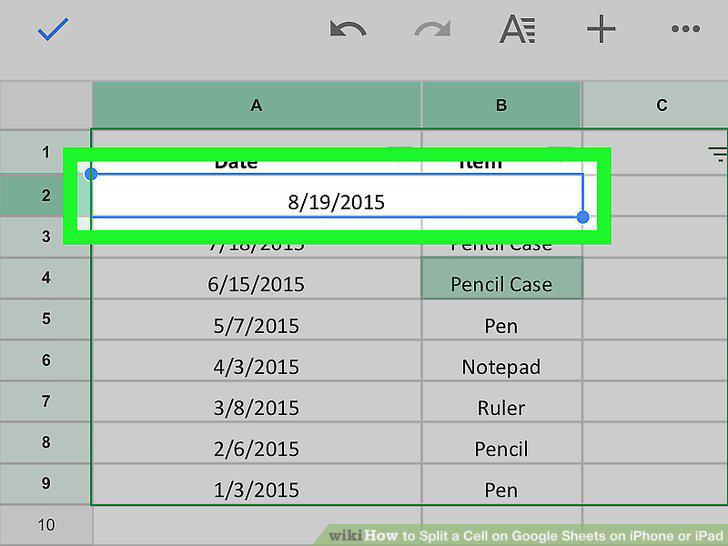
Tap the merged cell you want to split.
4
Tap the "A" icon on the toolbar at the top.
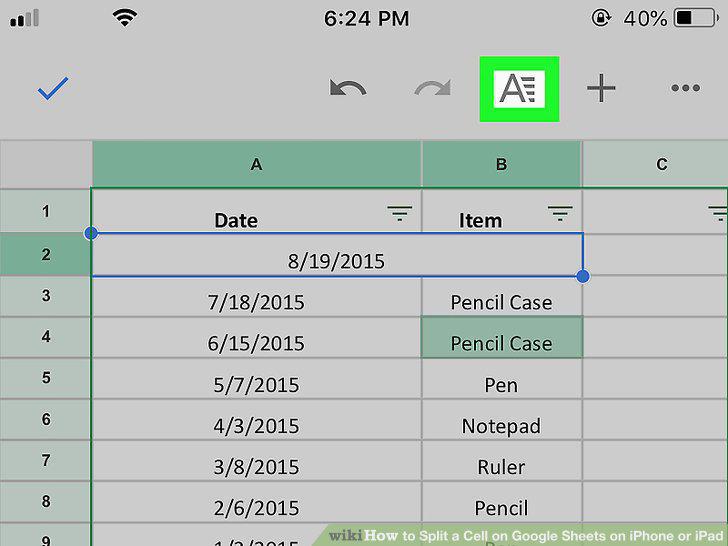
Tap the "A" icon on the toolbar at the top.
5
Tap the CELL tab on the editing panel.
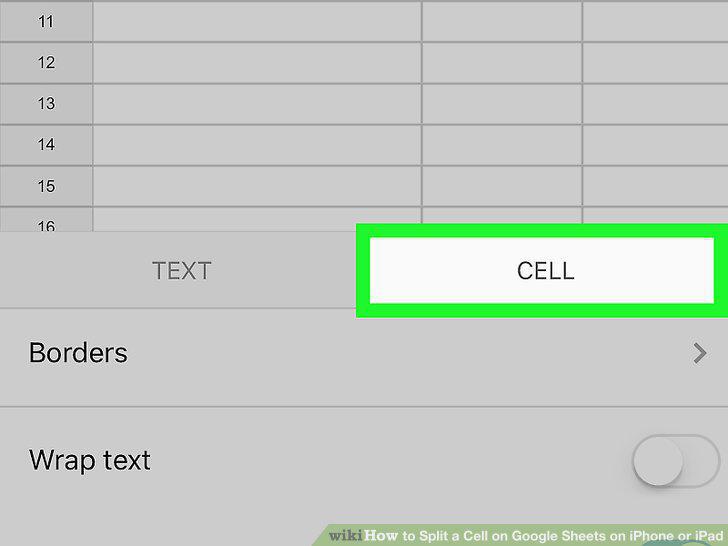
Tap the CELL tab on the editing panel.
6
Slide the Merge cells switch to .
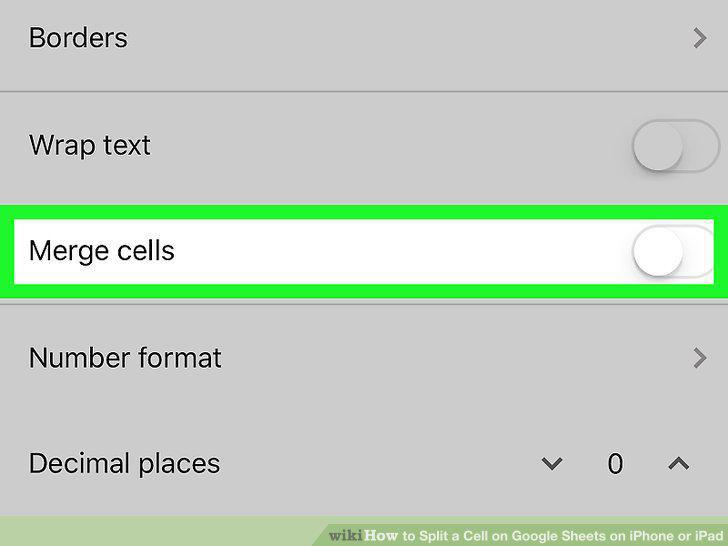
Slide the Merge cells switch to .
Comments (0)
No comments yet. Be the first to share your thoughts!