How to Jitter Click
Buy a decent mouse.. Tense your hand.. Make sure your arm isn't slouched.
Steps
1
Buy a decent mouse.
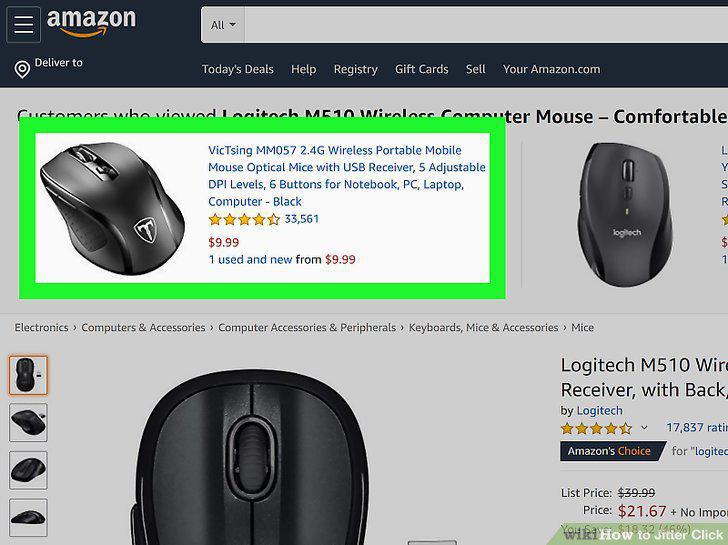
Buy a decent mouse.
2
Tense your hand.
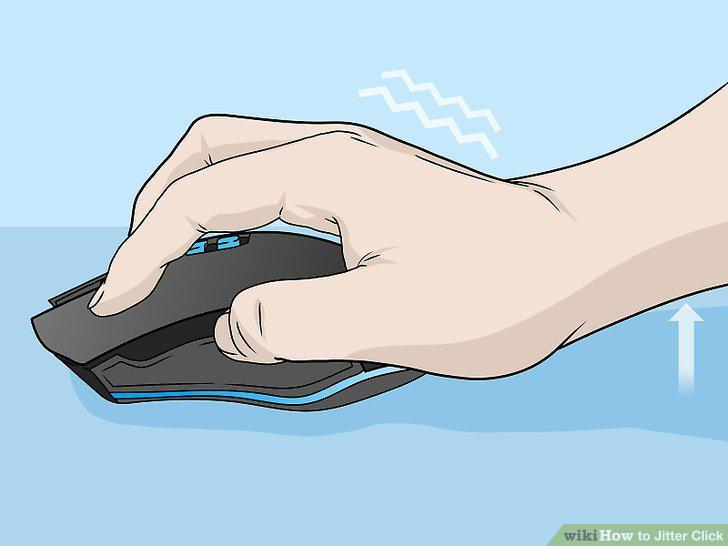
Tense your hand.
3
Make sure your arm isn't slouched.
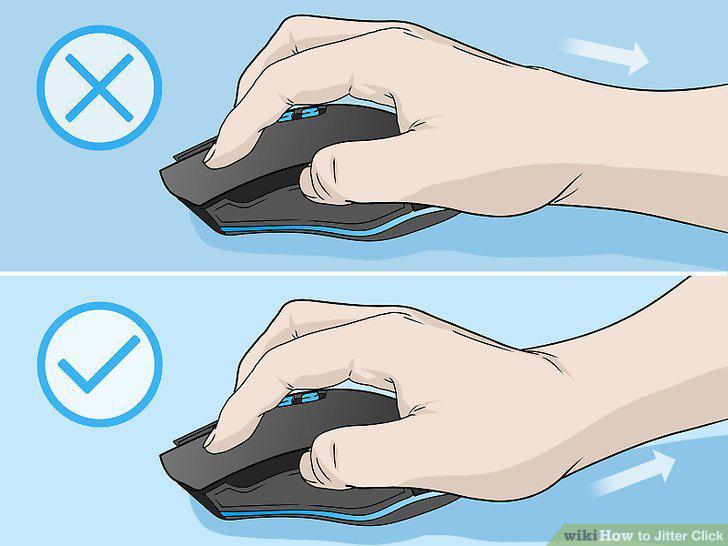
Make sure your arm isn't slouched.
4
Arch your hand.
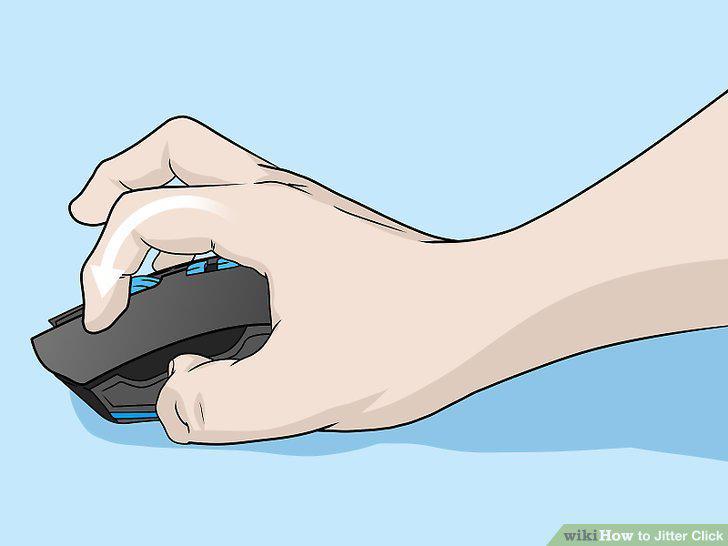
Arch your hand.
5
Vibrate your hand.
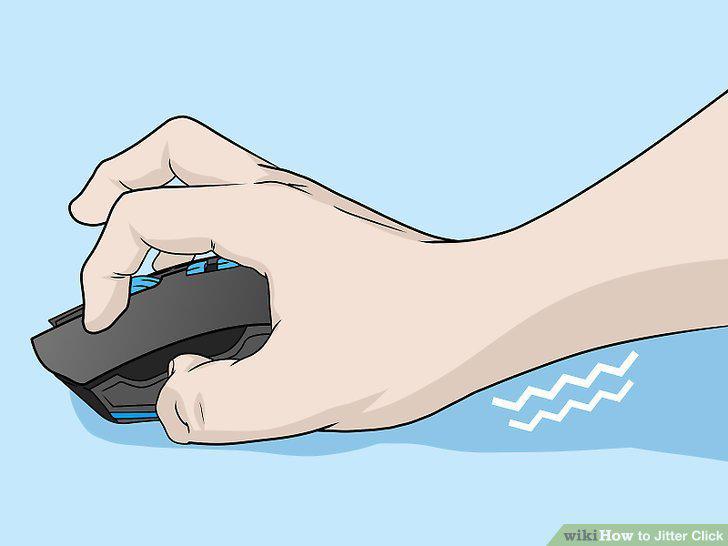
Vibrate your hand.
6
Do online click tests to test your clicking speed.
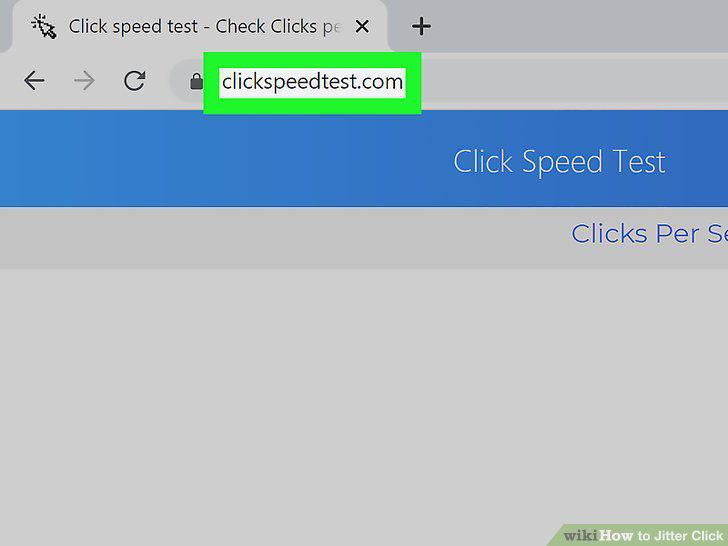
Do online click tests to test your clicking speed.
7
Keep practicing.
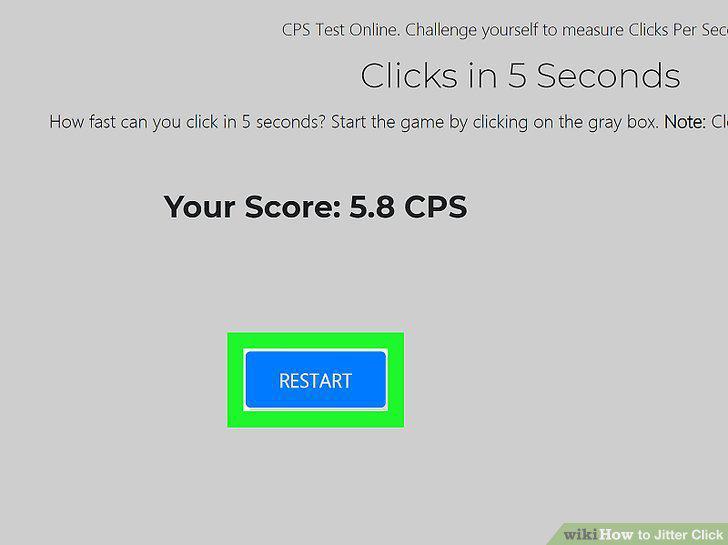
Keep practicing.
Comments (0)
No comments yet. Be the first to share your thoughts!