How to Swipe Between Pages on a Mac
Click the Apple menu.. Click System Preferences.. Click the Trackpad or Mouse option.
Steps
1
Click the Apple menu.
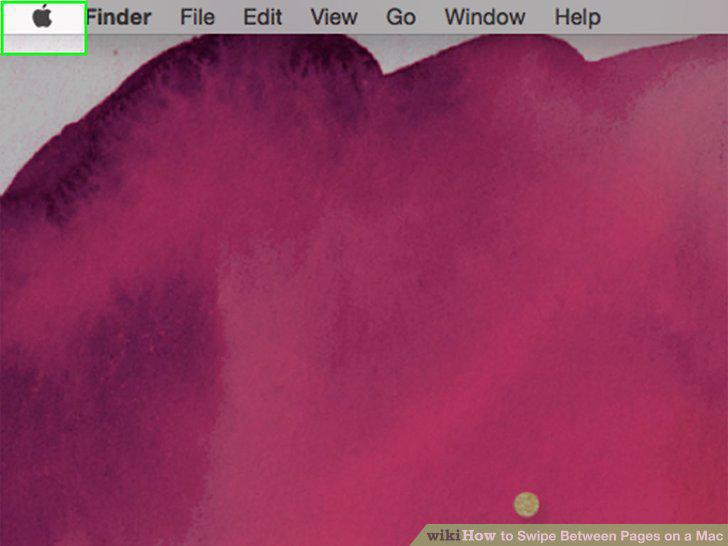
Click the Apple menu.
2
Click System Preferences.
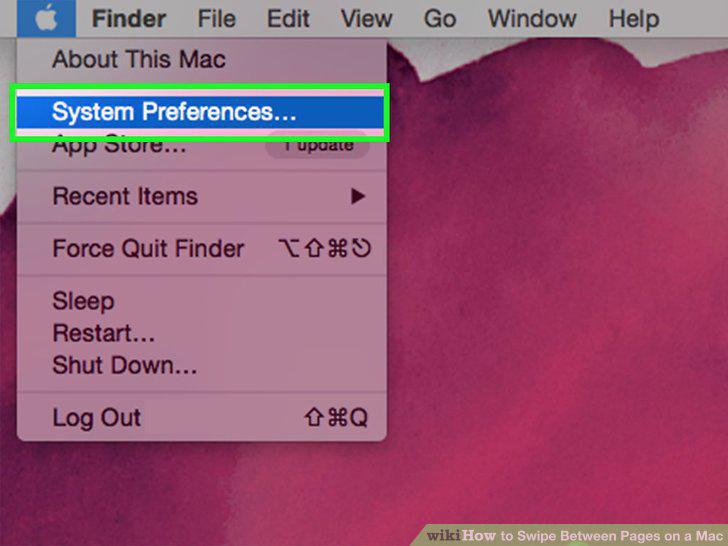
Click System Preferences.
3
Click the Trackpad or Mouse option.
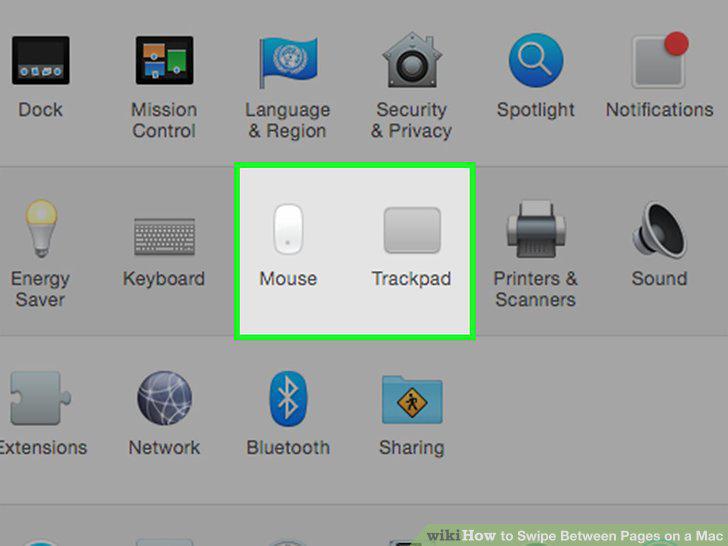
Click the Trackpad or Mouse option.
4
Click the More Gestures tab.
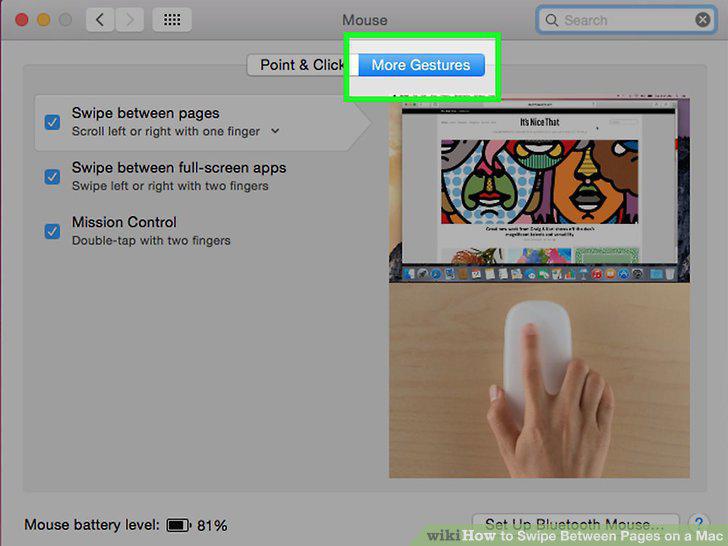
Click the More Gestures tab.
5
Click the "Swipe between pages" box to enable or disable it.
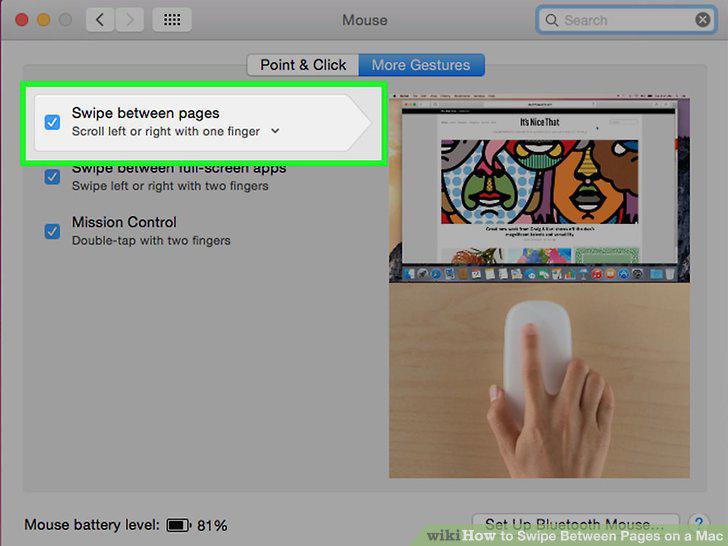
Click the "Swipe between pages" box to enable or disable it.
6
Open a web page.

Open a web page.
7
Place two fingers on your trackpad.
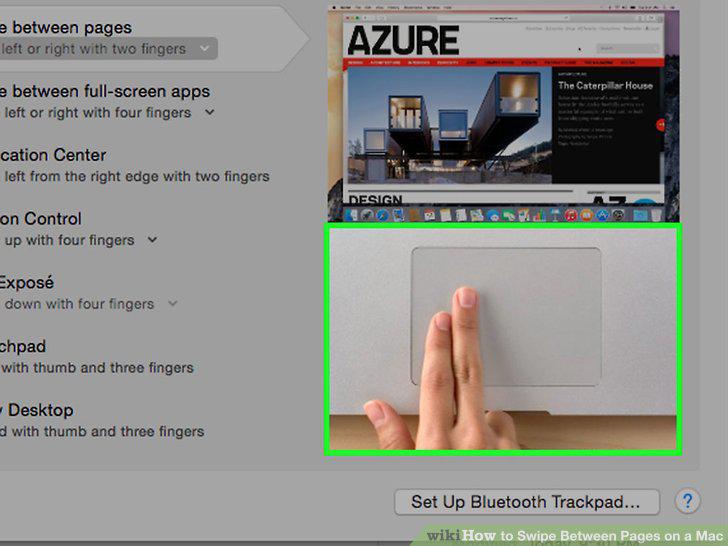
Place two fingers on your trackpad.
8
Swipe from left to right to view the previous page.
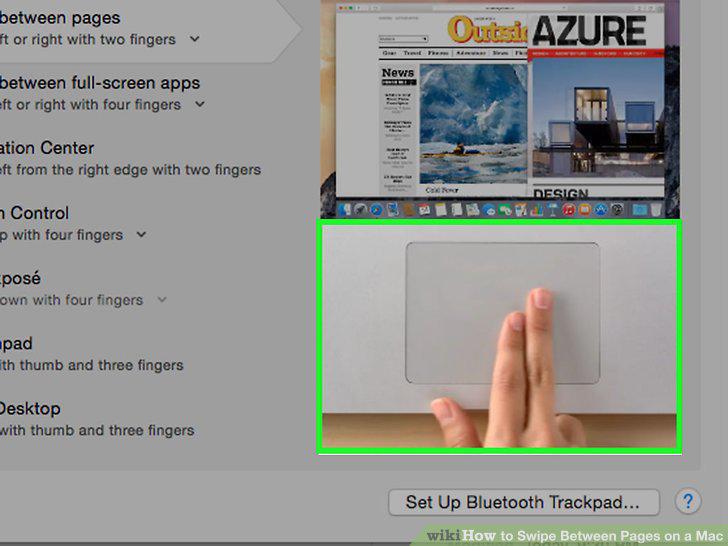
Swipe from left to right to view the previous page.
9
Swipe from right to left to view the next page.
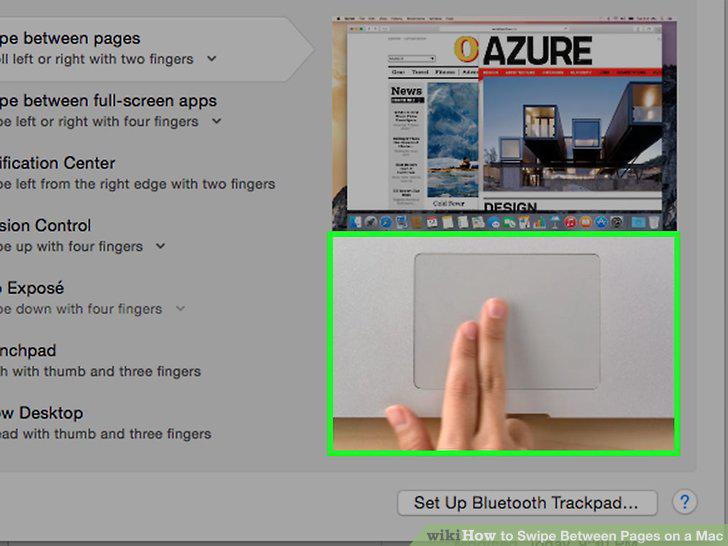
Swipe from right to left to view the next page.
10
Open a web page in your browser.

Open a web page in your browser.
11
Place one finger on the top of your Magic Mouse.
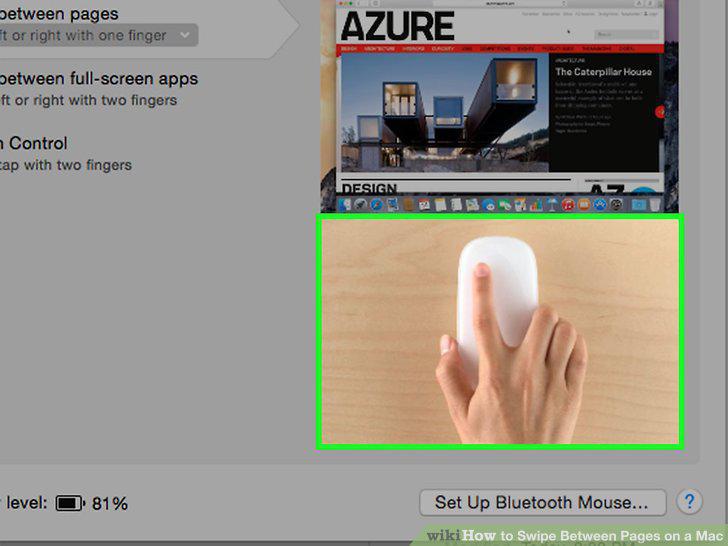
Place one finger on the top of your Magic Mouse.
12
Swipe your finger left to right to view the previous page.
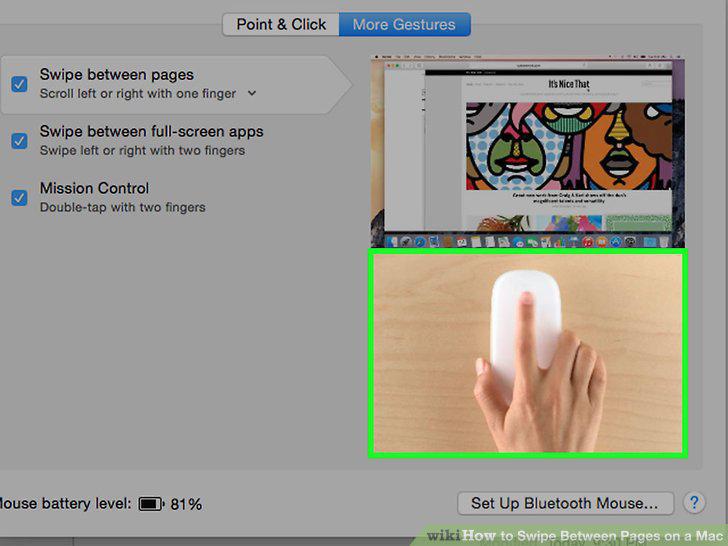
Swipe your finger left to right to view the previous page.
13
Swipe from right to left to view the next page.
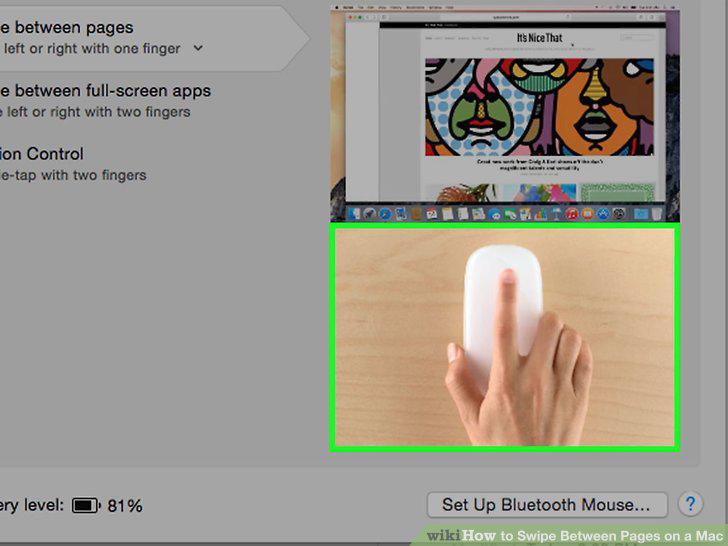
Swipe from right to left to view the next page.
Comments (0)
No comments yet. Be the first to share your thoughts!