How to Silence Unknown Callers on iPhone
Open Settings .. Tap Phone.. Tap the switch to the on position next to "Silence Unknown Callers.
Steps
1
Open Settings .
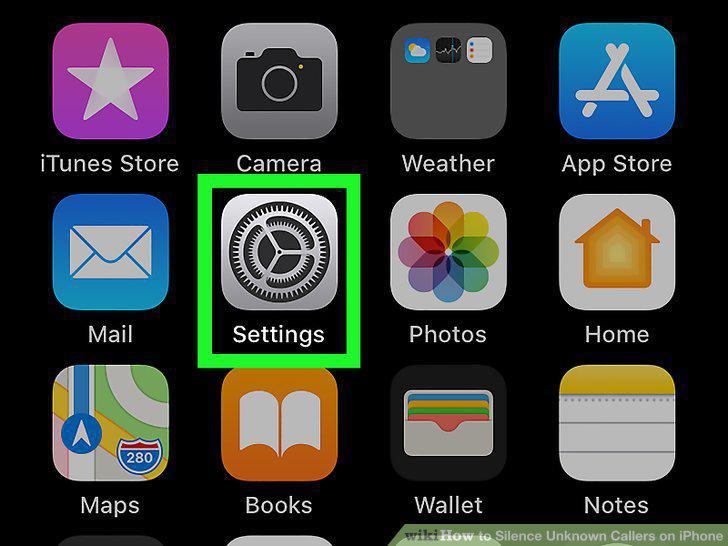
Open Settings .
2
Tap Phone.
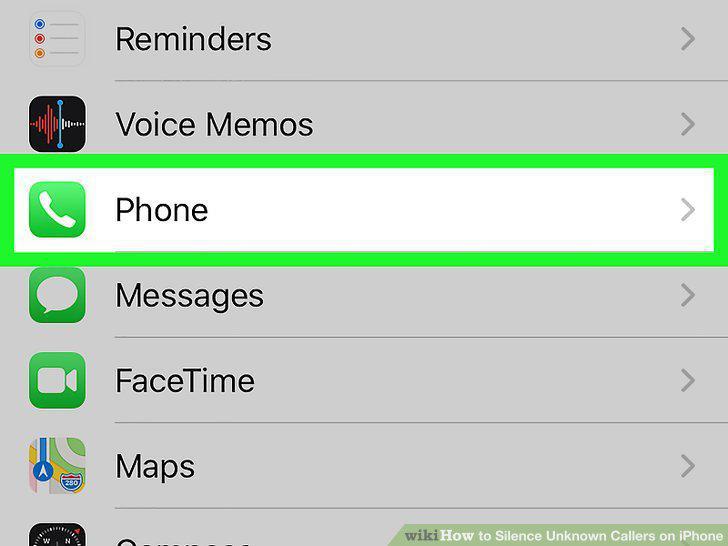
Tap Phone.
3
Tap the switch to the on position next to "Silence Unknown Callers.
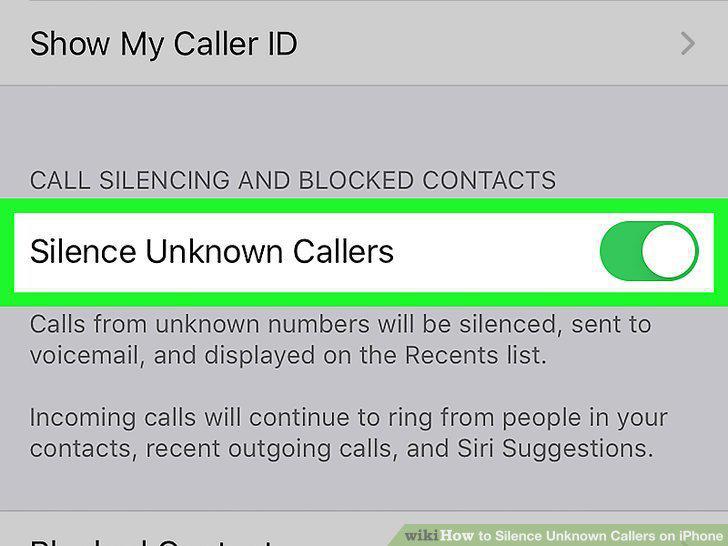
Tap the switch to the on position next to "Silence Unknown Callers.
Comments (0)
No comments yet. Be the first to share your thoughts!