How to Backup Text Messages on iPhone
Open your iPhone's Settings app.. Tap your name at the top.. Tap iCloud on the menu.
Steps
1
Open your iPhone's Settings app.
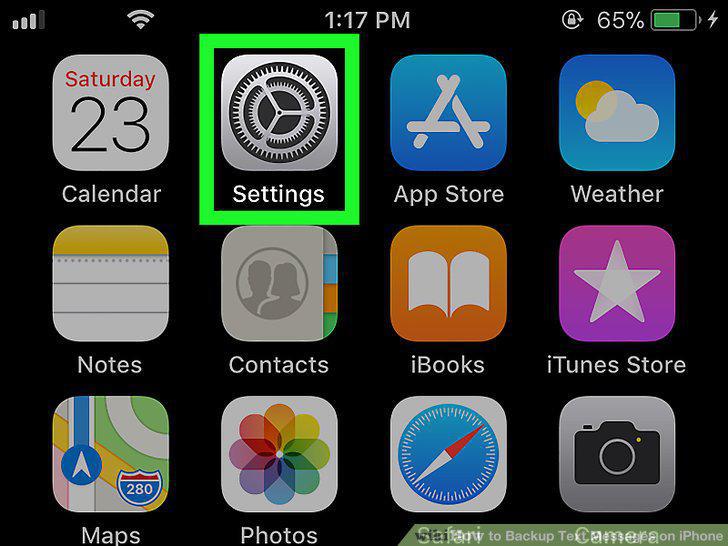
Open your iPhone's Settings app.
2
Tap your name at the top.
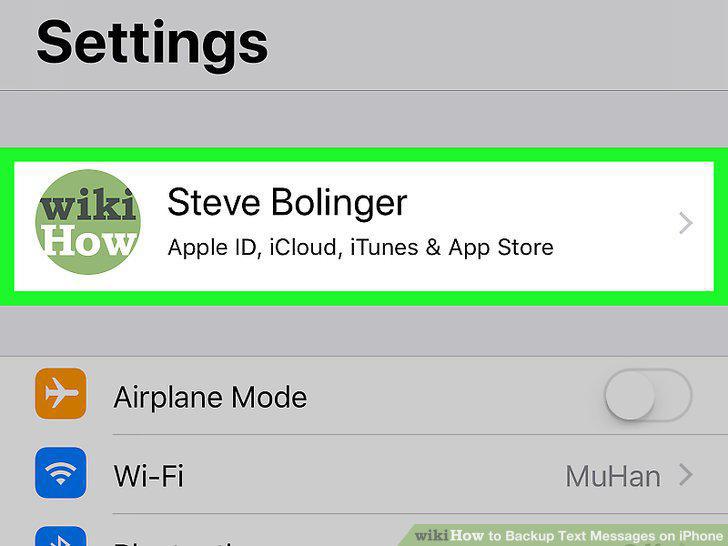
Tap your name at the top.
3
Tap iCloud on the menu.
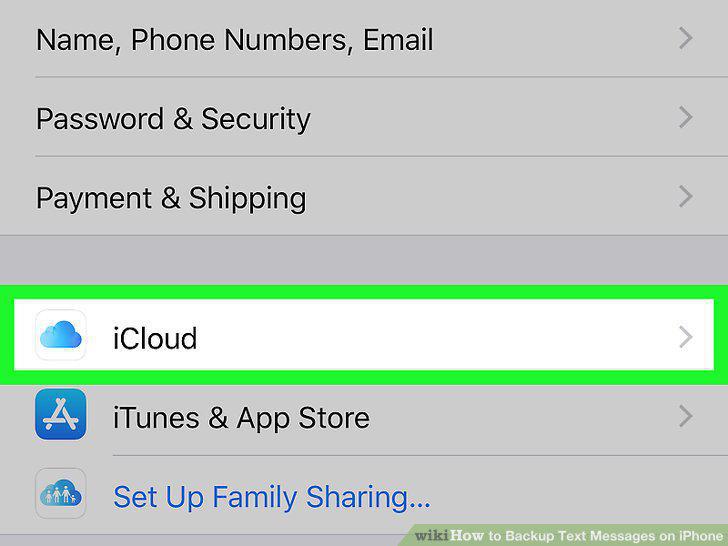
Tap iCloud on the menu.
4
Scroll down and tap iCloud Backup.
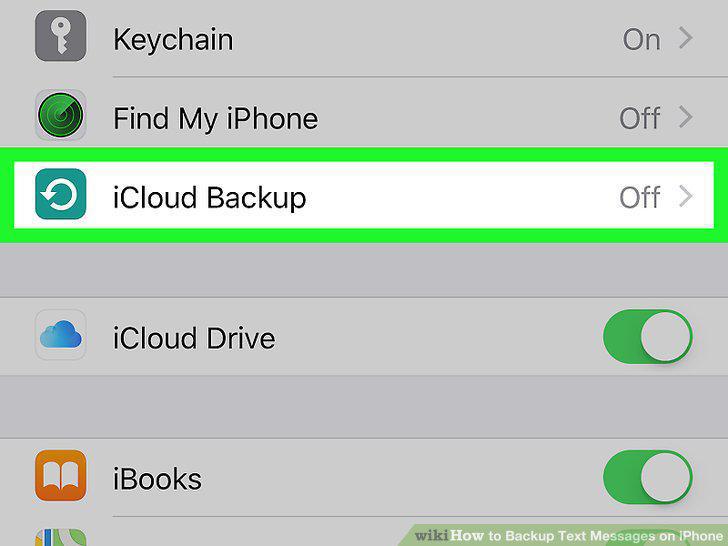
Scroll down and tap iCloud Backup.
5
Slide the iCloud Backup switch to .
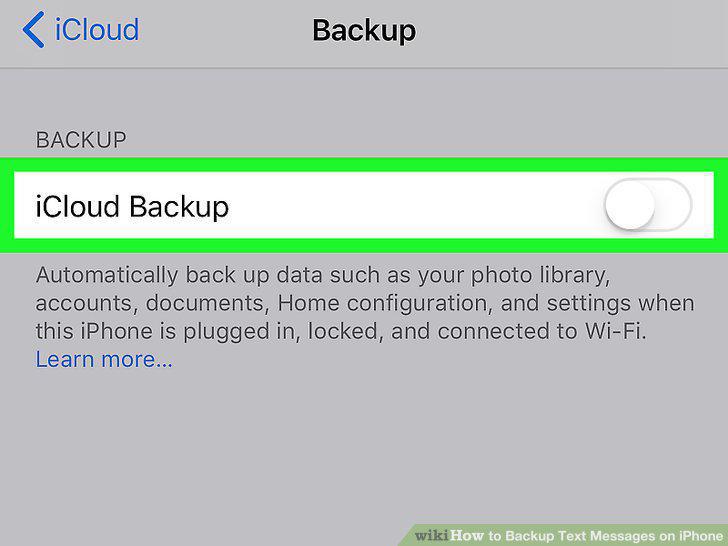
Slide the iCloud Backup switch to .
6
Tap OK in the confirmation pop-up.
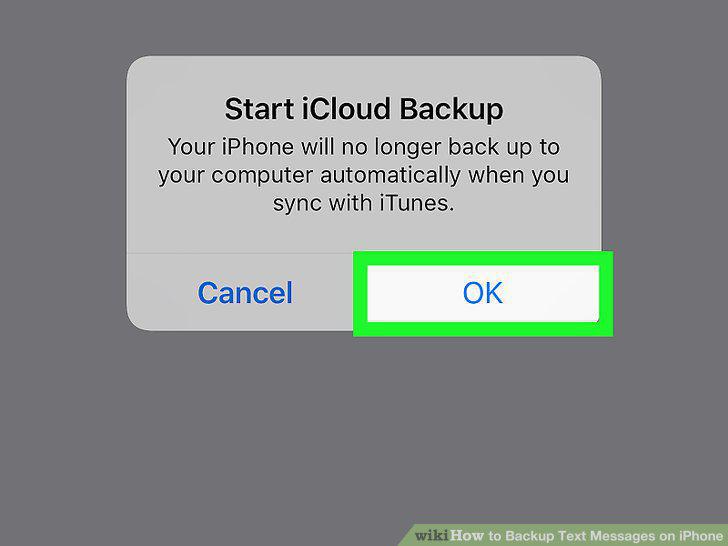
Tap OK in the confirmation pop-up.
7
Tap the blue Back Up Now button.
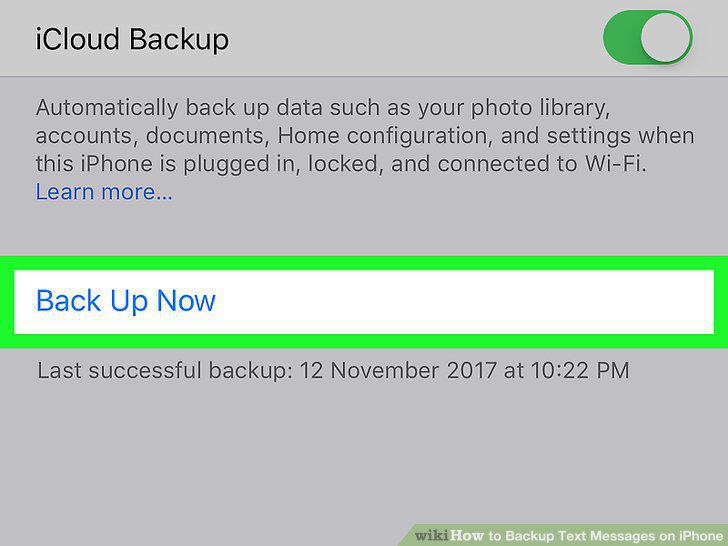
Tap the blue Back Up Now button.
8
Plug your iPhone into your computer.
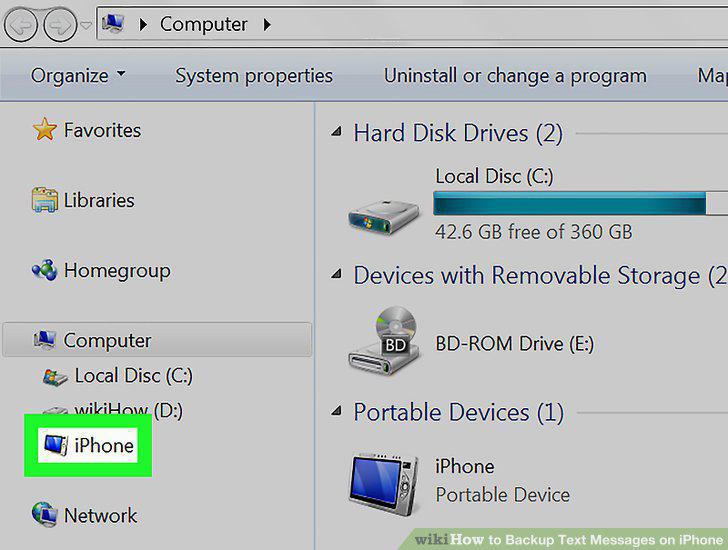
Plug your iPhone into your computer.
9
Open iTunes on your computer.
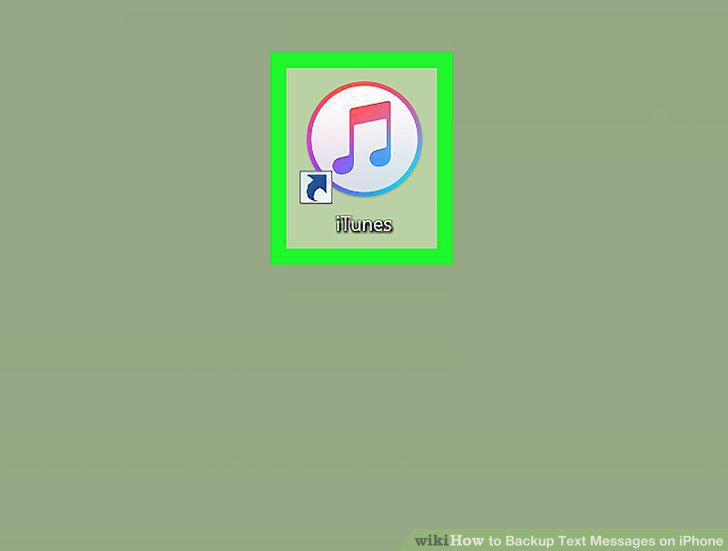
Open iTunes on your computer.
10
Click the phone icon on iTunes.
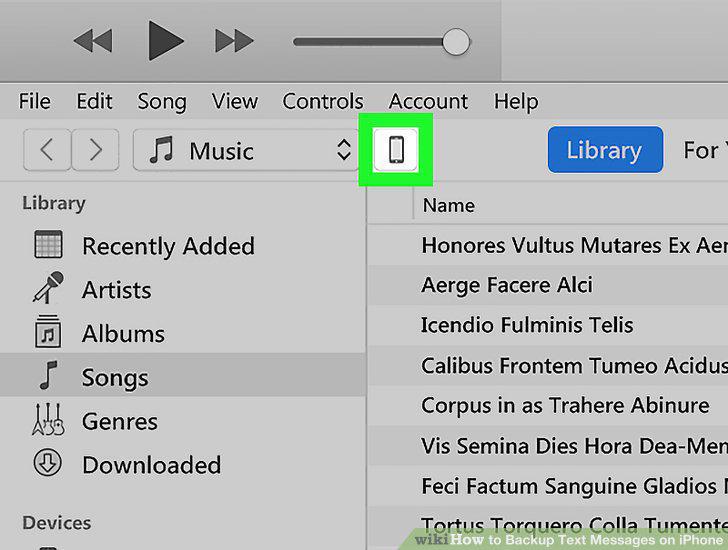
Click the phone icon on iTunes.
11
Select This computer under the Backups section.
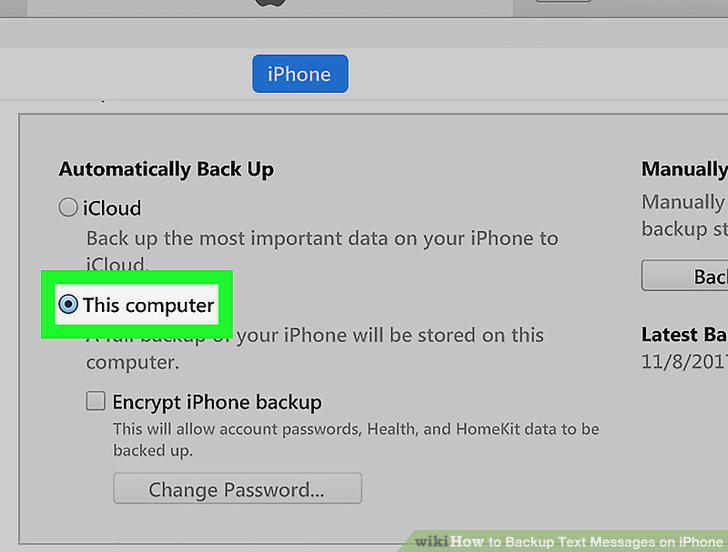
Select This computer under the Backups section.
12
Click the Back Up Now button.
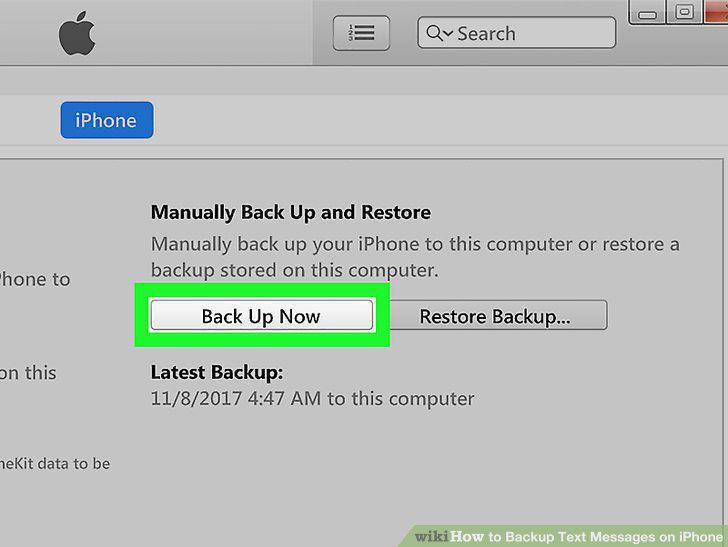
Click the Back Up Now button.
Comments (0)
No comments yet. Be the first to share your thoughts!