How to Upload Mov Files to Instagram
Download and install HandBrake.. Open HandBrake.. Click File.
Steps
1
Download and install HandBrake.
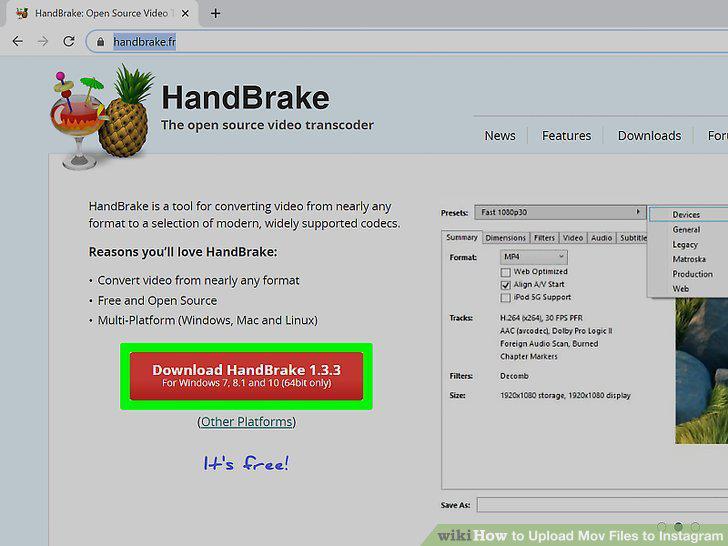
Download and install HandBrake.
2
Open HandBrake.
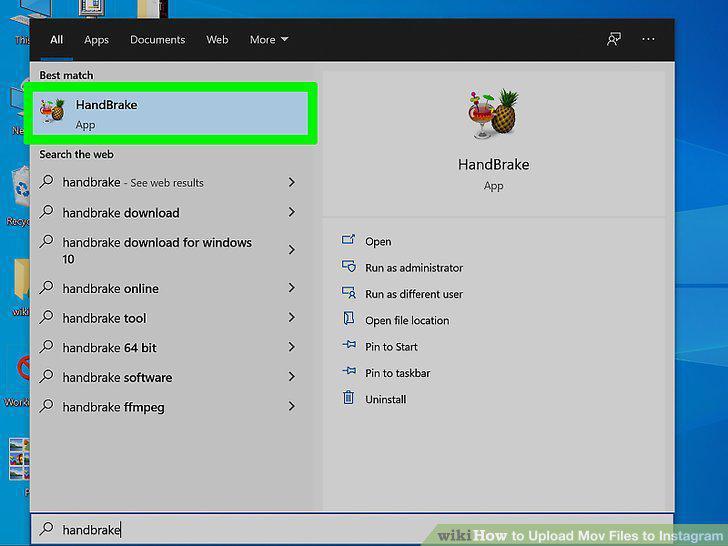
Open HandBrake.
3
Click File.
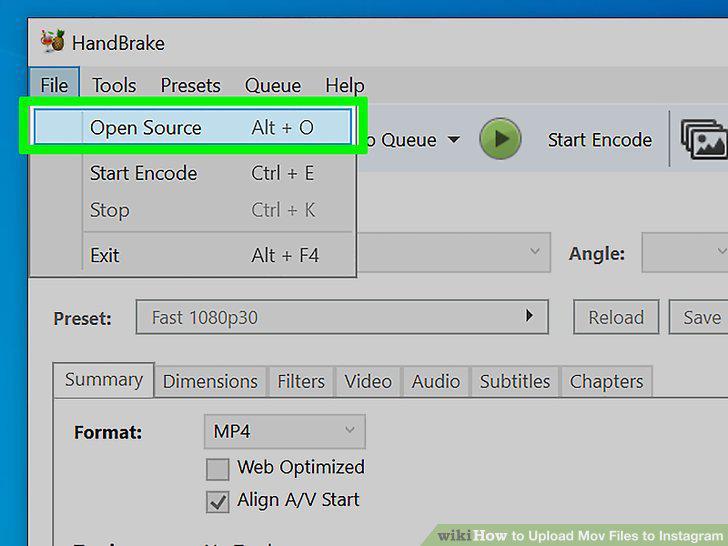
Click File.
4
Navigate to and select your MOV file.
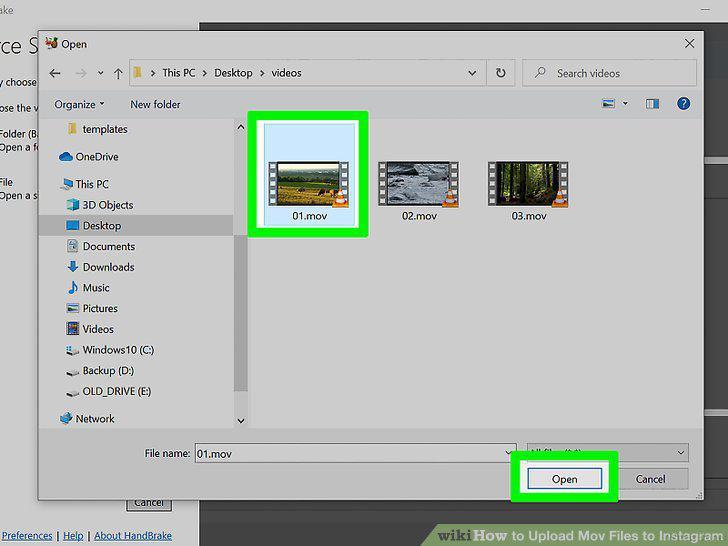
Navigate to and select your MOV file.
5
Select an output folder.
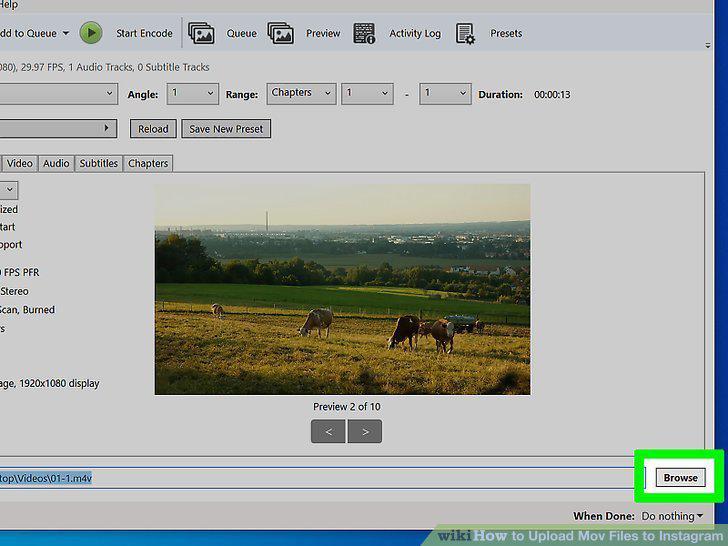
Select an output folder.
6
Click the "Format" drop-down box and select "Mp4.
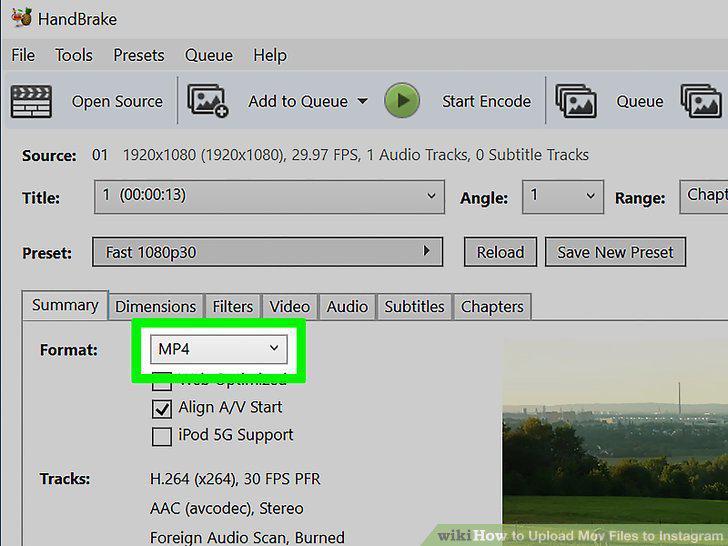
Click the "Format" drop-down box and select "Mp4.
7
Adjust the default settings or leave them.
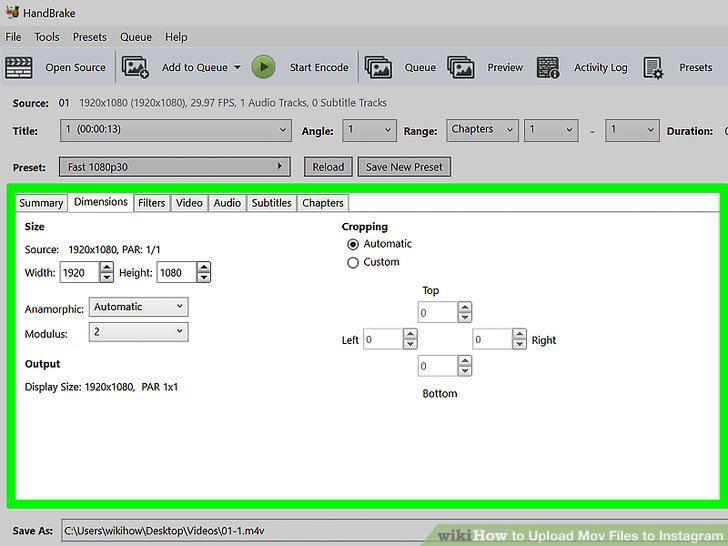
Adjust the default settings or leave them.
8
Click Start Encode.
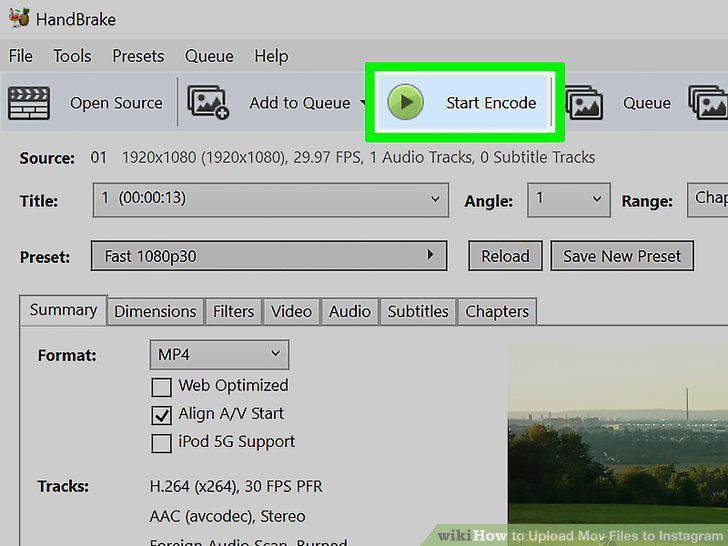
Click Start Encode.
9
Transfer your videos from your computer to your mobile device
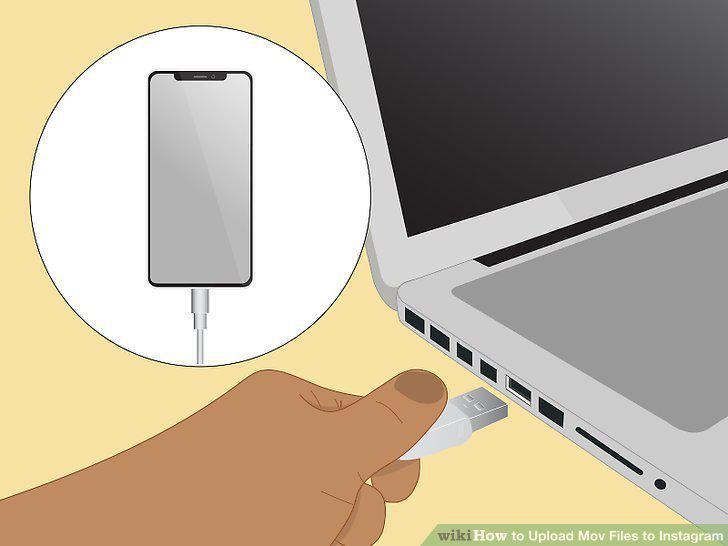
Transfer your videos from your computer to your mobile device
Comments (0)
No comments yet. Be the first to share your thoughts!