How to View Saved Passwords on a Mac
Open the Utilities folder in Finder .. Open the Keychain Access utility.. Click Passwords.
Steps
1
Open the Utilities folder in Finder .
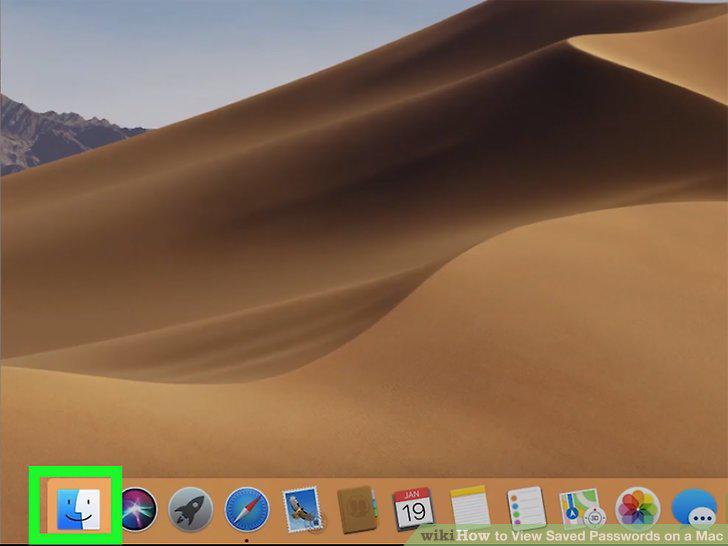
Open the Utilities folder in Finder .
2
Open the Keychain Access utility.
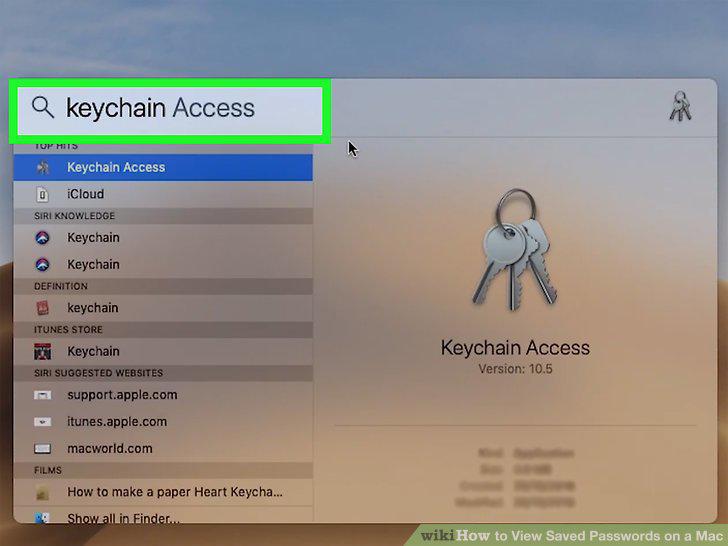
Open the Keychain Access utility.
3
Click Passwords.
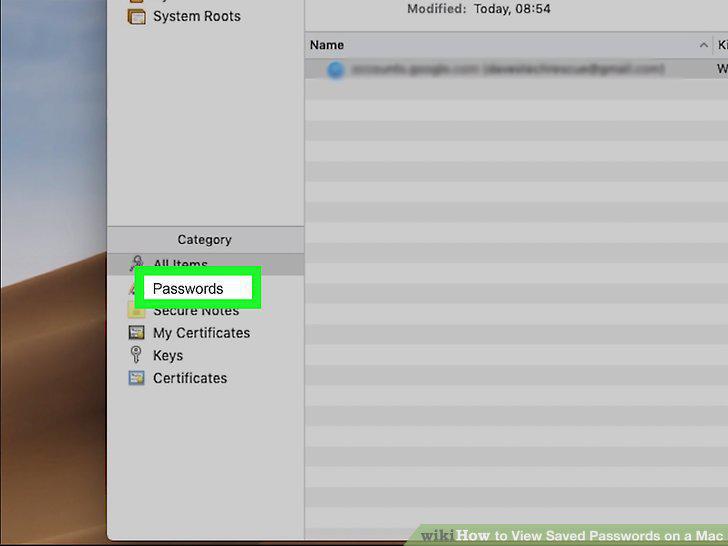
Click Passwords.
4
Search for the password you are looking for.
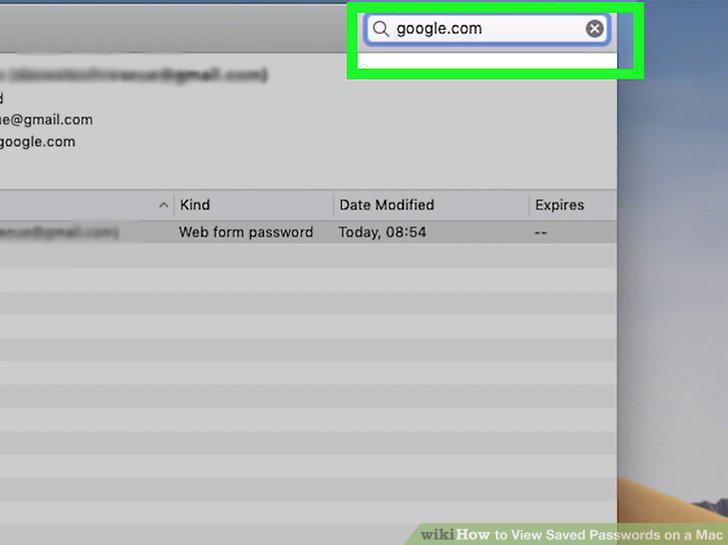
Search for the password you are looking for.
5
Double-click a listing.
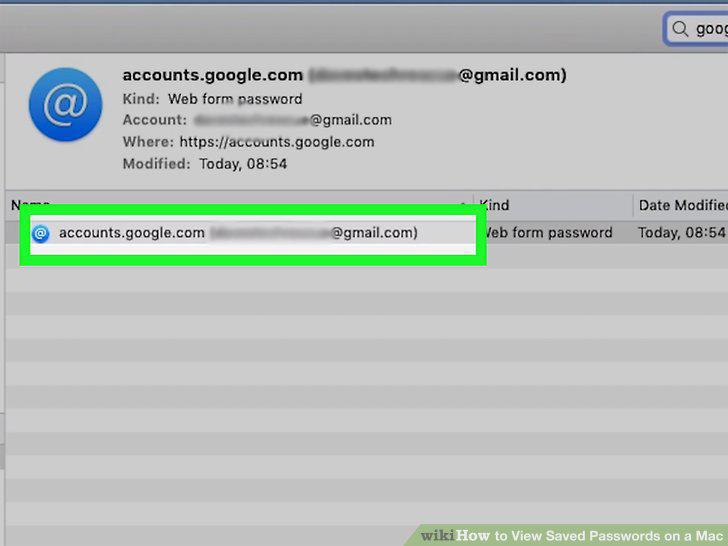
Double-click a listing.
6
Click to select the box next to "Show Password.
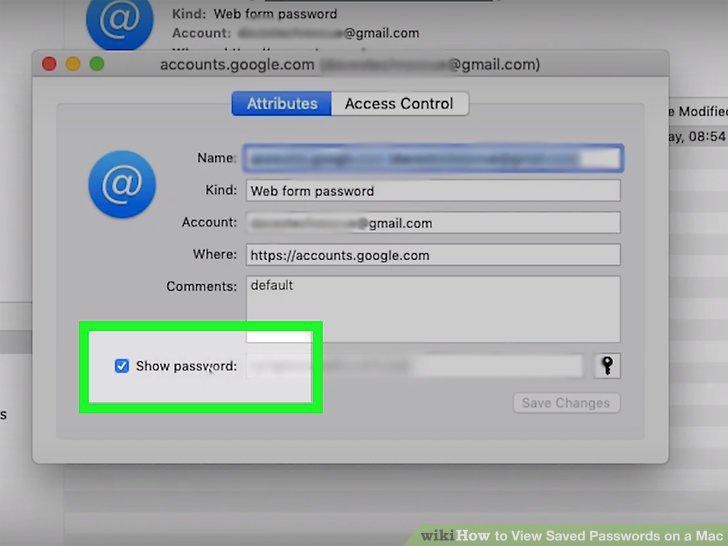
Click to select the box next to "Show Password.
7
Enter your password.
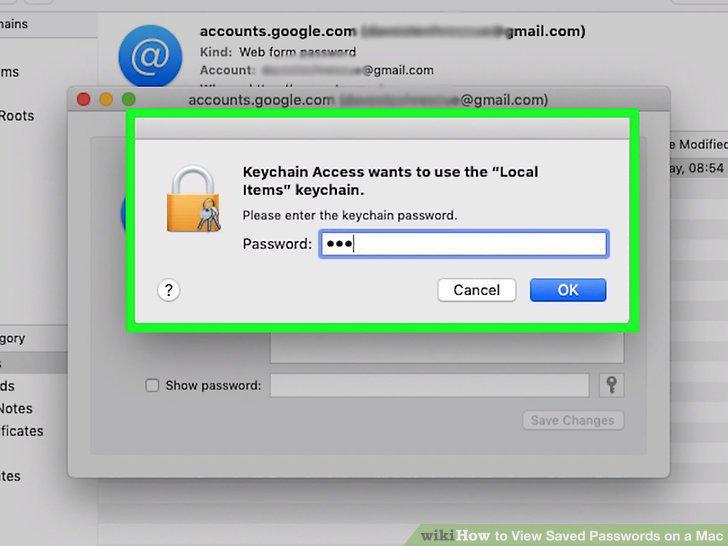
Enter your password.
Comments (0)
No comments yet. Be the first to share your thoughts!