How to Share Your LinkedIn Profile
Open the LinkedIn app.. Tap your profile picture.. Tap View Profile.
Steps
1
Open the LinkedIn app.
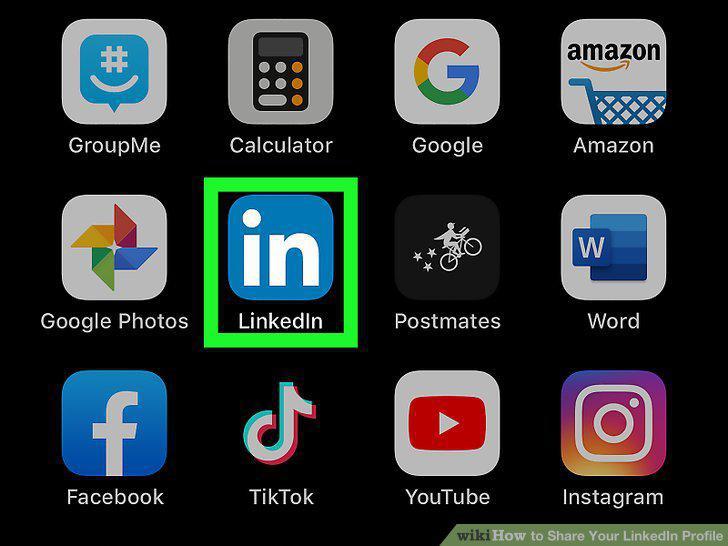
Open the LinkedIn app.
2
Tap your profile picture.
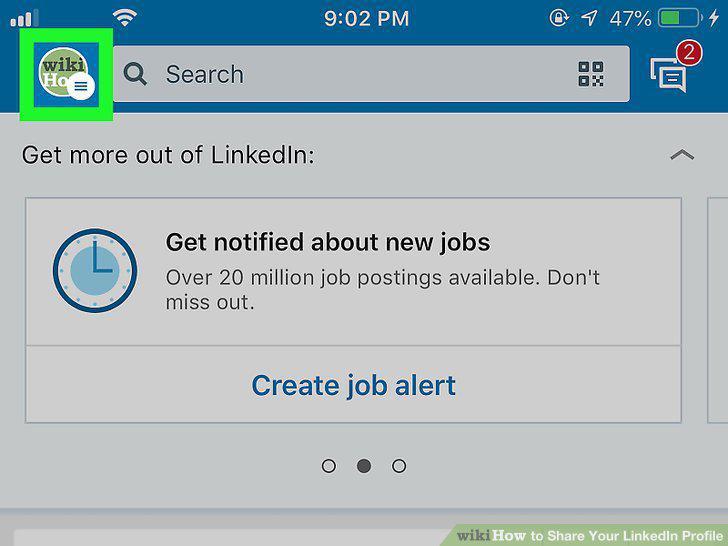
Tap your profile picture.
3
Tap View Profile.
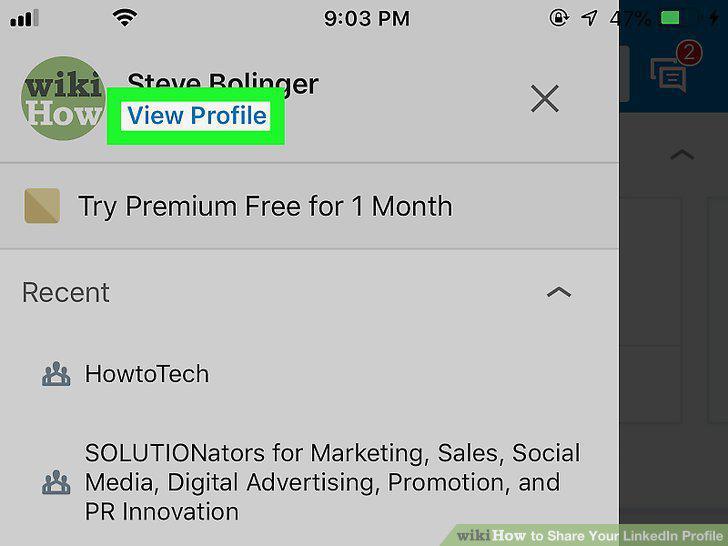
Tap View Profile.
4
Scroll down and tap Your Profile.
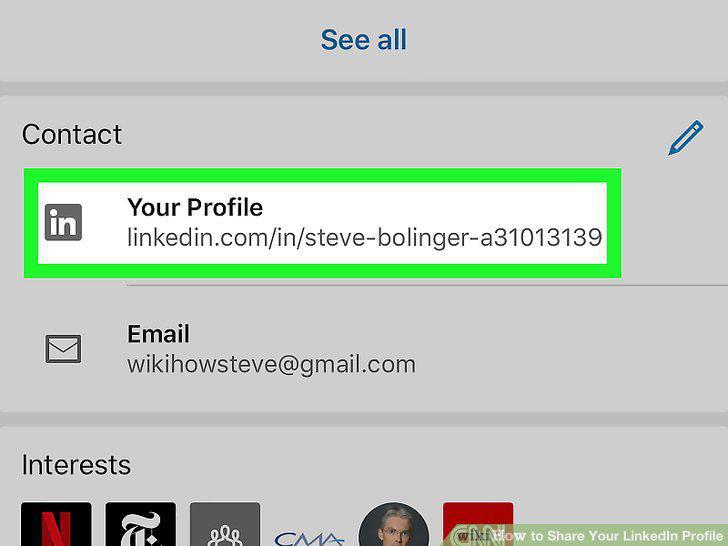
Scroll down and tap Your Profile.
5
Tap Share with (Android) or Share via (iOS).
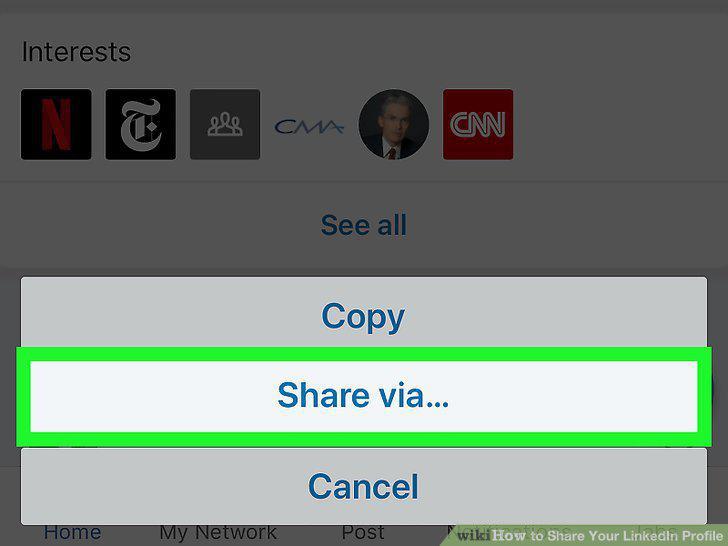
Tap Share with (Android) or Share via (iOS).
6
Select the app you want to share with.
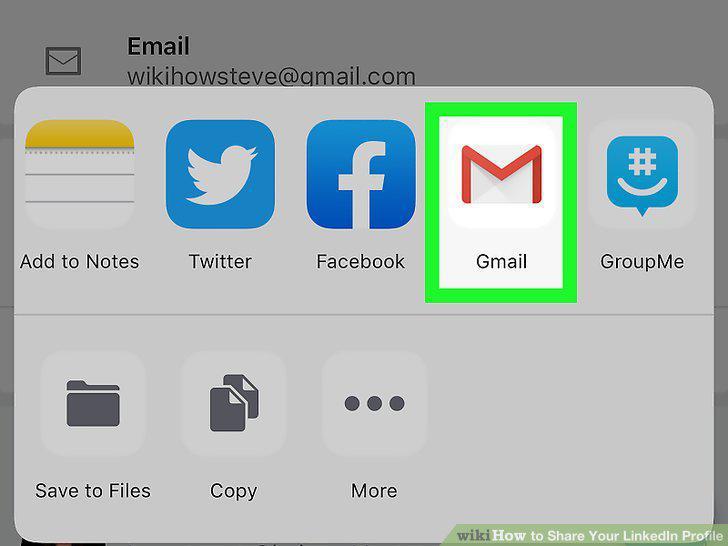
Select the app you want to share with.
7
Send the message.
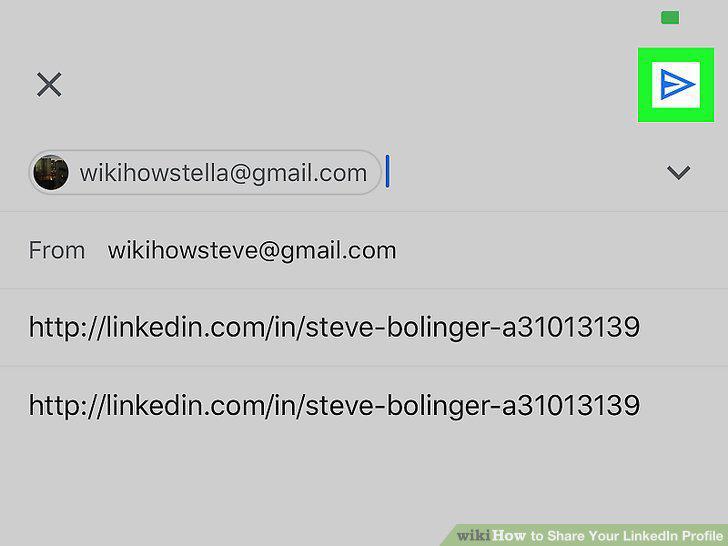
Send the message.
8
Go to https://linkedin.com and log in.
Go to https://linkedin.com and log in.
9
Click the Me icon.
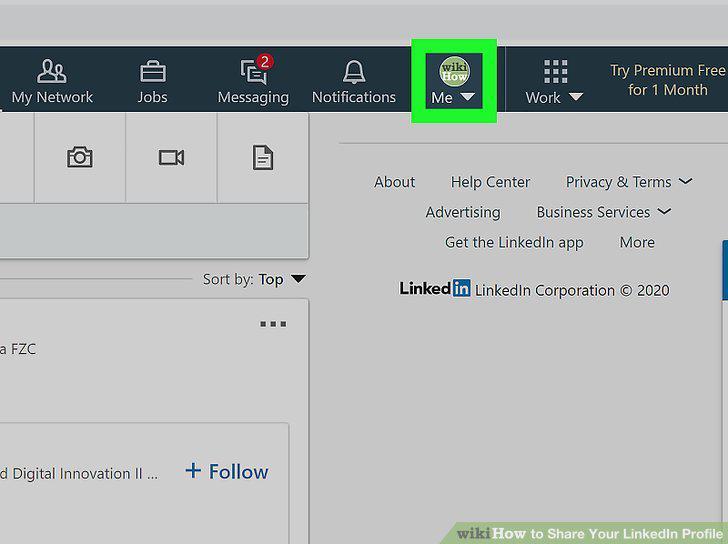
Click the Me icon.
10
Click View Profile.
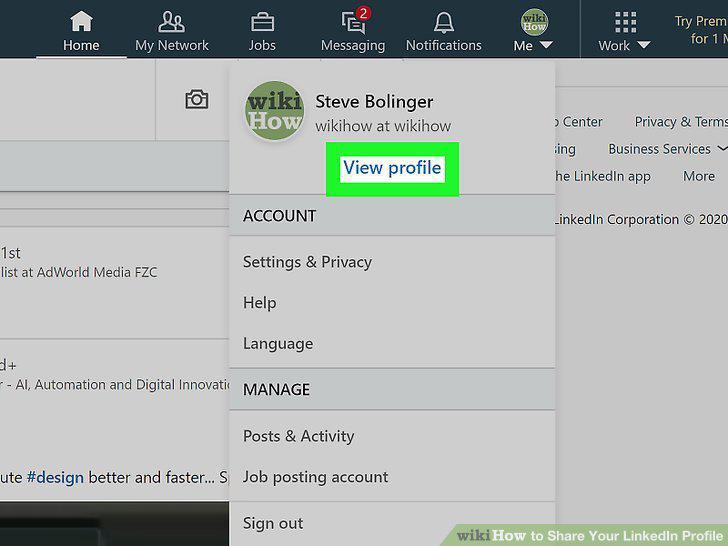
Click View Profile.
11
Click the More button in your Introduction card.
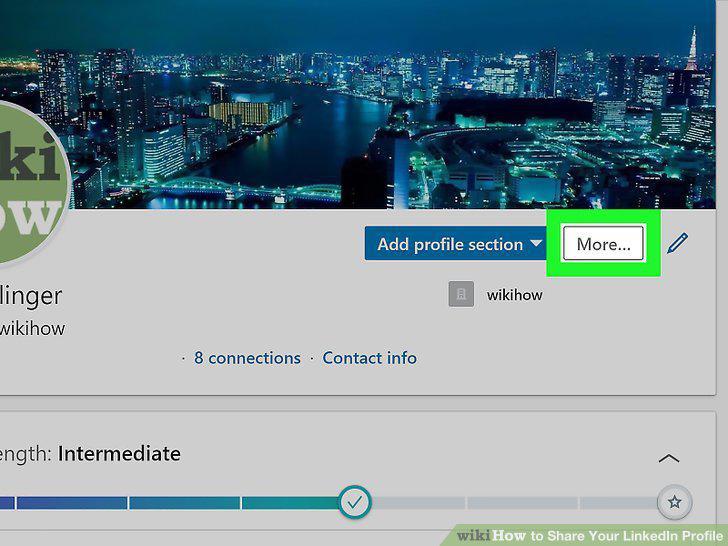
Click the More button in your Introduction card.
12
Click Share Profile.
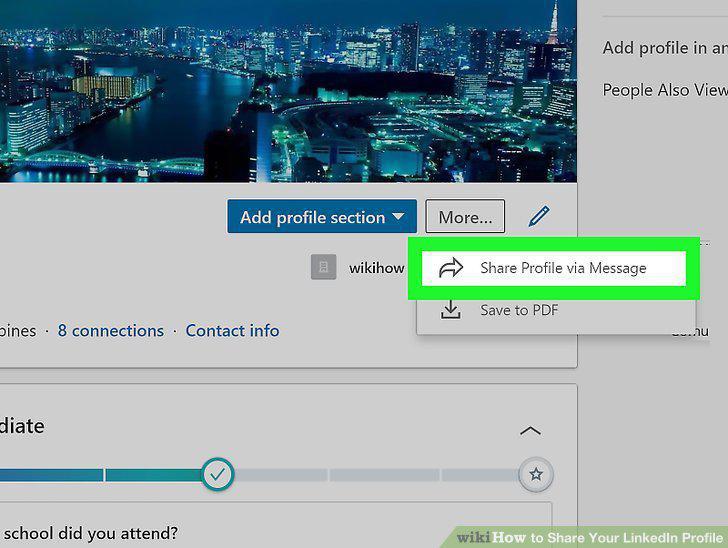
Click Share Profile.
13
Enter the names on LinkedIn that you want to share your profile with.
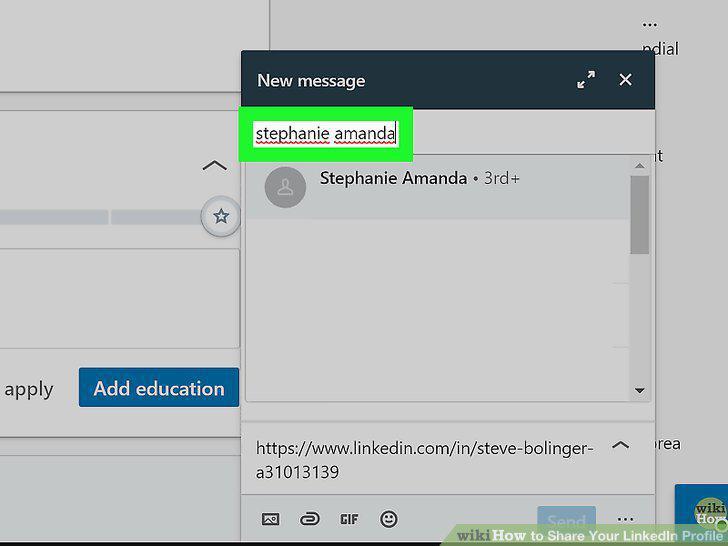
Enter the names on LinkedIn that you want to share your profile with.
14
Click Send.
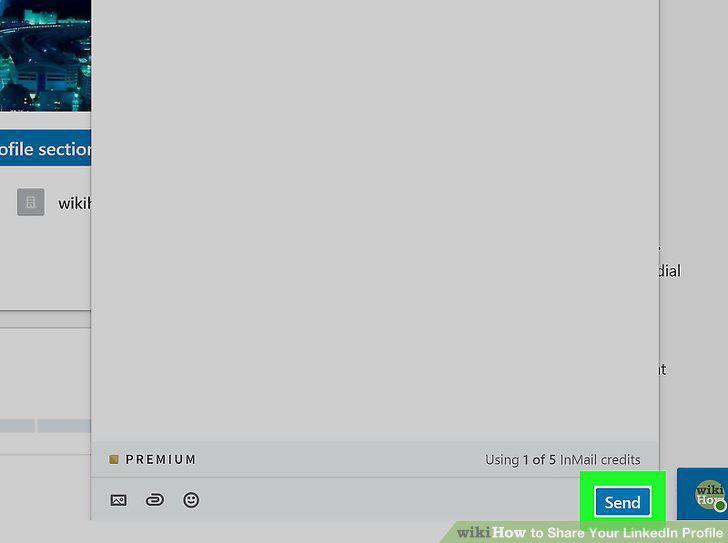
Click Send.
Comments (0)
No comments yet. Be the first to share your thoughts!