How to Watch a Music Video on Spotify
Open Spotify on your computer, phone, or tablet.. Select Search (Mobile) or Browse (PC/Mac).. Select a genre.
Steps
1
Open Spotify on your computer, phone, or tablet.
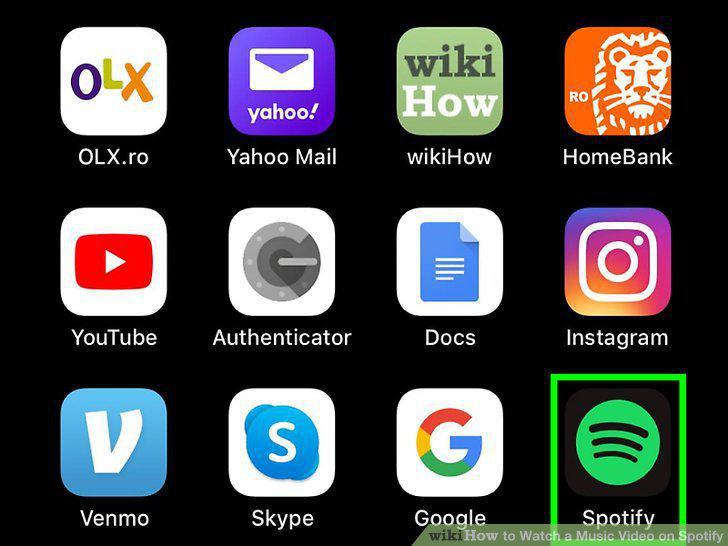
Open Spotify on your computer, phone, or tablet.
2
Select Search (Mobile) or Browse (PC/Mac).
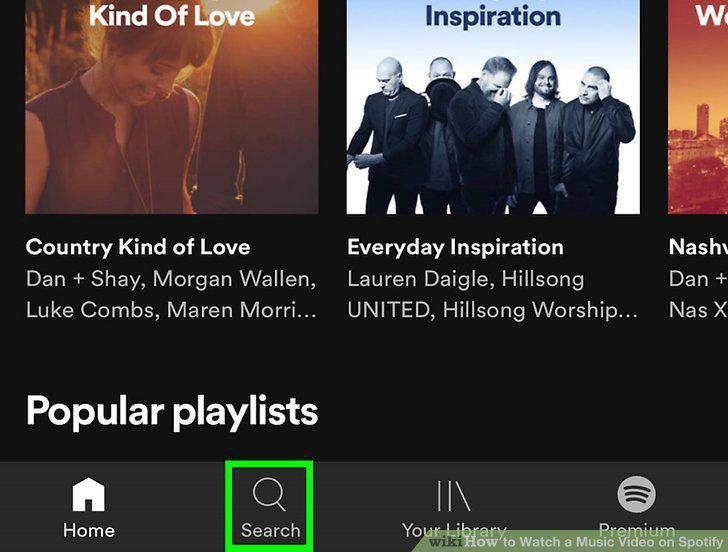
Select Search (Mobile) or Browse (PC/Mac).
3
Select a genre.
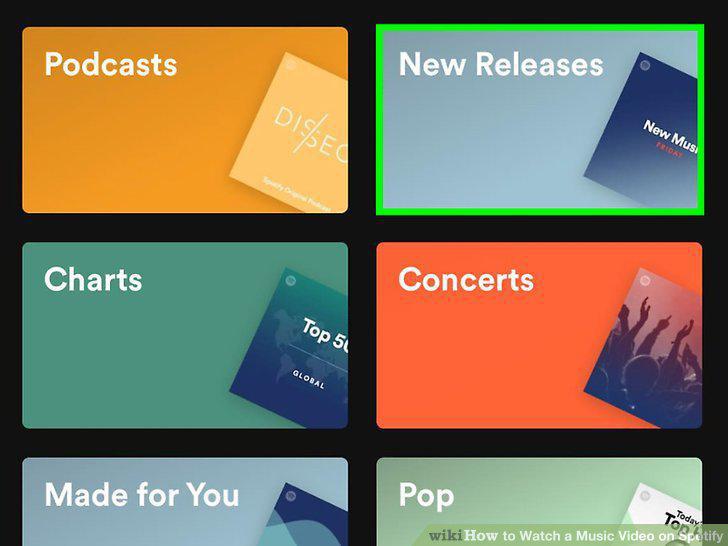
Select a genre.
4
Select a playlist.

Select a playlist.
5
Click or tap a video.

Click or tap a video.
6
Open Spotify on your phone or tablet.
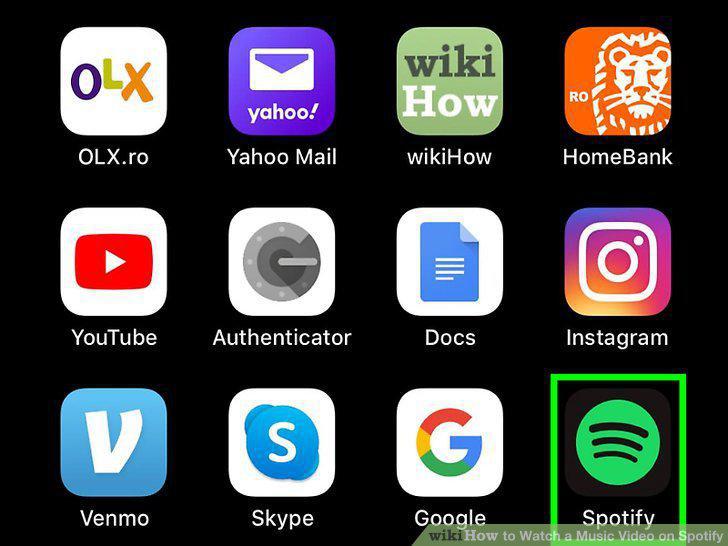
Open Spotify on your phone or tablet.
7
Tap the Home icon.
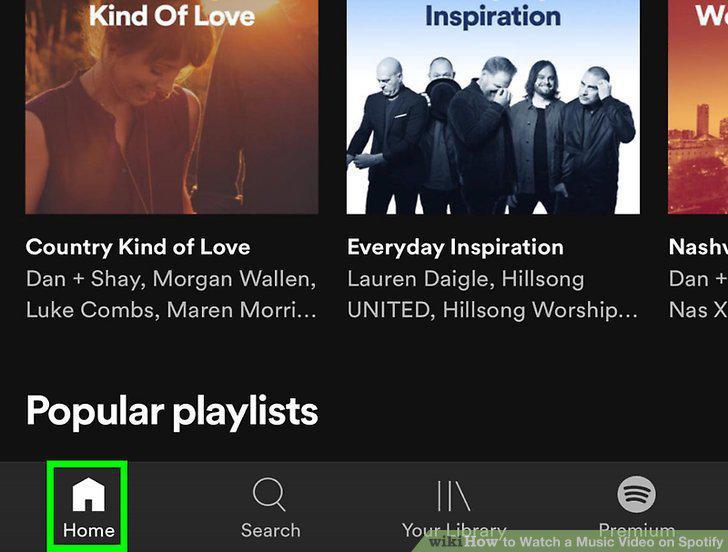
Tap the Home icon.
8
Tap the gear icon.

Tap the gear icon.
9
Tap Data Saver.

Tap Data Saver.
10
Slide the Data Saver switch to Off .
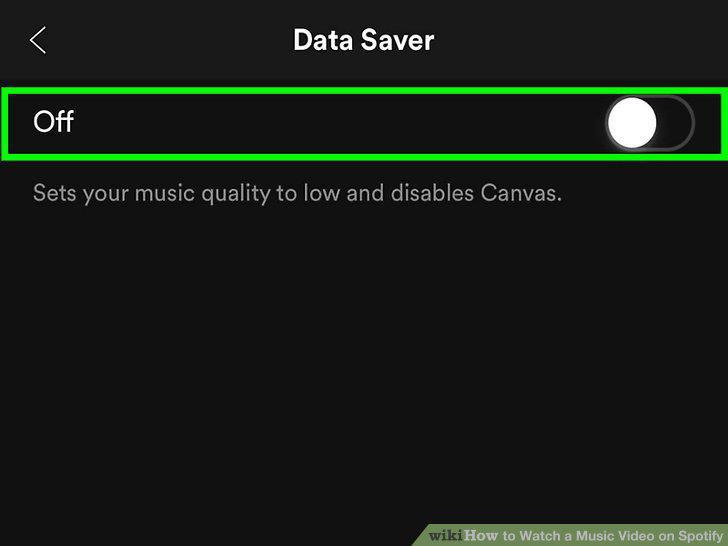
Slide the Data Saver switch to Off .
11
Tap Playback.

Tap Playback.
12
Slide the Canvas switch to On .
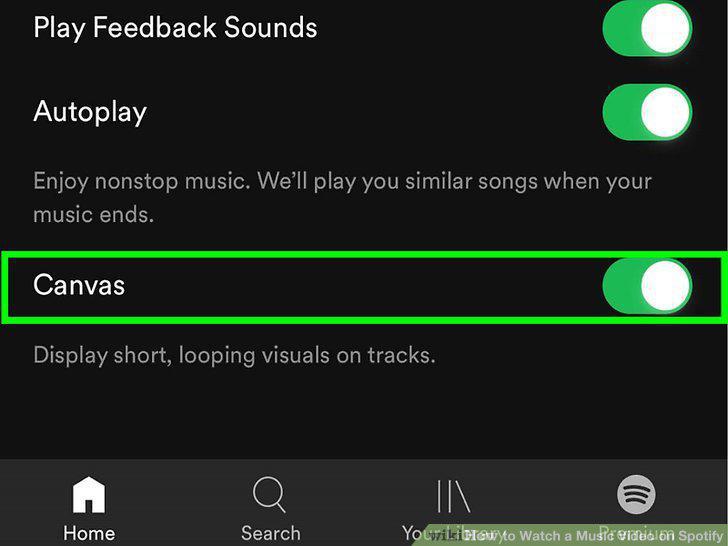
Slide the Canvas switch to On .
Comments (0)
No comments yet. Be the first to share your thoughts!