How to Contact Google UK
Search for your issue in the Google Support menus first.. Check the community forums to see if anyone else has had similar issues.. Click the "Contact Us" button on your issue if it's available.
Steps
Search for your issue in the Google Support menus first.
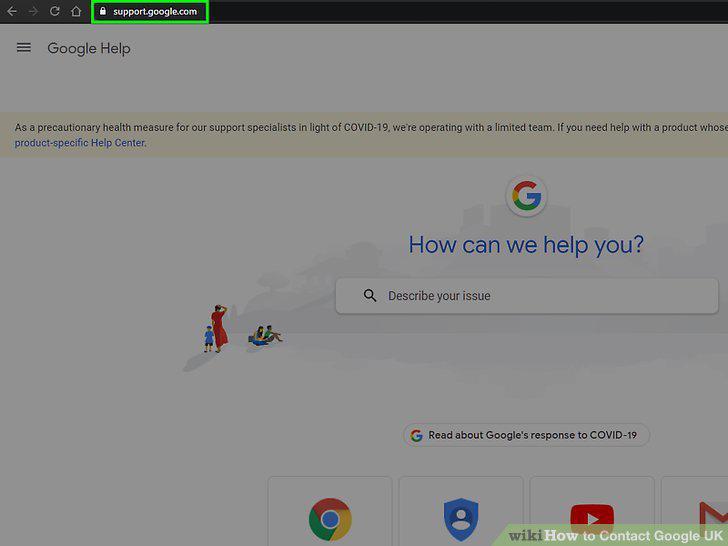
Search for your issue in the Google Support menus first.
Check the community forums to see if anyone else has had similar issues.
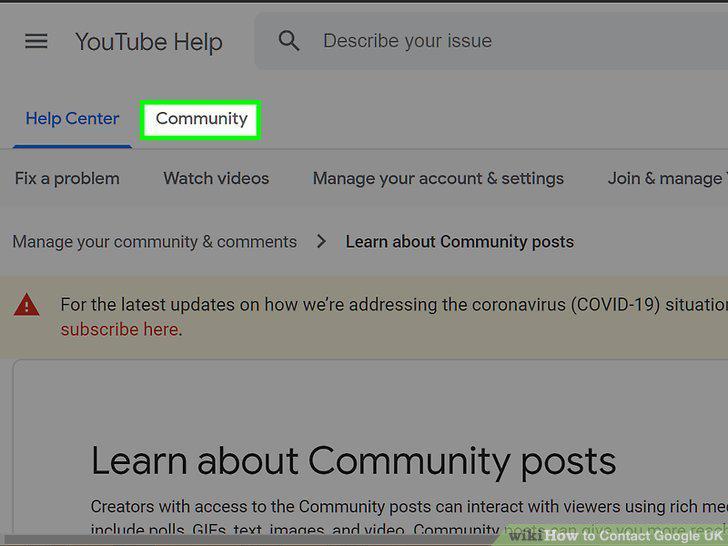
Check the community forums to see if anyone else has had similar issues.
Click the "Contact Us" button on your issue if it's available.
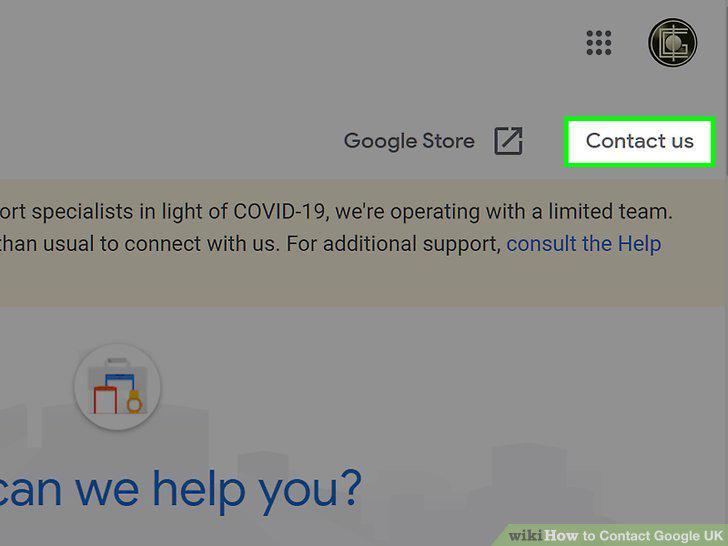
Click the "Contact Us" button on your issue if it's available.
Select "Request Callback" if you want to talk on the phone with support.
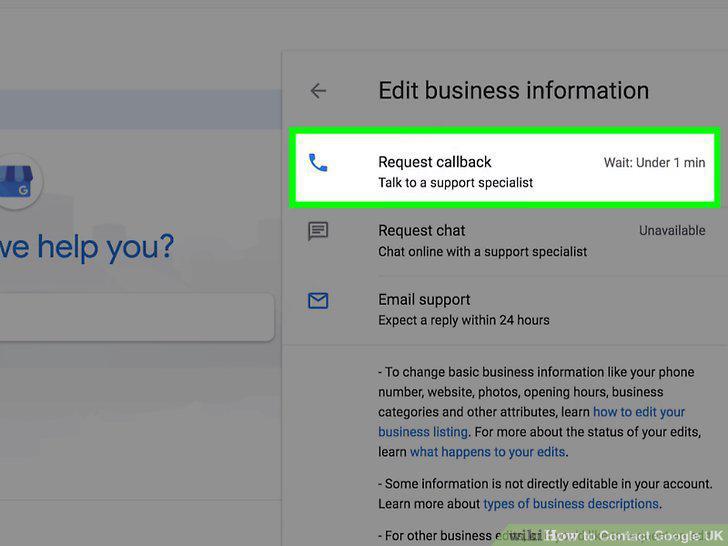
Select "Request Callback" if you want to talk on the phone with support.
Choose "Request Chat" to communicate with support online.
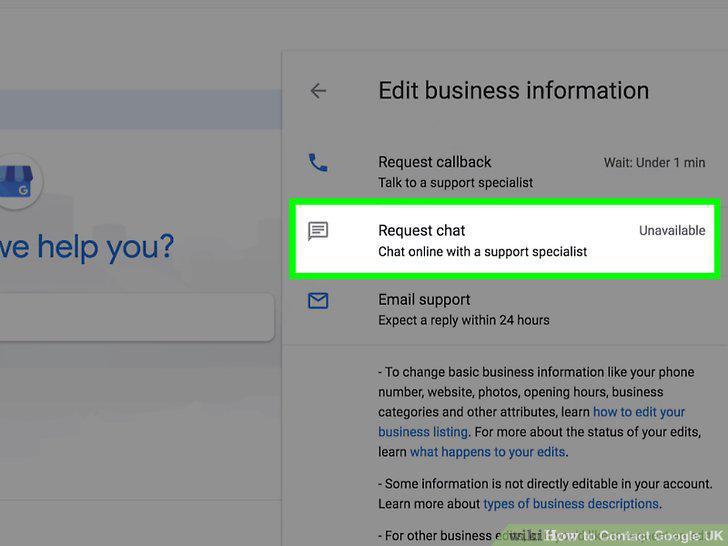
Choose "Request Chat" to communicate with support online.
Click on the appropriate legal inquiry from the menu on Google's contact page.
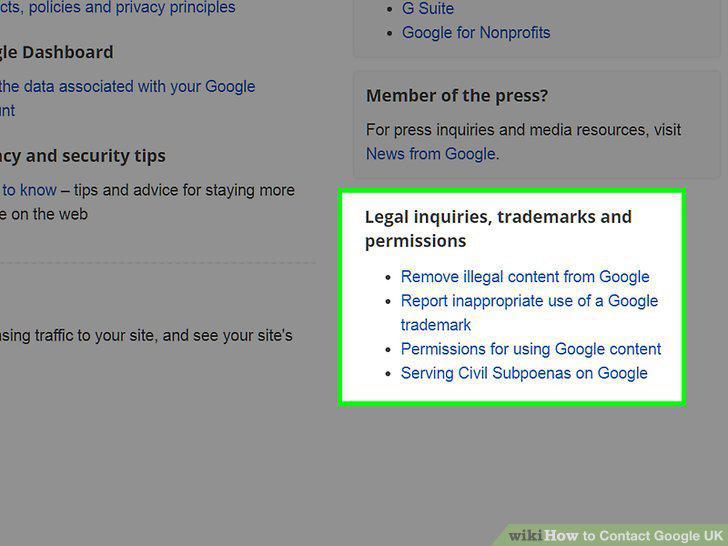
Click on the appropriate legal inquiry from the menu on Google's contact page.
Submit a Legal Request form to report or remove content from Google.
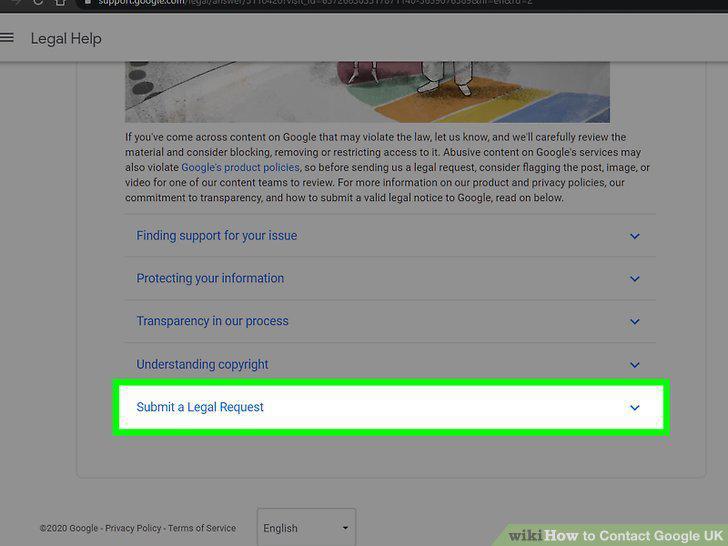
Submit a Legal Request form to report or remove content from Google.
Fill out a Brand Request Form if you want permission to use Google trademarks.
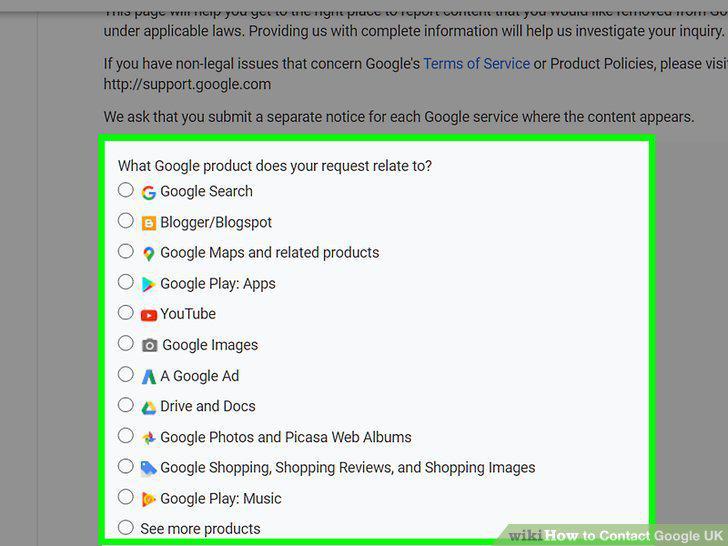
Fill out a Brand Request Form if you want permission to use Google trademarks.
Send a civil request to Google by mail if you need user data for a legal case.
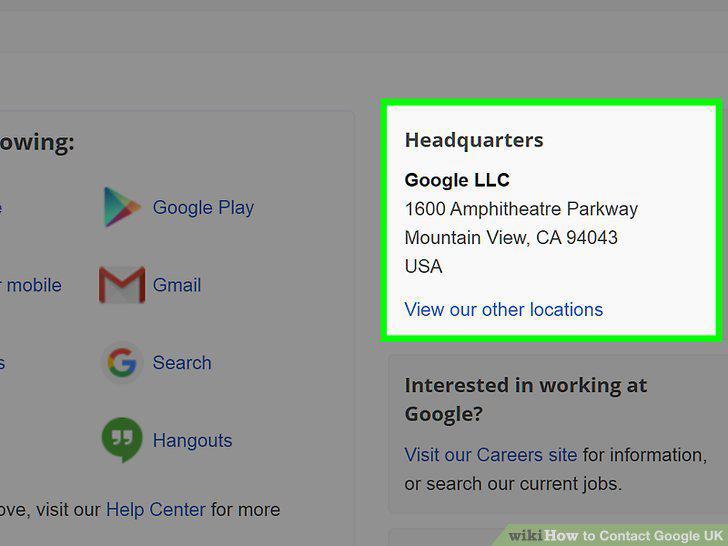
Send a civil request to Google by mail if you need user data for a legal case.
Comments (0)
No comments yet. Be the first to share your thoughts!