How to Draw on a Samsung Galaxy
Open your Samsung Galaxy's Notes app.. Tap the + icon.. Tap the Drawing option.
Steps
1
Open your Samsung Galaxy's Notes app.
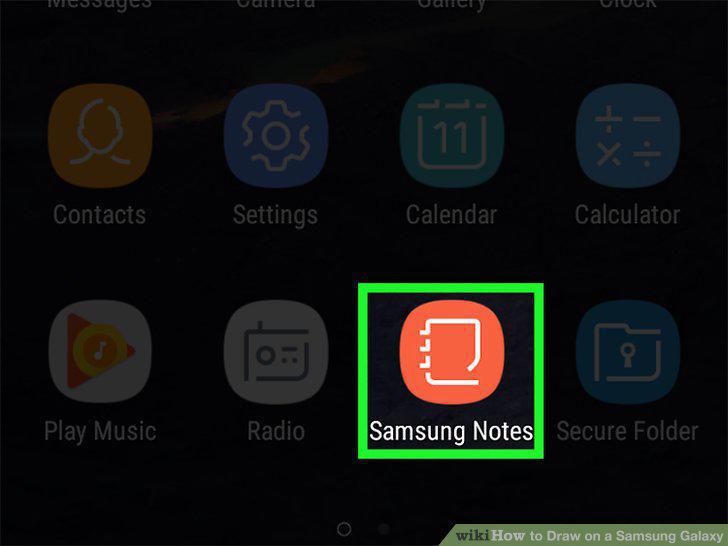
Open your Samsung Galaxy's Notes app.
2
Tap the + icon.
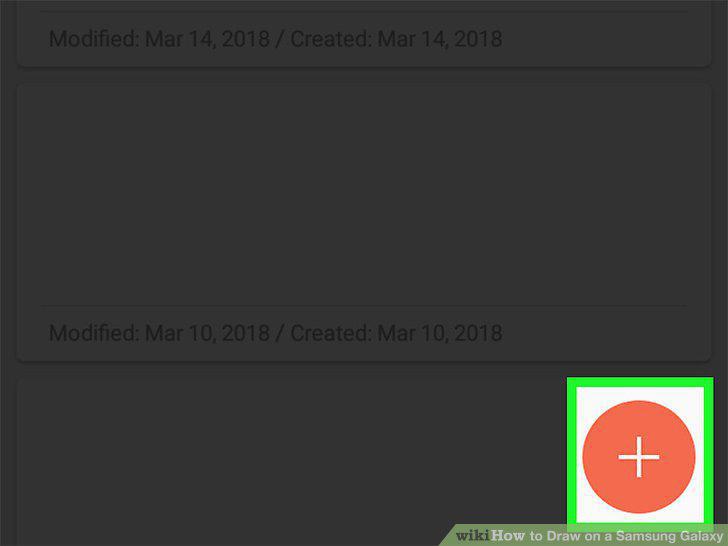
Tap the + icon.
3
Tap the Drawing option.
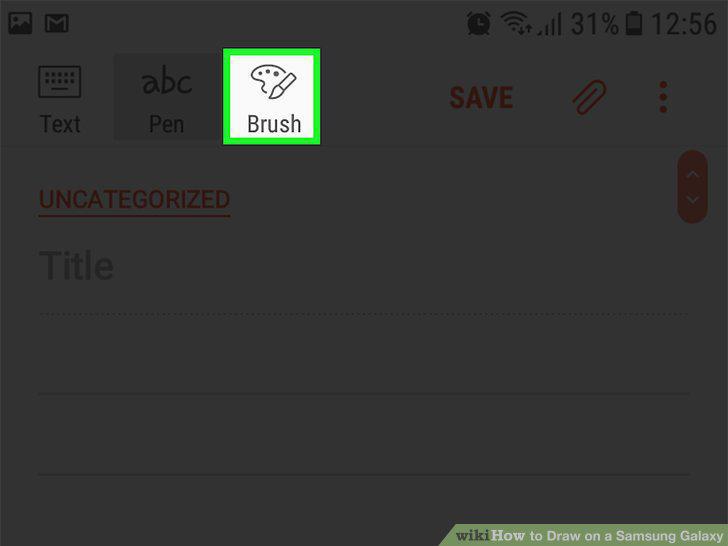
Tap the Drawing option.
4
Select a color and a brush type for your drawing.
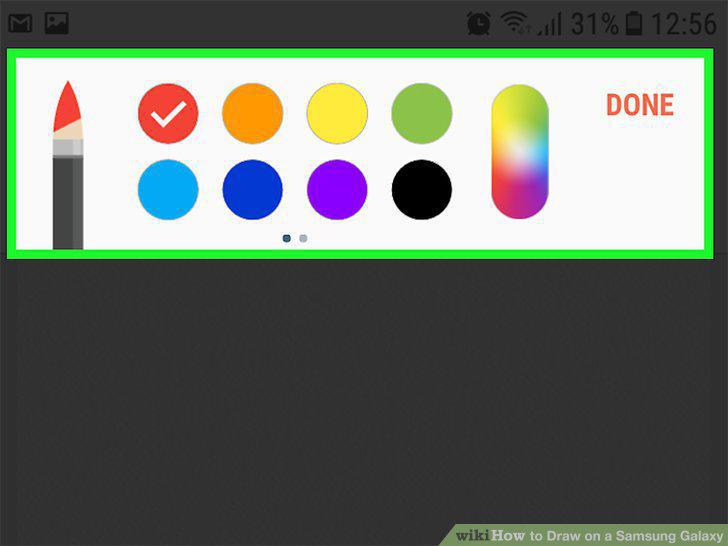
Select a color and a brush type for your drawing.
5
Create your drawings.
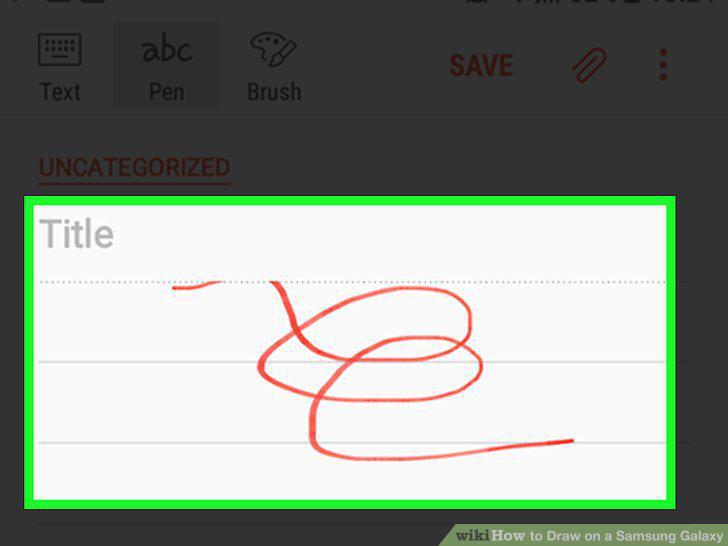
Create your drawings.
Comments (0)
No comments yet. Be the first to share your thoughts!