How to Save Reddit Posts on PC or Mac
Go to https://www.reddit.com in a web browser.You can use any browser, such as Chrome or Firefox, to access Reddit.. Navigate to the subreddit that contains the post.. Scroll down to the post you want to save.
Steps
1
Go to https://www.reddit.com in a web browser.You can use any browser, such as C
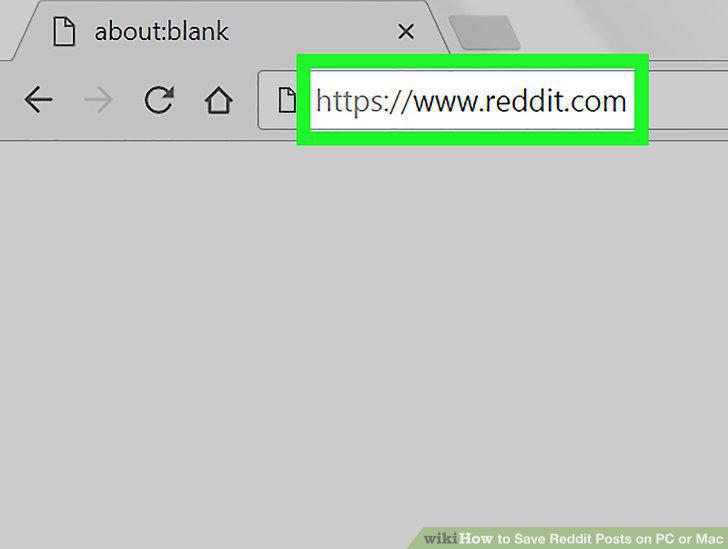
Go to https://www.reddit.com in a web browser.You can use any browser, such as Chrome or Firefox, to access Reddit.
2
Navigate to the subreddit that contains the post.
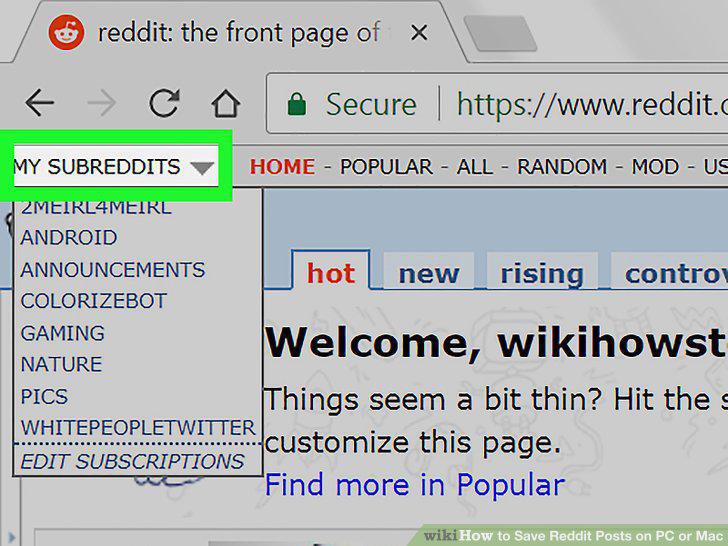
Navigate to the subreddit that contains the post.
3
Scroll down to the post you want to save.

Scroll down to the post you want to save.
4
Click save beneath the post's title.

Click save beneath the post's title.
5
Go to https://www.reddit.com in a web browser .You can use any browser, such as
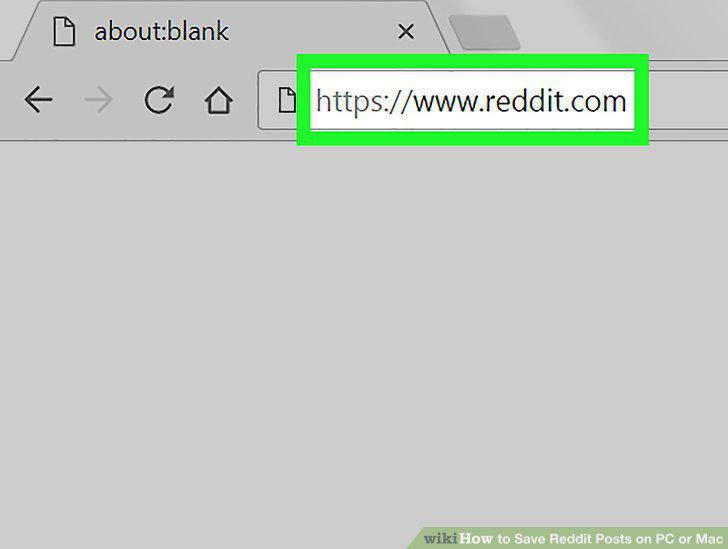
Go to https://www.reddit.com in a web browser .You can use any browser, such as Chrome or Firefox, to access Reddit.
6
Click your Reddit username.

Click your Reddit username.
7
Click Saved.
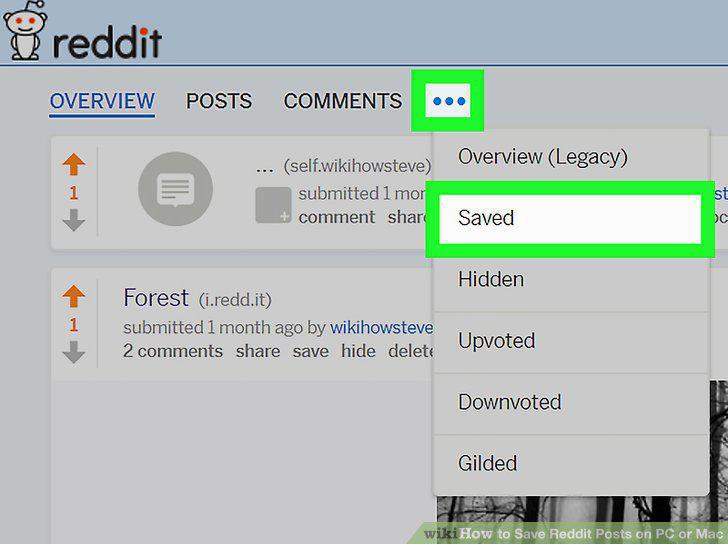
Click Saved.
8
Click a post to open it.
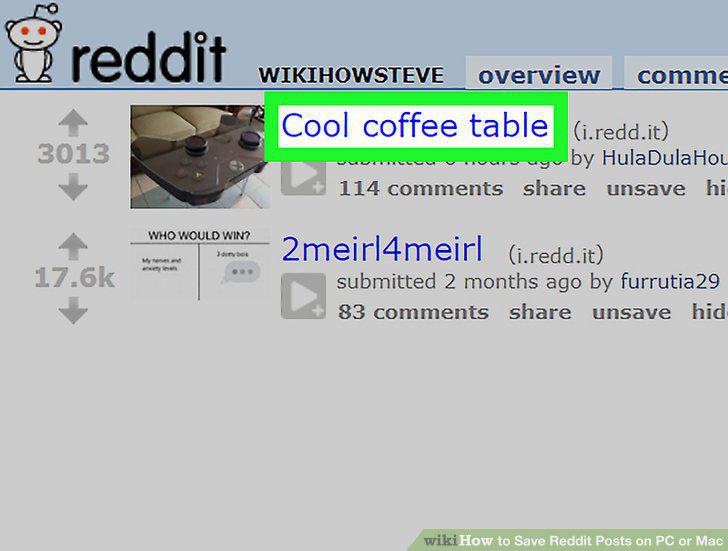
Click a post to open it.
Comments (0)
No comments yet. Be the first to share your thoughts!