How to Activate a Comcast Cable Box
Connect the "Cable In/RF In" connection to the cable wall outlet.. Connect the "HDMI to TV" port on the cable box to the HDMI port on your TV.. Connect the power adapter to the wall outlet.
Steps
Connect the "Cable In/RF In" connection to the cable wall outlet.
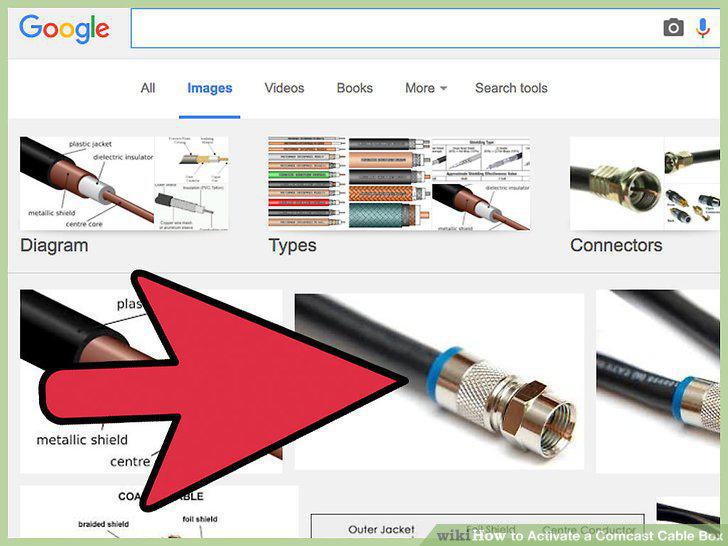
Connect the "Cable In/RF In" connection to the cable wall outlet.
Connect the "HDMI to TV" port on the cable box to the HDMI port on your TV.
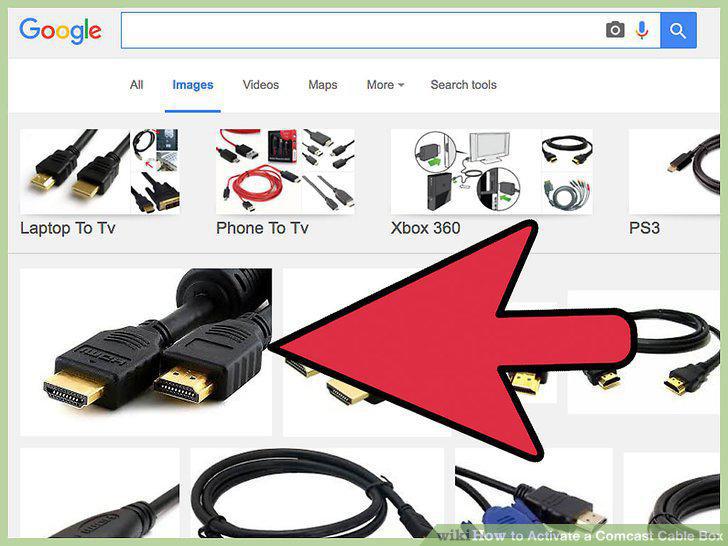
Connect the "HDMI to TV" port on the cable box to the HDMI port on your TV.
Connect the power adapter to the wall outlet.
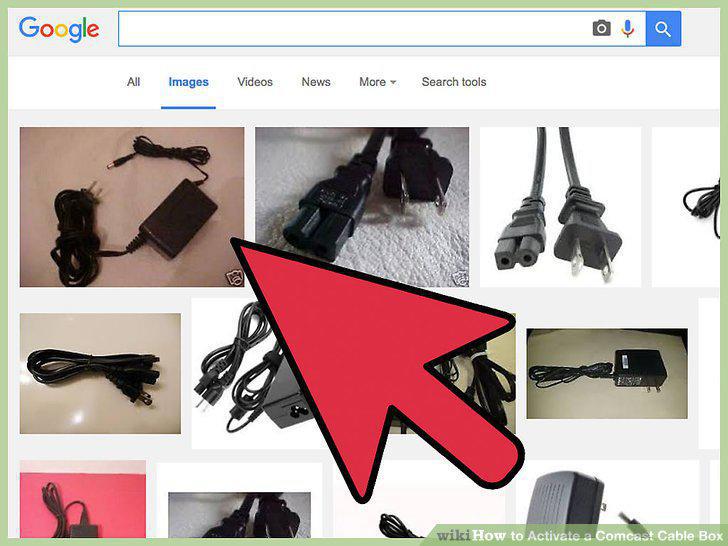
Connect the power adapter to the wall outlet.
Switch your TV to the correct input.
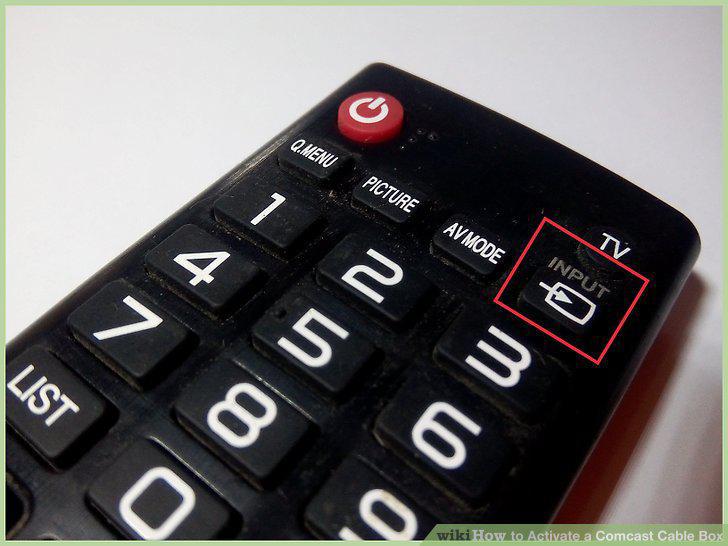
Switch your TV to the correct input.
Connect any additional digital adapters.
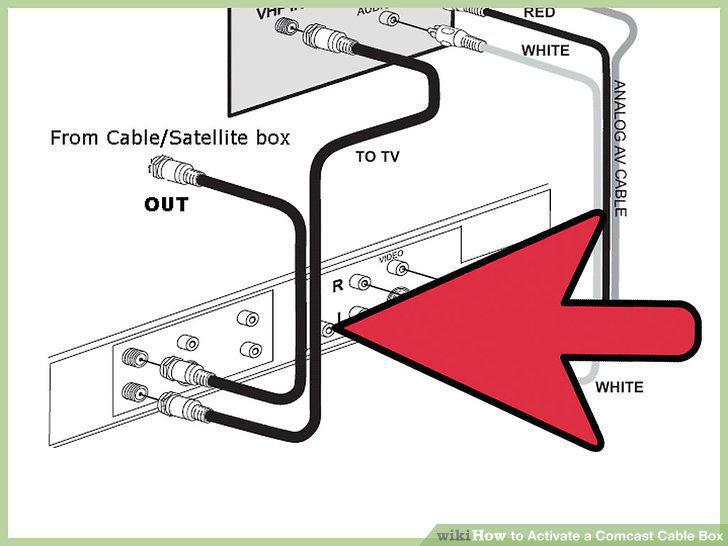
Connect any additional digital adapters.
Turn on the cable box.
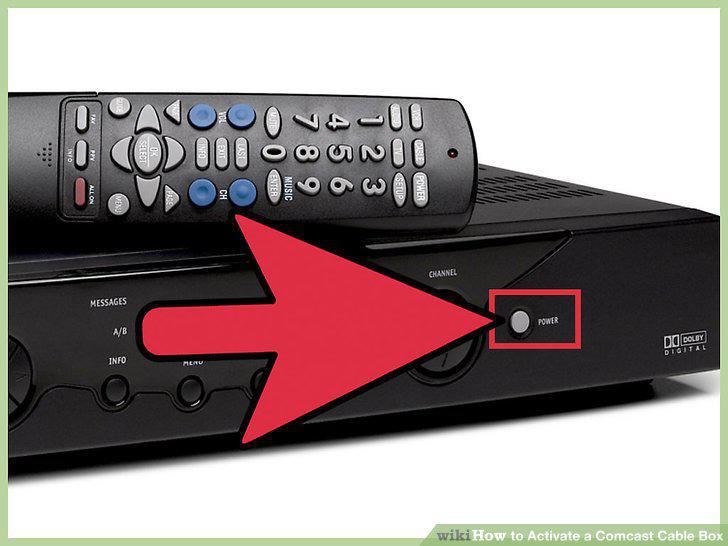
Turn on the cable box.
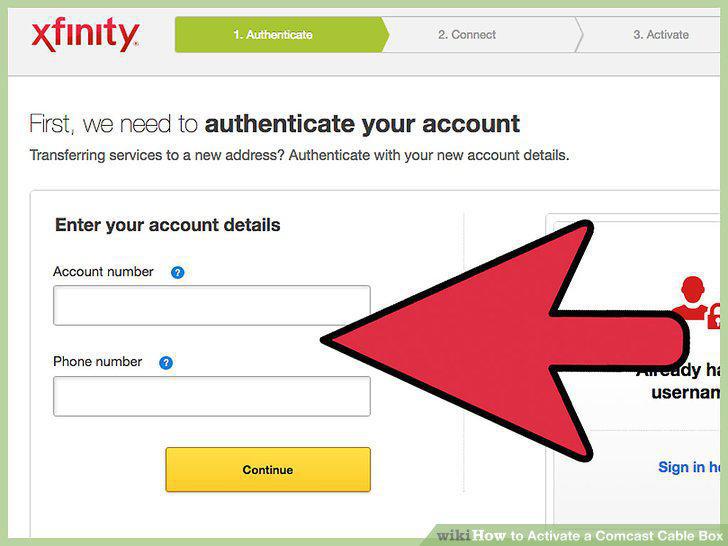
Activate on the Comcast website.
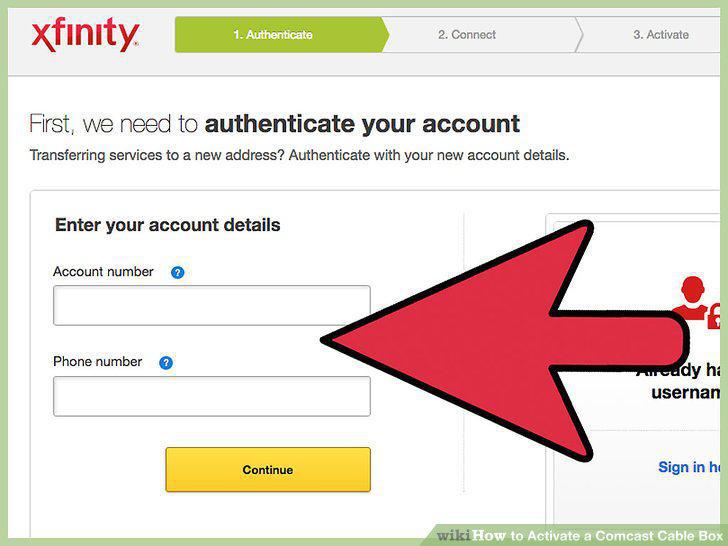
Activate on the Comcast website.
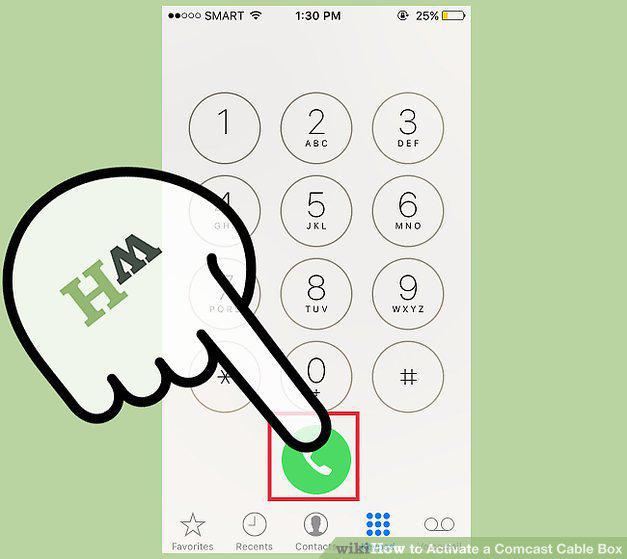
Activate by calling Comcast.
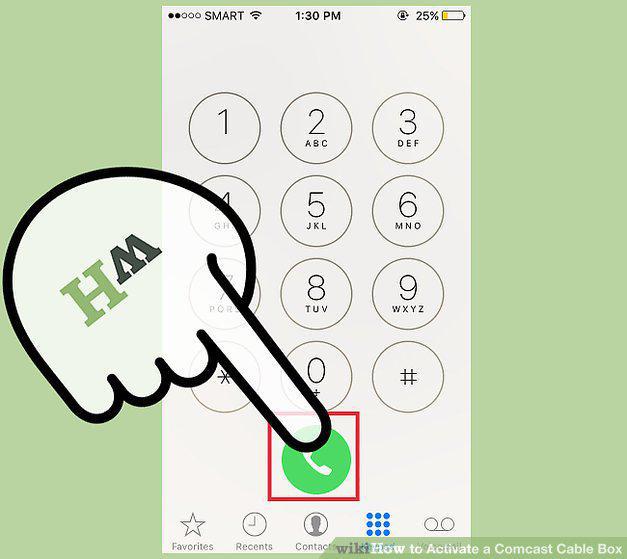
Activate by calling Comcast.
Activate using the on-screen menu (X1 only in select markets).
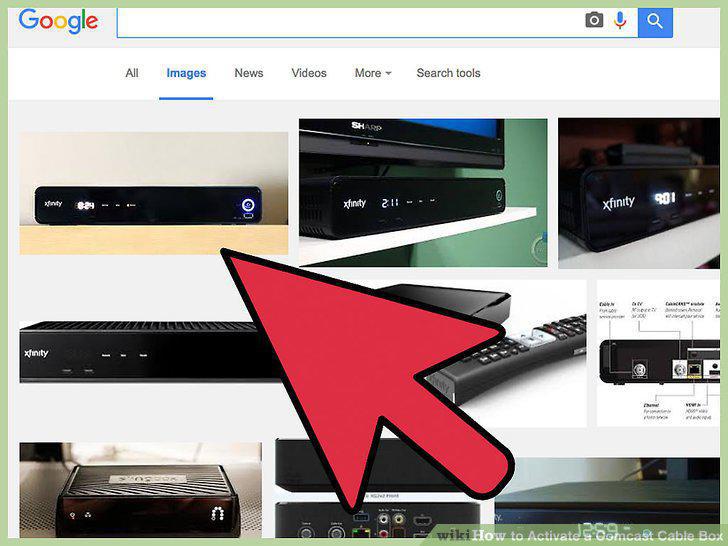
Activate using the on-screen menu (X1 only in select markets).
Avoid purchasing used cable boxes.
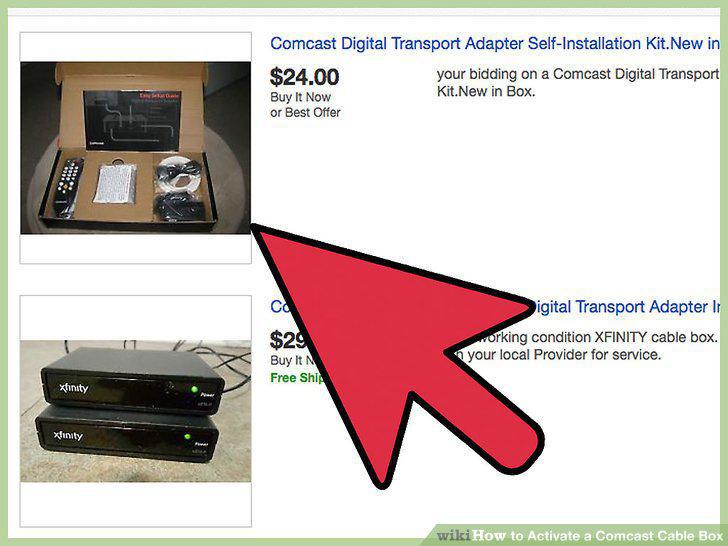
Avoid purchasing used cable boxes.
Check your connections.
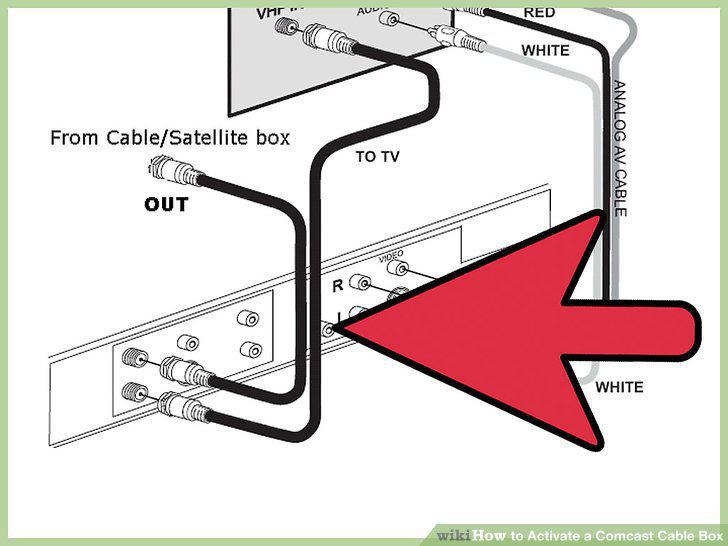
Check your connections.
Schedule a service visit.
Schedule a service visit.
Activate your new equipment quickly.
Activate your new equipment quickly.
Contact Comcast if you receive error code RDK-03007.
Contact Comcast if you receive error code RDK-03007.
Comments (0)
No comments yet. Be the first to share your thoughts!