How to Uninstall YouTube Updates
Disable the Auto-update feature in the Google Play Store.. Open your Android's Settings.. Tap Apps.
Steps
1
Disable the Auto-update feature in the Google Play Store.
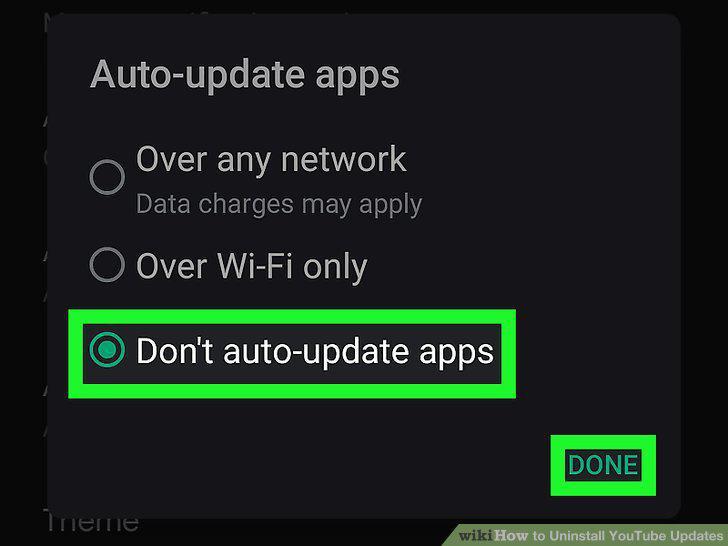
Disable the Auto-update feature in the Google Play Store.
2
Open your Android's Settings.
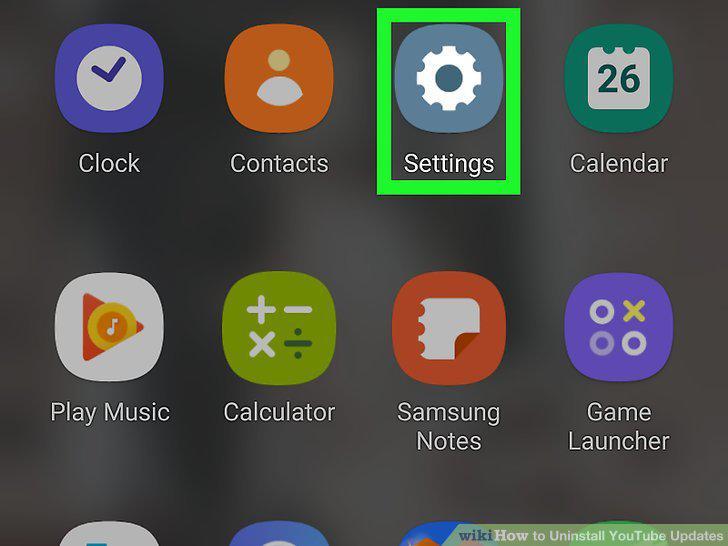
Open your Android's Settings.
3
Tap Apps.
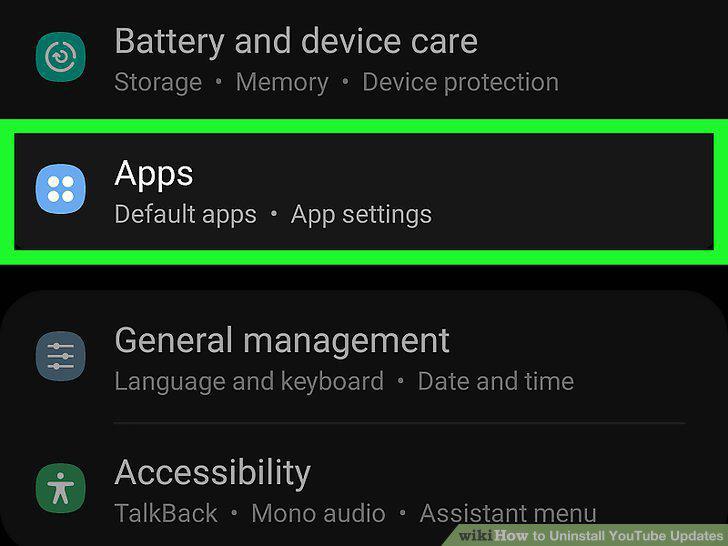
Tap Apps.
4
Tap YouTube.
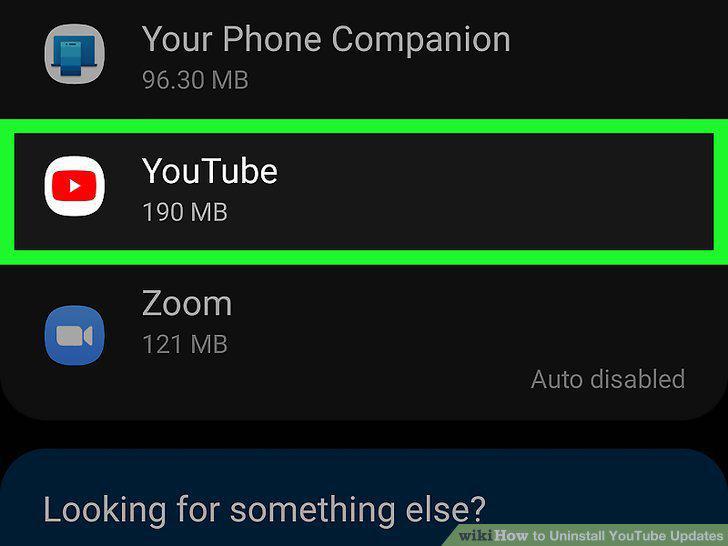
Tap YouTube.
5
Tap Uninstall Updates.
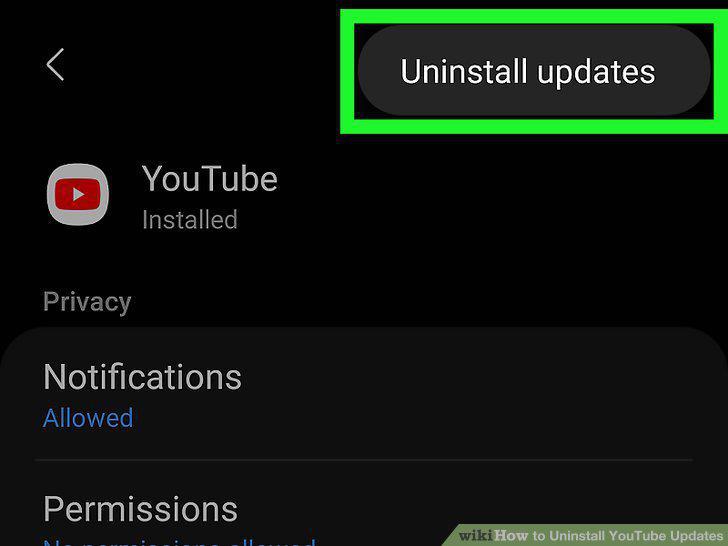
Tap Uninstall Updates.
Comments (0)
No comments yet. Be the first to share your thoughts!