How to Disable Message Previews in Windows 10 Mail
Open the Mail app.. Open the Mail app Settings flyout.. Click Reading.
Steps
1
Open the Mail app.
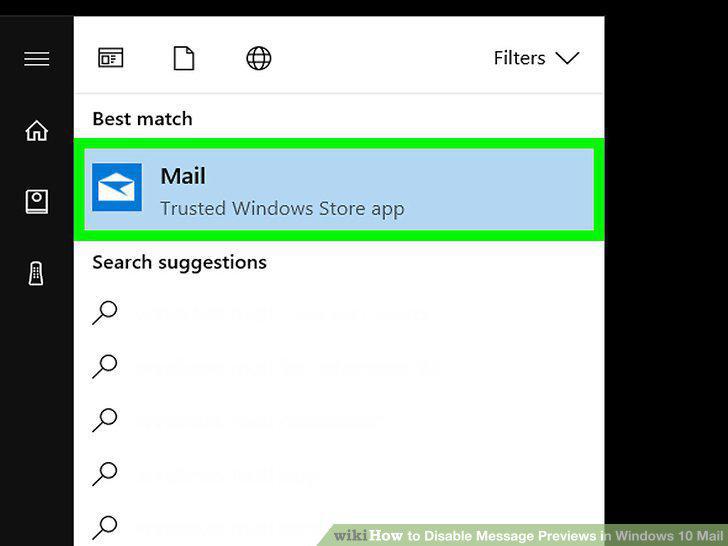
Open the Mail app.
2
Open the Mail app Settings flyout.
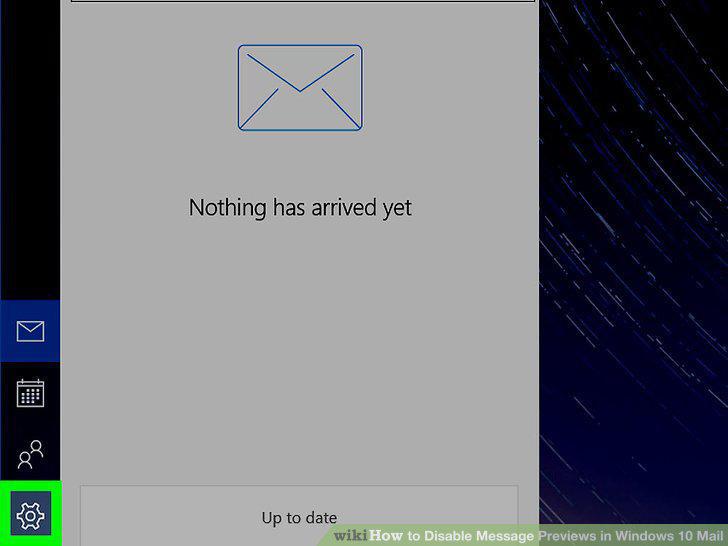
Open the Mail app Settings flyout.
3
Click Reading.
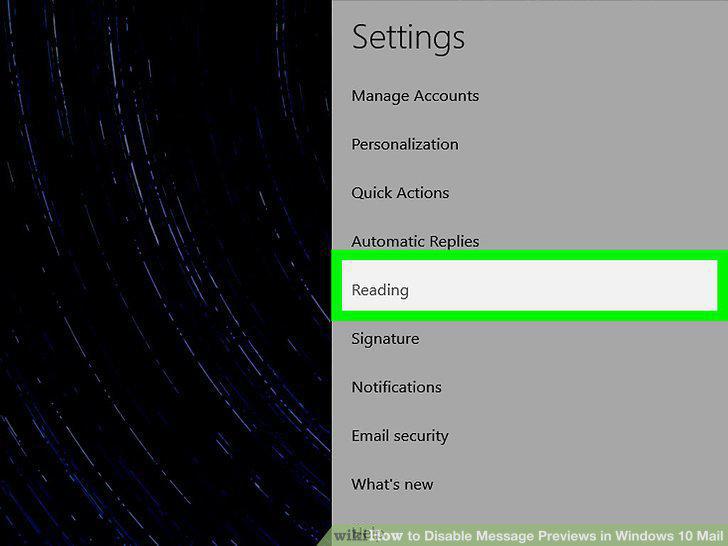
Click Reading.
4
Slide the "Show preview text" switch to the Off position.
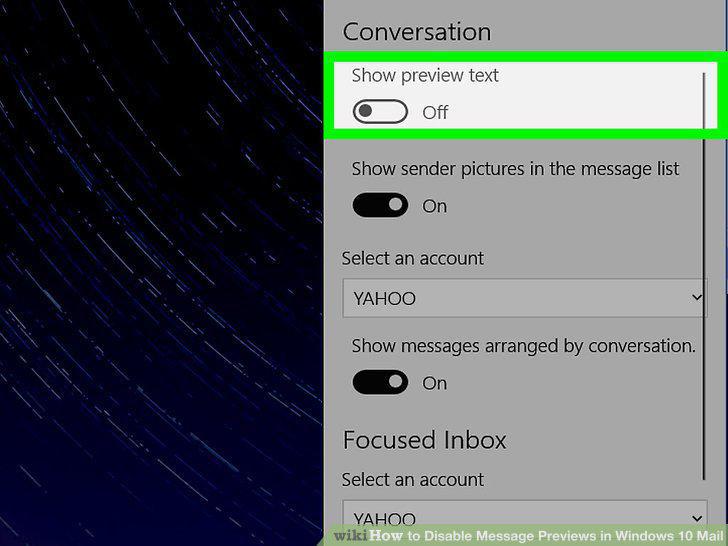
Slide the "Show preview text" switch to the Off position.
Comments (0)
No comments yet. Be the first to share your thoughts!