How to Mute a Group Text on Android
Open the Messages app on your Android.. Tap the group conversation you want to mute.. Tap the three vertical dots icon.
Steps
1
Open the Messages app on your Android.

Open the Messages app on your Android.
2
Tap the group conversation you want to mute.
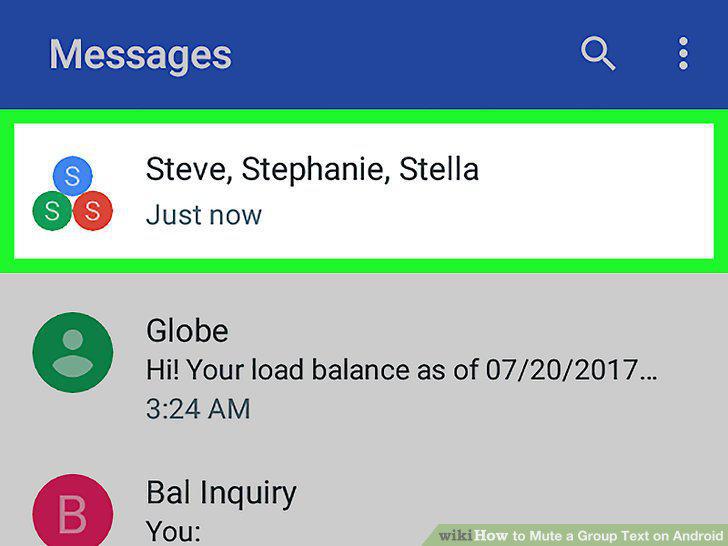
Tap the group conversation you want to mute.
3
Tap the three vertical dots icon.

Tap the three vertical dots icon.
4
Tap People & options.
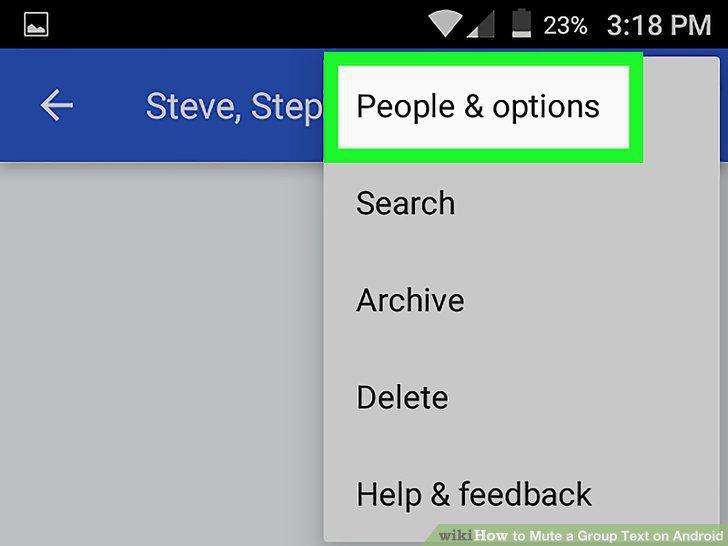
Tap People & options.
5
Slide the Notifications switch to Off position.
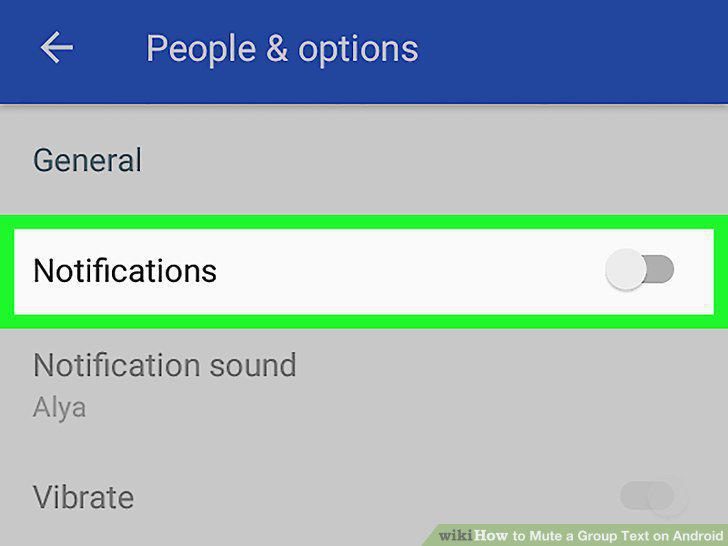
Slide the Notifications switch to Off position.
6
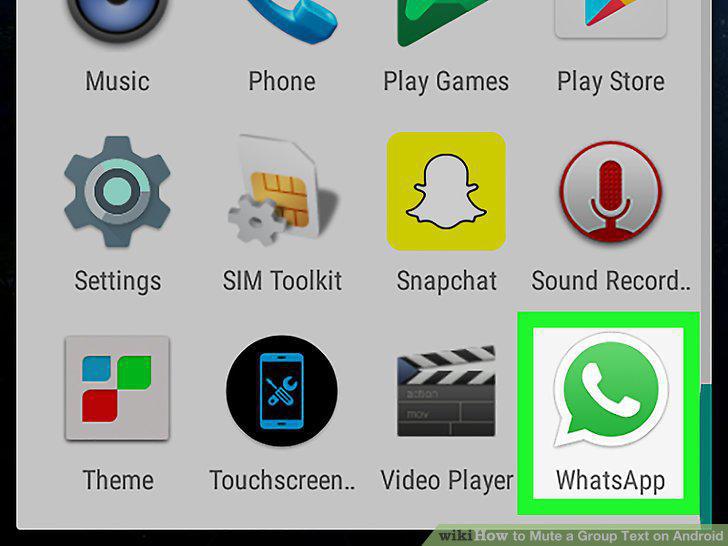
Open WhatsApp Messenger on your Android.
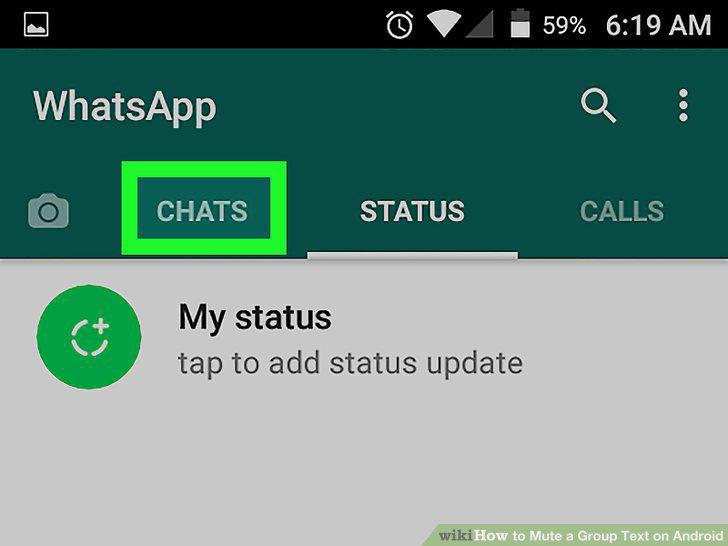
Open WhatsApp Messenger on your Android.
7
Tap the CHATS tab.
Tap the CHATS tab.
8
Tap the group chat you want to mute.
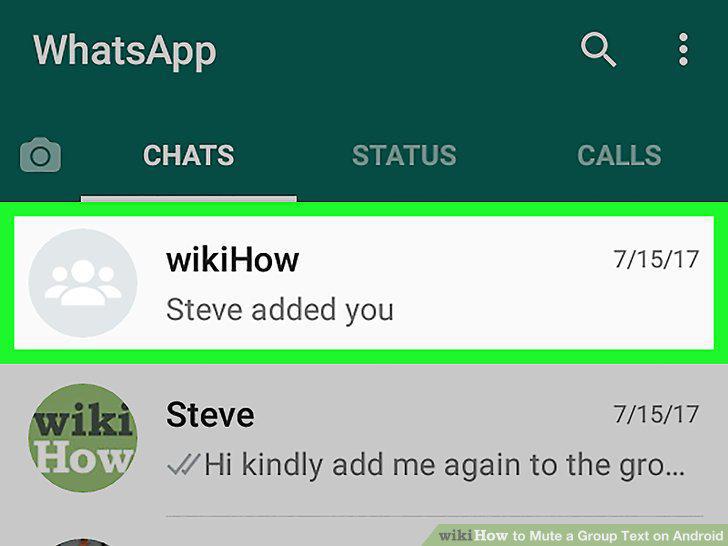
Tap the group chat you want to mute.
9
Tap the three vertical dots icon.
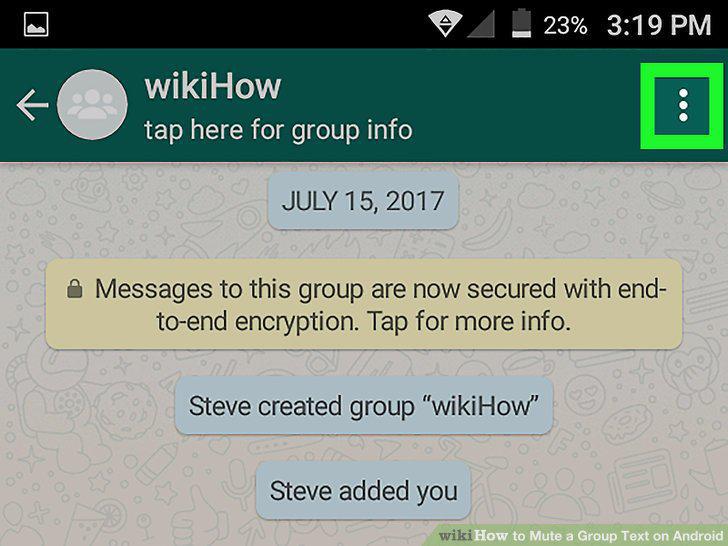
Tap the three vertical dots icon.
10
Tap Mute on the drop-down menu.
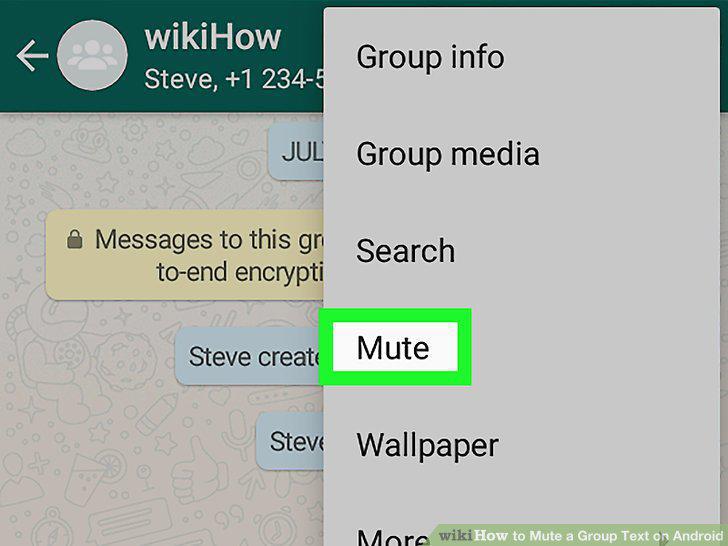
Tap Mute on the drop-down menu.
11
Select how long you want to mute this group.
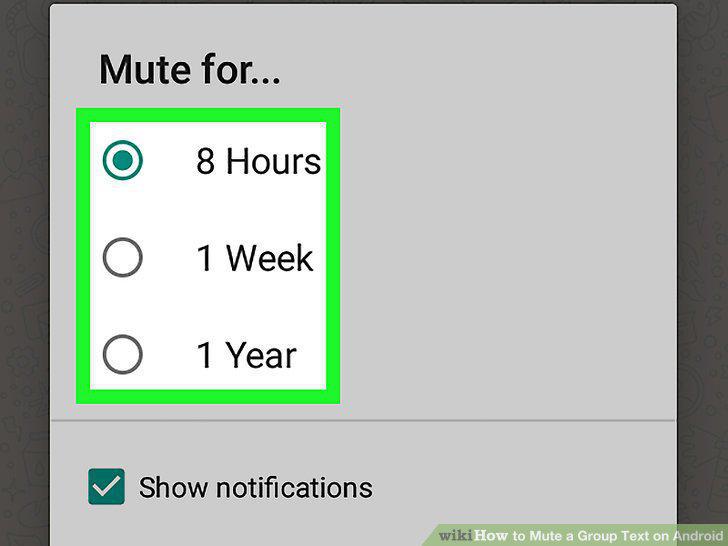
Select how long you want to mute this group.
12
Tap and uncheck the box next to Show notifications.
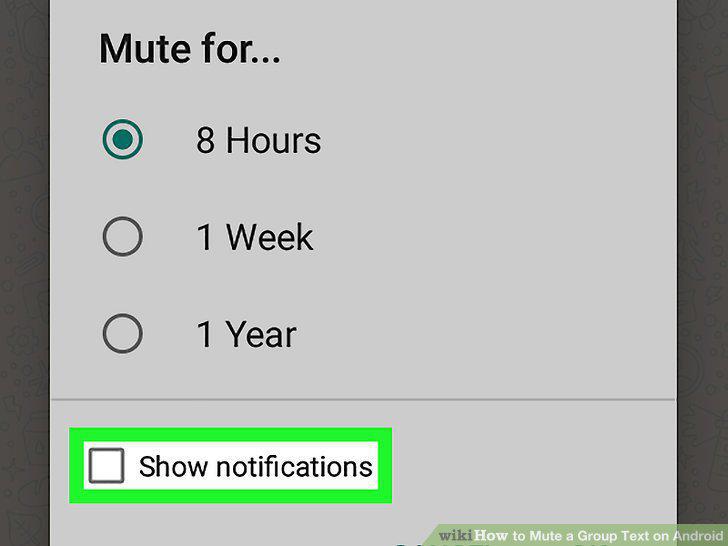
Tap and uncheck the box next to Show notifications.
13
Tap OK.
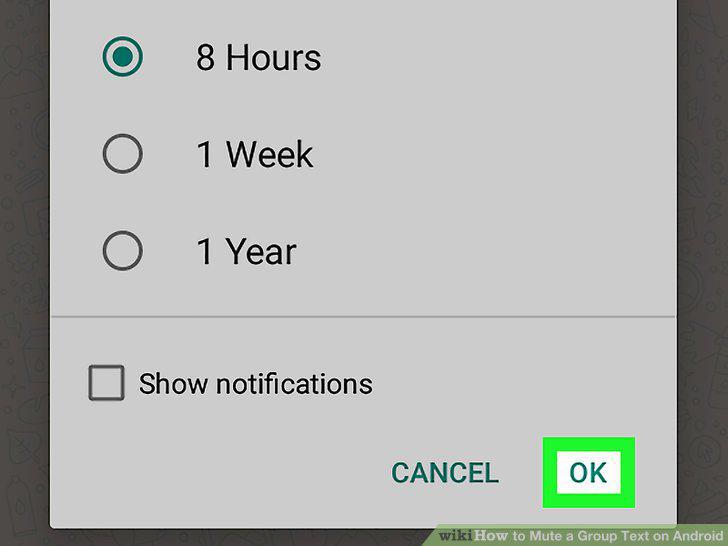
Tap OK.
14
Open the Textra app on your Android.

Open the Textra app on your Android.
15
Tap the group message you want to mute.

Tap the group message you want to mute.
16
Tap the icon.

Tap the icon.
17
Tap the bell icon.
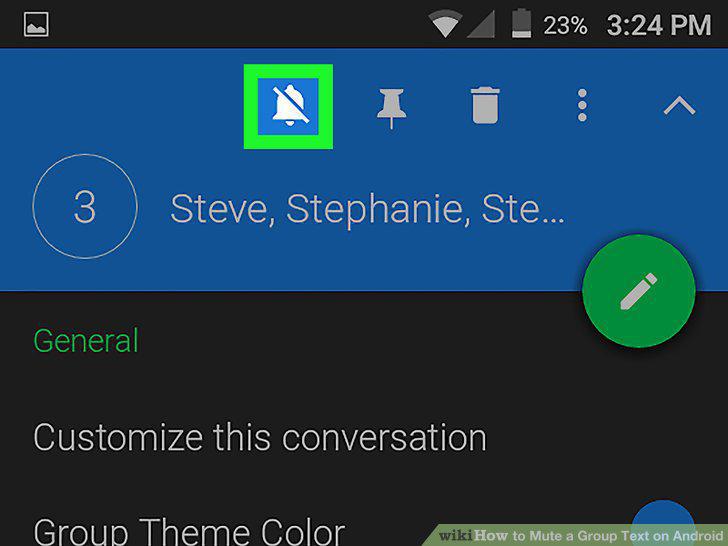
Tap the bell icon.
Comments (0)
No comments yet. Be the first to share your thoughts!