How to Restart an Episode on Hulu on Android
Press the Hulu app icon.. Sign in to your Hulu account and profile.. Tap the Home icon.
Steps
1
Press the Hulu app icon.
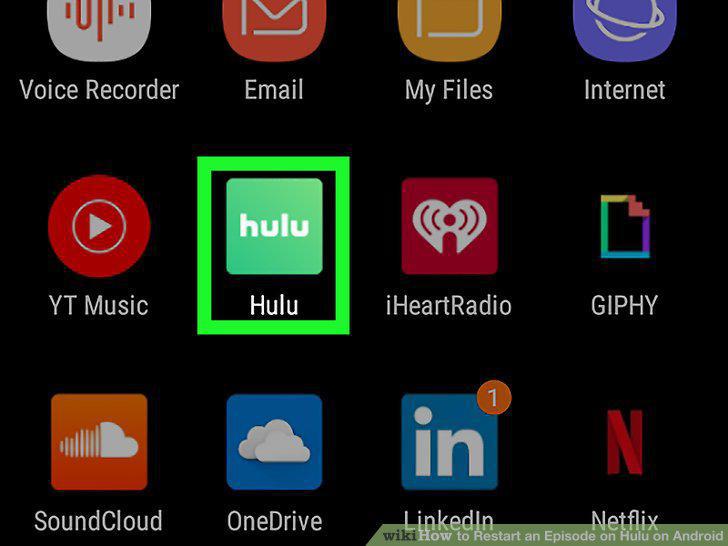
Press the Hulu app icon.
2
Sign in to your Hulu account and profile.

Sign in to your Hulu account and profile.
3
Tap the Home icon.

Tap the Home icon.
4
Tap Keep Watching at the top of the screen.
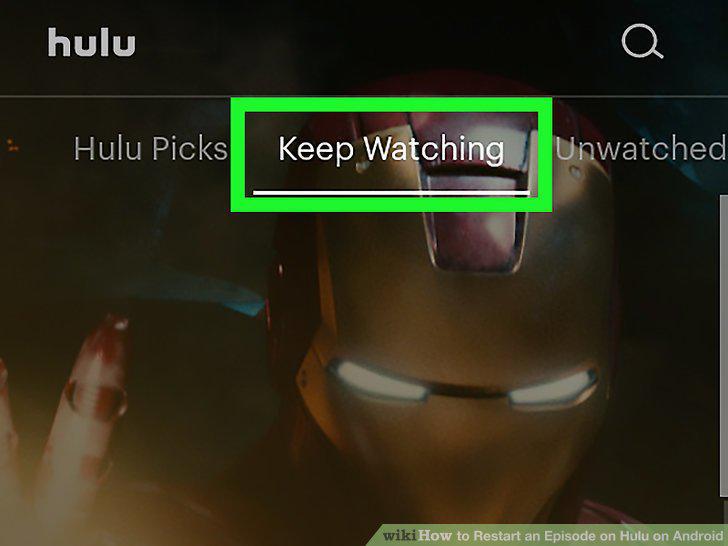
Tap Keep Watching at the top of the screen.
5
Tap the Go to Details button on the show you want to watch.
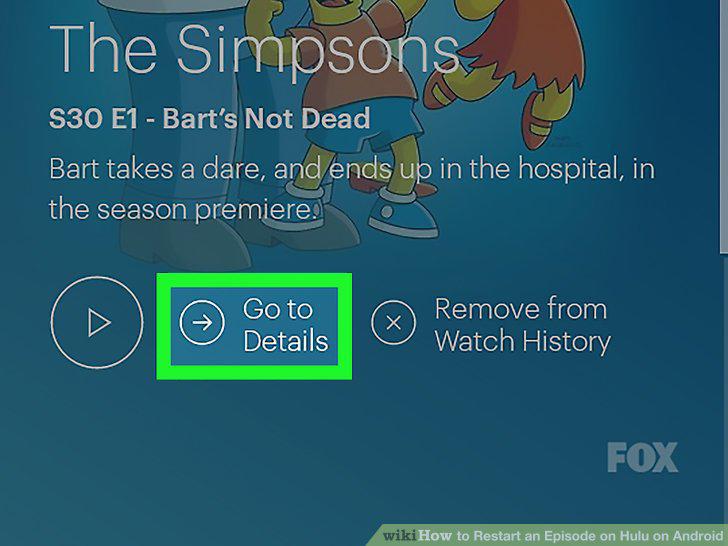
Tap the Go to Details button on the show you want to watch.
6
Tap the Episodes tab on the top of your screen.
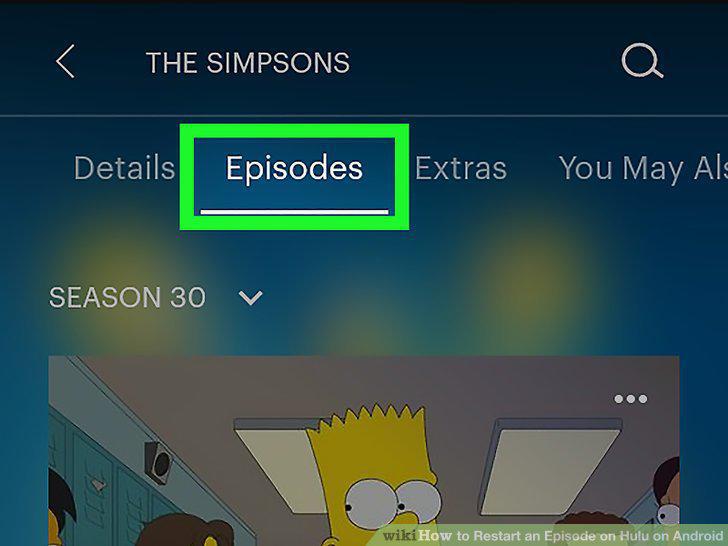
Tap the Episodes tab on the top of your screen.
7
Tap the episode you want to watch.
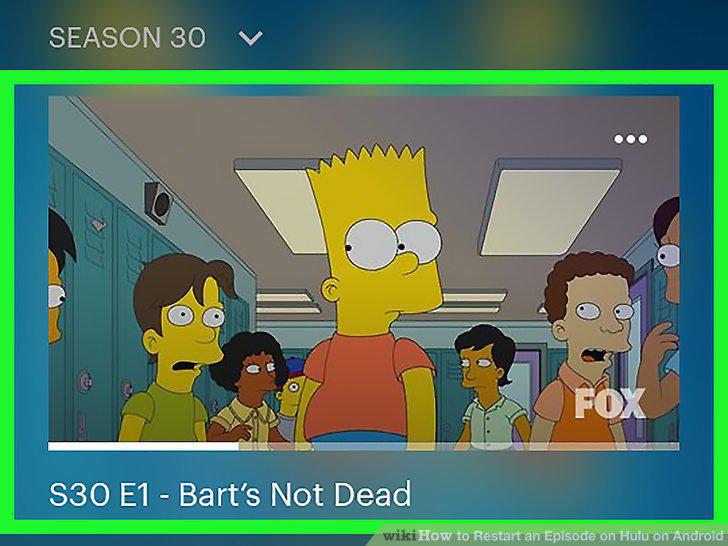
Tap the episode you want to watch.
8
Press and hold anywhere on the screen.
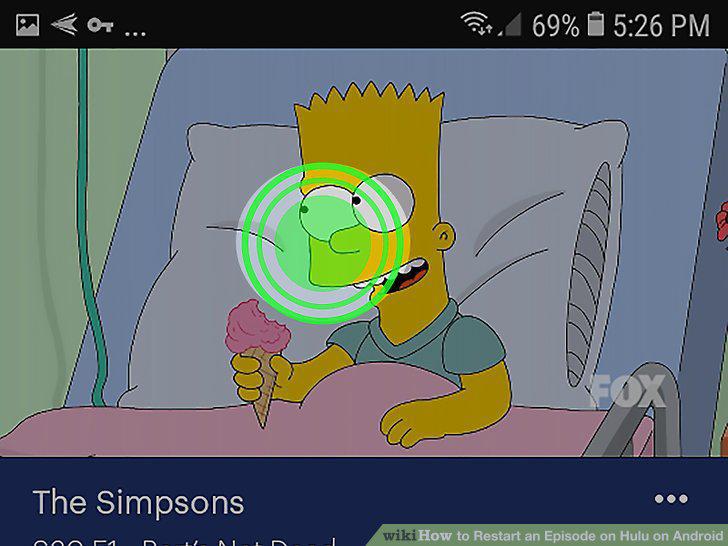
Press and hold anywhere on the screen.
9
Drag your finger all the way to the left of the screen.
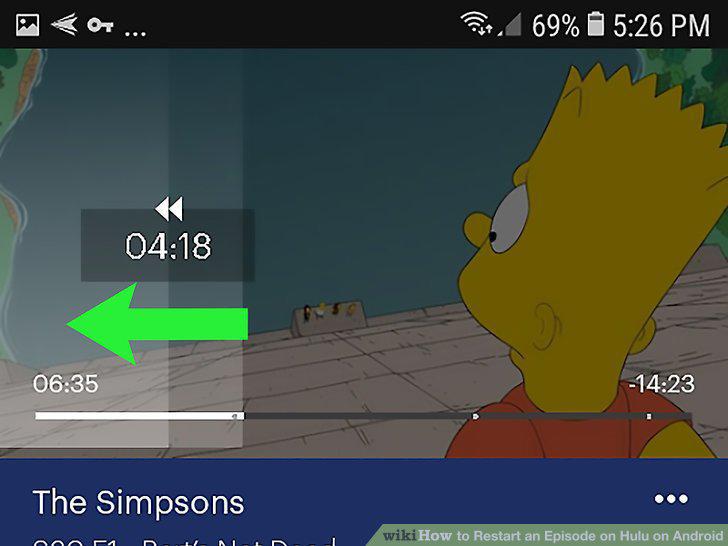
Drag your finger all the way to the left of the screen.
Comments (0)
No comments yet. Be the first to share your thoughts!