How to Organize Facebook Groups on a PC or Mac
Open Facebook on your internet browser.. Click Groups on the left navigation panel.. Click the Groups tab.
Steps
1
Open Facebook on your internet browser.
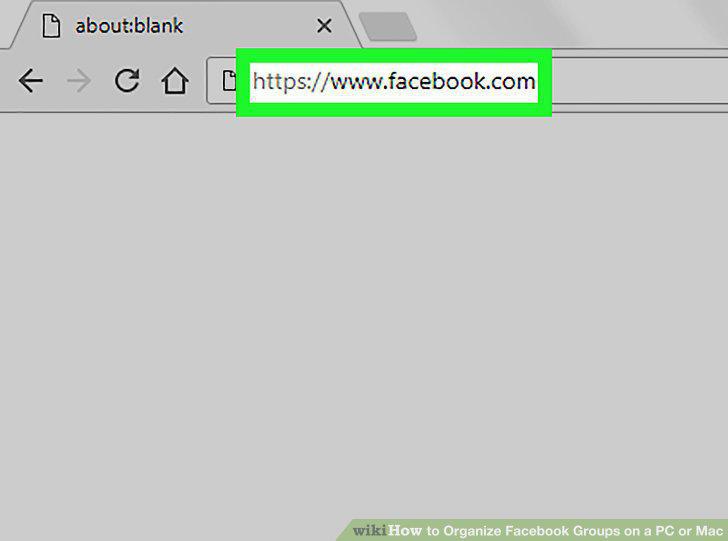
Open Facebook on your internet browser.
2
Click Groups on the left navigation panel.
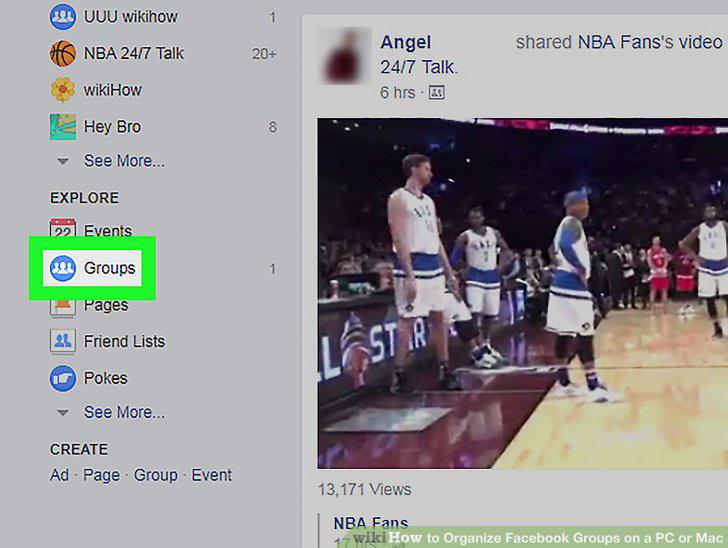
Click Groups on the left navigation panel.
3
Click the Groups tab.
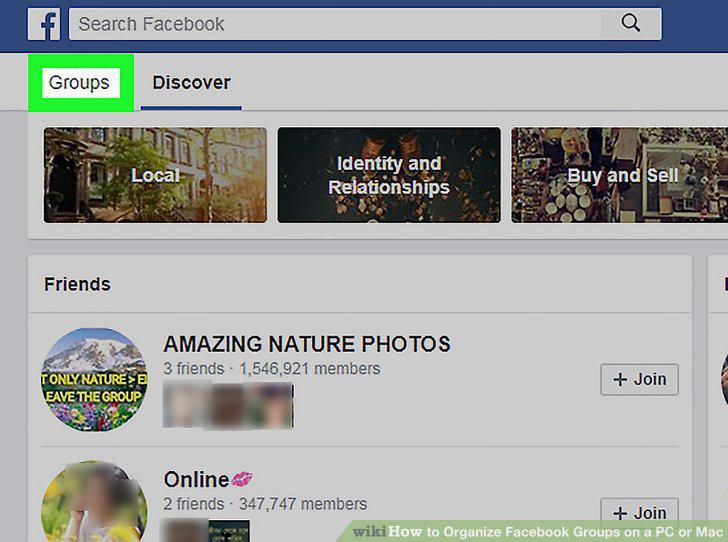
Click the Groups tab.
4
Click the gear icon next to a group.
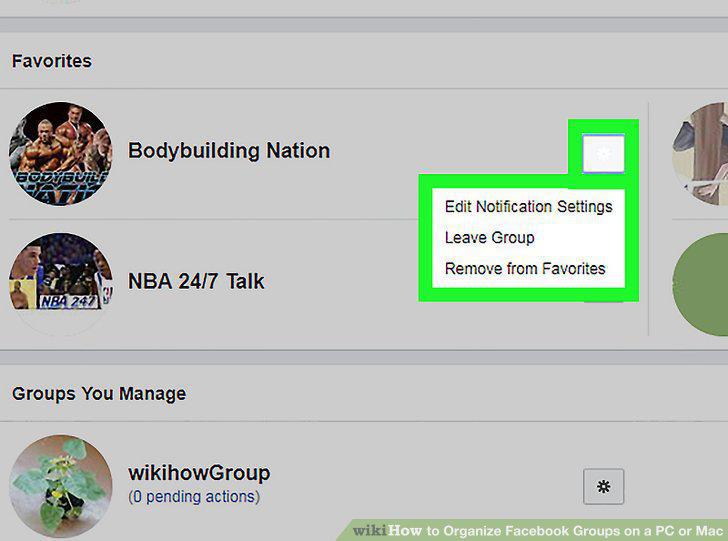
Click the gear icon next to a group.
Comments (0)
No comments yet. Be the first to share your thoughts!