How to Use Houseparty App on iPhone or iPad
Open Houseparty on your iPhone or iPad.. Sign up for Houseparty.. Find your friends on Houseparty.
Steps
1
Open Houseparty on your iPhone or iPad.
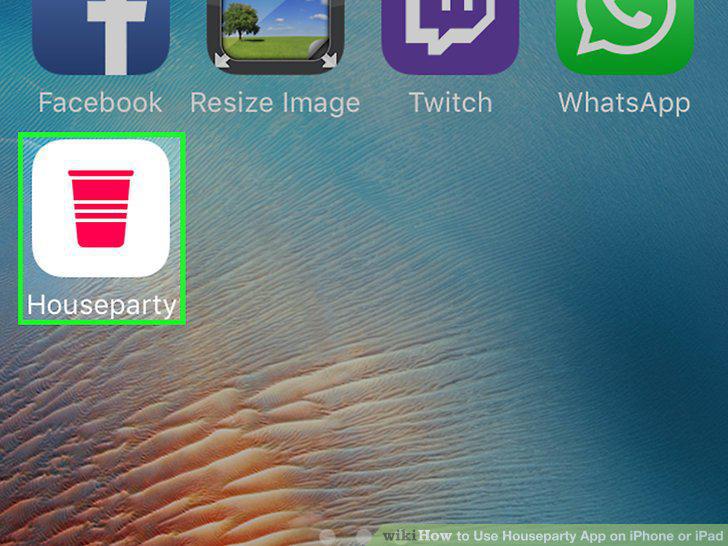
Open Houseparty on your iPhone or iPad.
2
Sign up for Houseparty.

Sign up for Houseparty.
3
Find your friends on Houseparty.
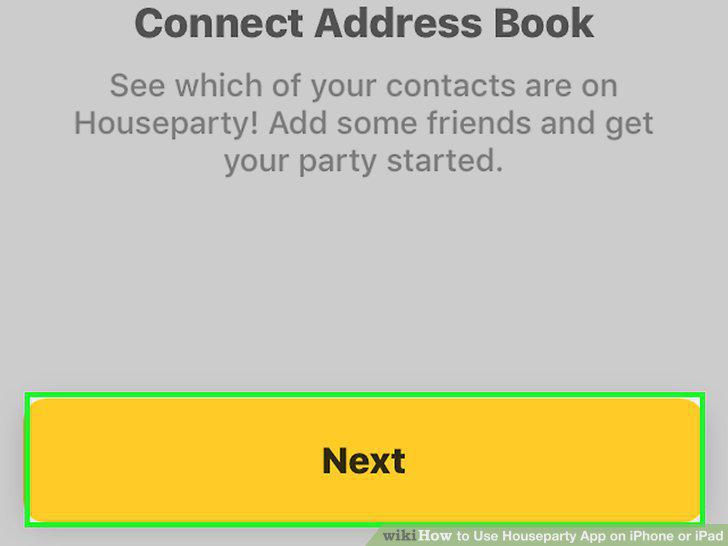
Find your friends on Houseparty.
4
Tap Copy Partycode.
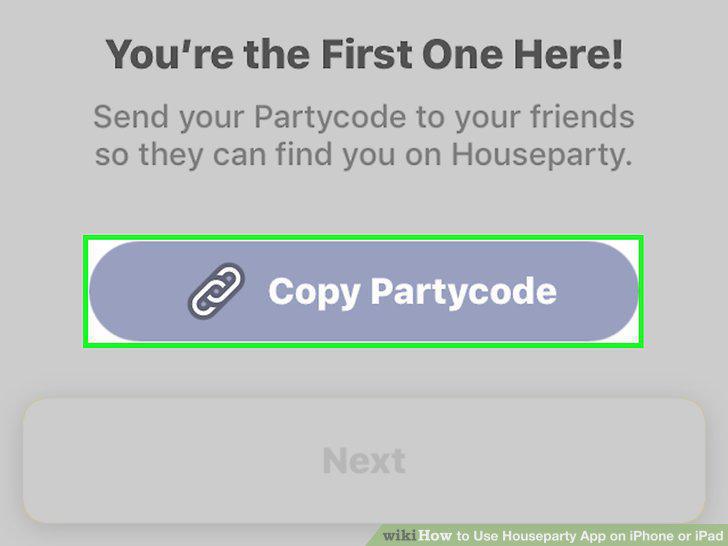
Tap Copy Partycode.
5
Tap Next.

Tap Next.
6
Select your permission preferences.
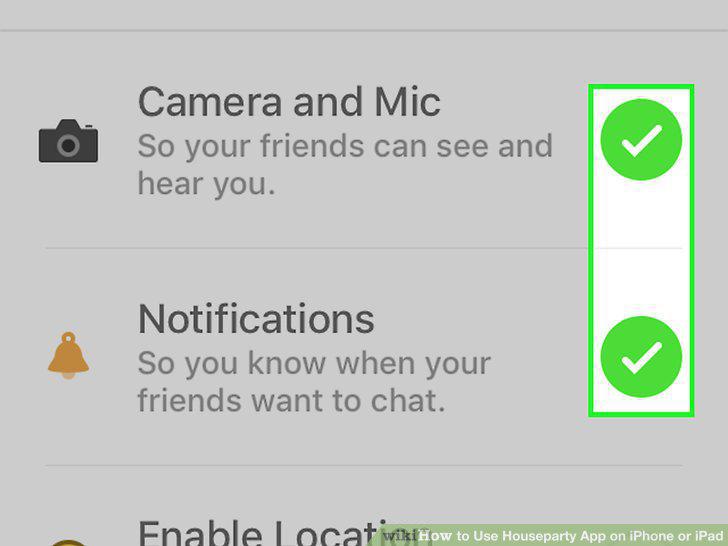
Select your permission preferences.
7
Tap Next.
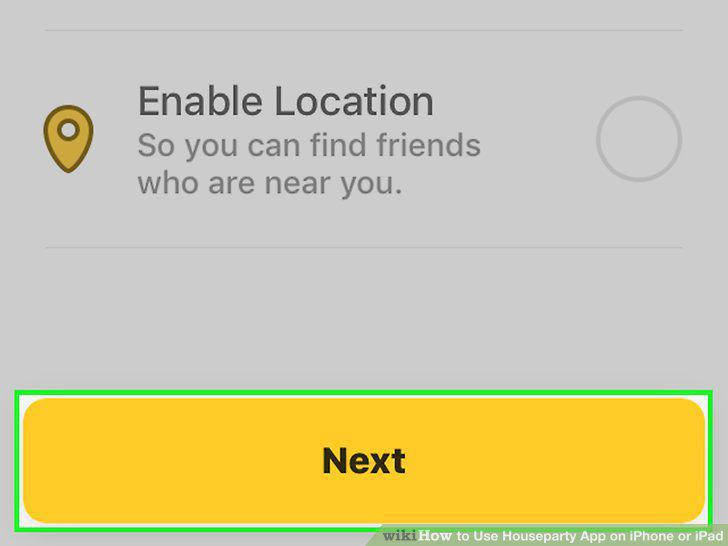
Tap Next.
8
Open Houseparty on your iPhone or iPad.
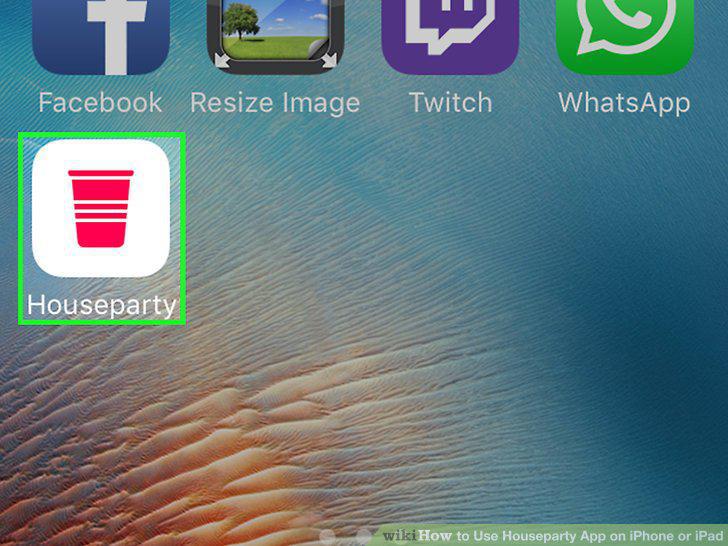
Open Houseparty on your iPhone or iPad.
9
Tap the waving hand next to the person you want to chat with.
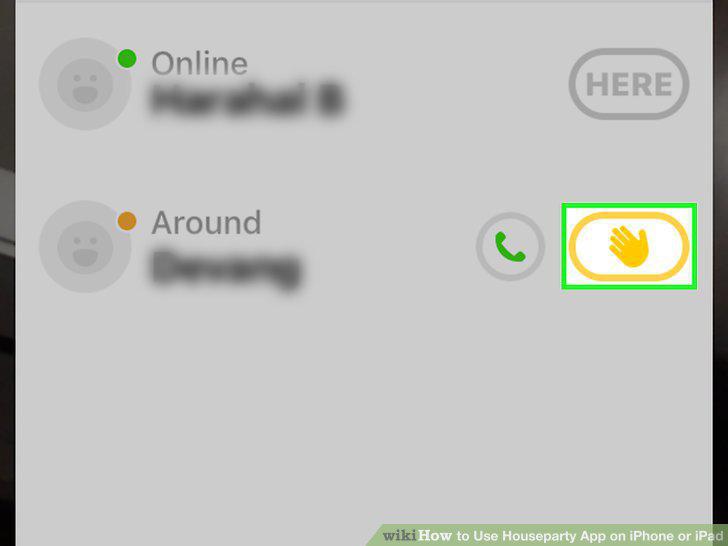
Tap the waving hand next to the person you want to chat with.
10
Tap Join next to a friend's name.
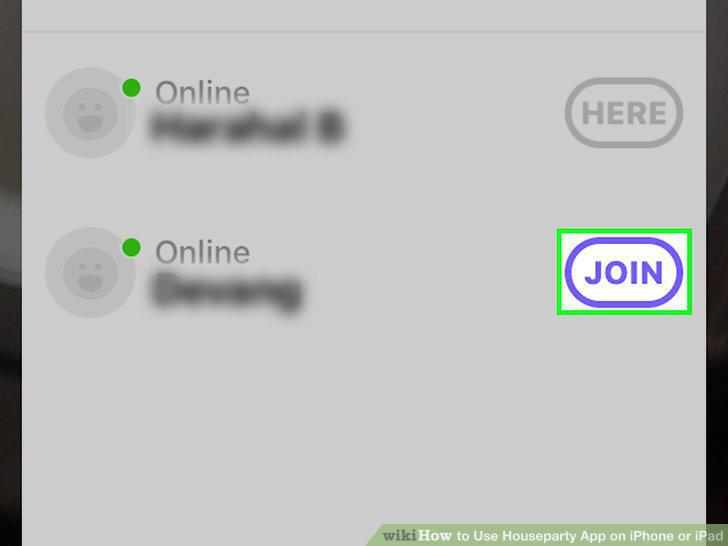
Tap Join next to a friend's name.
11
Invite others to chat.
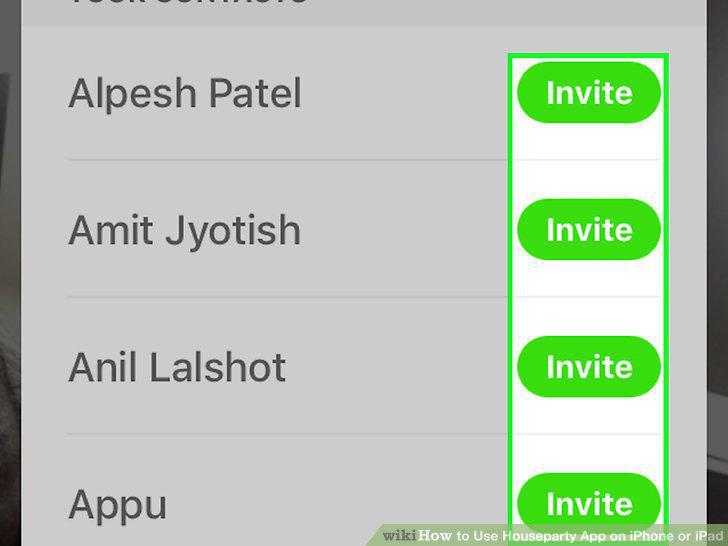
Invite others to chat.
12
Lock the chat (optional).
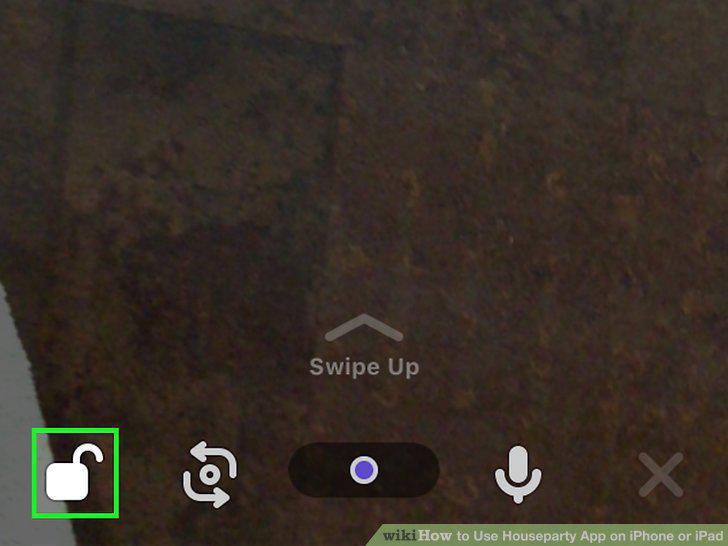
Lock the chat (optional).
Comments (0)
No comments yet. Be the first to share your thoughts!