How to Change the Clock on the Always on Display on Samsung Galaxy
Open your Galaxy's Settings app.. Tap Display on the Settings menu.. Scroll down and tap Always on display.
Steps
1
Open your Galaxy's Settings app.
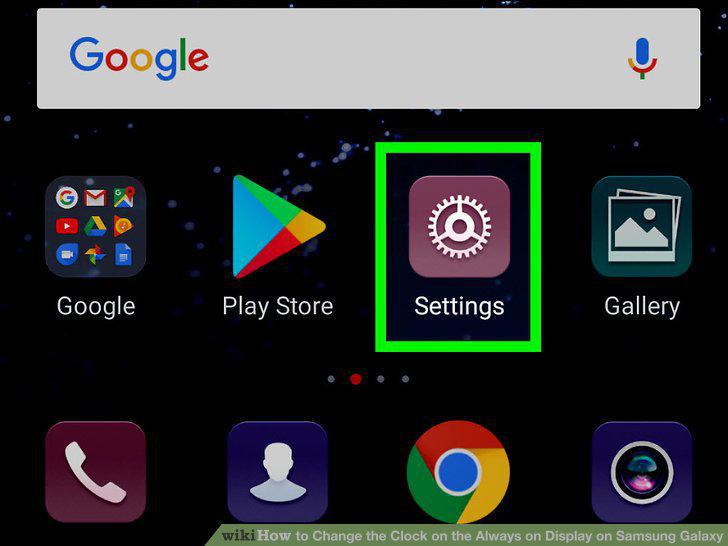
Open your Galaxy's Settings app.
2
Tap Display on the Settings menu.
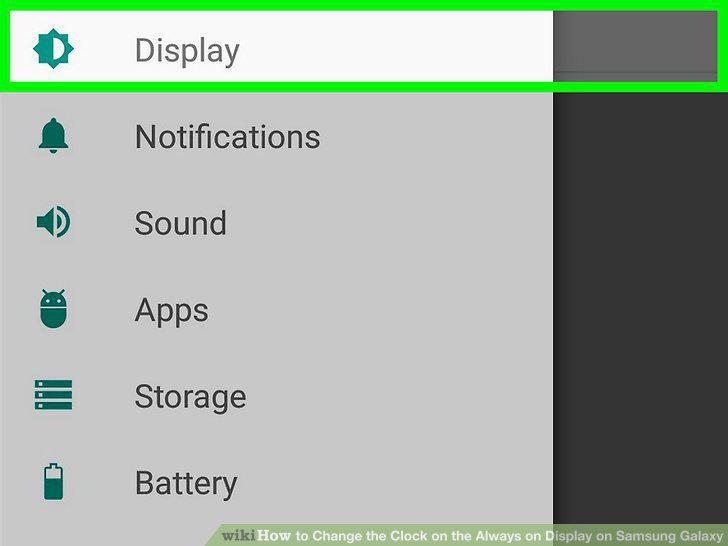
Tap Display on the Settings menu.
3
Scroll down and tap Always on display.
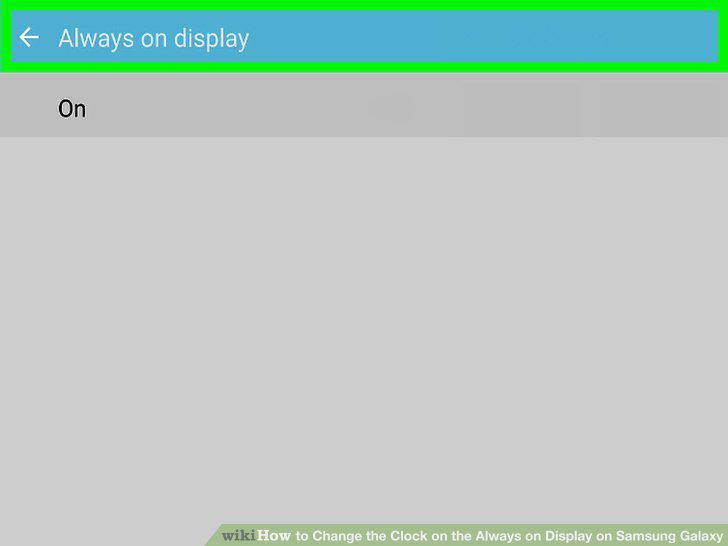
Scroll down and tap Always on display.
4
Tap the Layouts button.
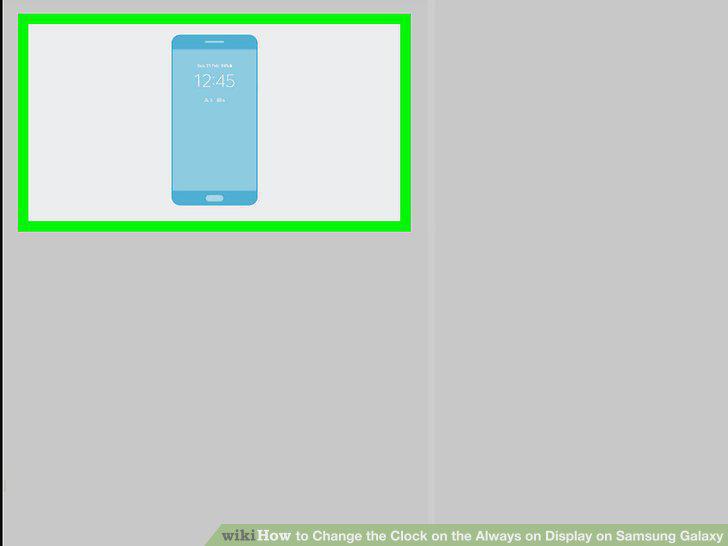
Tap the Layouts button.
5
Tap Contents to show.
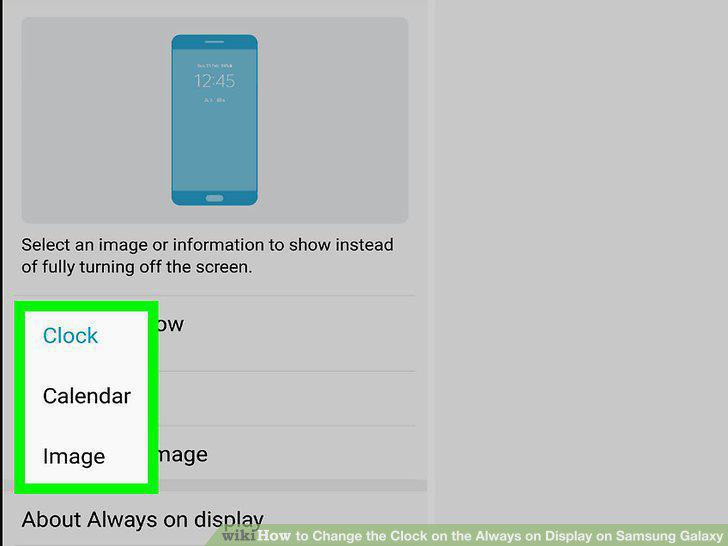
Tap Contents to show.
6
Tap Clock on the drop-down menu.
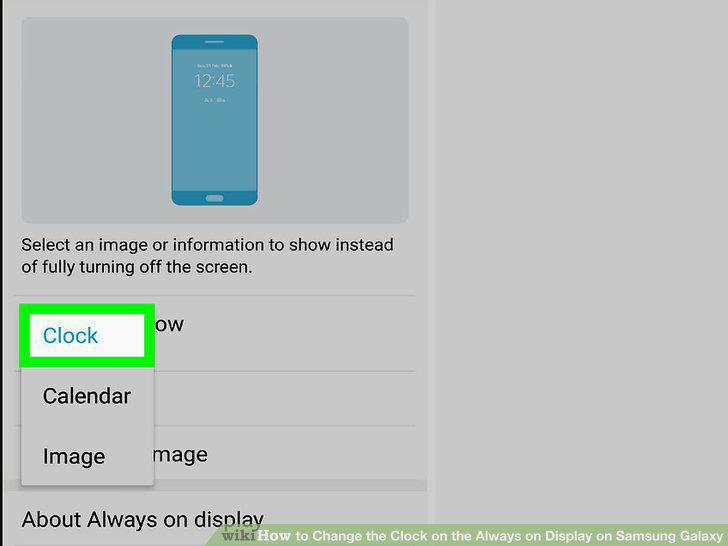
Tap Clock on the drop-down menu.
7
Select a clock layout for your screen display.
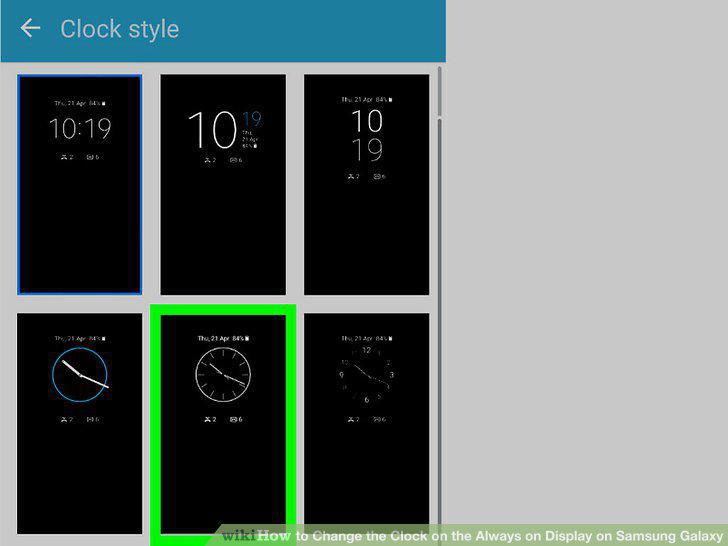
Select a clock layout for your screen display.
8
Select a color for your clock.
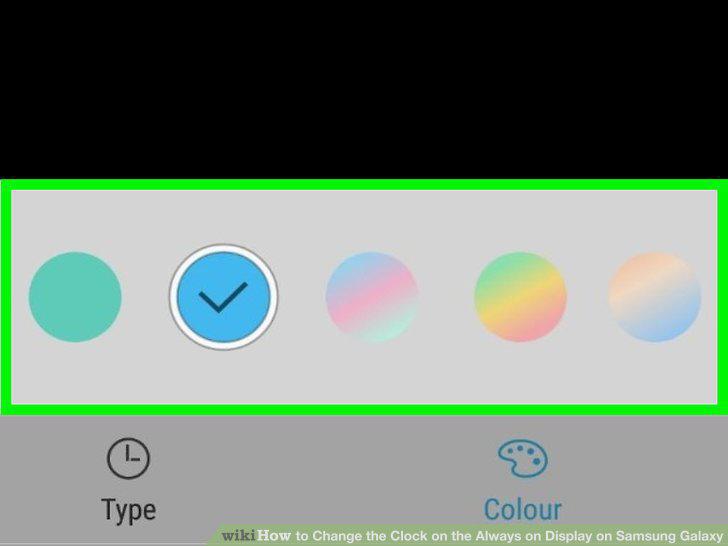
Select a color for your clock.
9
Select a background image for your clock.
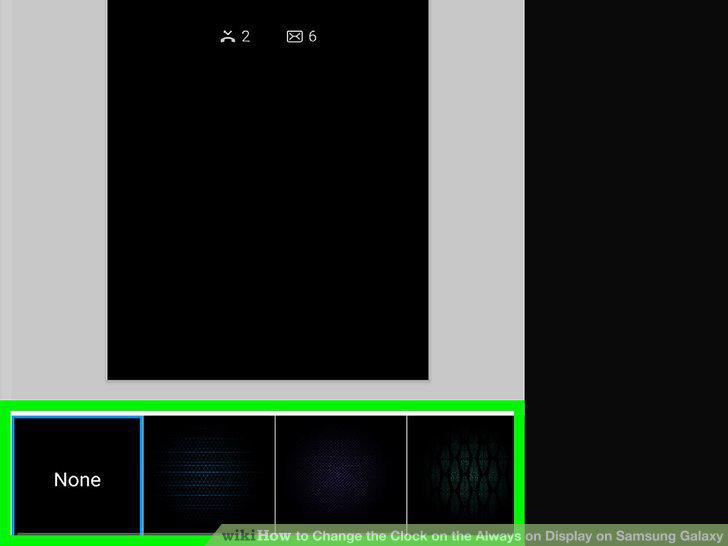
Select a background image for your clock.
10
Tap APPLY on the top-right.
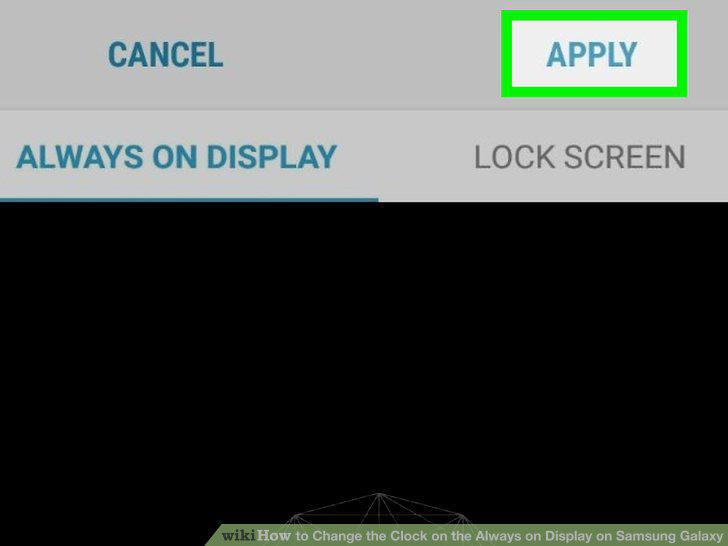
Tap APPLY on the top-right.
Comments (0)
No comments yet. Be the first to share your thoughts!