How to Find People's Location on WhatsApp on Android
Open WhatsApp on your Android.. Tap a chat on your CHATS list.. Tap the icon next to the message field.
Steps
1
Open WhatsApp on your Android.
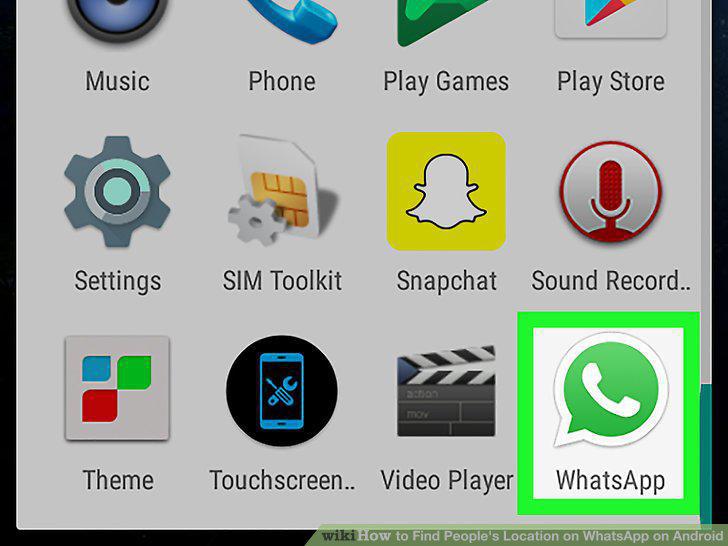
Open WhatsApp on your Android.
2
Tap a chat on your CHATS list.
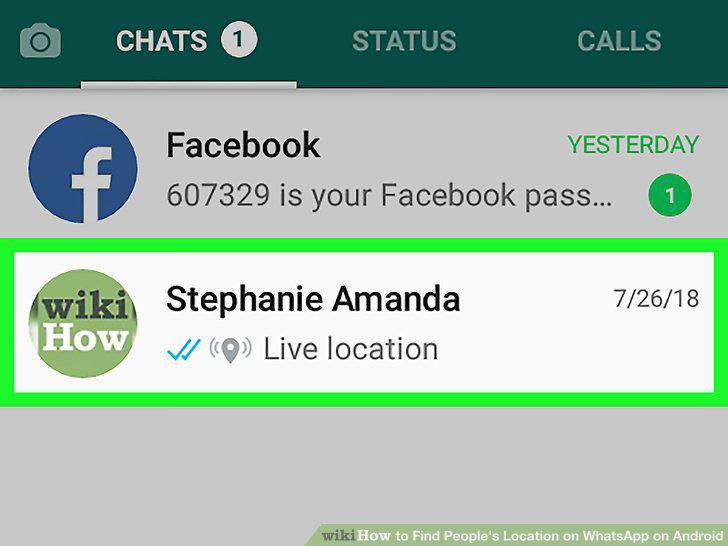
Tap a chat on your CHATS list.
3
Tap the icon next to the message field.
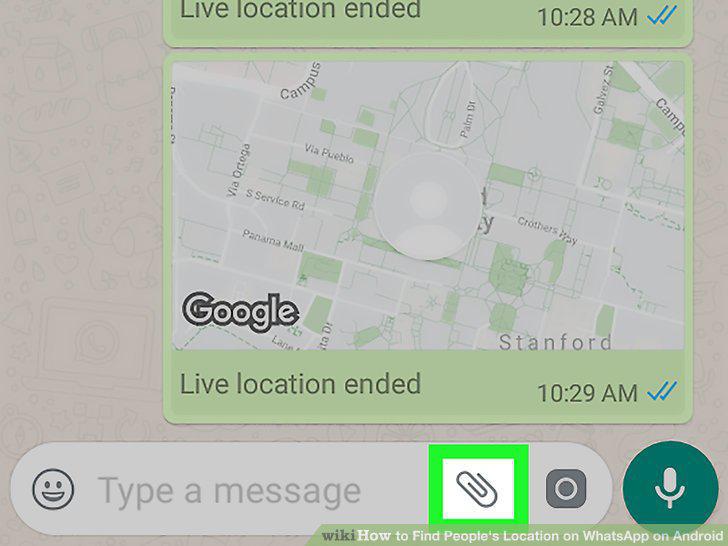
Tap the icon next to the message field.
4
Select Location.
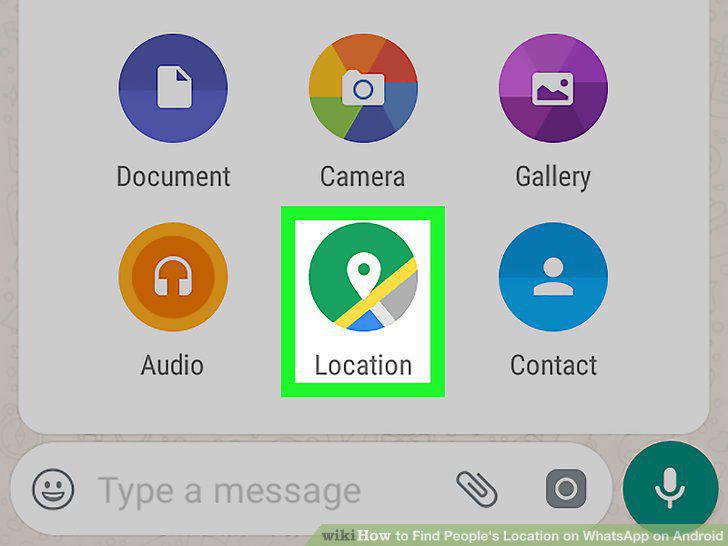
Select Location.
5
Tap Share live location.
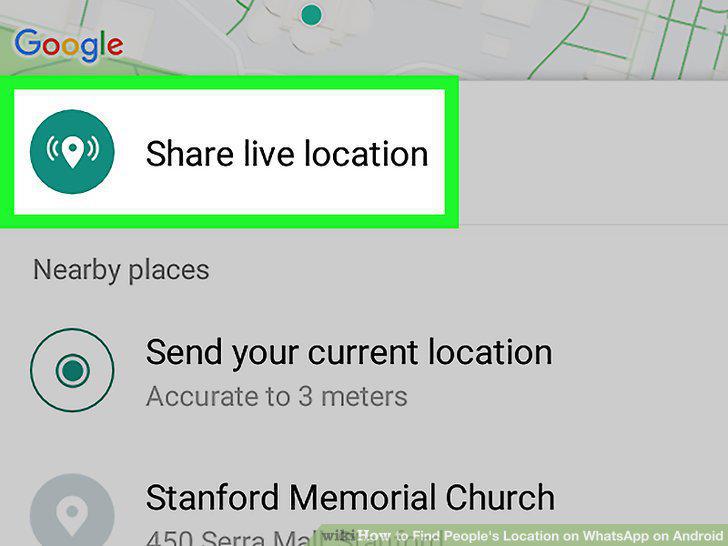
Tap Share live location.
6
Tap CONTINUE.
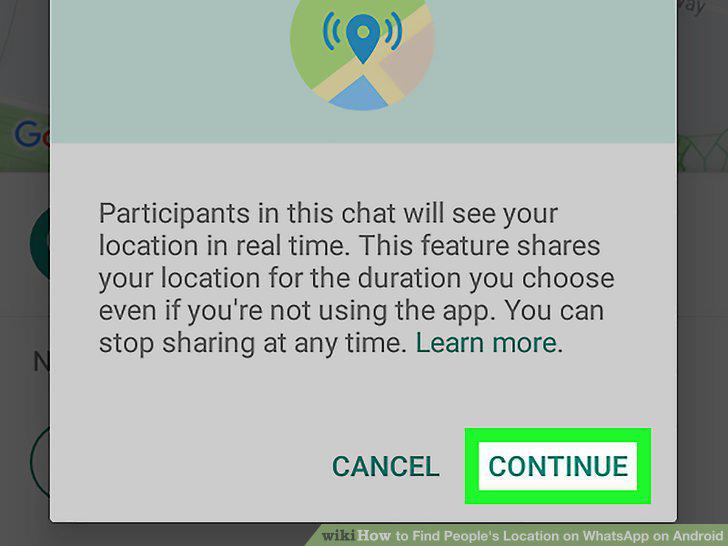
Tap CONTINUE.
7
Select how long you want to share your location.
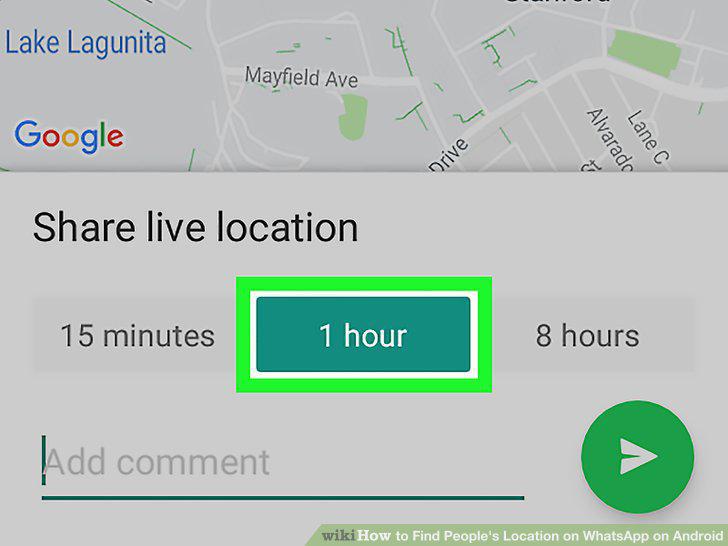
Select how long you want to share your location.
8
Tap the green button.
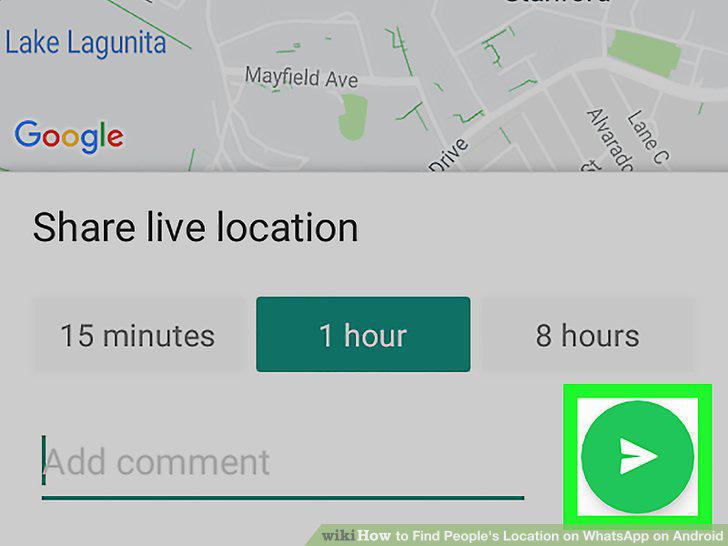
Tap the green button.
9
Open WhatsApp on your Android.
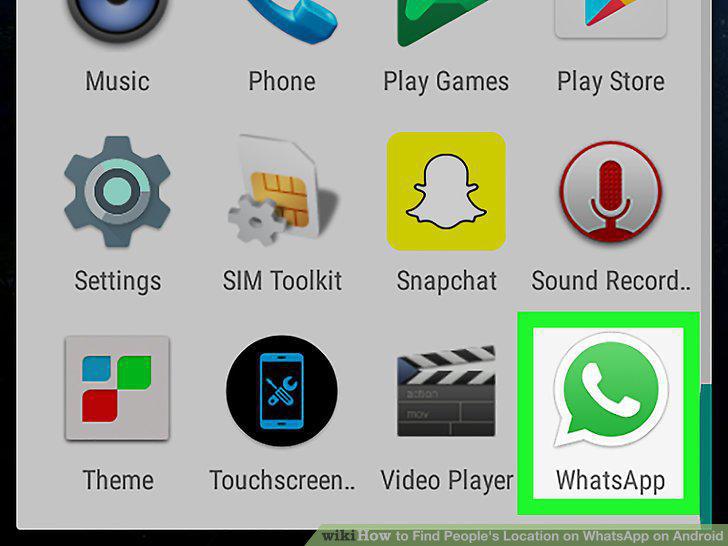
Open WhatsApp on your Android.
10
Tap the chat with the shared location link.
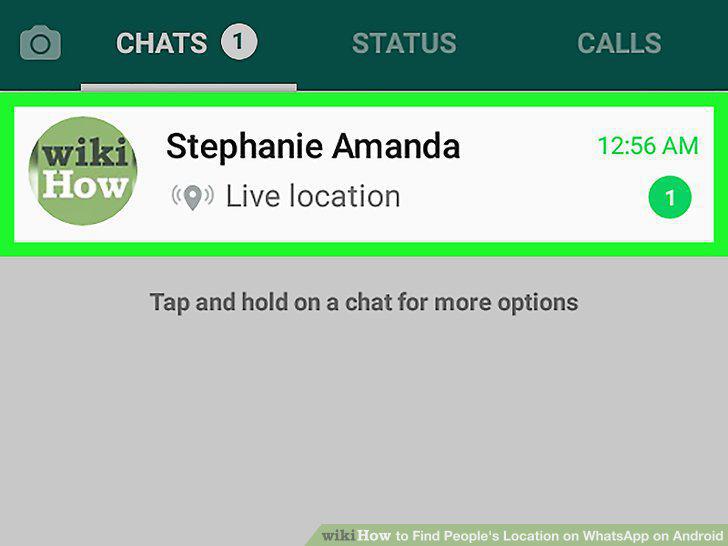
Tap the chat with the shared location link.
11
Find your friend's location link.
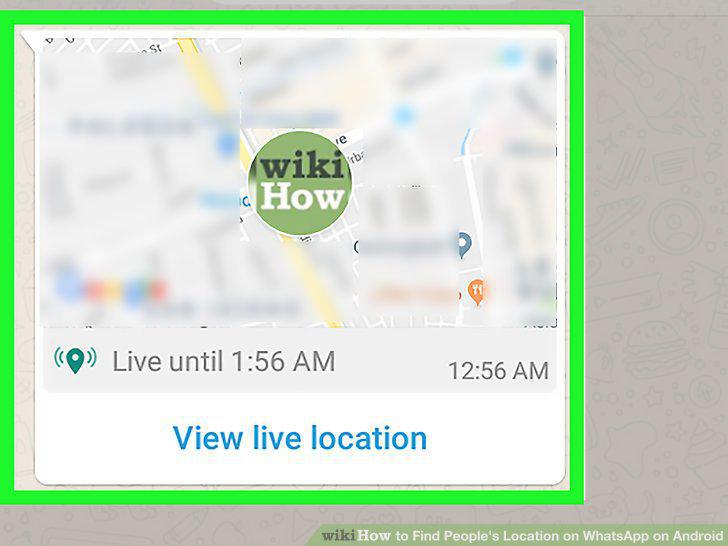
Find your friend's location link.
12
Tap View Live Location.
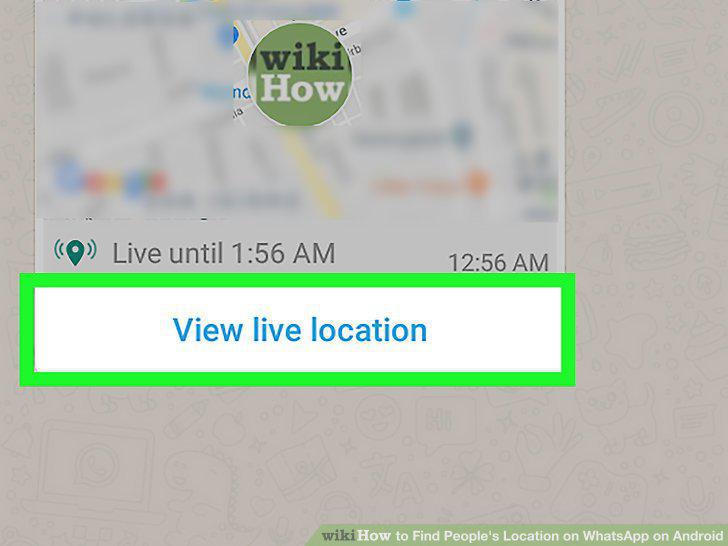
Tap View Live Location.
13
Find your friend's profile picture on the map.
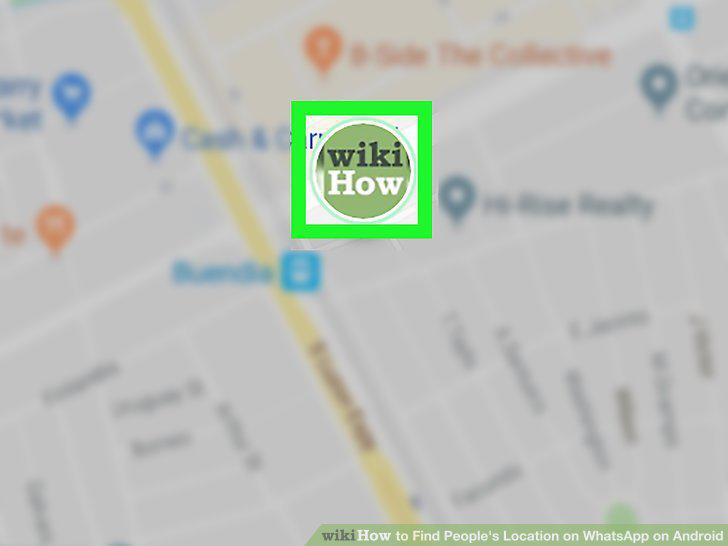
Find your friend's profile picture on the map.
Comments (0)
No comments yet. Be the first to share your thoughts!