How to Keep Apps from Running in the Background on Android
Open the Settings app.. Scroll down and tap Apps on the Settings menu.. Find and tap the app you want to stop.
Steps
1
Open the Settings app.
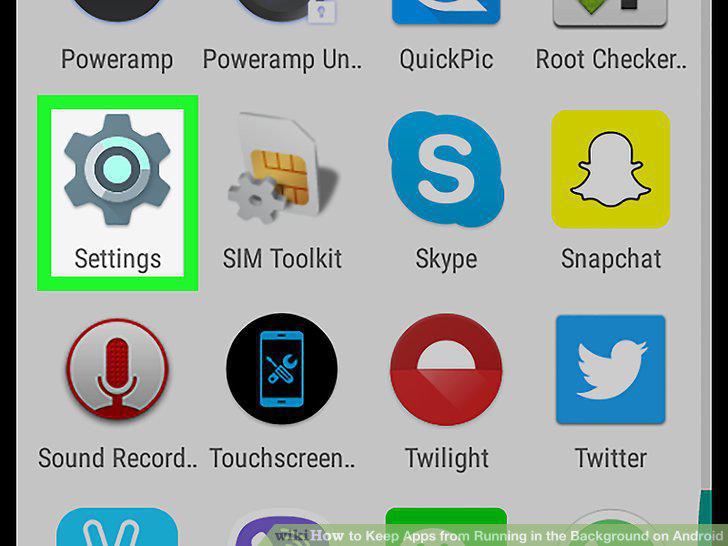
Open the Settings app.
2
Scroll down and tap Apps on the Settings menu.
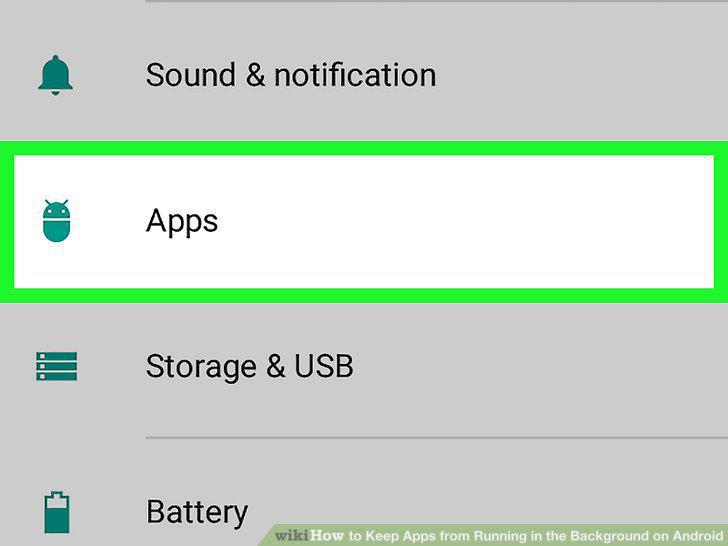
Scroll down and tap Apps on the Settings menu.
3
Find and tap the app you want to stop.
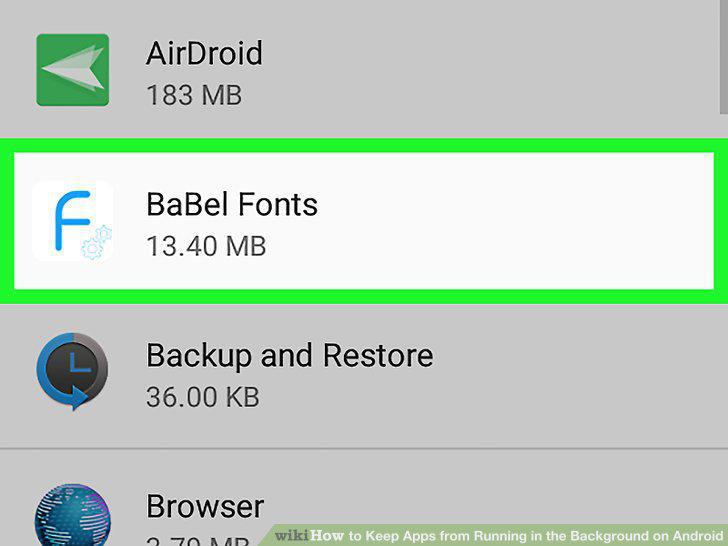
Find and tap the app you want to stop.
4
Tap the Force stop button.
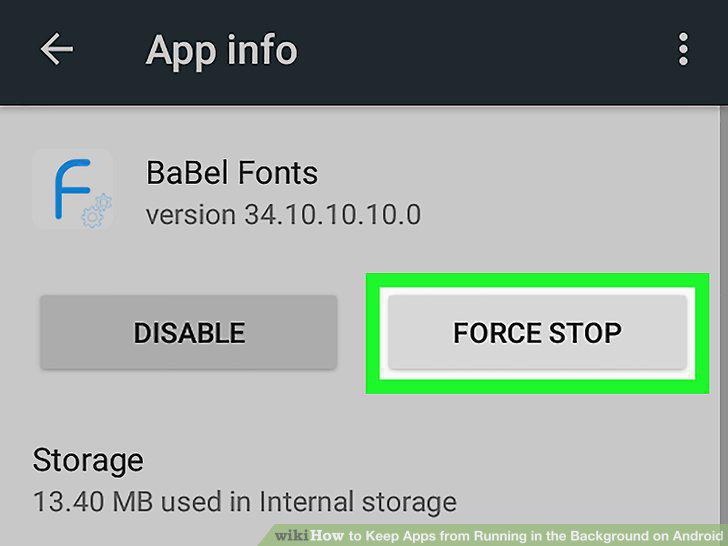
Tap the Force stop button.
5
Tap Force stop or OK in the confirmation pop-up.
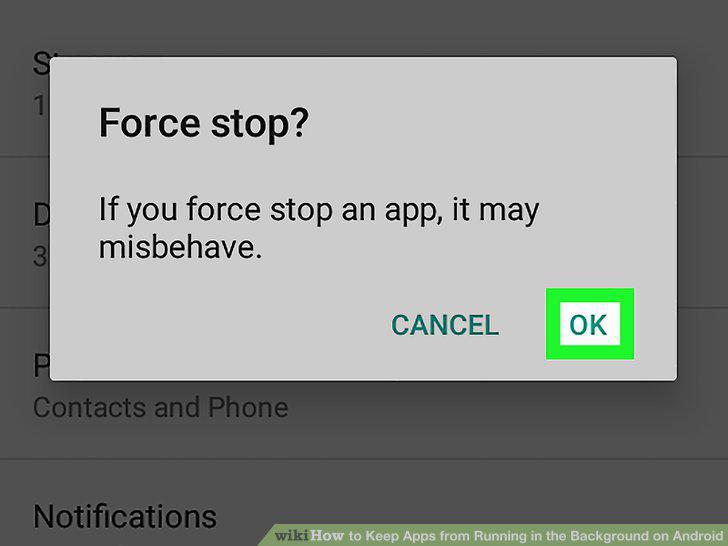
Tap Force stop or OK in the confirmation pop-up.
Comments (0)
No comments yet. Be the first to share your thoughts!