How to Retweet
Open Twitter on your Android, iPhone, or iPad.. Scroll to the tweet you want to share with your followers.. Tap the two squared arrows below the tweet.
Steps
1
Open Twitter on your Android, iPhone, or iPad.
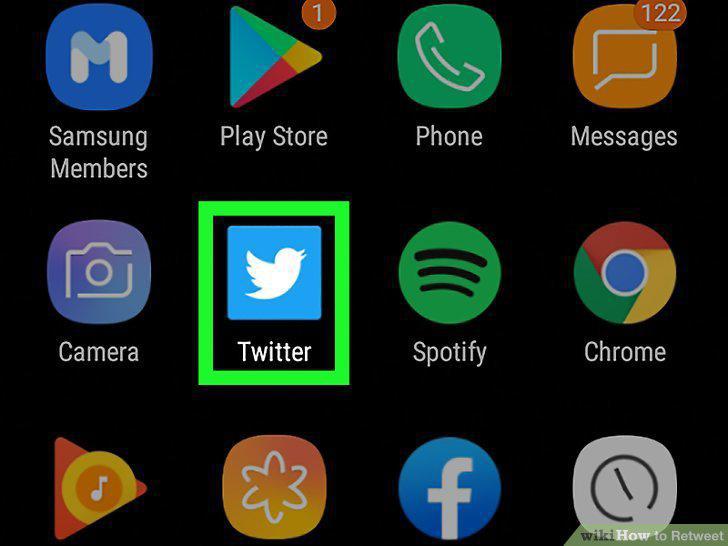
Open Twitter on your Android, iPhone, or iPad.
2
Scroll to the tweet you want to share with your followers.

Scroll to the tweet you want to share with your followers.
3
Tap the two squared arrows below the tweet.

Tap the two squared arrows below the tweet.
4
Tap a retweet option.
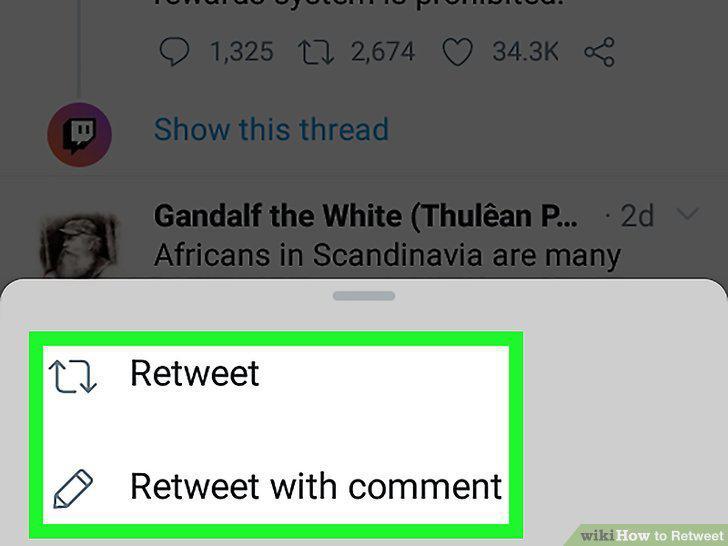
Tap a retweet option.
5
Go to https://www.twitter.com.
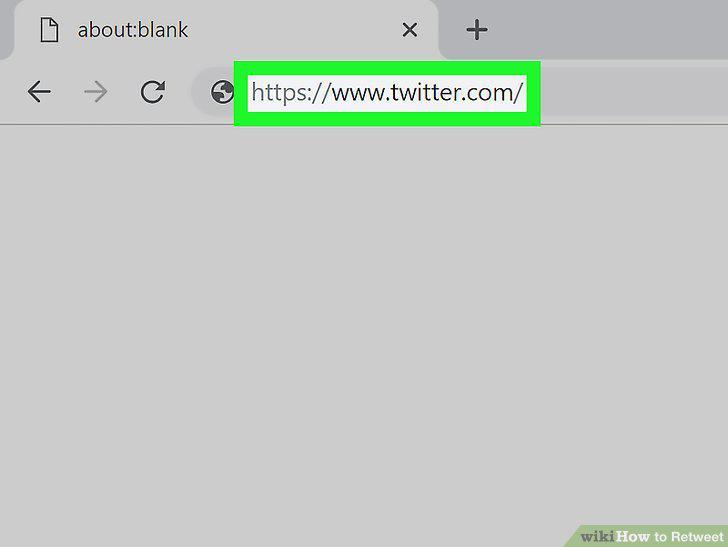
Go to https://www.twitter.com.
6
Locate the tweet you want to retweet.

Locate the tweet you want to retweet.
7
Click two squared arrows below the tweet.

Click two squared arrows below the tweet.
8
Select a retweet option.

Select a retweet option.
Comments (0)
No comments yet. Be the first to share your thoughts!