How to Use Apple Pay on a Mac
Open the Settings app on your iPhone.. Select "Wallet & Apple Pay.". Tap "Add a Credit or Debit Card."
Steps
1
Open the Settings app on your iPhone.

Open the Settings app on your iPhone.
2
Select "Wallet & Apple Pay."
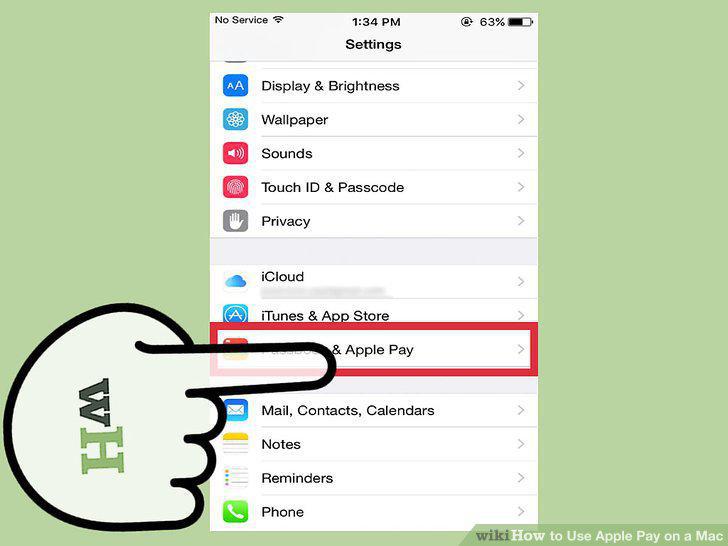
Select "Wallet & Apple Pay."
3
Tap "Add a Credit or Debit Card."
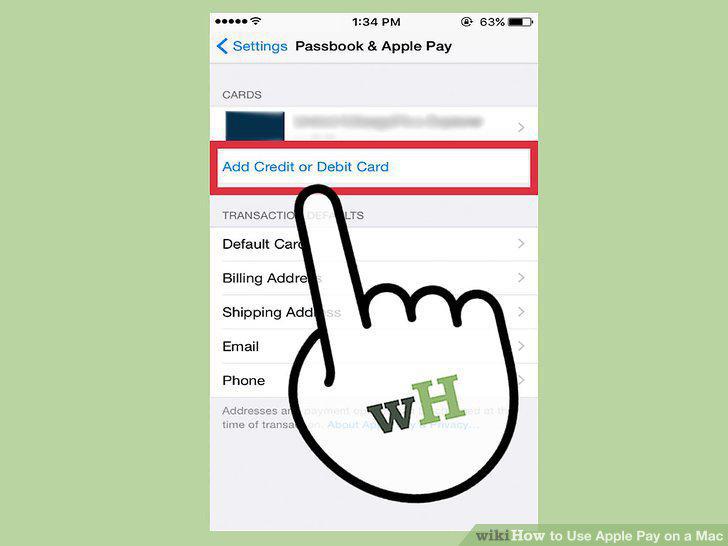
Tap "Add a Credit or Debit Card."
4
Scan your card.
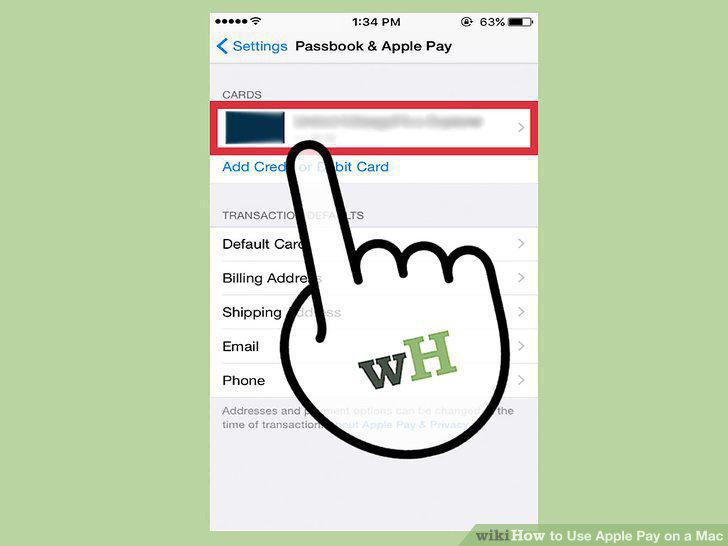
Scan your card.
5
Verify your card.
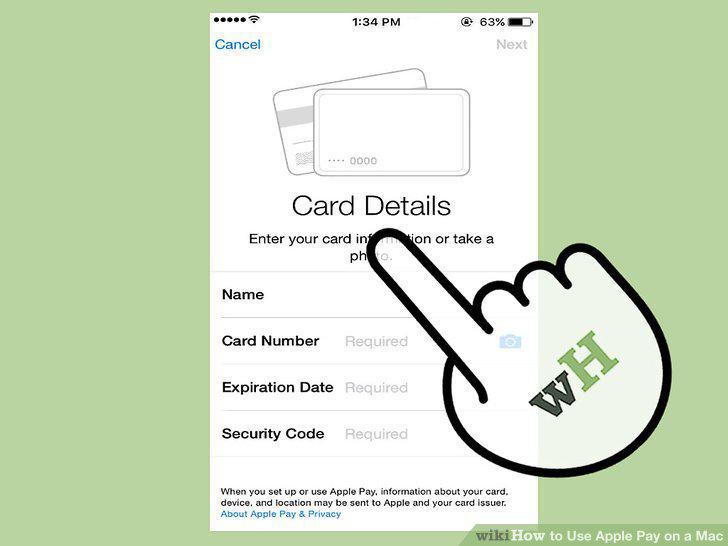
Verify your card.
6
Open Safari.
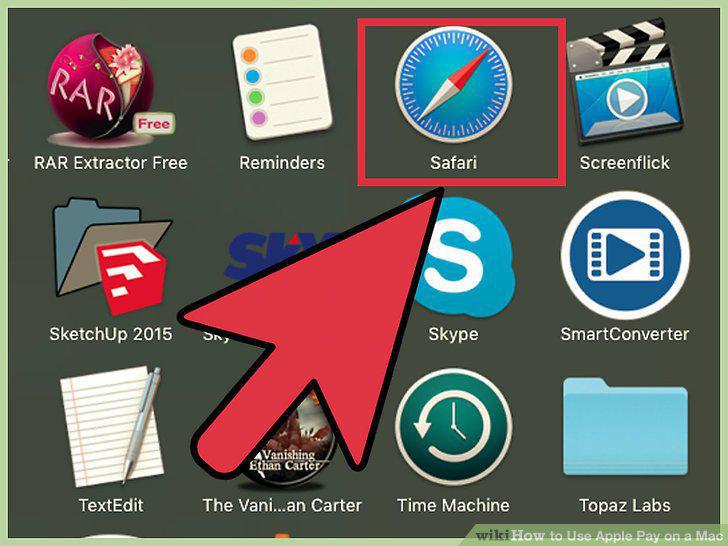
Open Safari.
7
Keep your Apple Pay device close by.

Keep your Apple Pay device close by.
8
Load a website that supports Apple Pay.
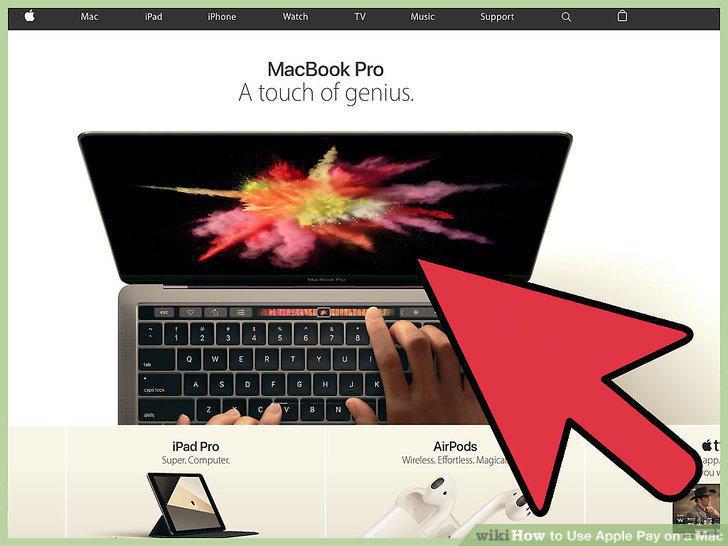
Load a website that supports Apple Pay.
9
Order an item and go through the checkout process.
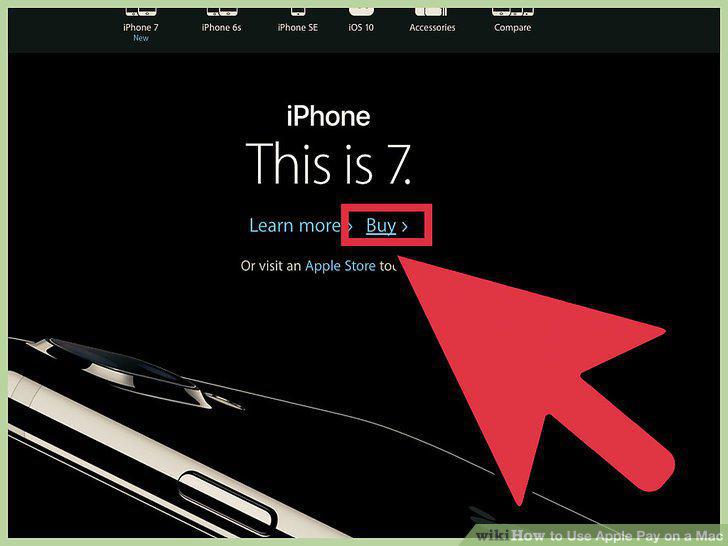
Order an item and go through the checkout process.
10
Click the Apple Pay button when asked to choose a payment method.
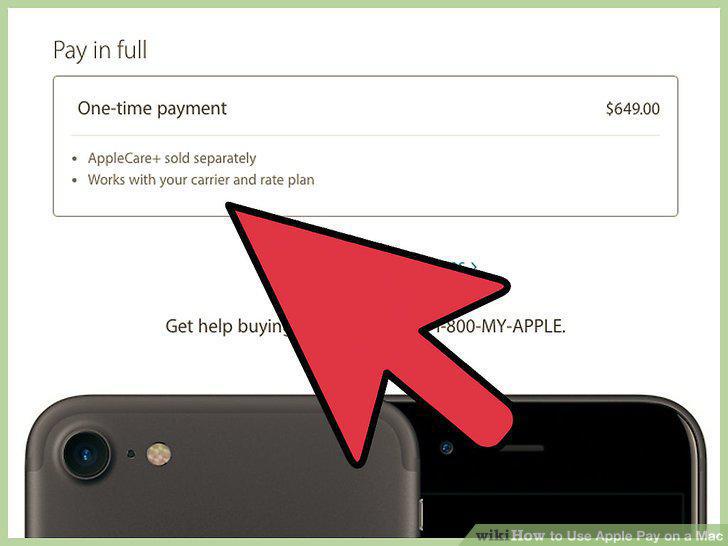
Click the Apple Pay button when asked to choose a payment method.
11
Use Touch ID on your iPhone or double-tap your Apple Watch's button to confirm t
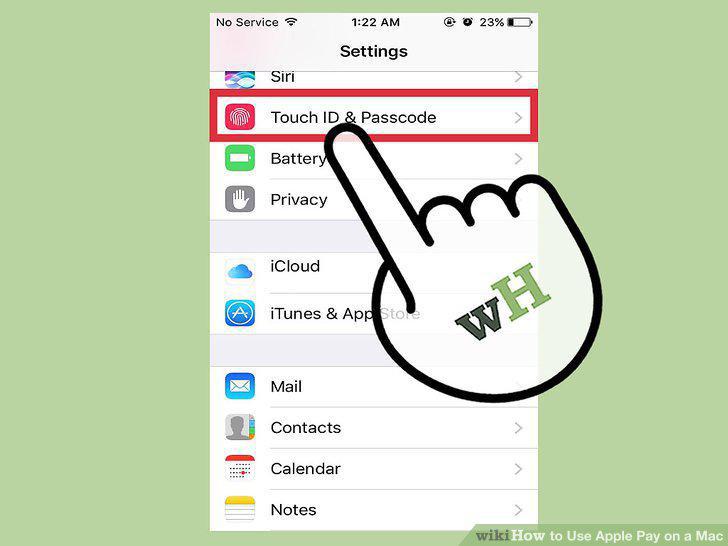
Use Touch ID on your iPhone or double-tap your Apple Watch's button to confirm the payment.
Comments (0)
No comments yet. Be the first to share your thoughts!