How to Get an App ID on Facebook
Open "Facebook for Developers" on your internet browser.. Click the My Apps button.. Scroll down and find your app or website.
Steps
1
Open "Facebook for Developers" on your internet browser.
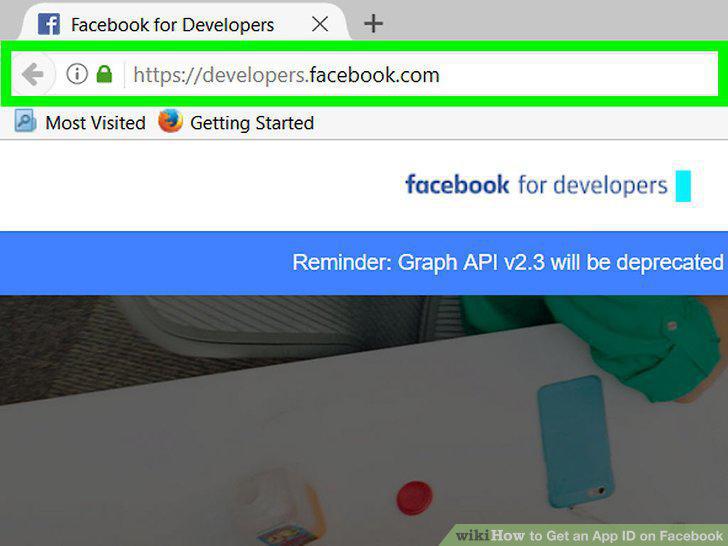
Open "Facebook for Developers" on your internet browser.
2
Click the My Apps button.
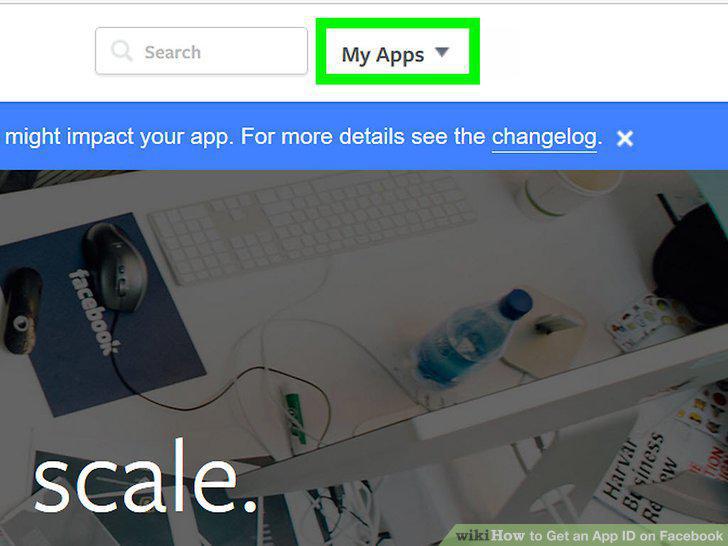
Click the My Apps button.
3
Scroll down and find your app or website.
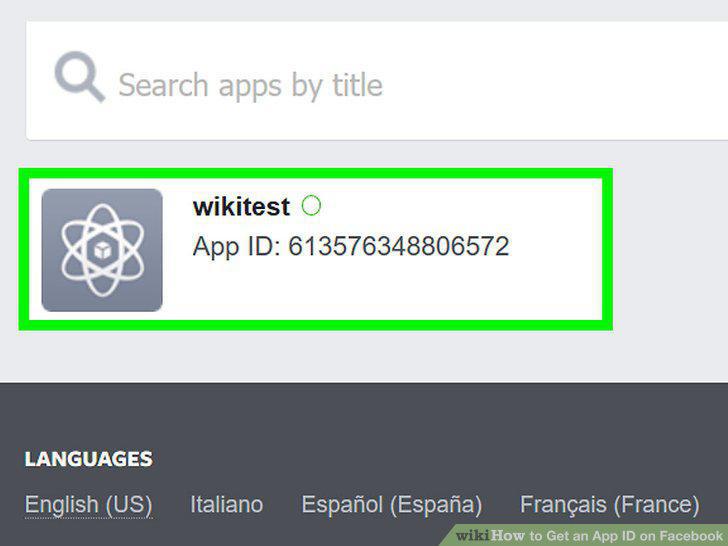
Scroll down and find your app or website.
4
Note down the App ID.
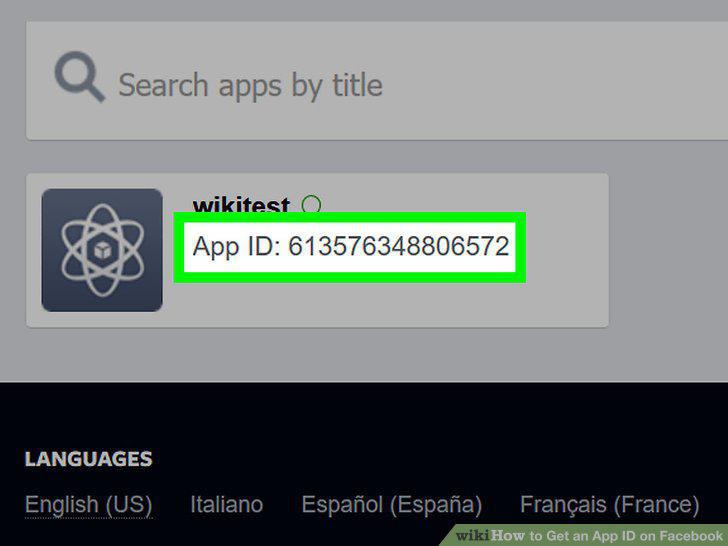
Note down the App ID.
5
Click + Add New App.

Click + Add New App.
6
Enter a Display Name.
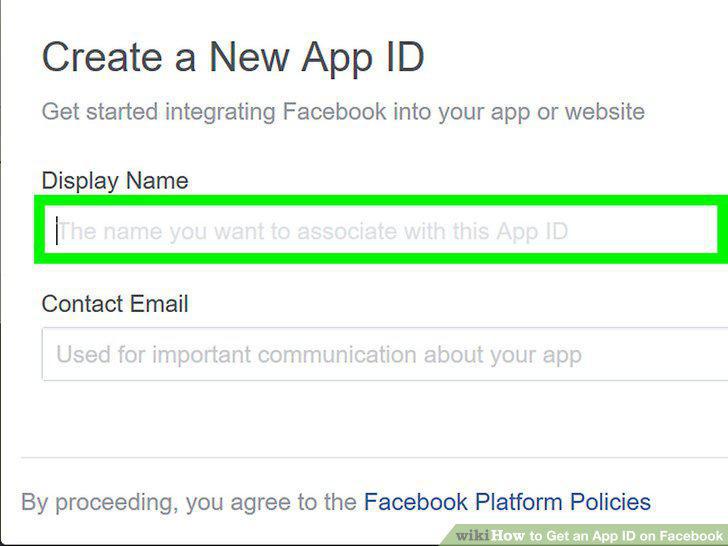
Enter a Display Name.
7
Enter a contact email.
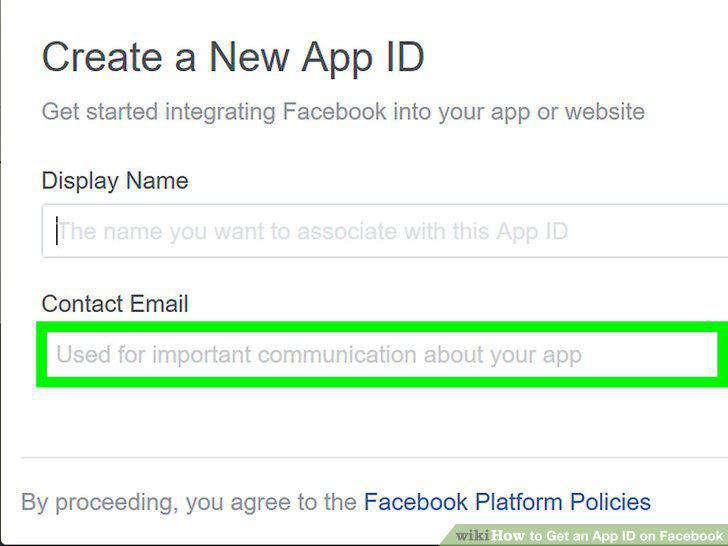
Enter a contact email.
8
Click Create App ID.
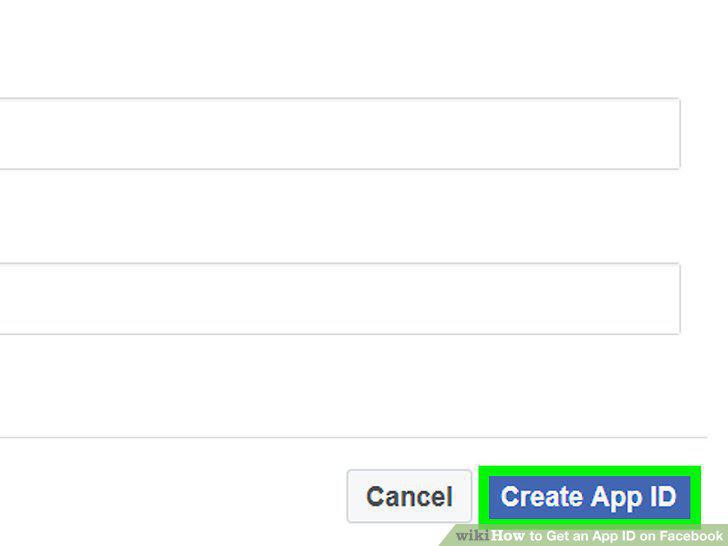
Click Create App ID.
9
Complete the captcha.
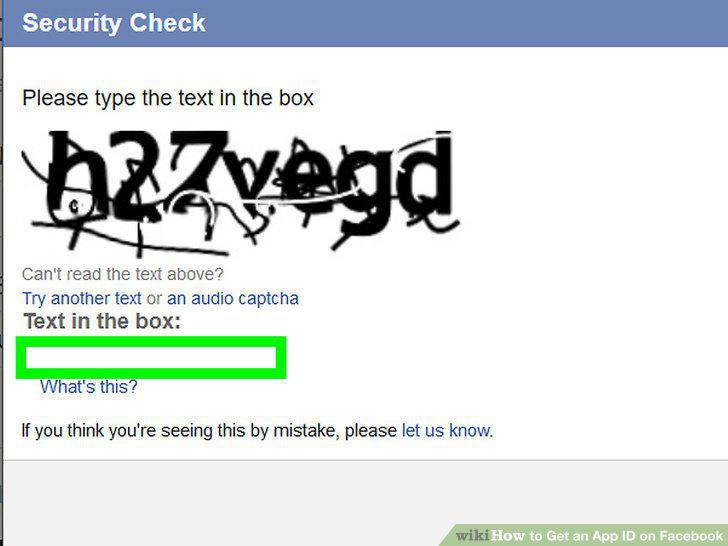
Complete the captcha.
10
Note down your new App ID.
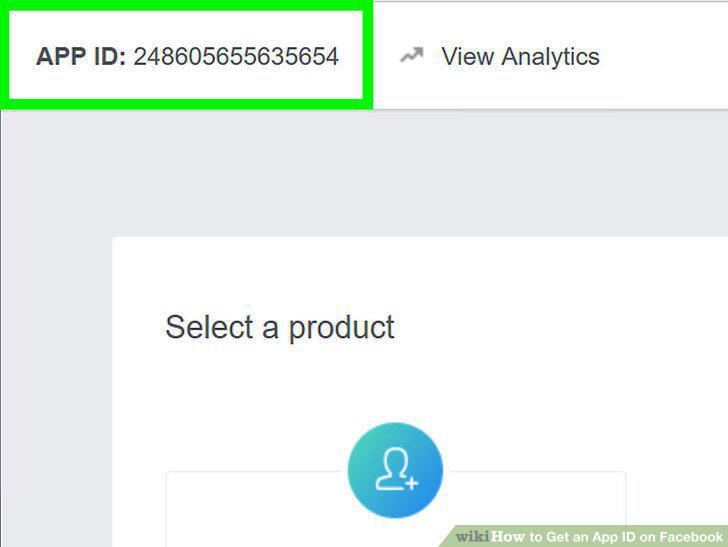
Note down your new App ID.
Comments (0)
No comments yet. Be the first to share your thoughts!