How to Create a Poll on Slack on Android
Open your Android's mobile internet browser.. Go to the Simple Poll website.. Tap the Add to Slack button.
Steps
1
Open your Android's mobile internet browser.
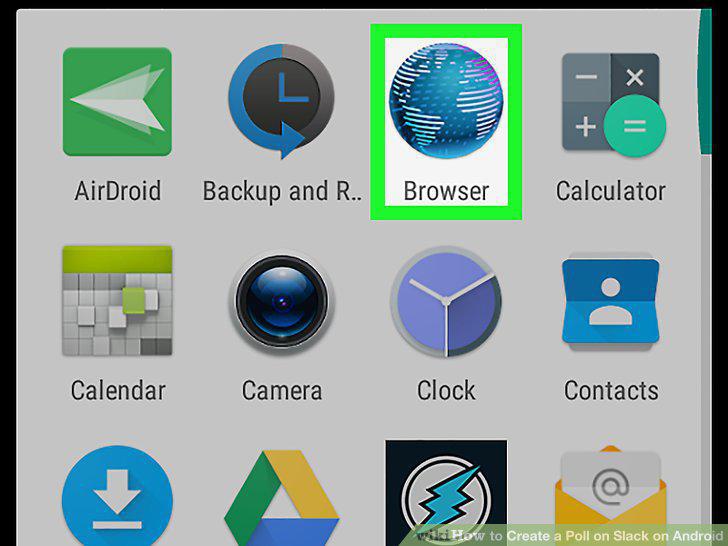
Open your Android's mobile internet browser.
2
Go to the Simple Poll website.
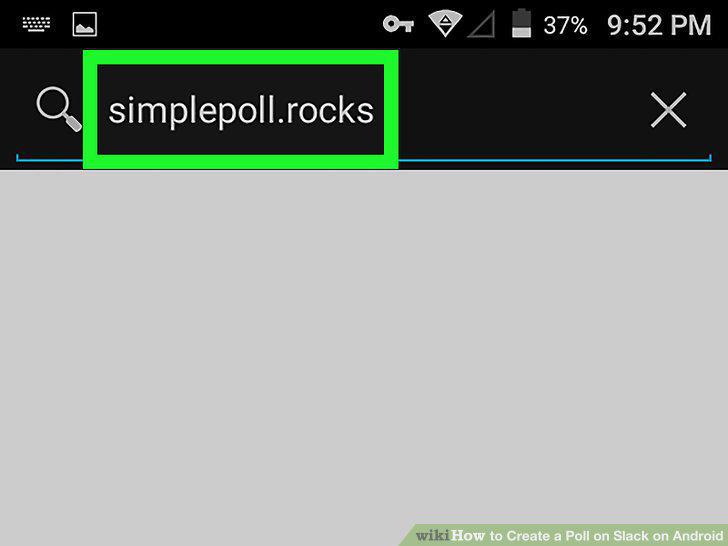
Go to the Simple Poll website.
3
Tap the Add to Slack button.

Tap the Add to Slack button.
4
Sign in to your Slack workspace.
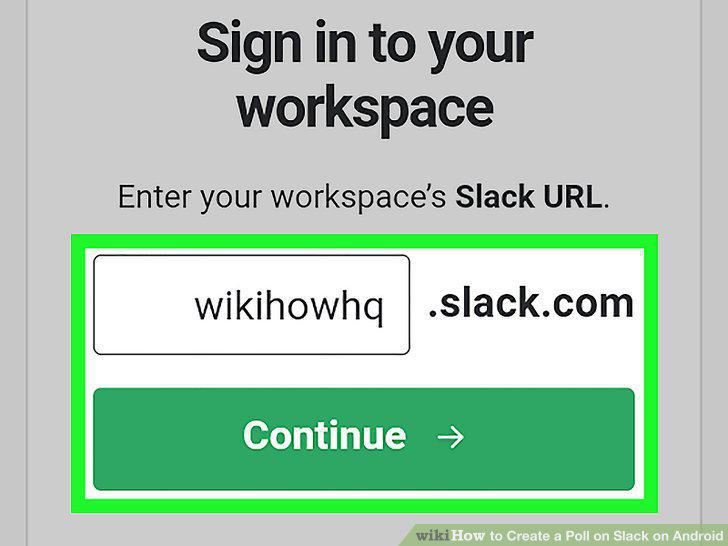
Sign in to your Slack workspace.
5
Tap the Authorize button.
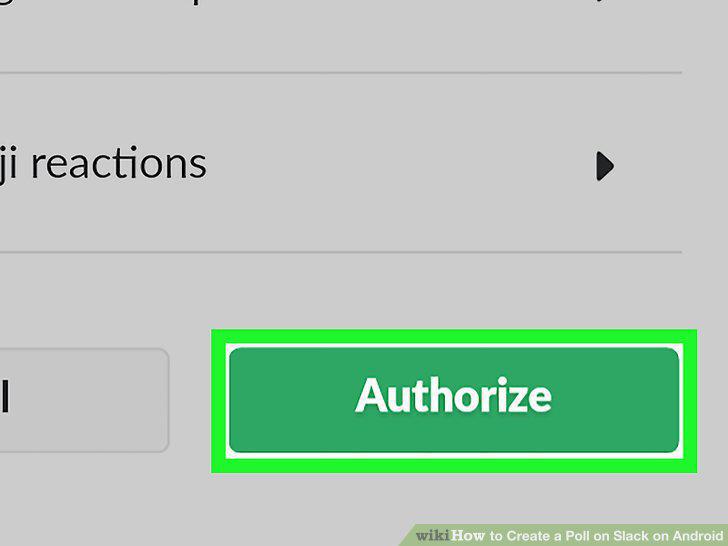
Tap the Authorize button.
6
Open the Slack app on your Android.
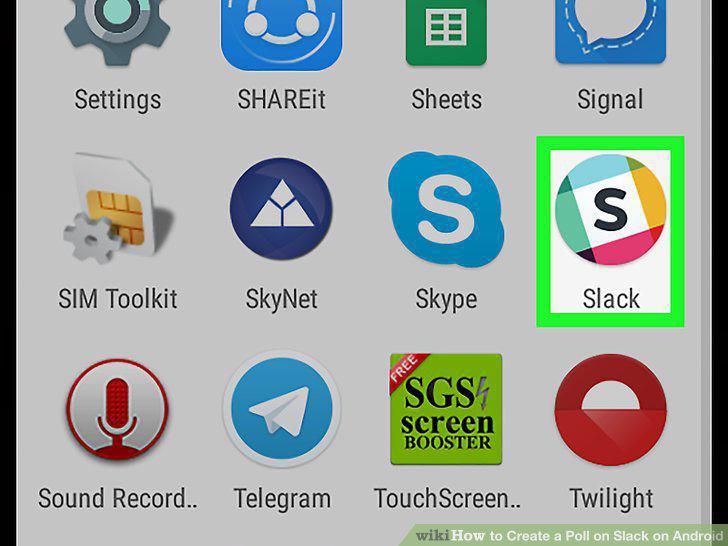
Open the Slack app on your Android.
7
Tap the workspace icon on the top-left.
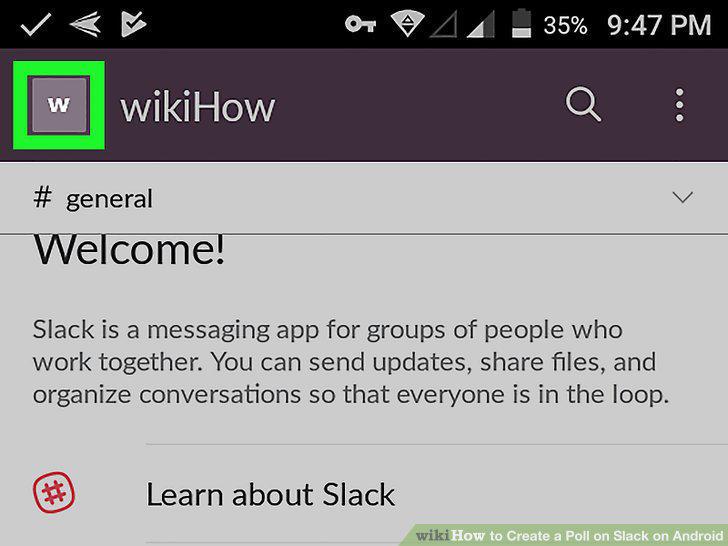
Tap the workspace icon on the top-left.
8
Tap the channel you want to message.
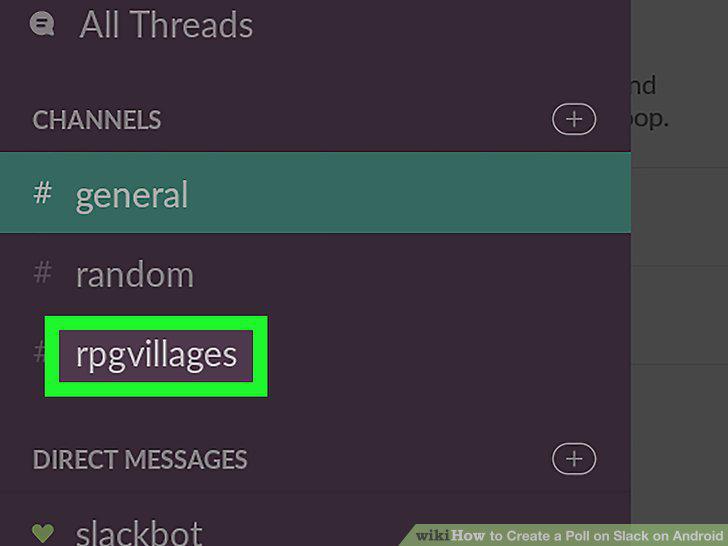
Tap the channel you want to message.
9
Enter /poll "Question" "A" "B" into the message line.
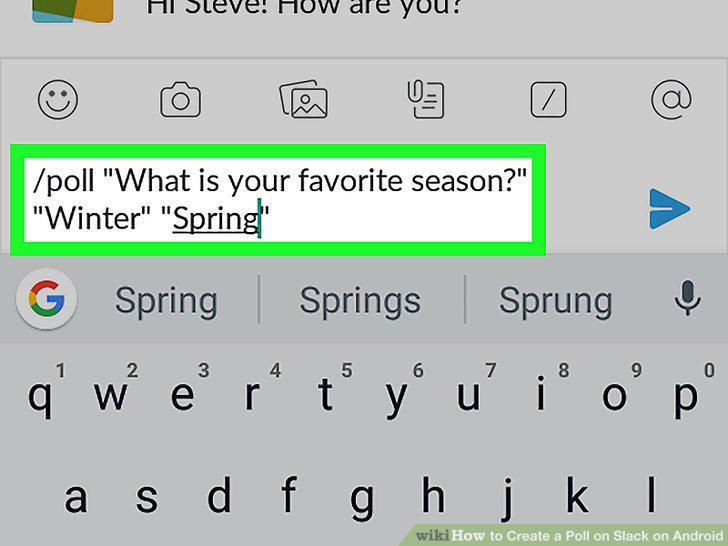
Enter /poll "Question" "A" "B" into the message line.
10
Tap the icon.
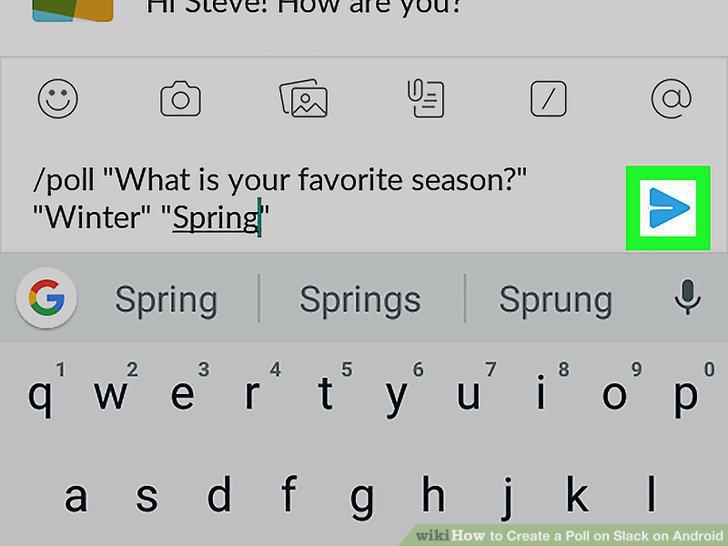
Tap the icon.
Comments (0)
No comments yet. Be the first to share your thoughts!