How to Transfer Your Movies from Your Camera to the Computer
Check the digital camcorder or camera for its ports.. Use a removable disk.. Check your PC's ports and compatibility.
Steps
1
Check the digital camcorder or camera for its ports.
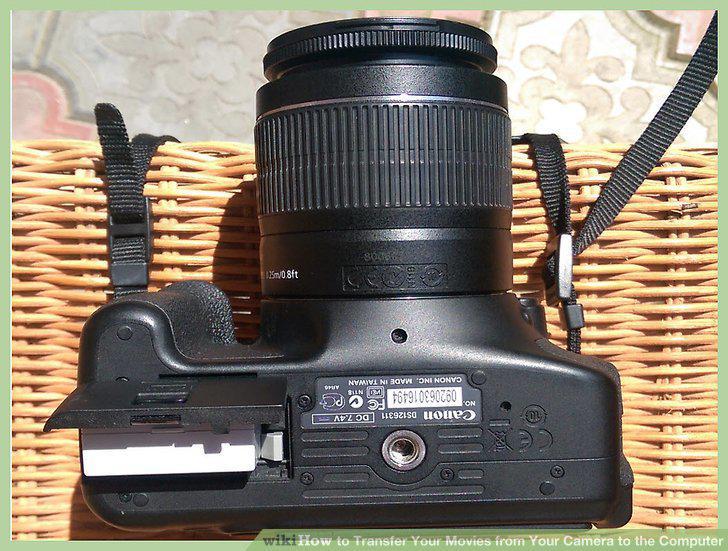
Check the digital camcorder or camera for its ports.
2
Use a removable disk.
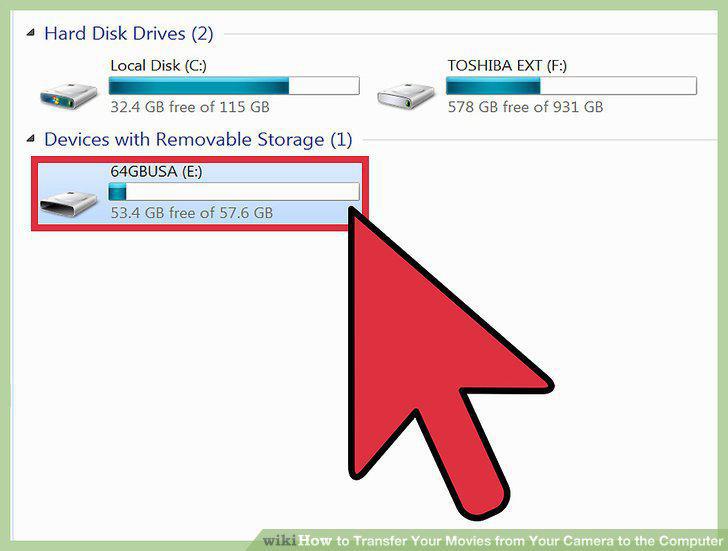
Use a removable disk.
3
Check your PC's ports and compatibility.
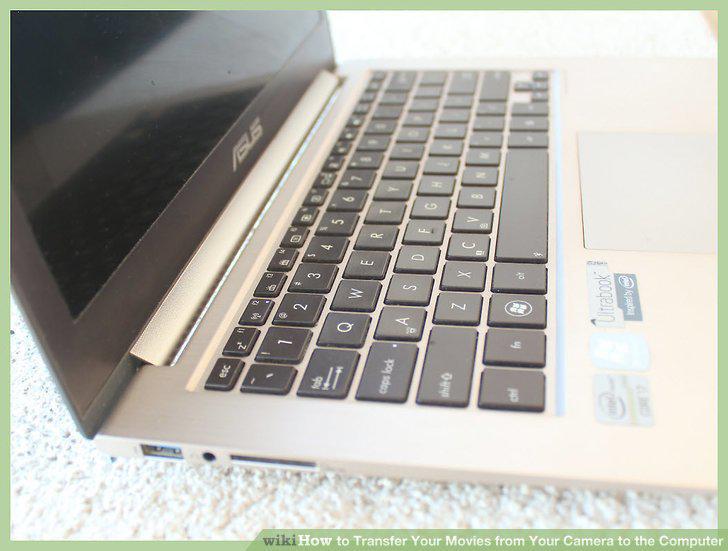
Check your PC's ports and compatibility.
4
Check for ports on a Mac.
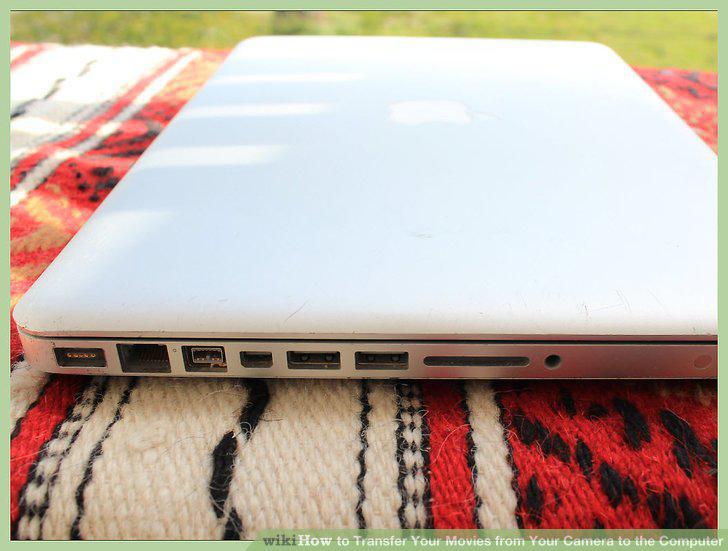
Check for ports on a Mac.
5
Connect the cable.
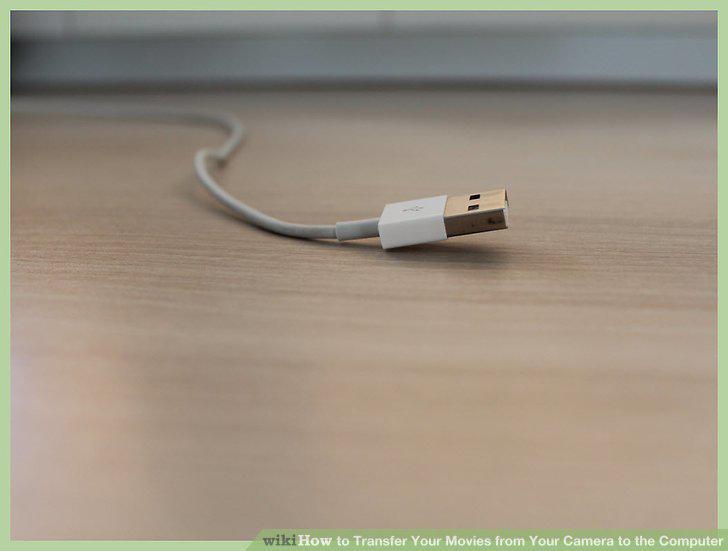
Connect the cable.
6
Plug in the FireWire or USB cable to the PC.
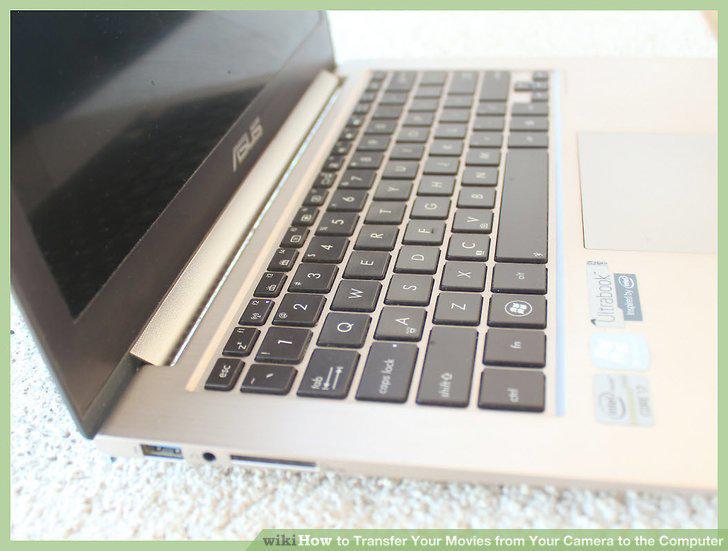
Plug in the FireWire or USB cable to the PC.
7
Connect your camcorder or camera to your MAC.
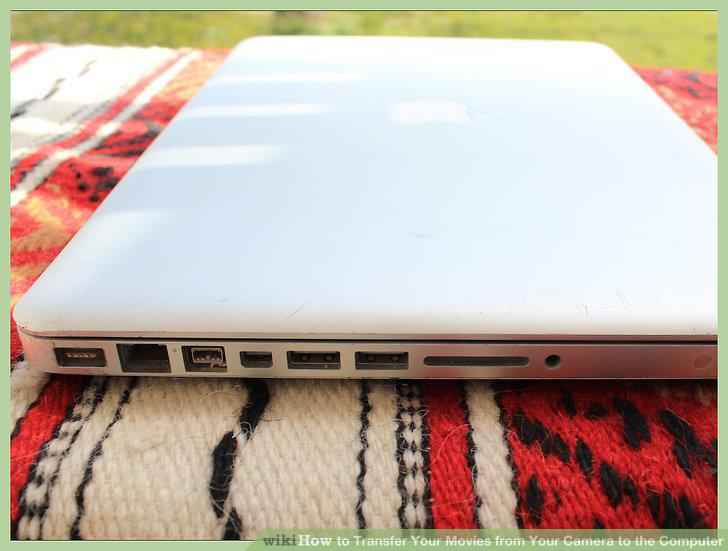
Connect your camcorder or camera to your MAC.
8
Turn the camera on.
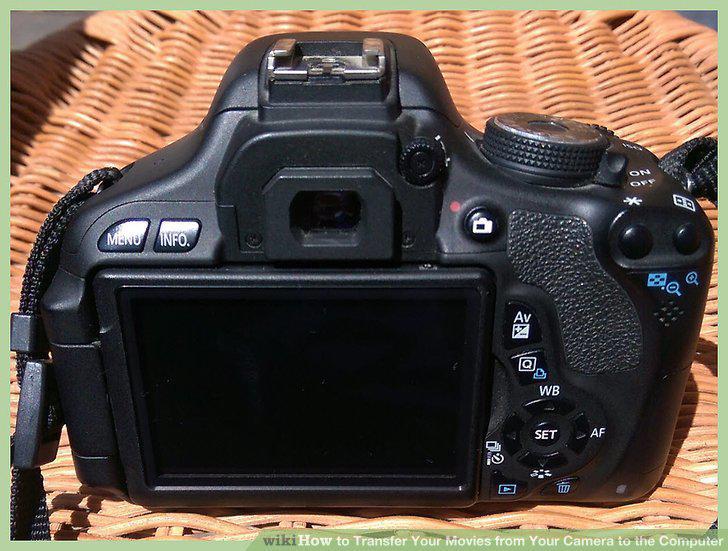
Turn the camera on.
9
Install video editing software if necessary.
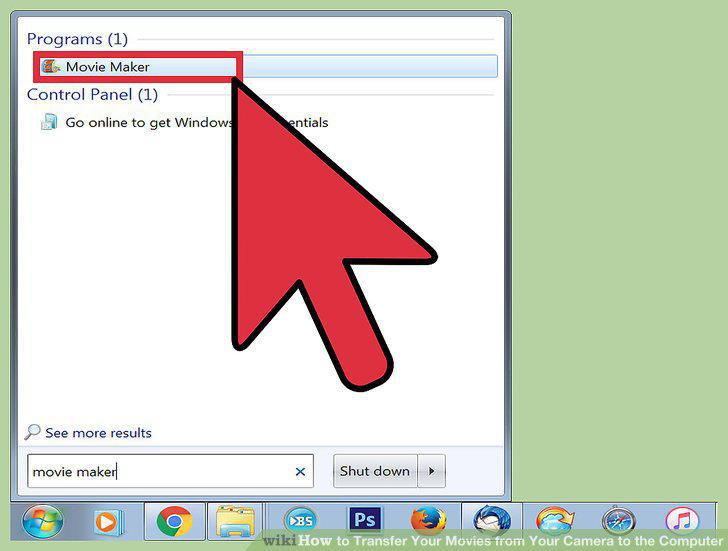
Install video editing software if necessary.
10
Import your video files.
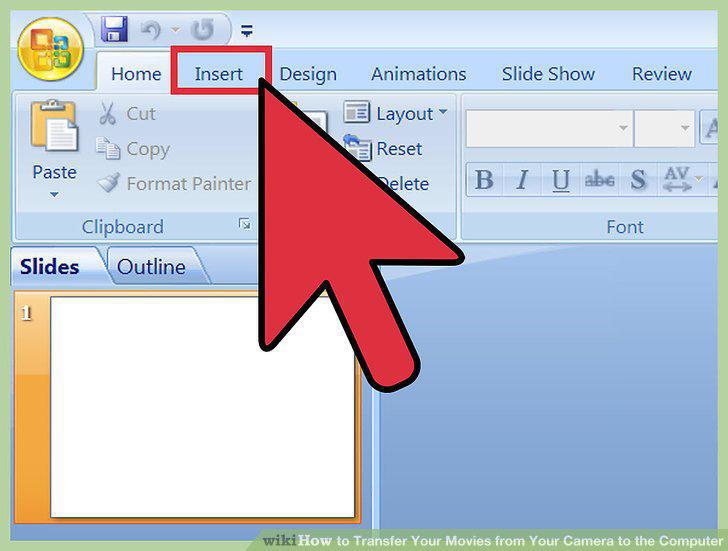
Import your video files.
11
Download Movie Maker.
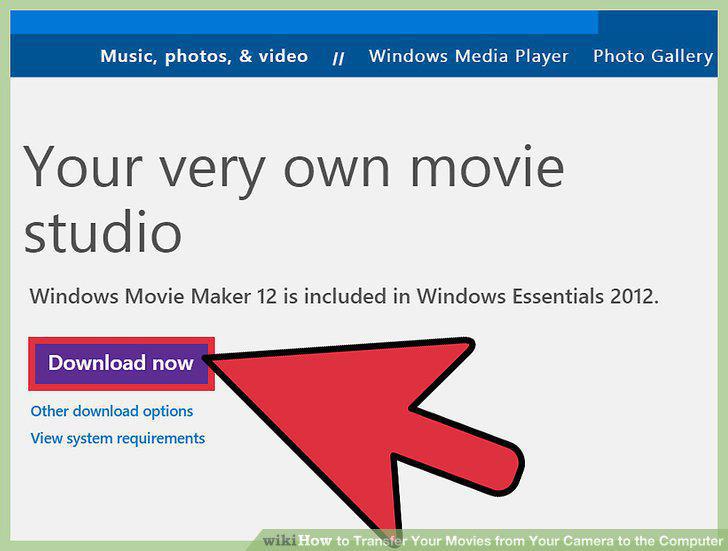
Download Movie Maker.
12
Review organize and select imported videos.
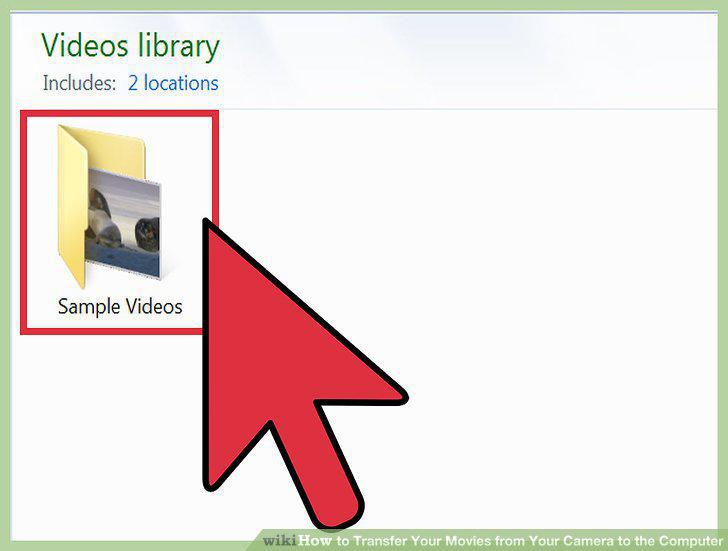
Review organize and select imported videos.
13
Import video from a videotape in a DV camera.
Import video from a videotape in a DV camera.
Comments (0)
No comments yet. Be the first to share your thoughts!