How to Create Columns in WordPress
Install the Column Shortcodes plugin to your WordPress installation.. Create a new WordPress post.. Click the Column Shortcodes icon.
Steps
1
Install the Column Shortcodes plugin to your WordPress installation.
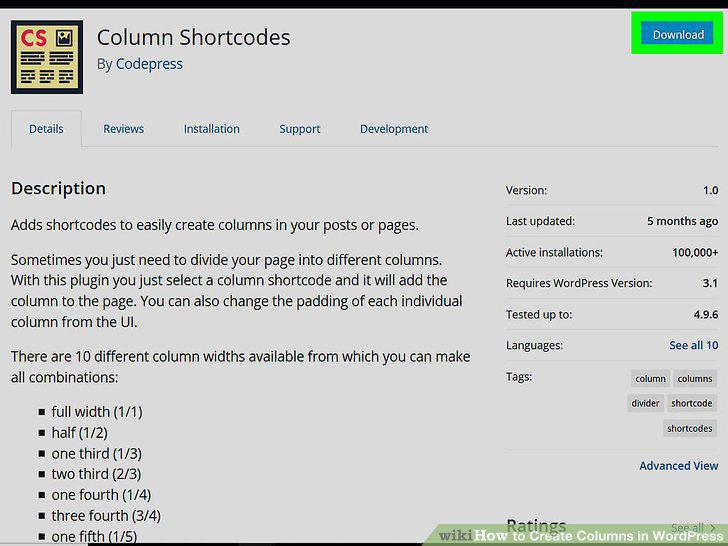
Install the Column Shortcodes plugin to your WordPress installation.
2
Create a new WordPress post.
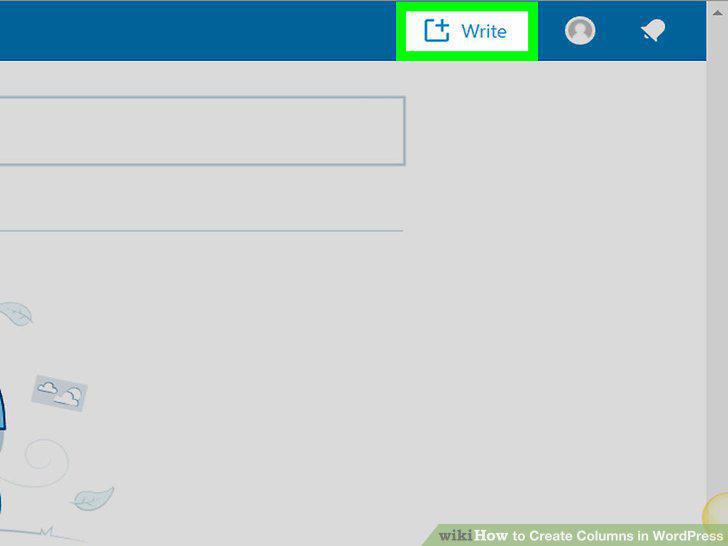
Create a new WordPress post.
3
Click the Column Shortcodes icon.
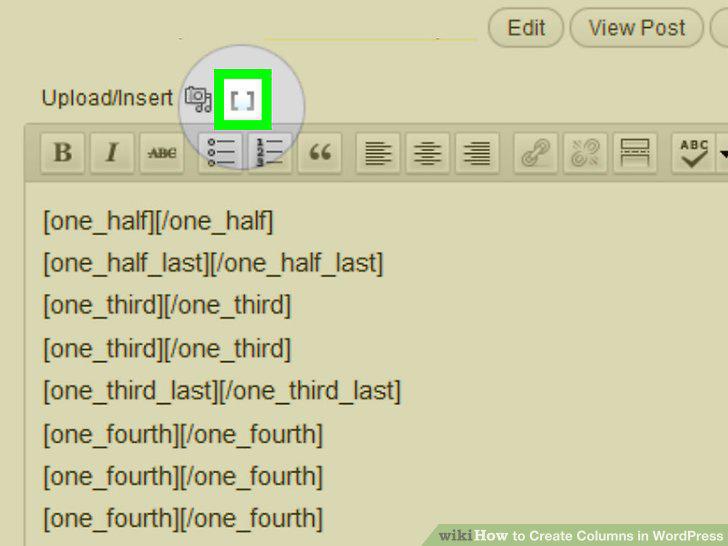
Click the Column Shortcodes icon.
4
Insert your column padding values (in pixels).
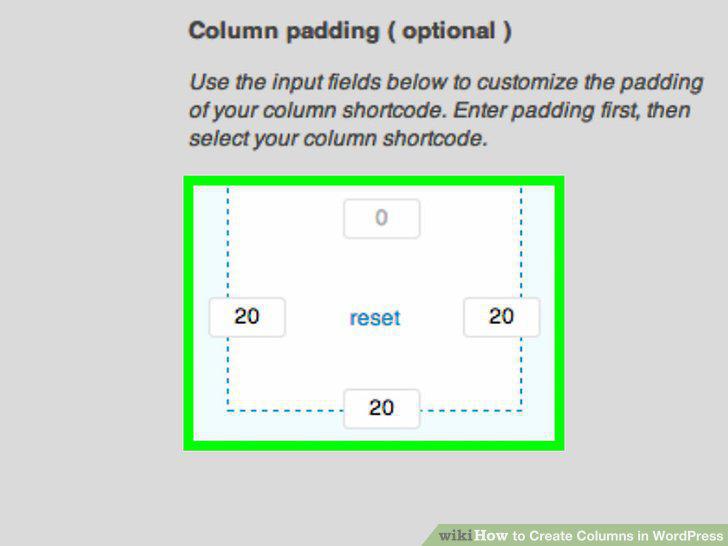
Insert your column padding values (in pixels).
5
Click the column shortcode you want to use.
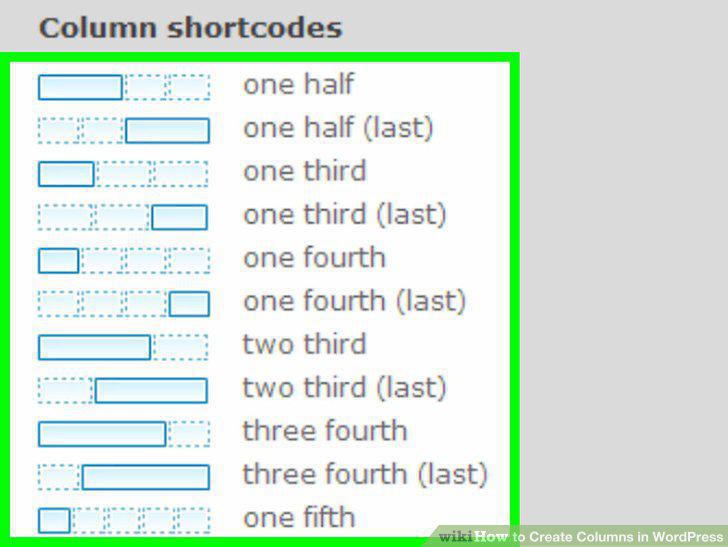
Click the column shortcode you want to use.
6
Add your content to the appropriate columns.
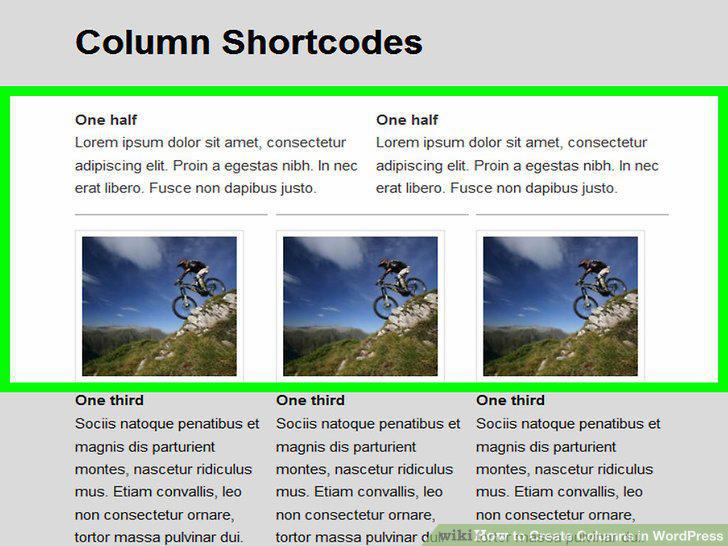
Add your content to the appropriate columns.
Comments (0)
No comments yet. Be the first to share your thoughts!