How to Adjust the Shadows of a Photo Using the iPhone Photos App
Open the Photos app on your iPhone.. Tap on the photo you want to edit for Shadows.. Tap the Edit button.
Steps
1
Open the Photos app on your iPhone.
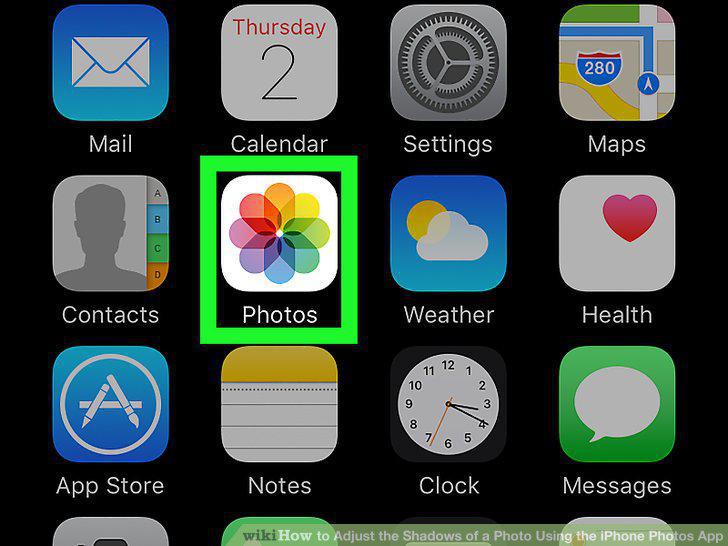
Open the Photos app on your iPhone.
2
Tap on the photo you want to edit for Shadows.
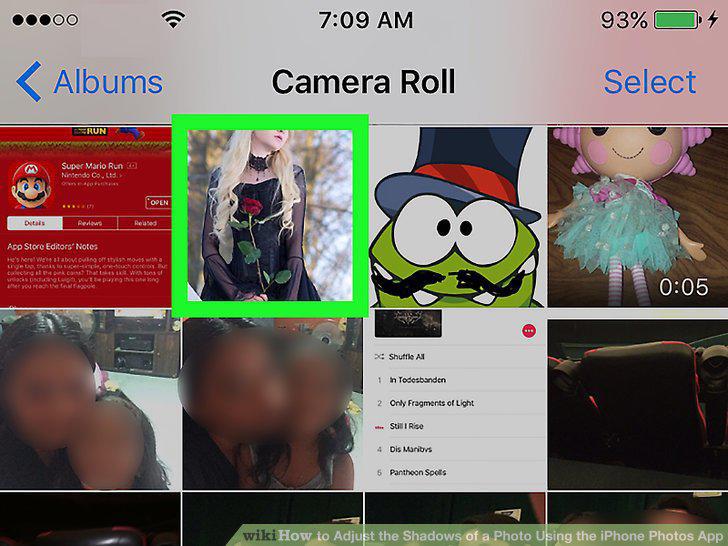
Tap on the photo you want to edit for Shadows.
3
Tap the Edit button.

Tap the Edit button.
4
Tap the dial button.
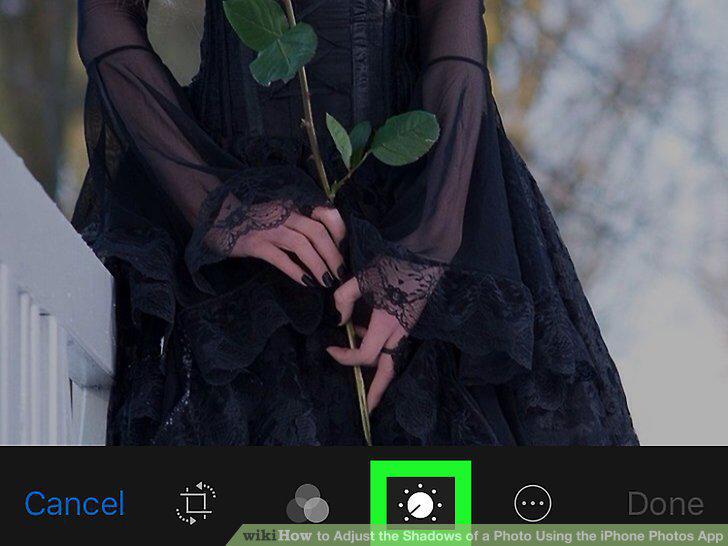
Tap the dial button.
5
Tap the downward-facing arrow next to Light.
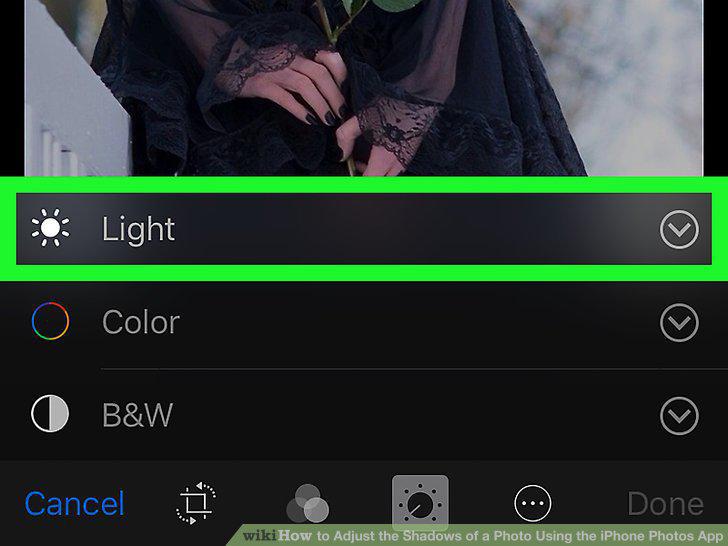
Tap the downward-facing arrow next to Light.
6
Select Shadows.
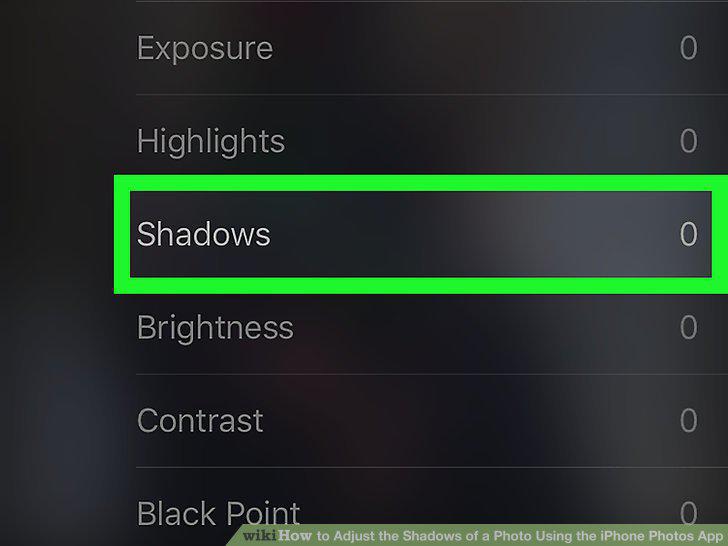
Select Shadows.
7
Swipe left on the image to increase the Shadows level.
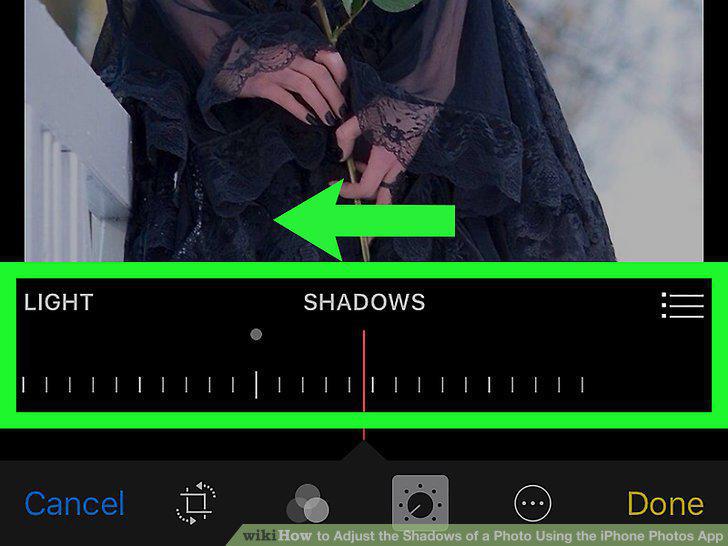
Swipe left on the image to increase the Shadows level.
8
Swipe right on the image to decrease the Shadows level.
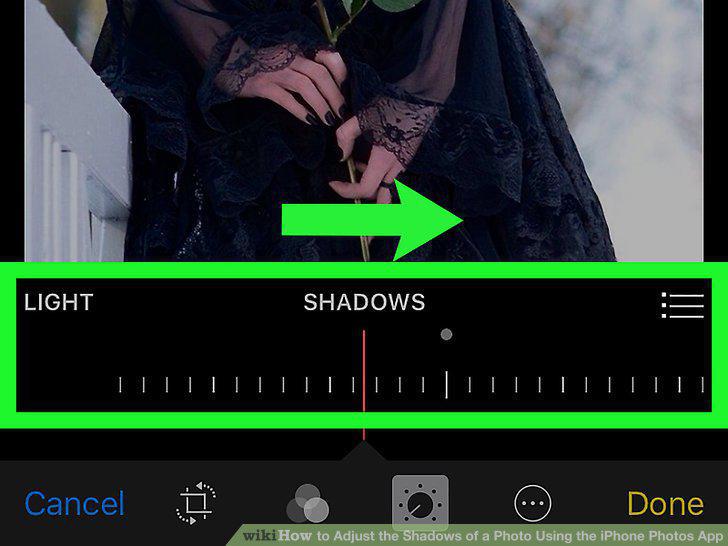
Swipe right on the image to decrease the Shadows level.
9
Tap Done.
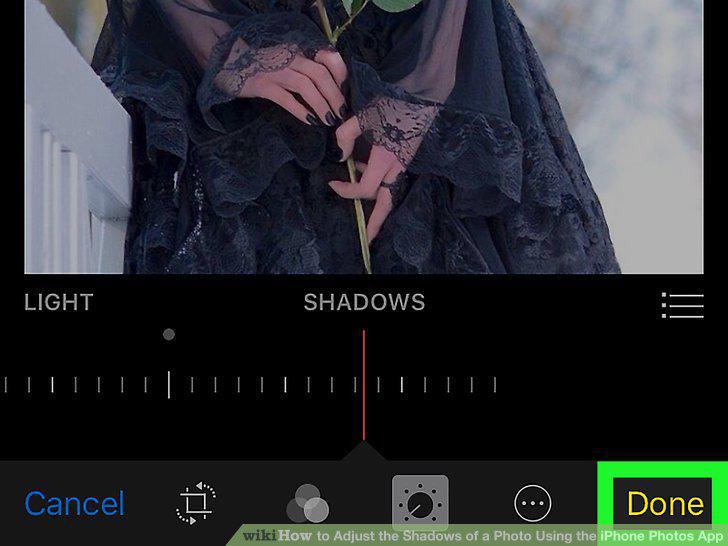
Tap Done.
Comments (0)
No comments yet. Be the first to share your thoughts!