How to Play TS Files on PC or Mac
Navigate to https://www.videolan.org/vlc/download-windows.html in a web browser.. Click Download VLC.. Double-click the installer file.
Steps
1
Navigate to https://www.videolan.org/vlc/download-windows.html in a web browser.
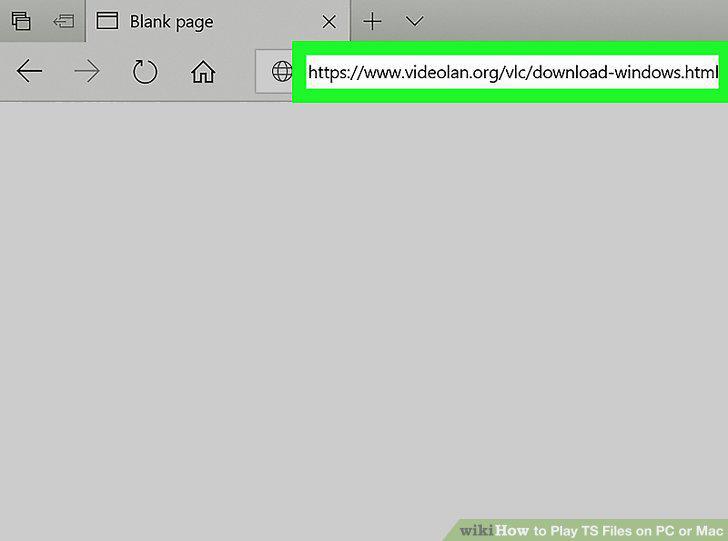
Navigate to https://www.videolan.org/vlc/download-windows.html in a web browser.
2
Click Download VLC.
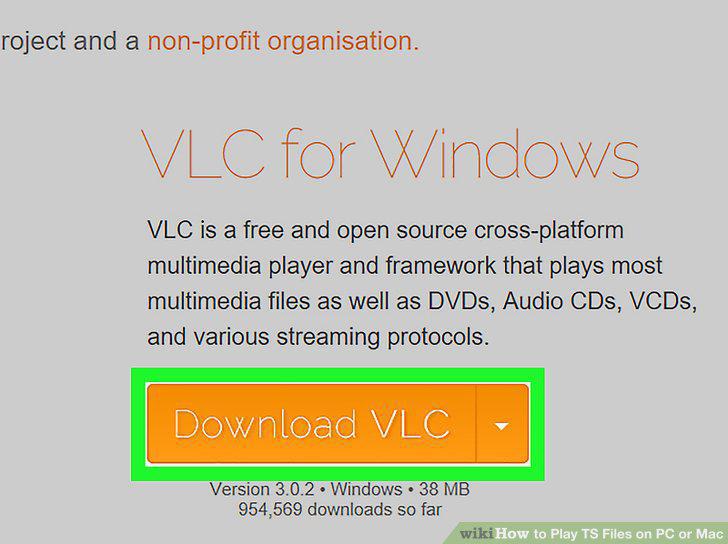
Click Download VLC.
3
Double-click the installer file.
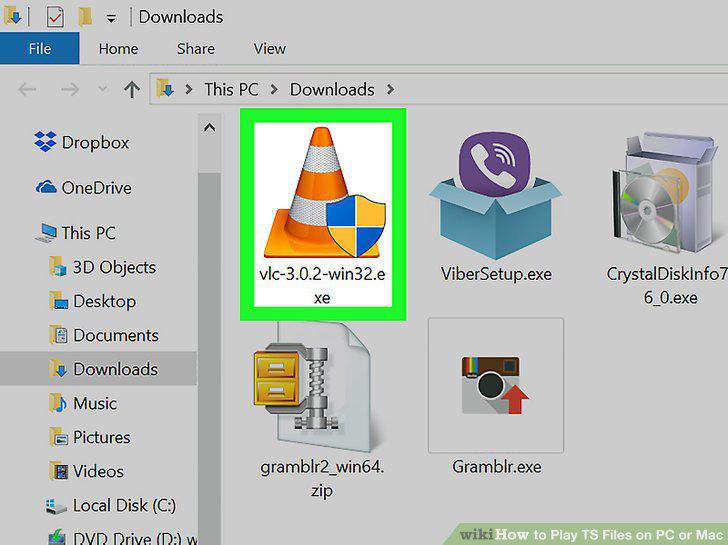
Double-click the installer file.
4
Follow the on-screen instructions to complete the installation.
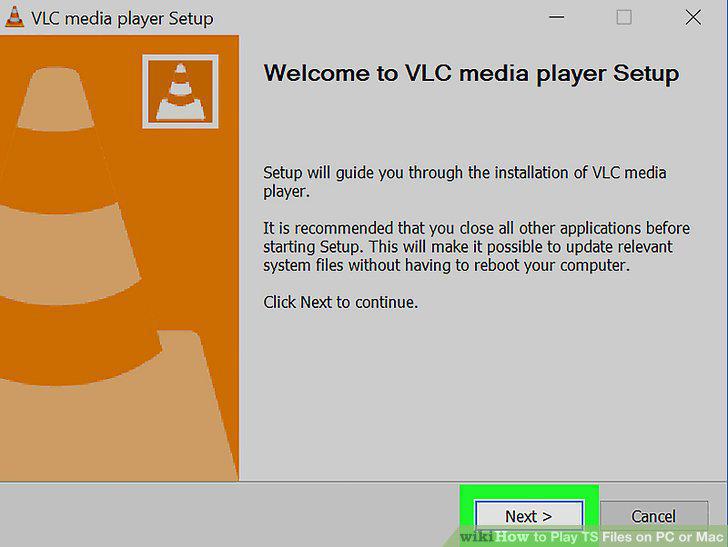
Follow the on-screen instructions to complete the installation.
5
Click Finish.
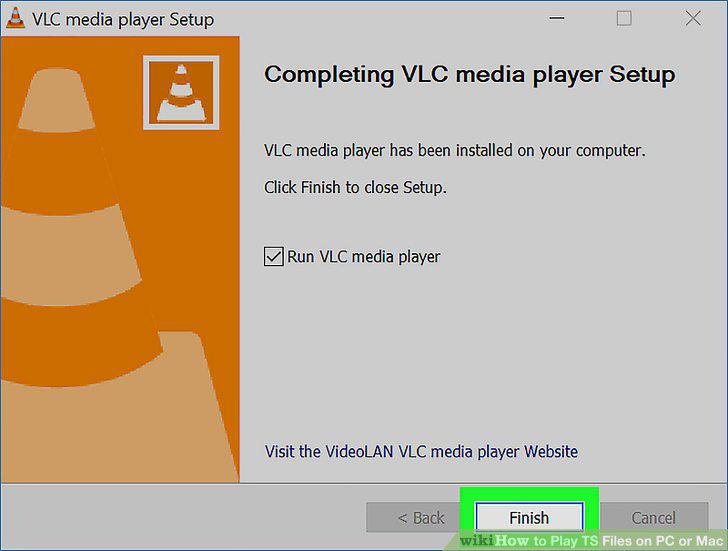
Click Finish.
6
Open VLC Player.
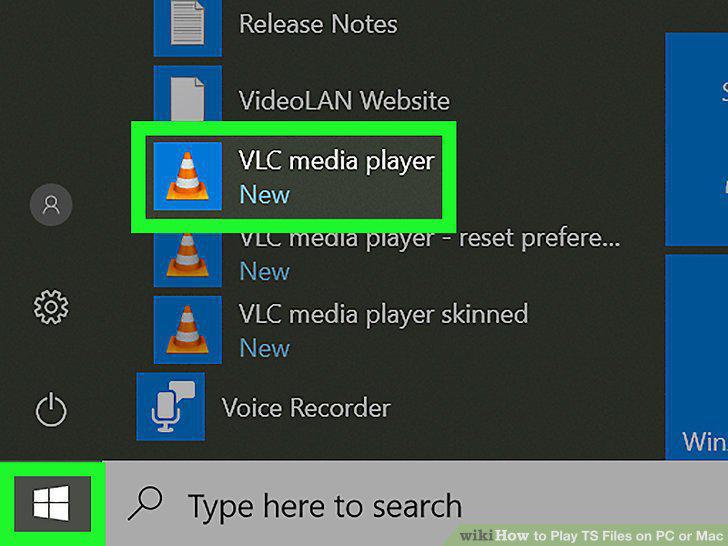
Open VLC Player.
7
Drag the TS file to the player.
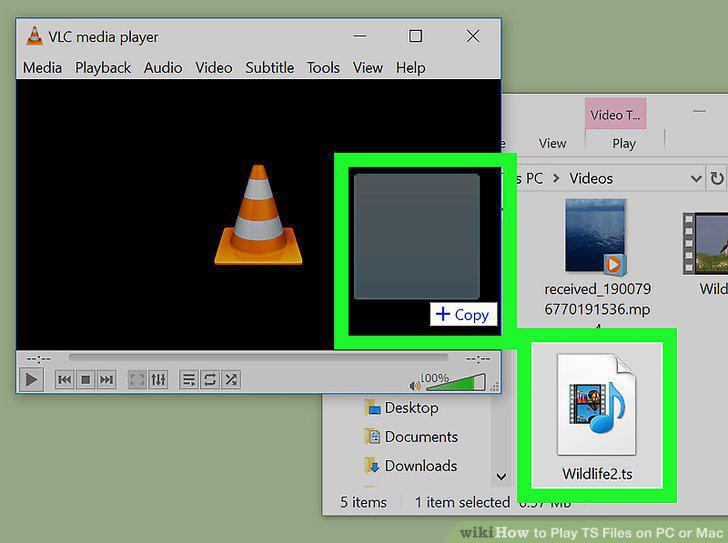
Drag the TS file to the player.
8
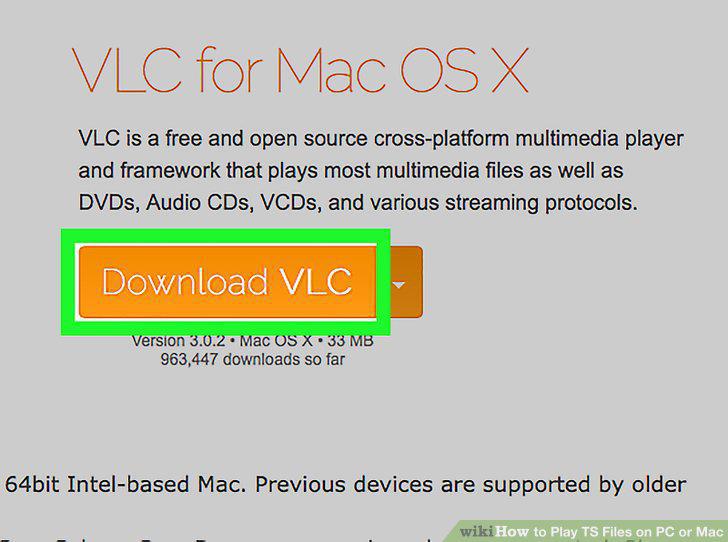
Navigate to http://www.videolan.org/vlc/download-macosx.html in a web browser.
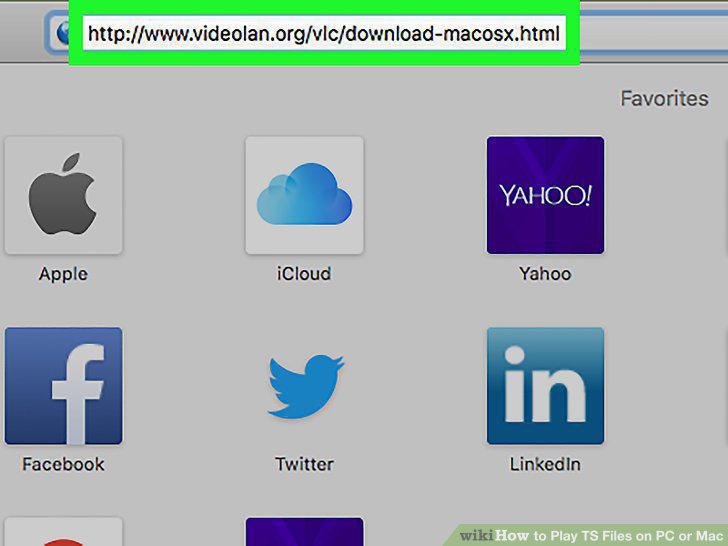
Navigate to http://www.videolan.org/vlc/download-macosx.html in a web browser.
9
Click Download VLC.
Click Download VLC.
10
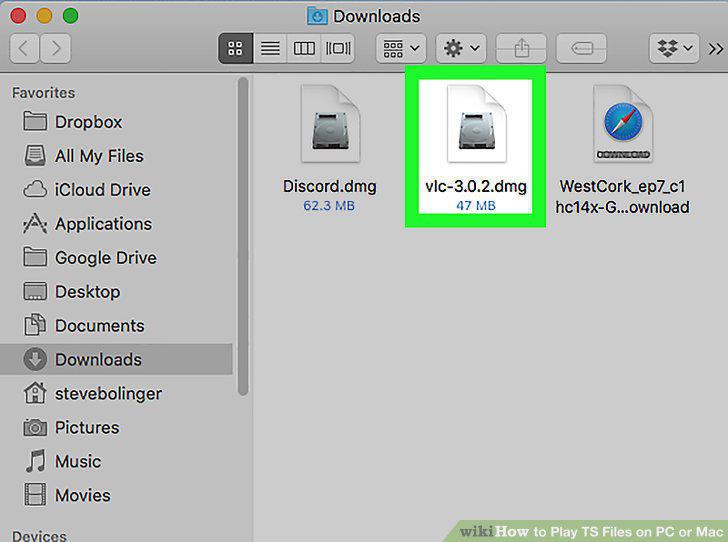
Double-click the file you just downloaded.
Double-click the file you just downloaded.
11
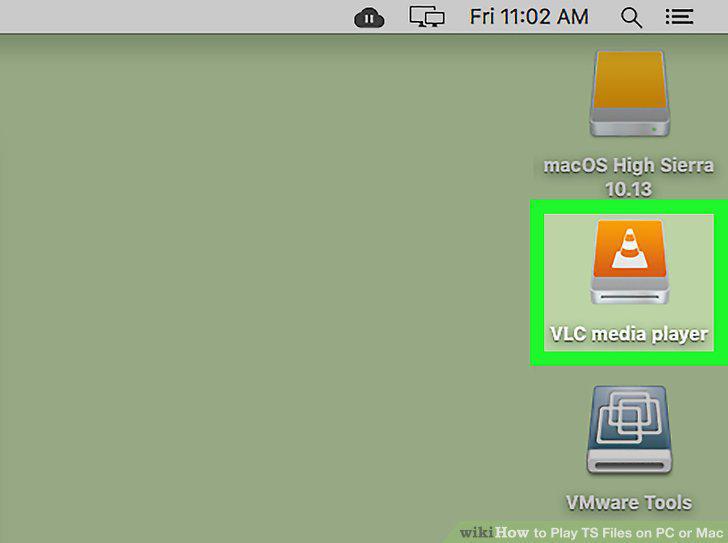
Double-click the new icon next to your drives.
Double-click the new icon next to your drives.
12
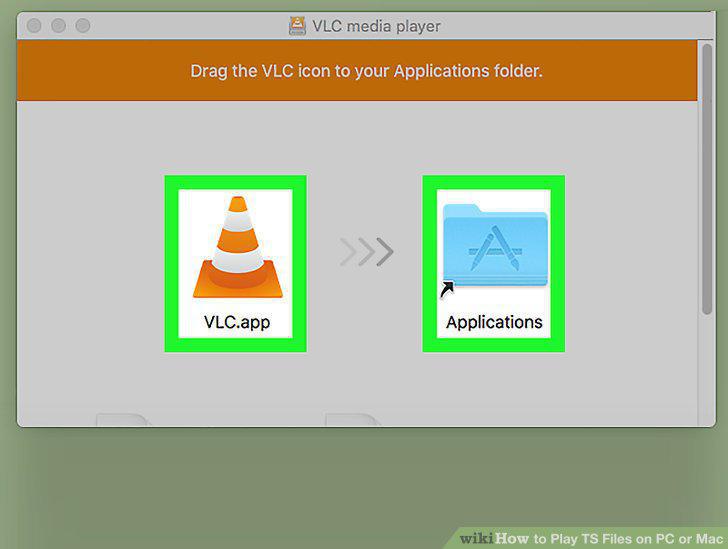
Drag the VLC icon to the Applications folder.
Drag the VLC icon to the Applications folder.
13
Open VLC Player.
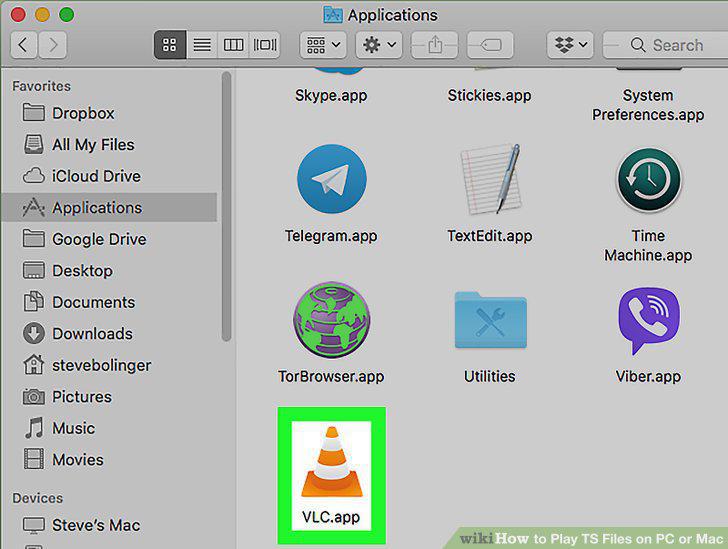
Open VLC Player.
14
Drag the TS file to VLC player.
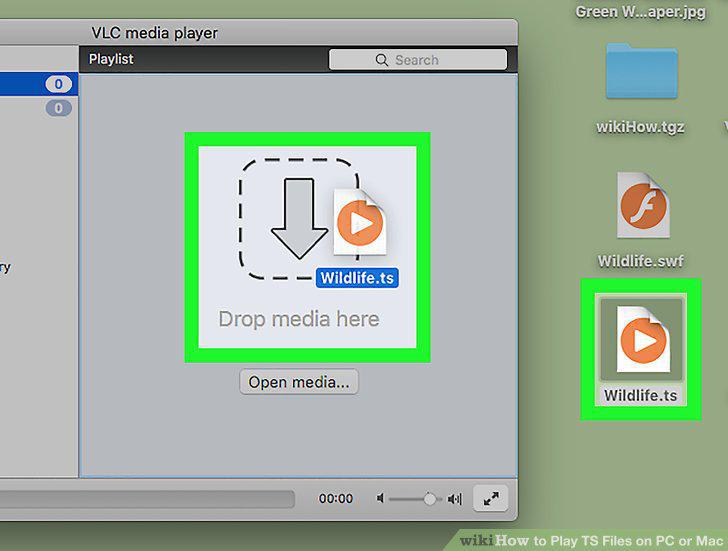
Drag the TS file to VLC player.
Comments (0)
No comments yet. Be the first to share your thoughts!