How to Keep Likes Private on Facebook
Open Facebook.com in a web browser.. Click on your name on the left navigation menu.. Click More on the navigation bar at the top of your timeline.
Steps
1
Open Facebook.com in a web browser.
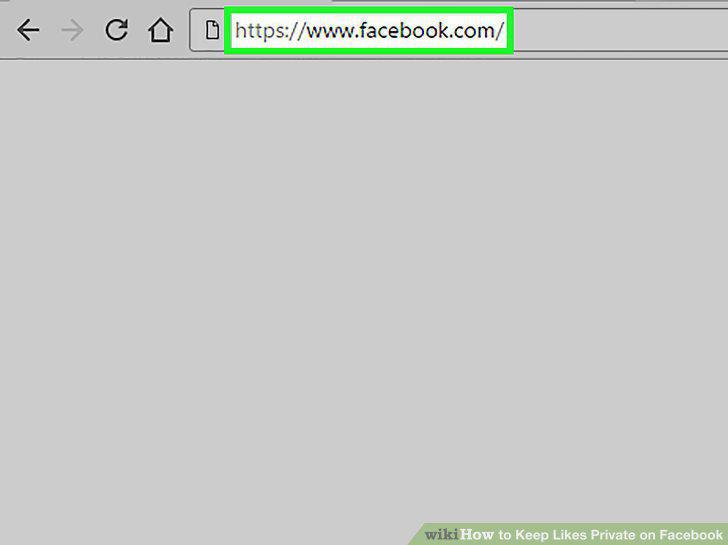
Open Facebook.com in a web browser.
2
Click on your name on the left navigation menu.
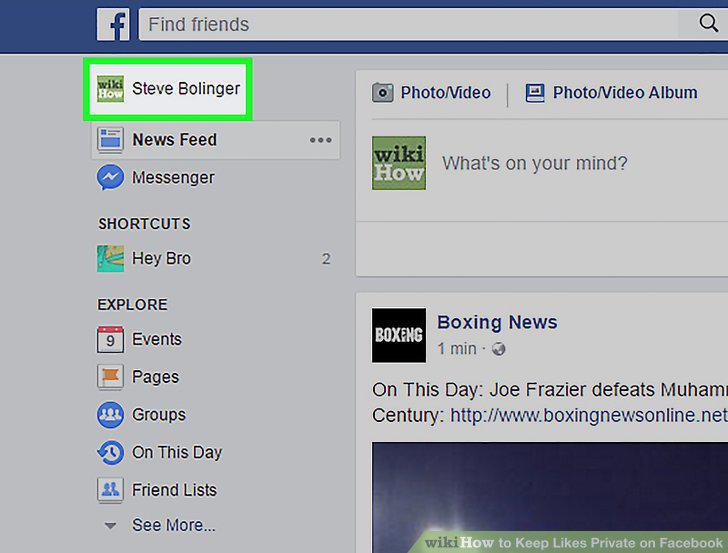
Click on your name on the left navigation menu.
3
Click More on the navigation bar at the top of your timeline.
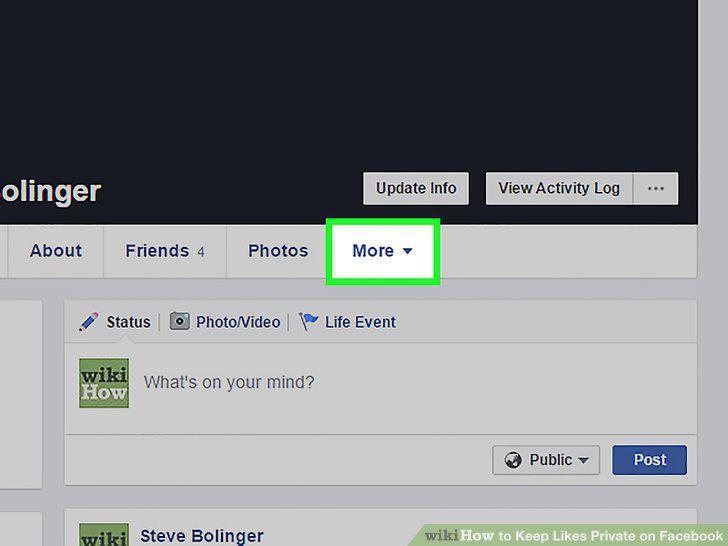
Click More on the navigation bar at the top of your timeline.
4
Click Likes from the menu.
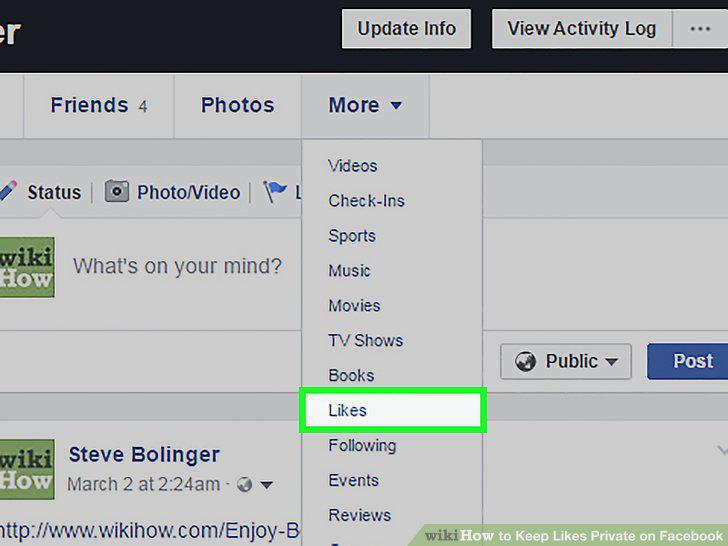
Click Likes from the menu.
5
Click the Manage button.
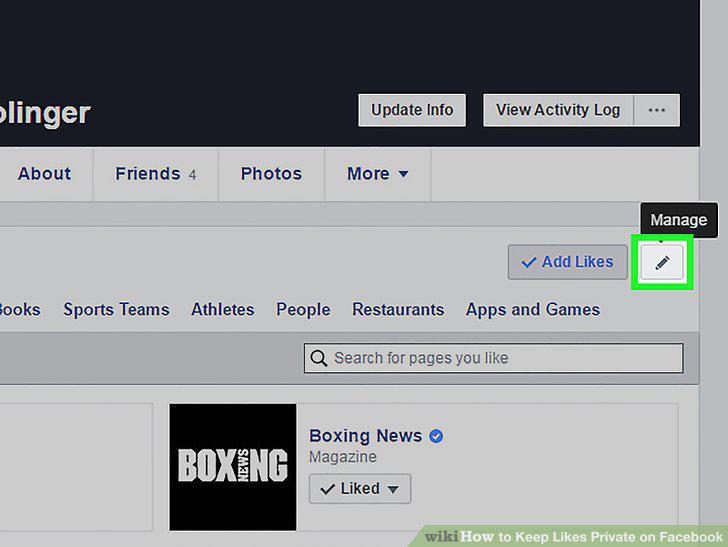
Click the Manage button.
6
Click Edit the Privacy of Your Likes.
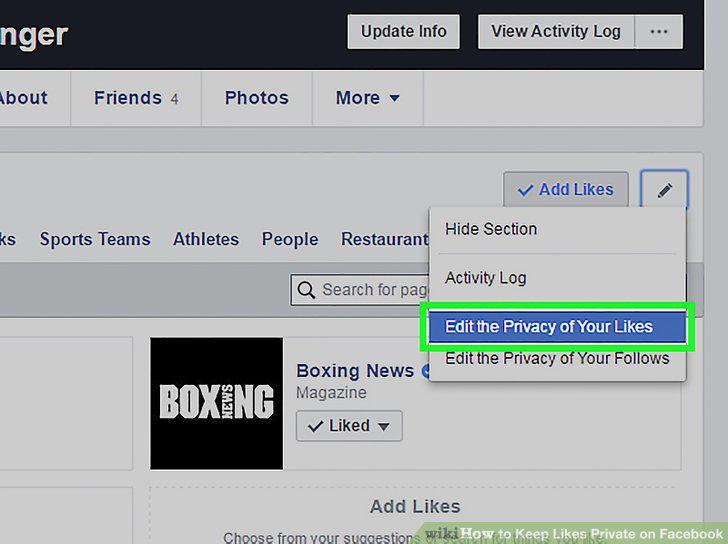
Click Edit the Privacy of Your Likes.
7
Click on the Privacy icon to the right of one of these categories.
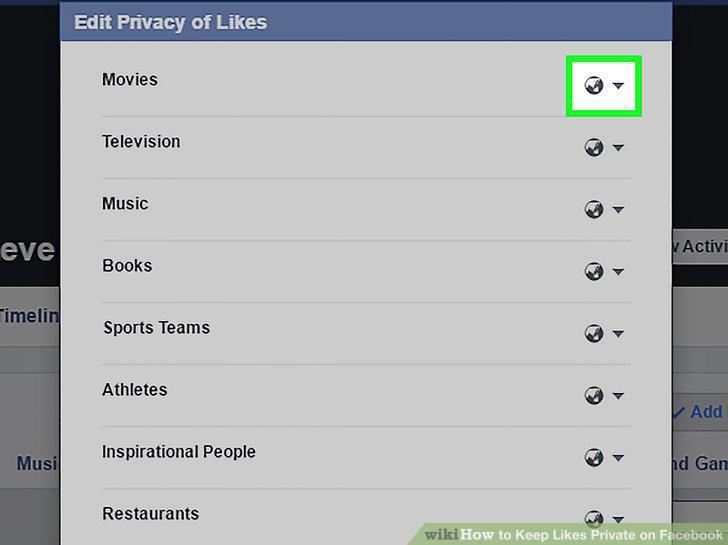
Click on the Privacy icon to the right of one of these categories.
8
Select Only Me from the Privacy menu.
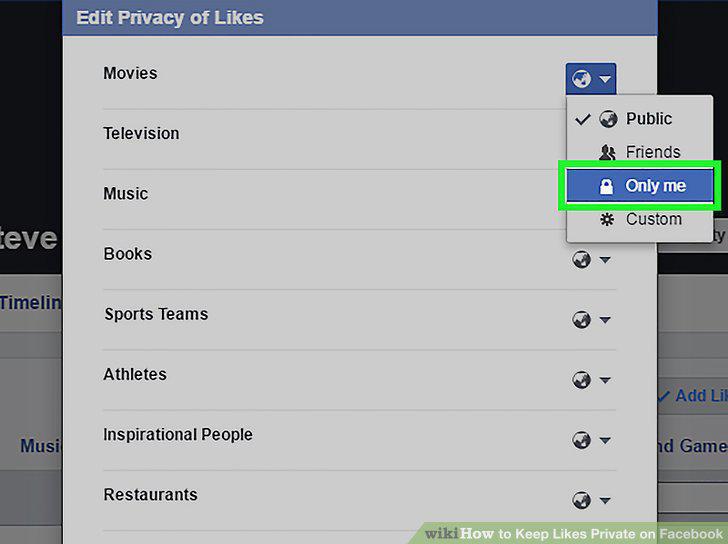
Select Only Me from the Privacy menu.
9
Select Only Me for every other item on the menu.
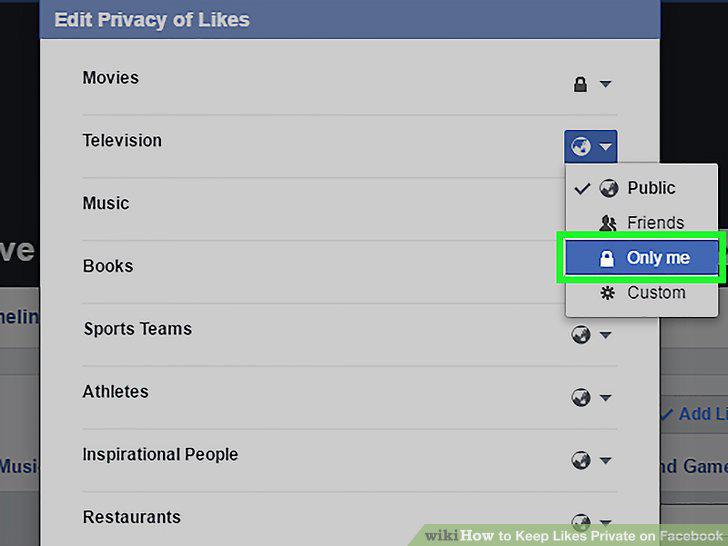
Select Only Me for every other item on the menu.
10
Scroll down and click Close.
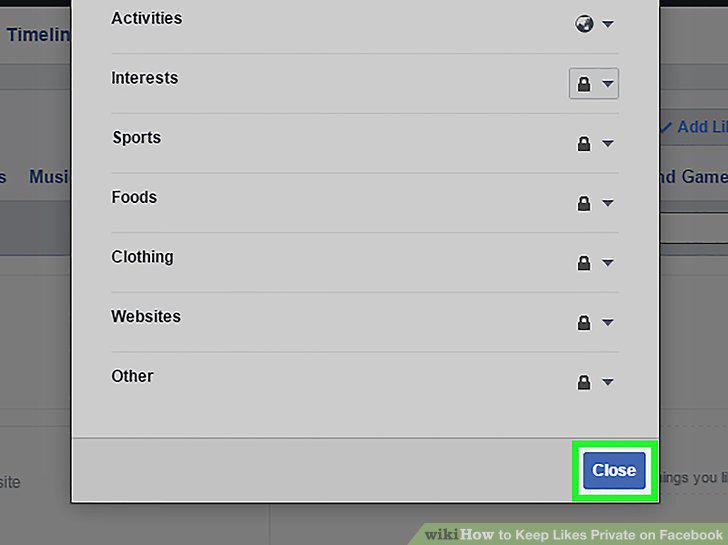
Scroll down and click Close.
Comments (0)
No comments yet. Be the first to share your thoughts!