How to Download Google Camera
Open the Google Play store.. Search for Google Camera.. Download Google Camera.
Steps
1
Open the Google Play store.
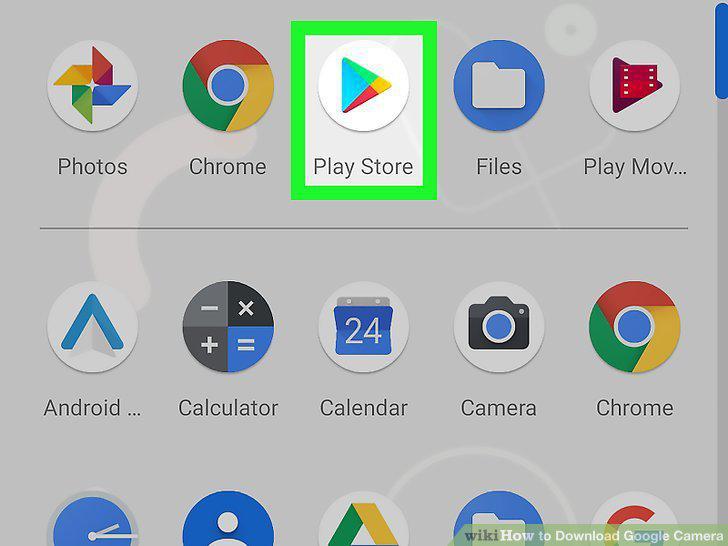
Open the Google Play store.
2
Search for Google Camera.
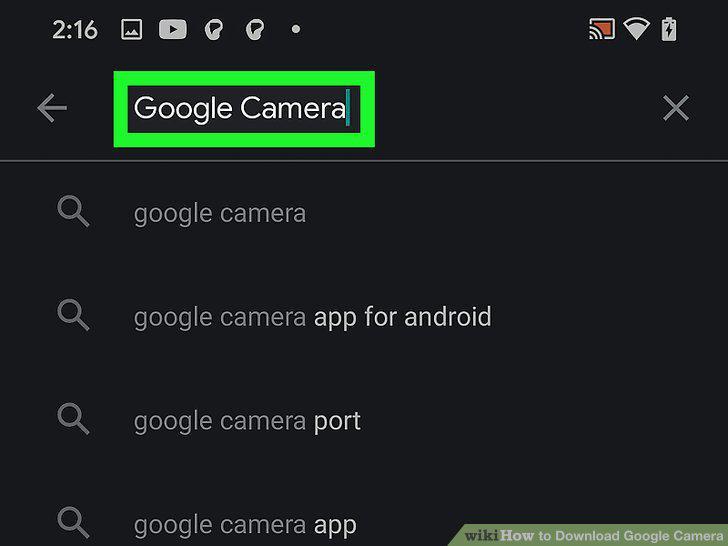
Search for Google Camera.
3
Download Google Camera.
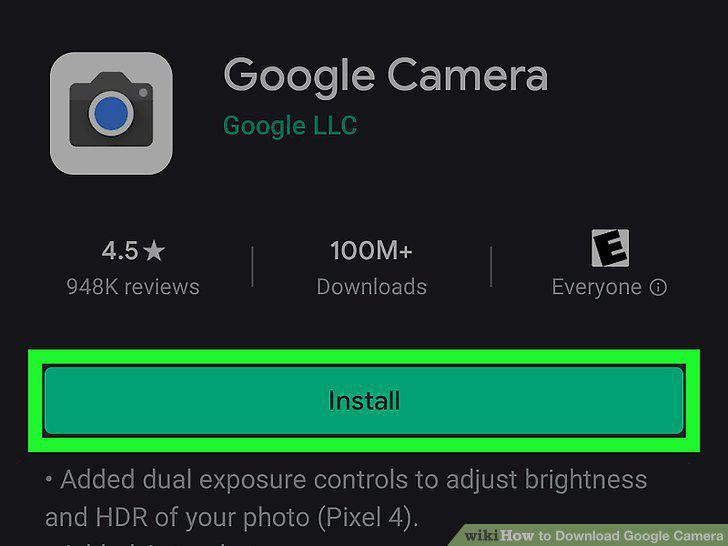
Download Google Camera.
4
Once downloaded, open the app to use it.
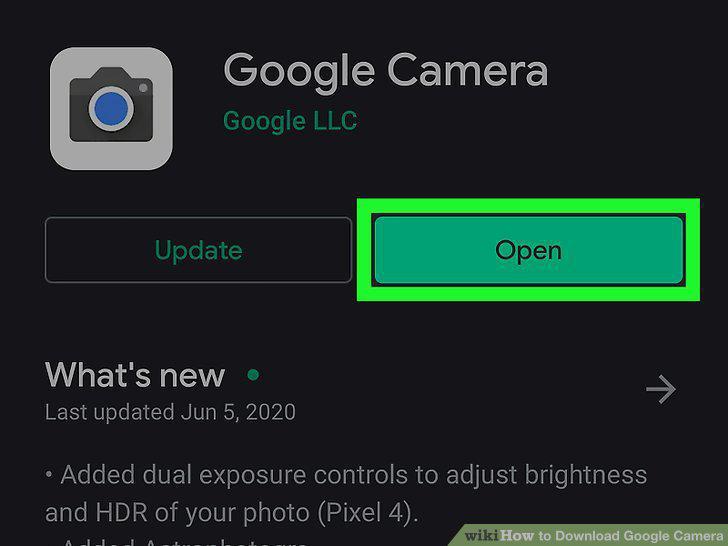
Once downloaded, open the app to use it.
5
Download the Google Camera Port for your phone.
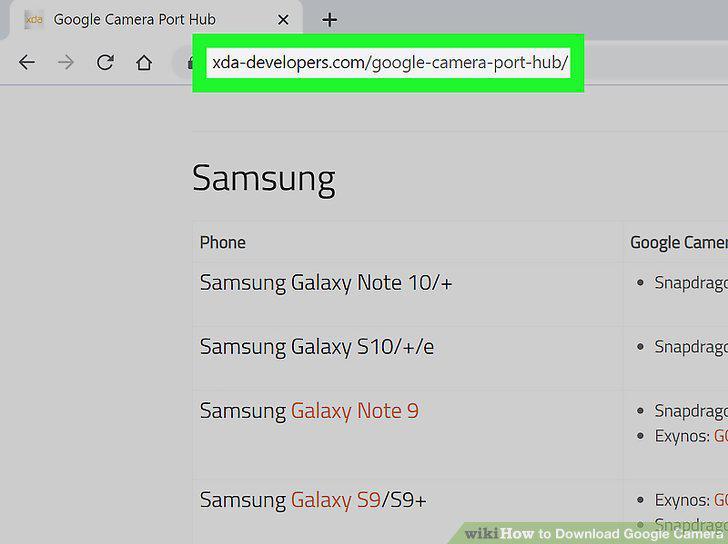
Download the Google Camera Port for your phone.
6
Save the file.
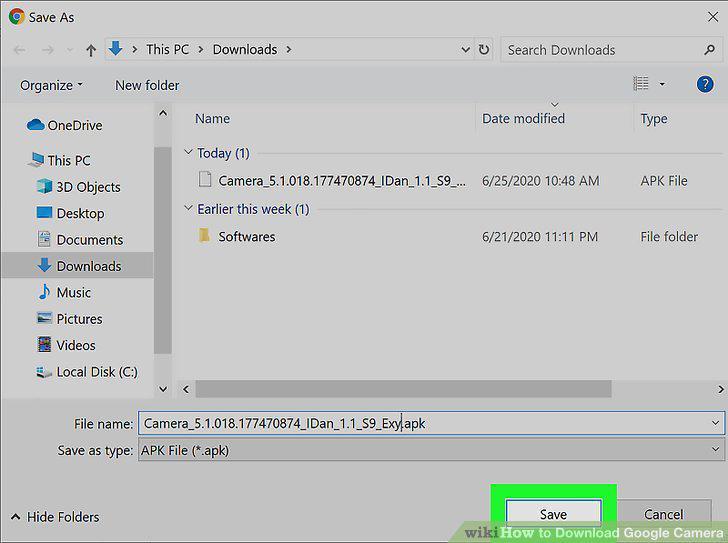
Save the file.
7
Connect your Android phone to your computer using a USB cable.
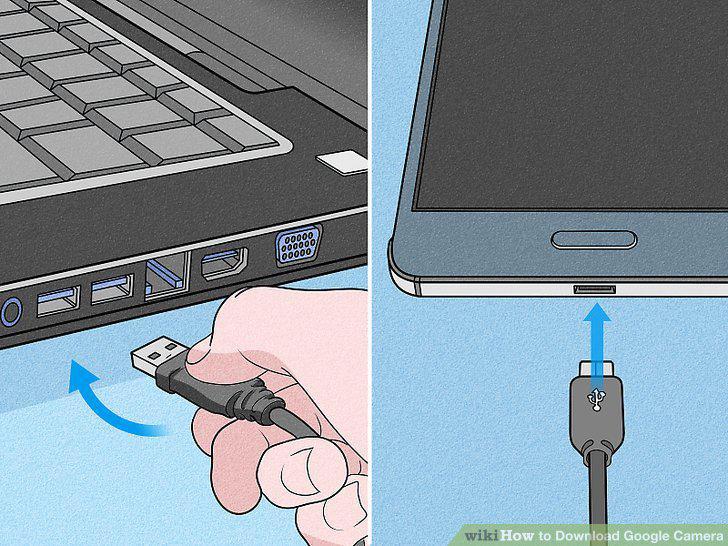
Connect your Android phone to your computer using a USB cable.
8
Copy the file from your computer to your Android.
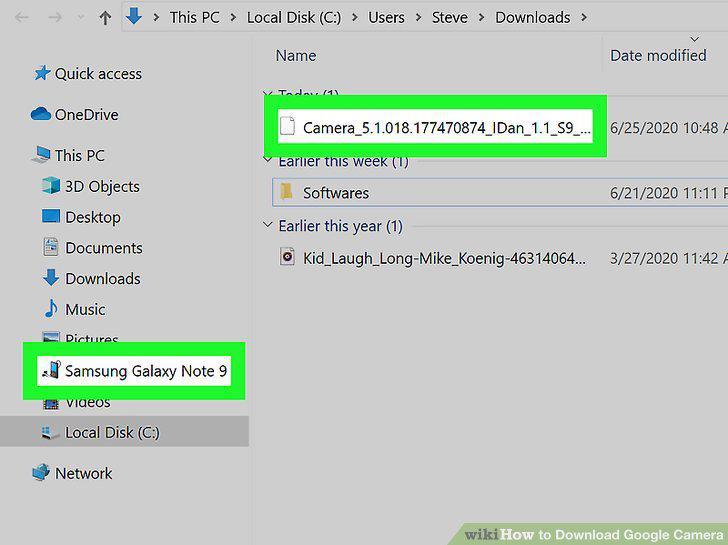
Copy the file from your computer to your Android.
9
Install the file on your phone.
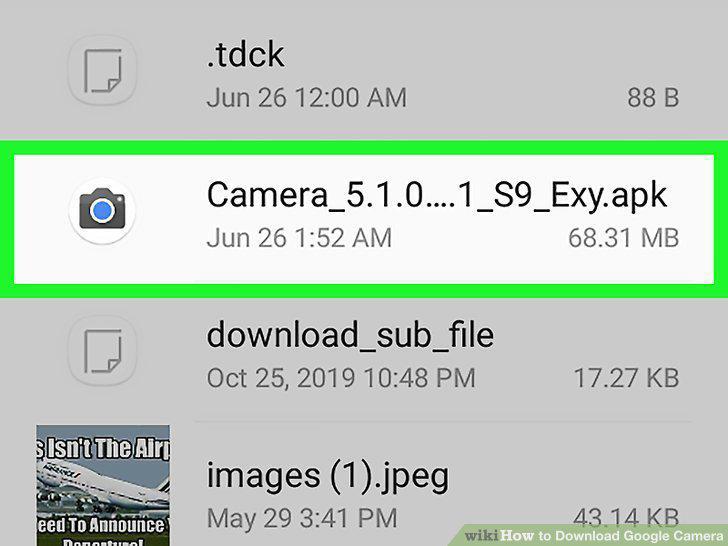
Install the file on your phone.
10
Once installed, find the app on your home screen.
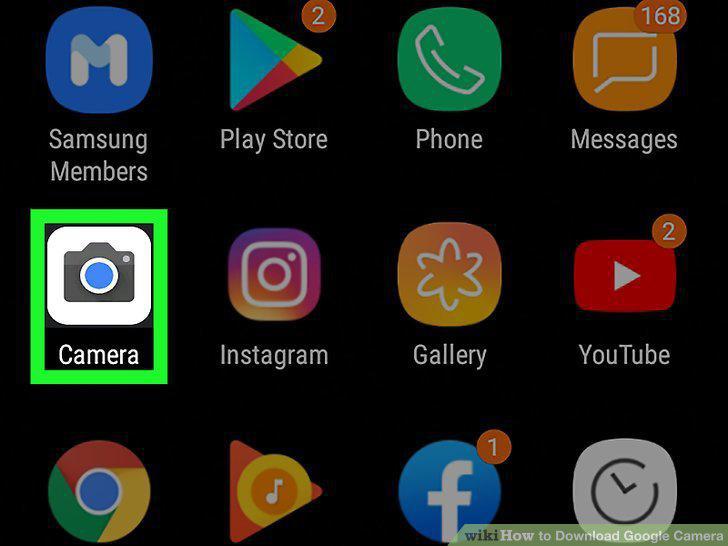
Once installed, find the app on your home screen.
Comments (0)
No comments yet. Be the first to share your thoughts!