How to Turn Off the Skype Camera on iPhone or iPad
Open Skype on your iPhone or iPad.. Tap the Contacts button.. Tap the contact you want to talk.
Steps
1
Open Skype on your iPhone or iPad.
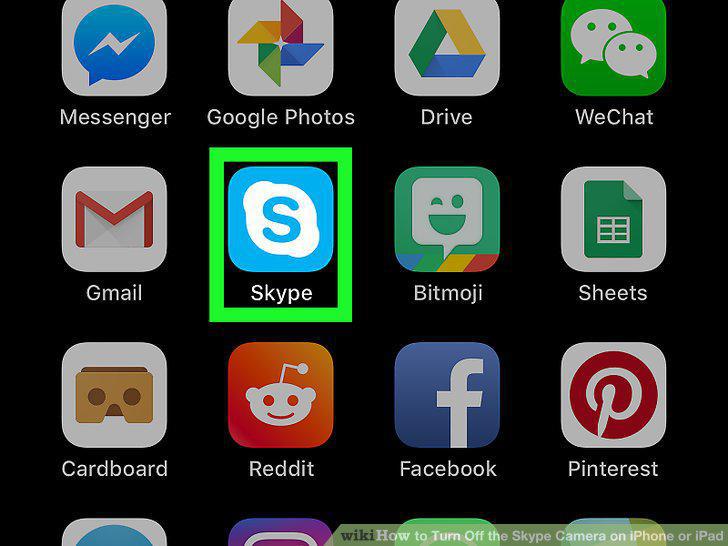
Open Skype on your iPhone or iPad.
2
Tap the Contacts button.
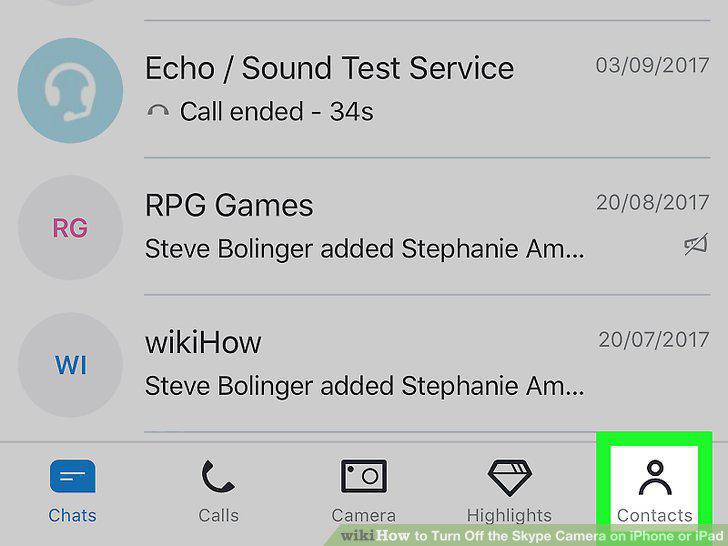
Tap the Contacts button.
3
Tap the contact you want to talk.
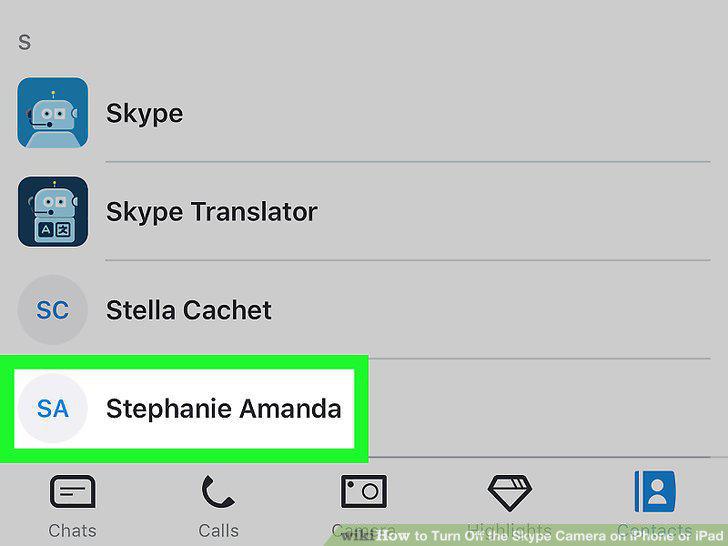
Tap the contact you want to talk.
4
Tap the camera icon to start a video call.

Tap the camera icon to start a video call.
5
Tap your screen during the video call.
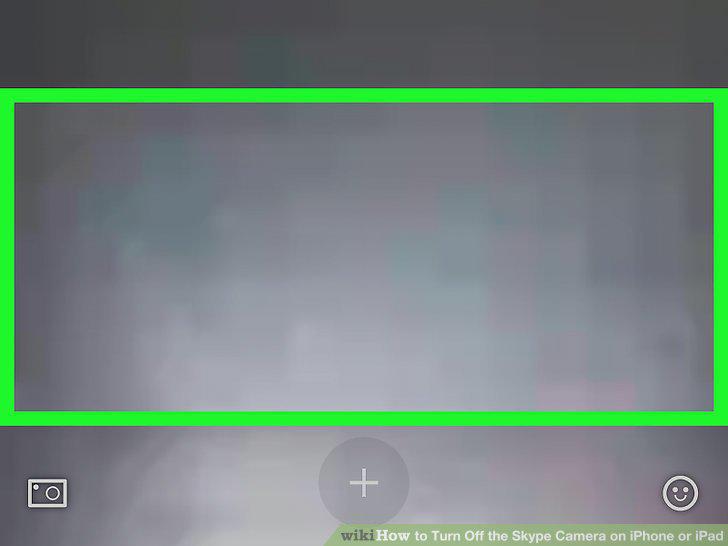
Tap your screen during the video call.
6
Tap the camera button on the call screen.
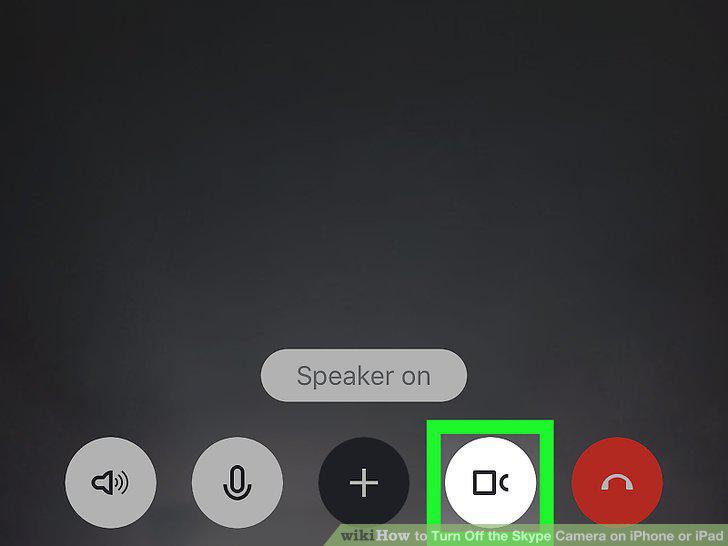
Tap the camera button on the call screen.
7
Tap the camera button again to turn your camera back on.
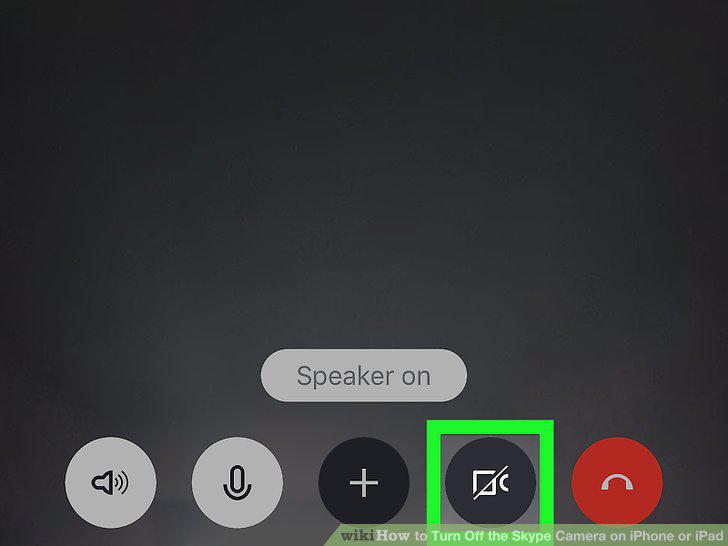
Tap the camera button again to turn your camera back on.
Comments (0)
No comments yet. Be the first to share your thoughts!