How to Apply a Lyft Credit Code
Open the Lyft app.. Tap your profile icon.. Tap Promos.
Steps
1
Open the Lyft app.
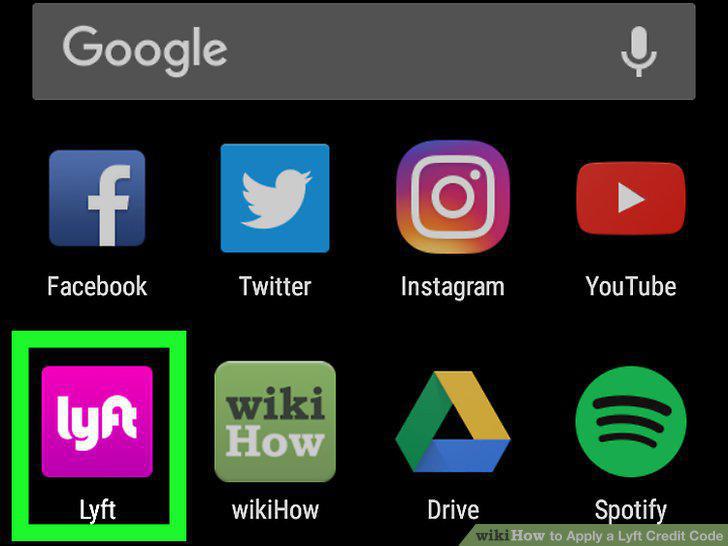
Open the Lyft app.
2
Tap your profile icon.
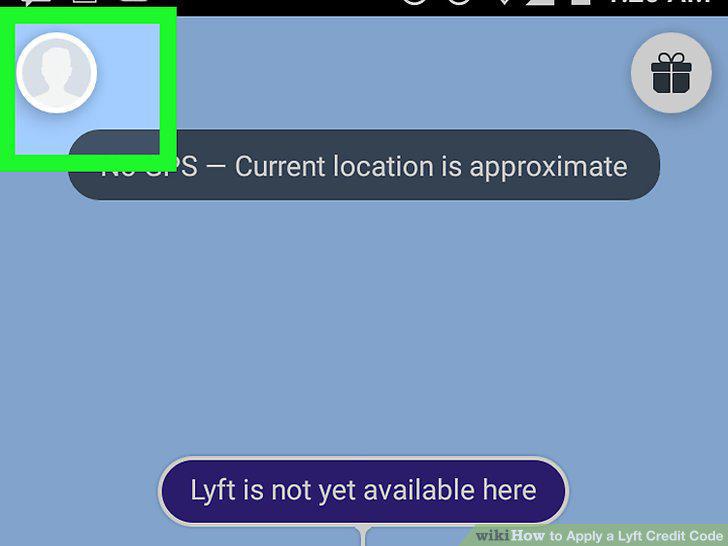
Tap your profile icon.
3
Tap Promos.
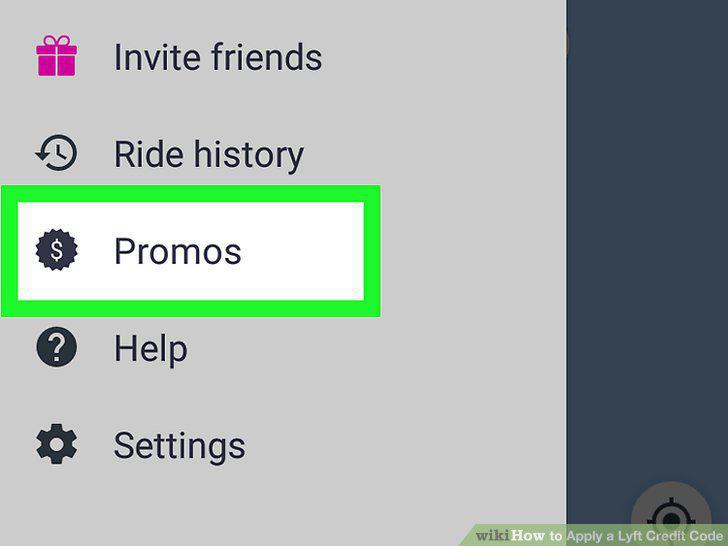
Tap Promos.
4
Tap Enter promo code.
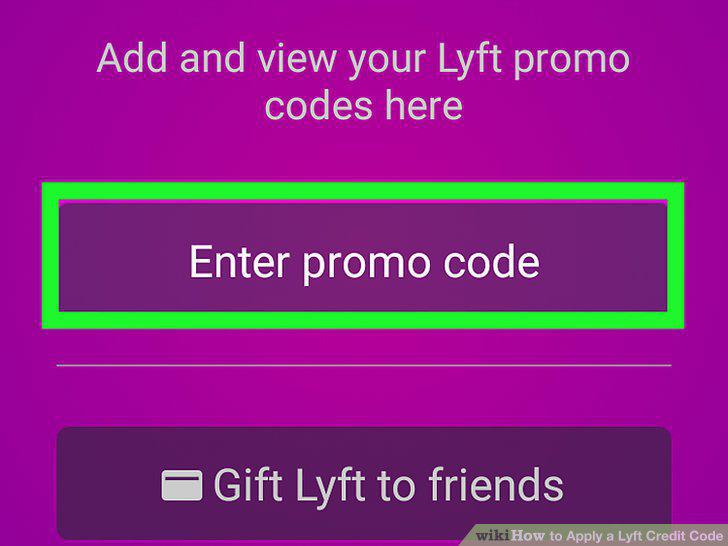
Tap Enter promo code.
5
Type the Lyft promo code into the field.
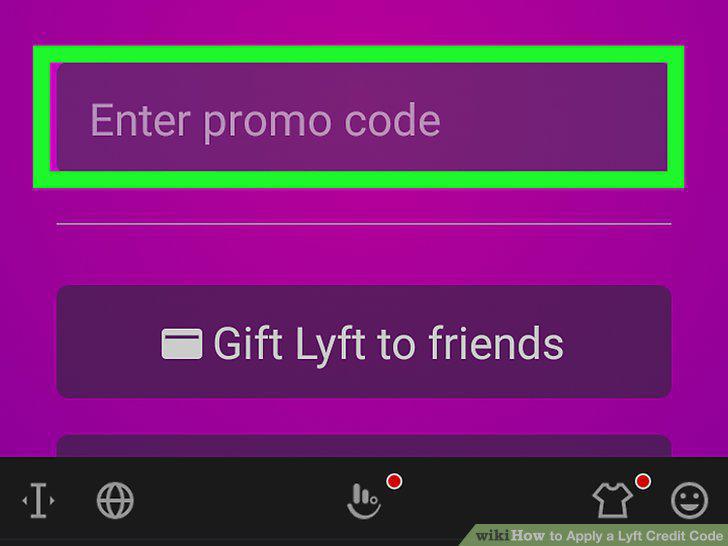
Type the Lyft promo code into the field.
6
Tap Apply.
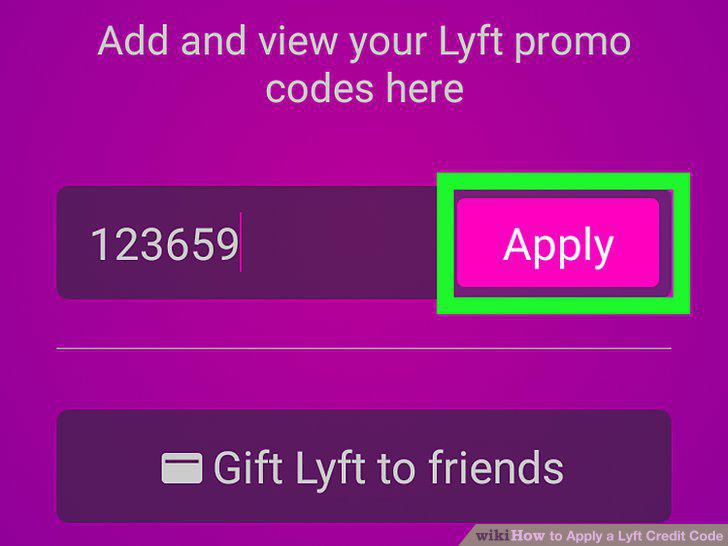
Tap Apply.
Comments (0)
No comments yet. Be the first to share your thoughts!