How to Delete a Samsung Account on PC or Mac
Open the Samsung Account page in your internet browser.. Sign in to your Samsung account.. Click the Profile tab on the top-left.
Steps
1
Open the Samsung Account page in your internet browser.
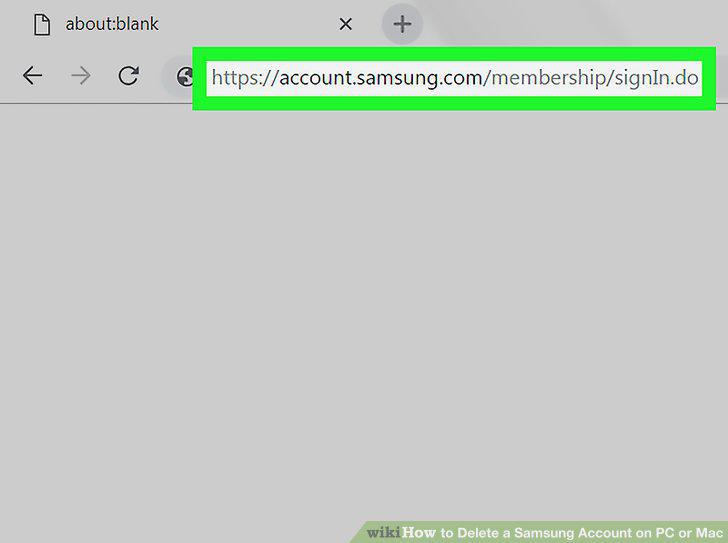
Open the Samsung Account page in your internet browser.
2
Sign in to your Samsung account.
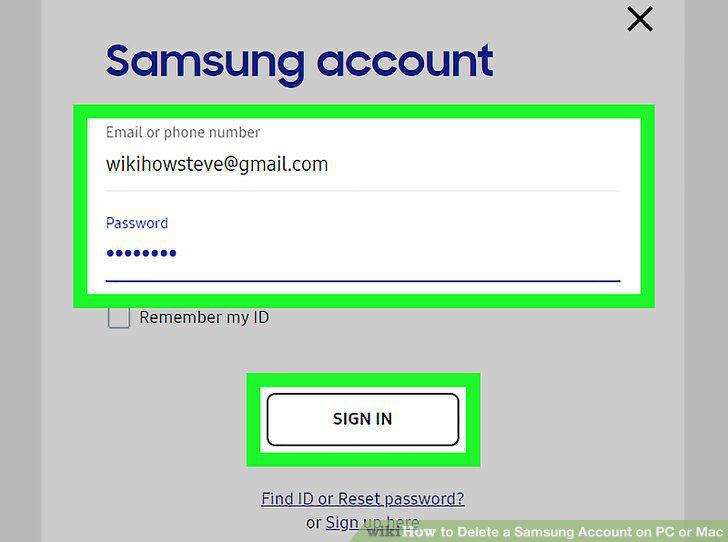
Sign in to your Samsung account.
3
Click the Profile tab on the top-left.
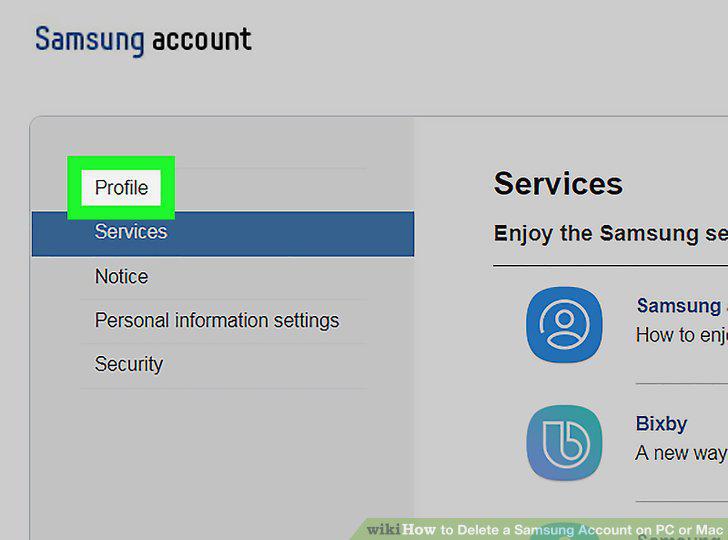
Click the Profile tab on the top-left.
4
Verify your account password.
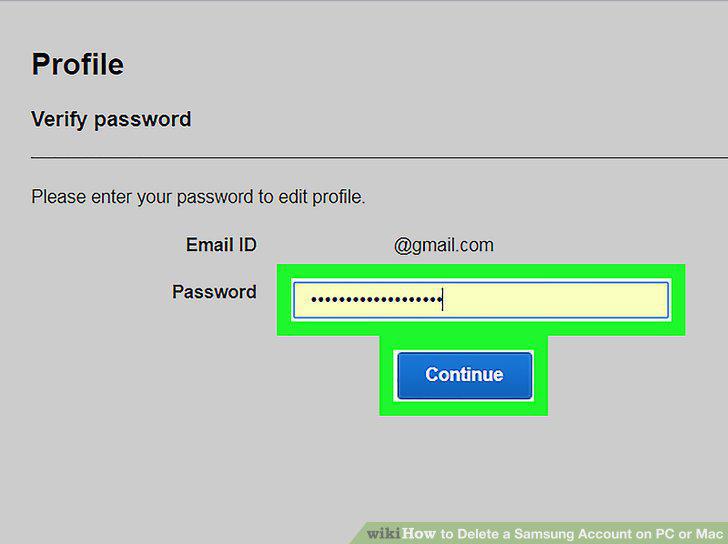
Verify your account password.
5
Click the Delete account button.
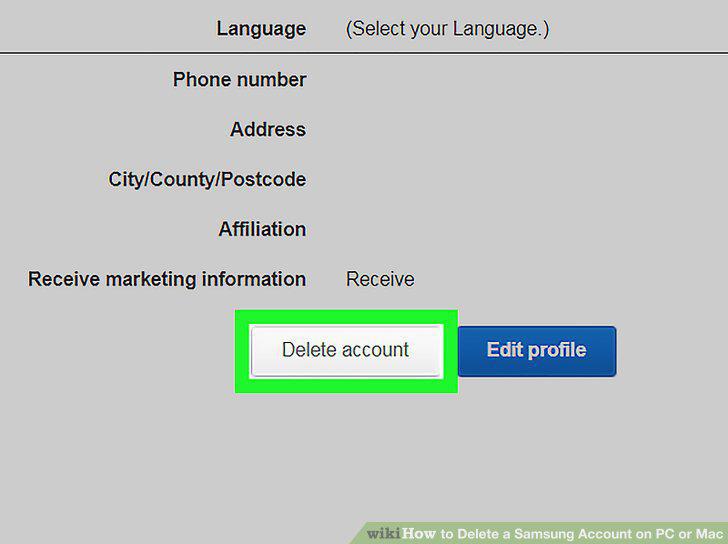
Click the Delete account button.
6
Verify your password.
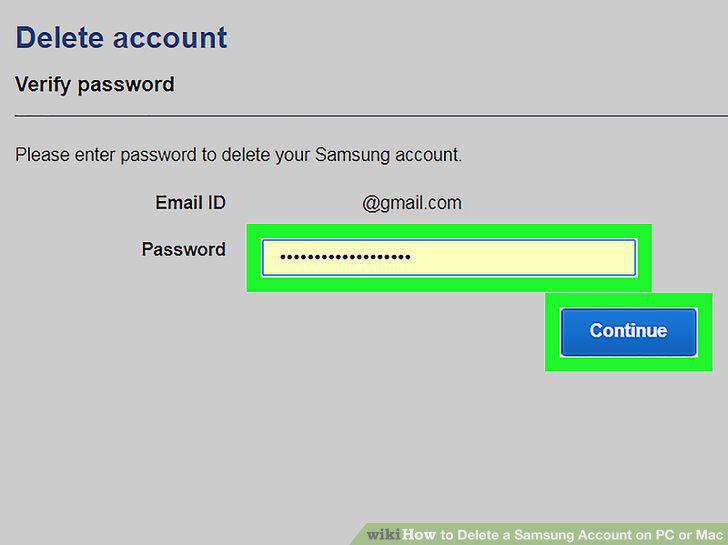
Verify your password.
7
Check the "I confirm the conditions above.
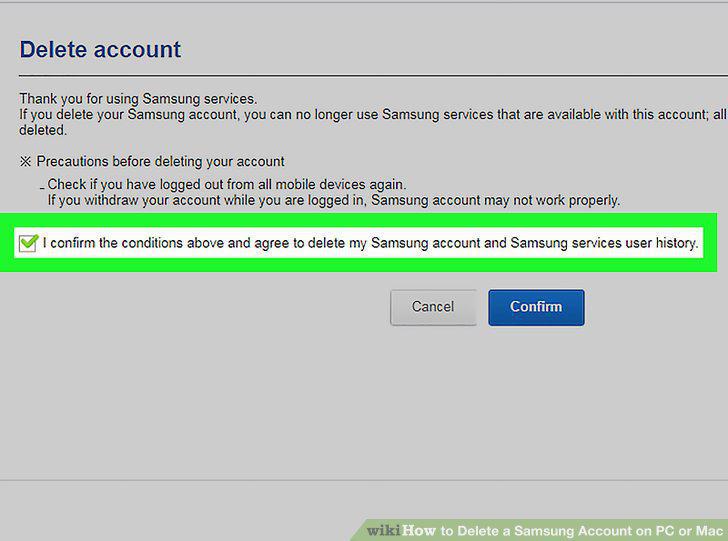
Check the "I confirm the conditions above.
8
Click the blue Confirm button.
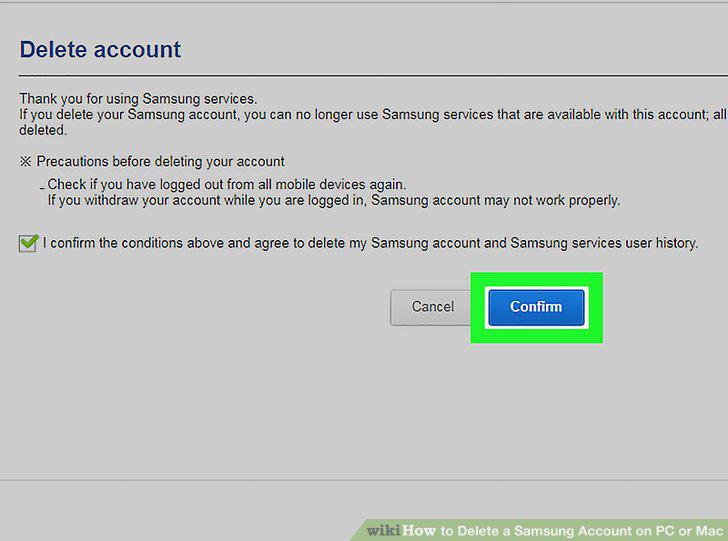
Click the blue Confirm button.
9
Click Confirm to complete.
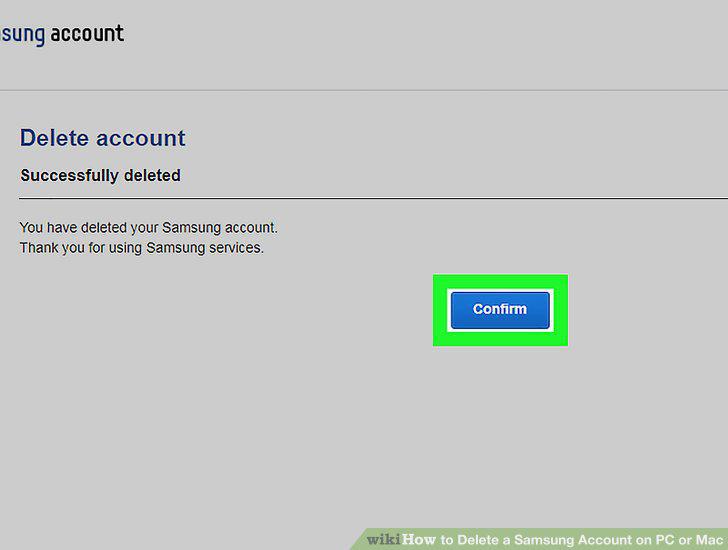
Click Confirm to complete.
Comments (0)
No comments yet. Be the first to share your thoughts!