How to Change Your Default Google Account
Navigate to http://mail.google.com in your web browser.. Click on your profile picture.. Sign out of any accounts that you may be logged into.
Steps
1
Navigate to http://mail.google.com in your web browser.
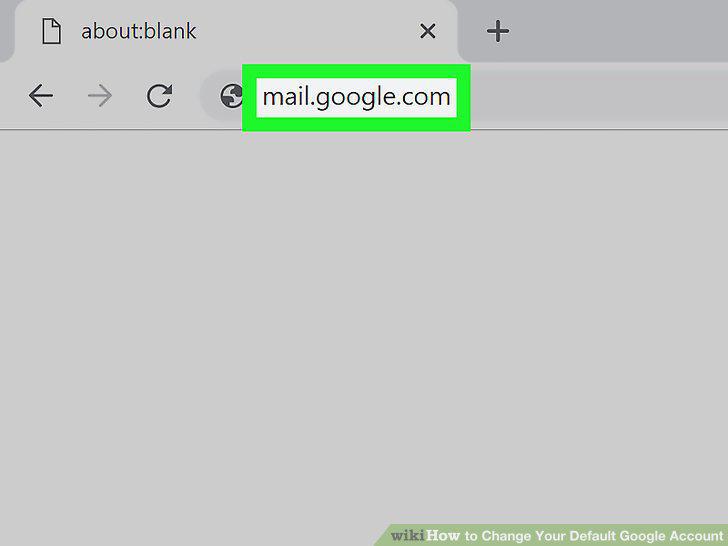
Navigate to http://mail.google.com in your web browser.
2
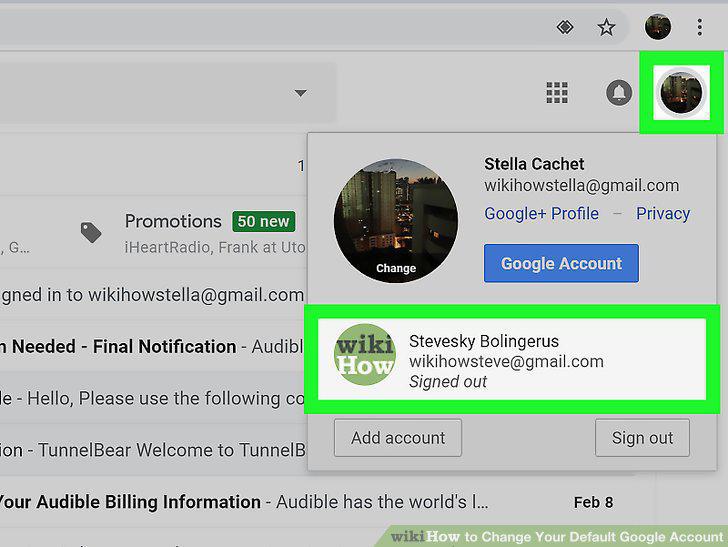
Click on your profile picture.
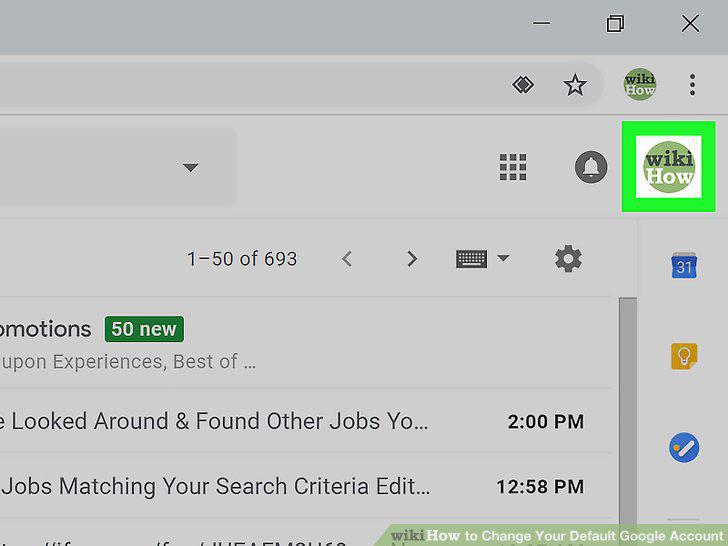
Click on your profile picture.
3
Sign out of any accounts that you may be logged into.
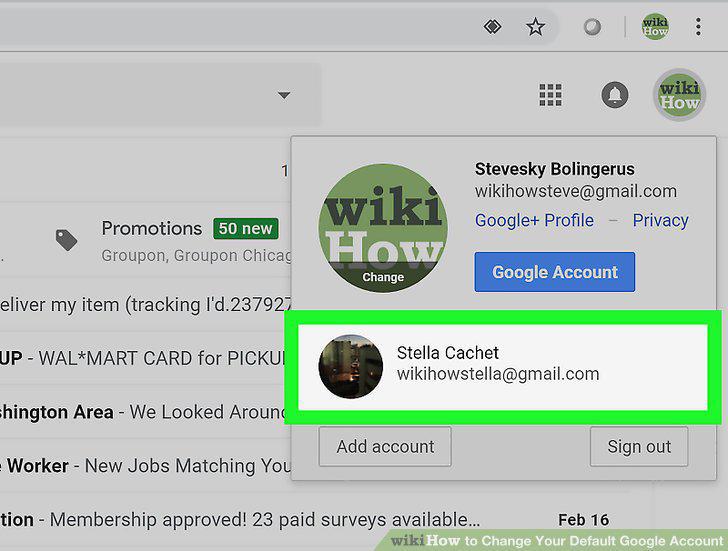
Sign out of any accounts that you may be logged into.
4
Sign in to the account that you want to make your default account.
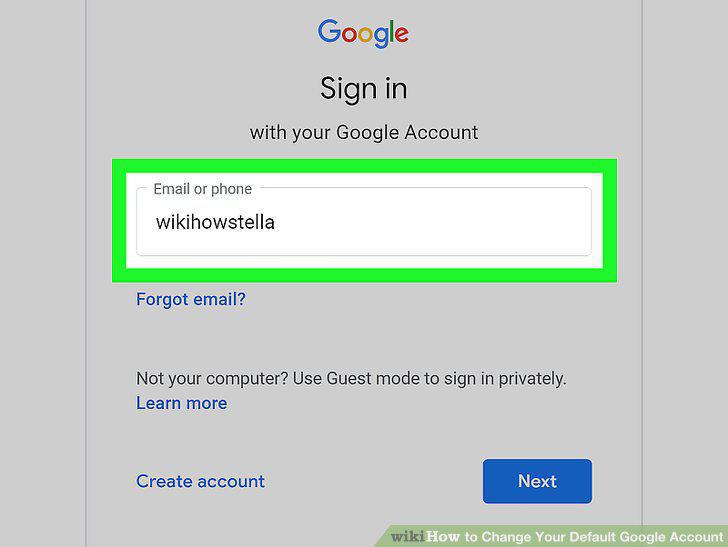
Sign in to the account that you want to make your default account.
5
Sign in to any other Google accounts that you need.
Sign in to any other Google accounts that you need.
Comments (0)
No comments yet. Be the first to share your thoughts!