How to Open Your Old Facebook Account
Go to https://facebook.com/recover/initiate in a web browser.. Enter your email or phone number and click Search.. Select how you want to reset your password and click Continue.
Steps
1
Go to https://facebook.com/recover/initiate in a web browser.
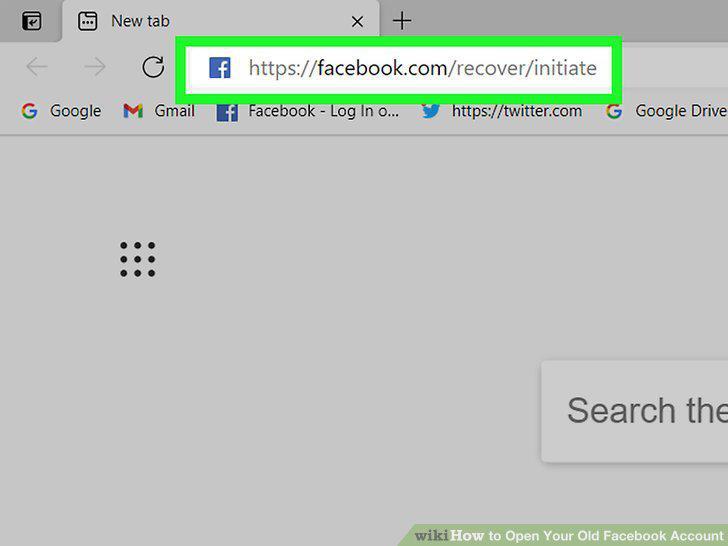
Go to https://facebook.com/recover/initiate in a web browser.
2
Enter your email or phone number and click Search.
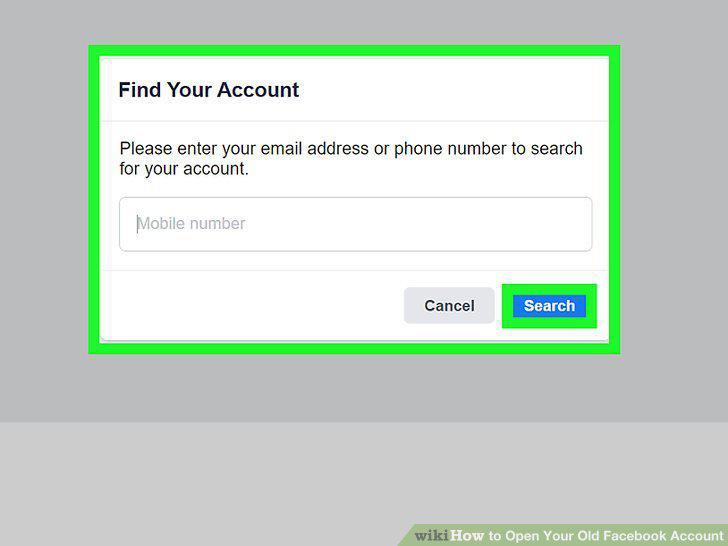
Enter your email or phone number and click Search.
3
Select how you want to reset your password and click Continue.
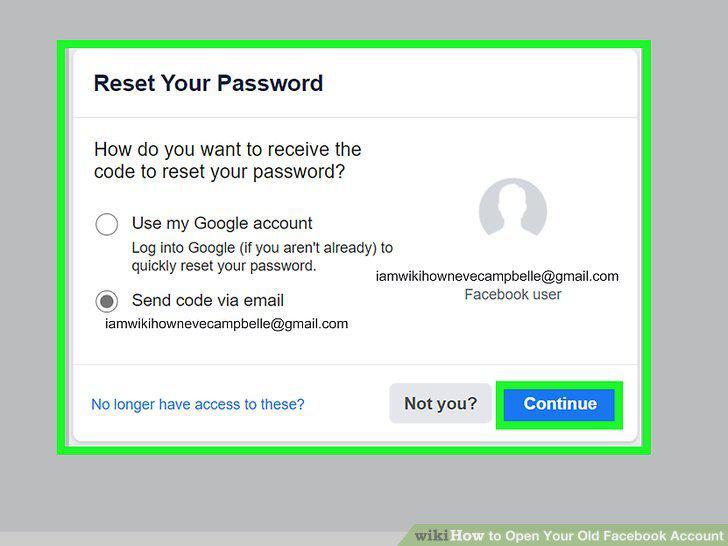
Select how you want to reset your password and click Continue.
4
Check your email or text messages.
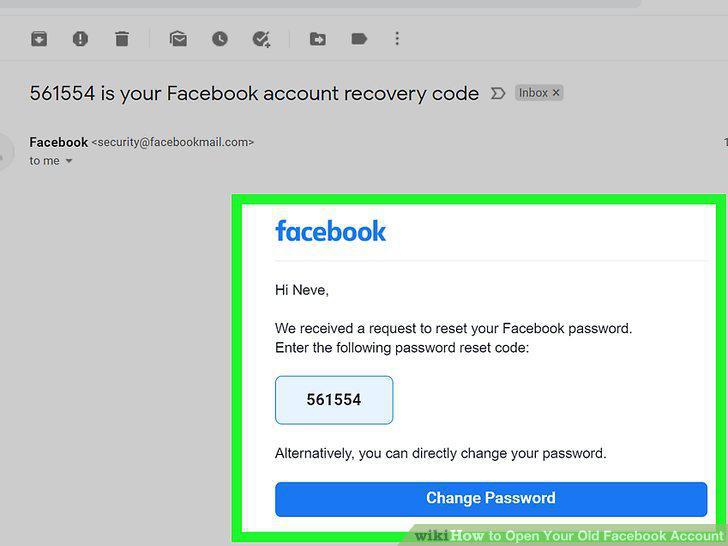
Check your email or text messages.
5
Enter the recovery code and click Continue.
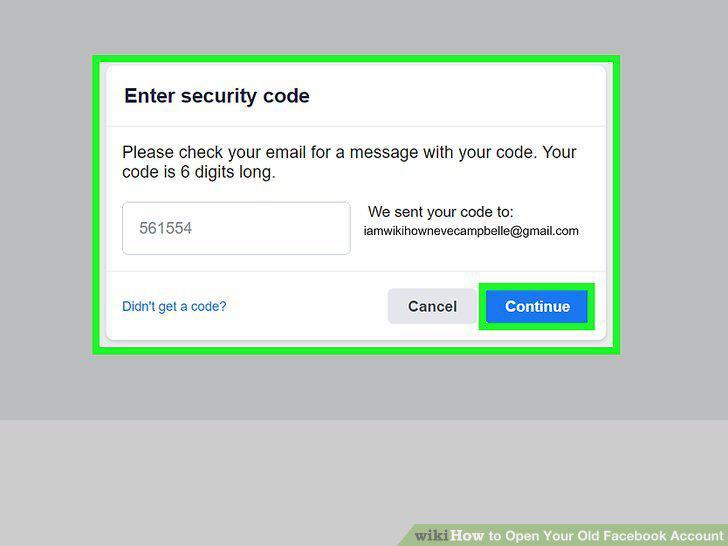
Enter the recovery code and click Continue.
6
Try signing in to your account.
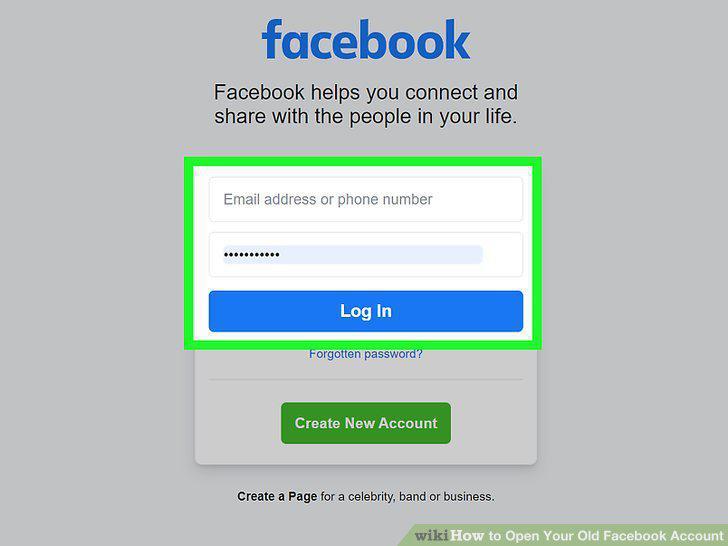
Try signing in to your account.
7
Scan or photograph your ID.
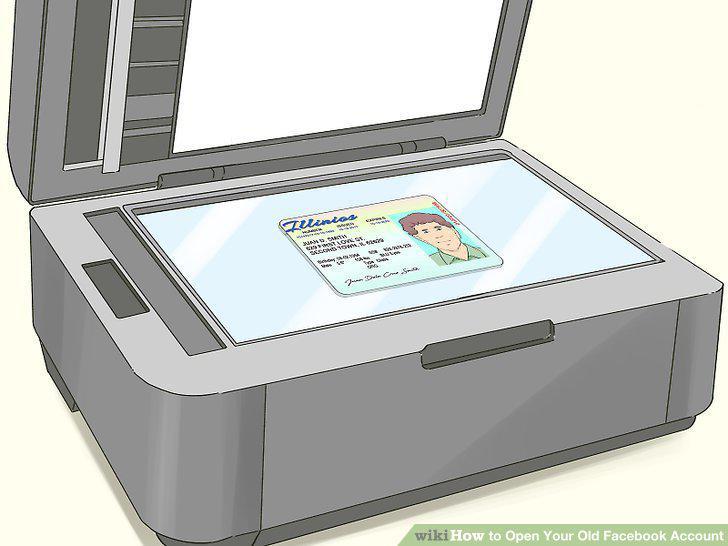
Scan or photograph your ID.
8
Go to https://www.facebook.com/help/contact/260749603972907 in a web browser.
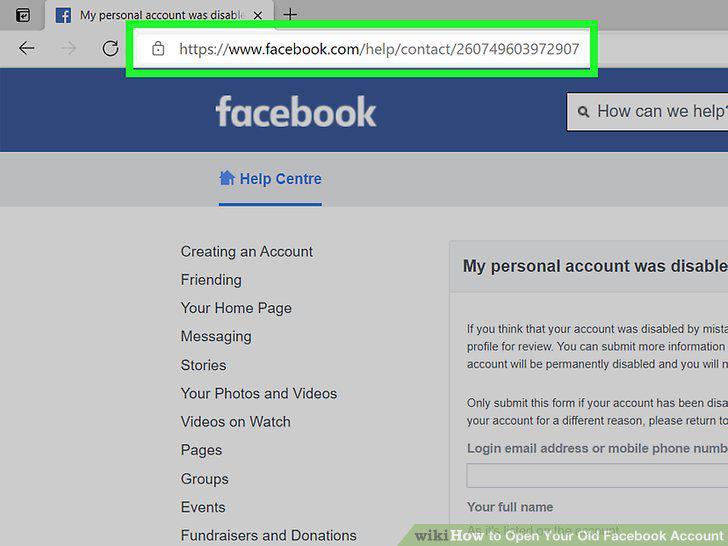
Go to https://www.facebook.com/help/contact/260749603972907 in a web browser.
9
Enter the email address or phone number connected to your account.
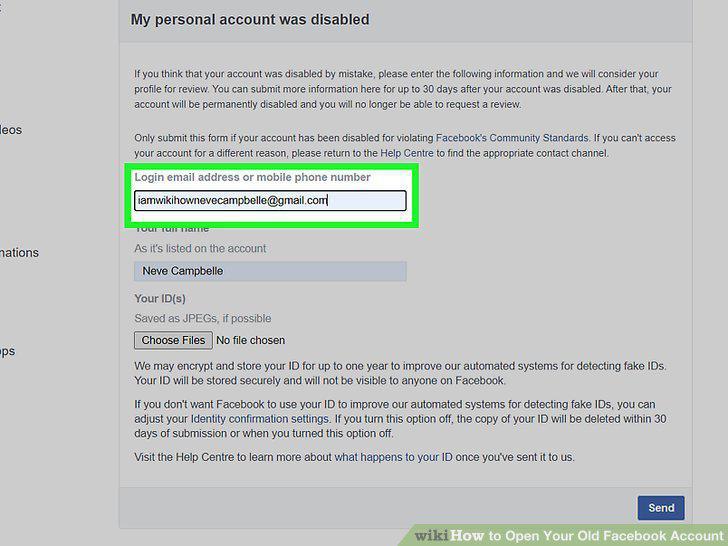
Enter the email address or phone number connected to your account.
10
Enter your full name.
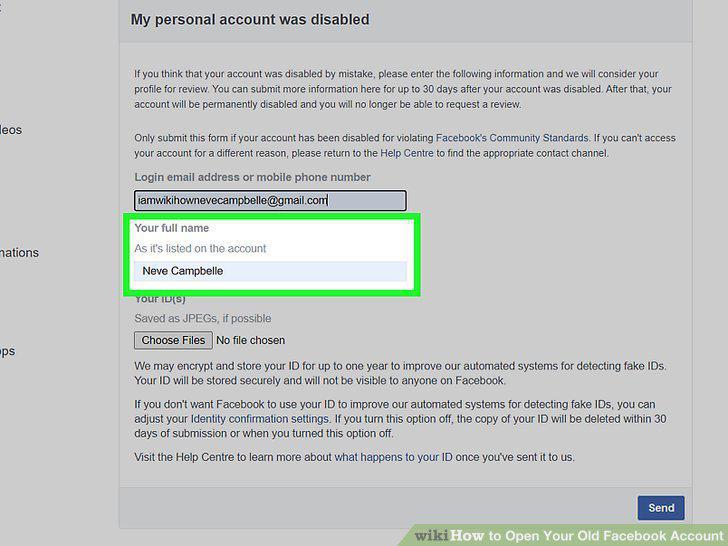
Enter your full name.
11
Click Choose Files.
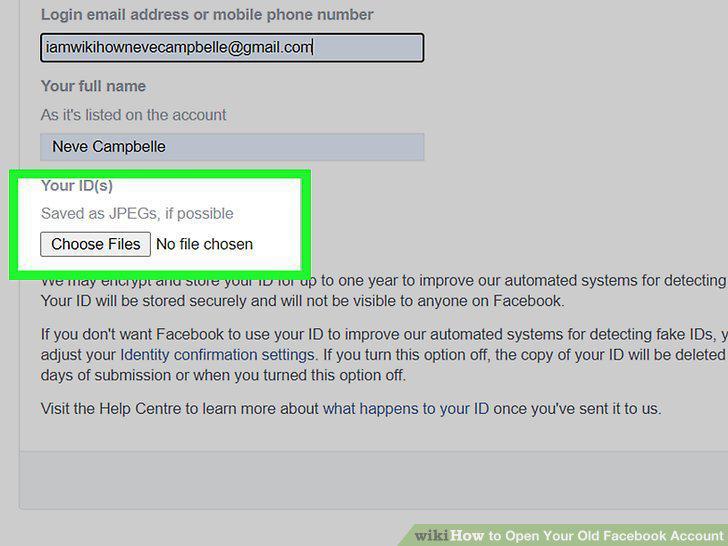
Click Choose Files.
12
Select your ID and click Open.
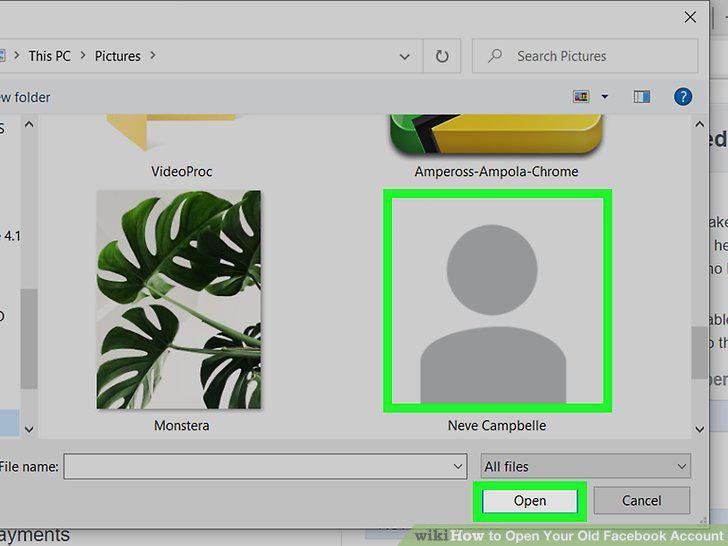
Select your ID and click Open.
13
Click the Send button.
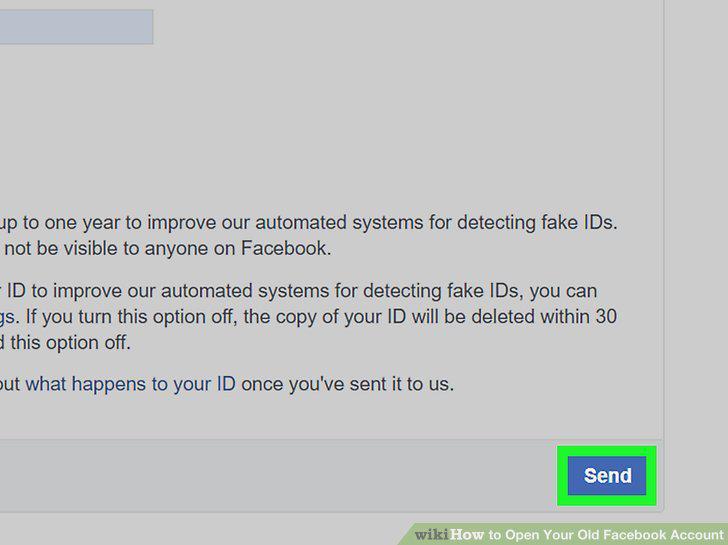
Click the Send button.
Comments (0)
No comments yet. Be the first to share your thoughts!