How to Enable Facebook Timeline Review on Android
Open the Facebook App on your Android.. Tap the Menu button.. Scroll down and tap Account Settings.
Steps
1
Open the Facebook App on your Android.
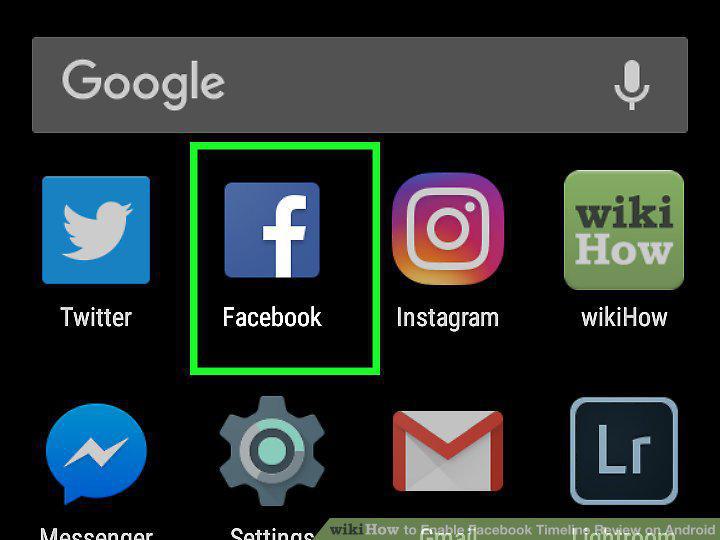
Open the Facebook App on your Android.
2
Tap the Menu button.

Tap the Menu button.
3
Scroll down and tap Account Settings.
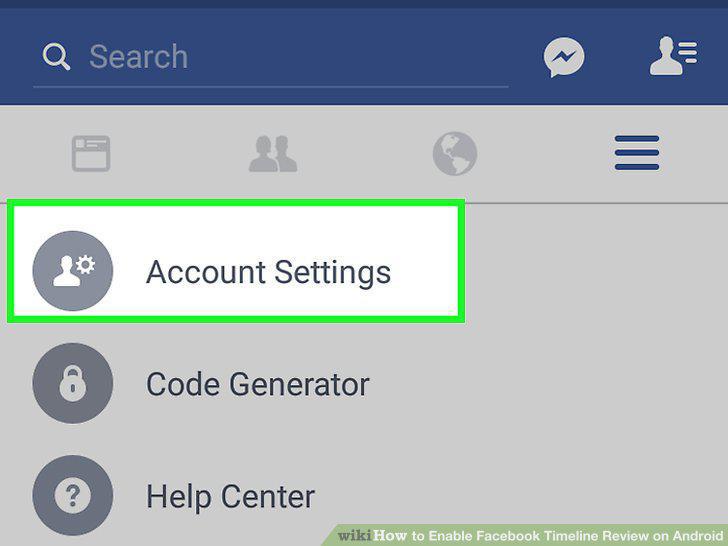
Scroll down and tap Account Settings.
4
Tap Timeline and tagging.
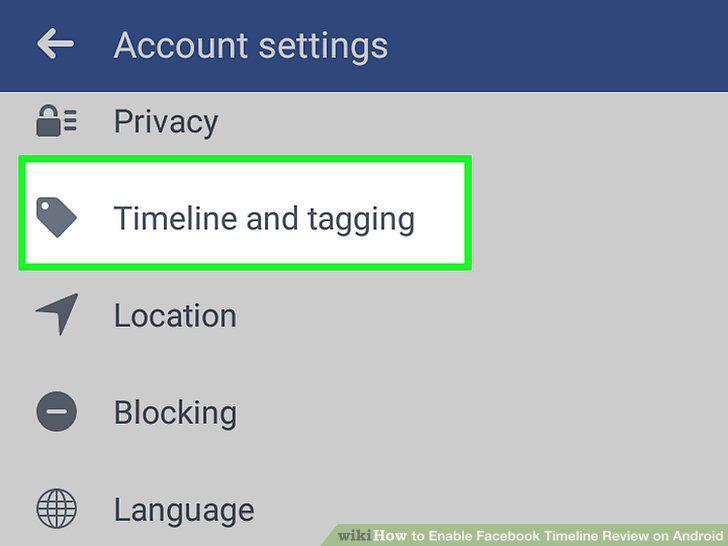
Tap Timeline and tagging.
5
Tap on the box that says Review posts that friends tag you in before they appear
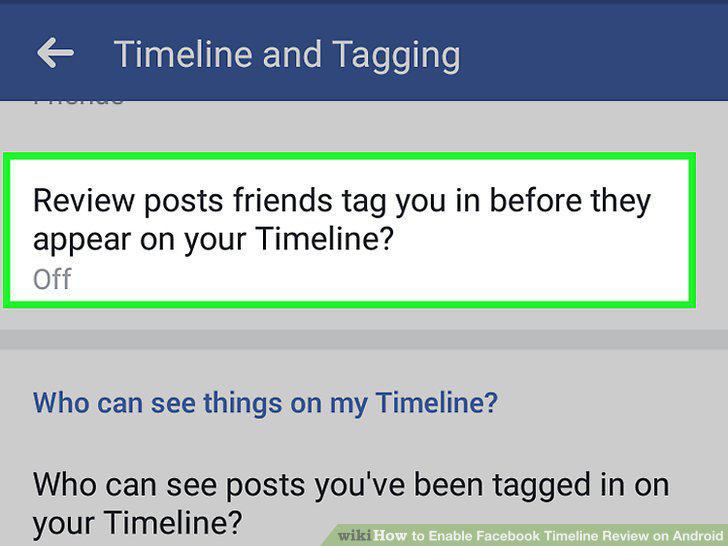
Tap on the box that says Review posts that friends tag you in before they appear on your Timeline?.
6
Slide the Timeline review switch to On position.
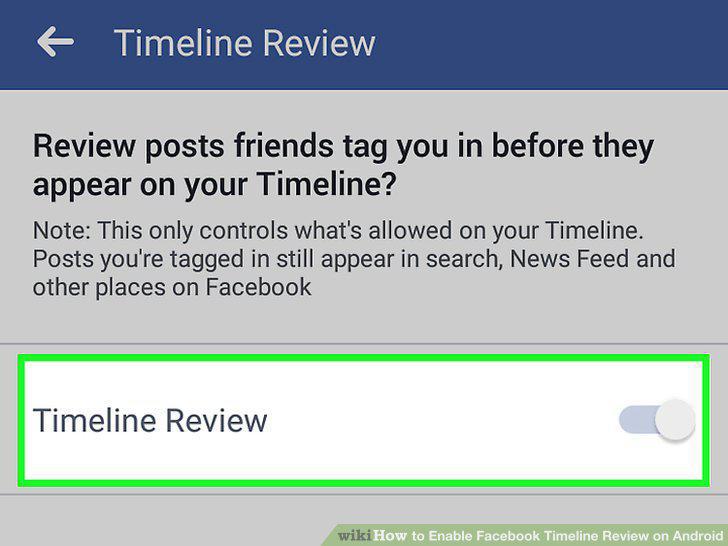
Slide the Timeline review switch to On position.
Comments (0)
No comments yet. Be the first to share your thoughts!