How to Block Porn from Google Chrome
Go to the Adult Blocker extension page.. Click ADD TO CHROME.. Click Add extension when prompted.
Steps
1
Go to the Adult Blocker extension page.
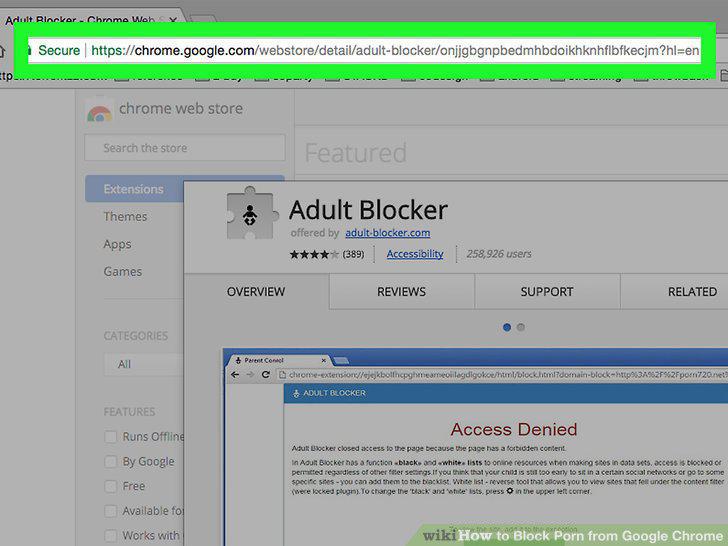
Go to the Adult Blocker extension page.
2
Click ADD TO CHROME.
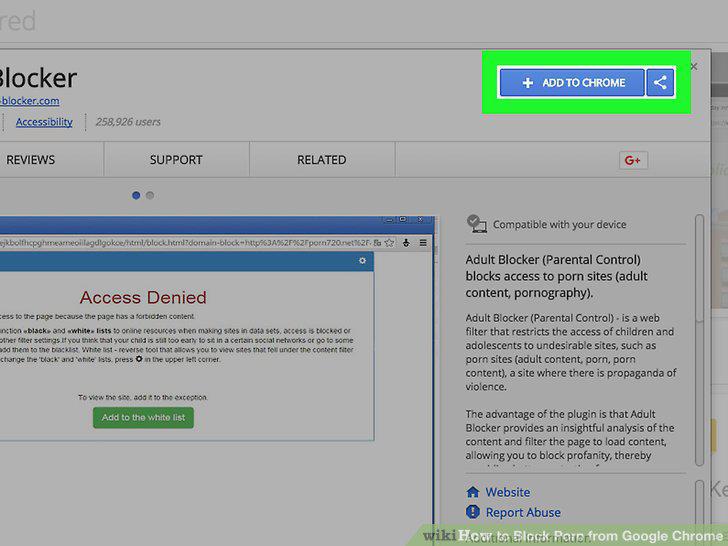
Click ADD TO CHROME.
3
Click Add extension when prompted.
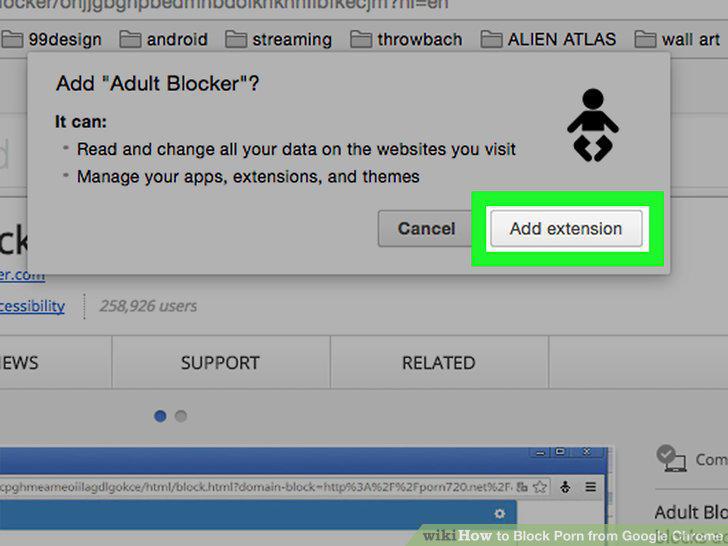
Click Add extension when prompted.
4
Click the Adult Blocker icon.
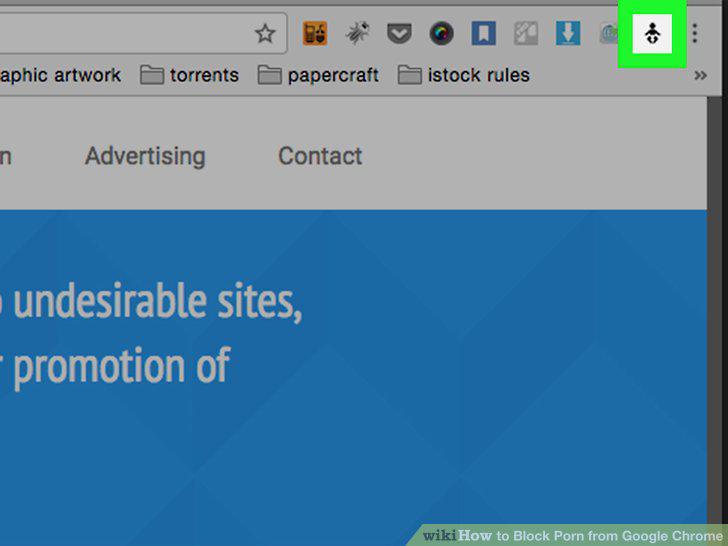
Click the Adult Blocker icon.
5
Enter a password.
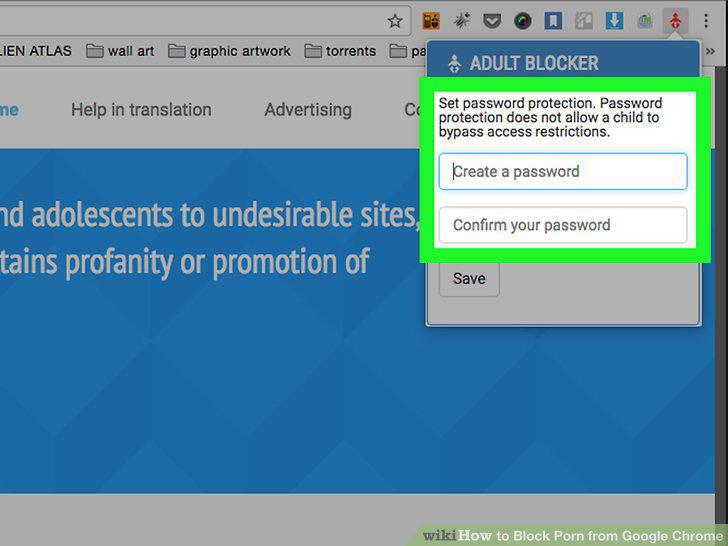
Enter a password.
6
Click Save.
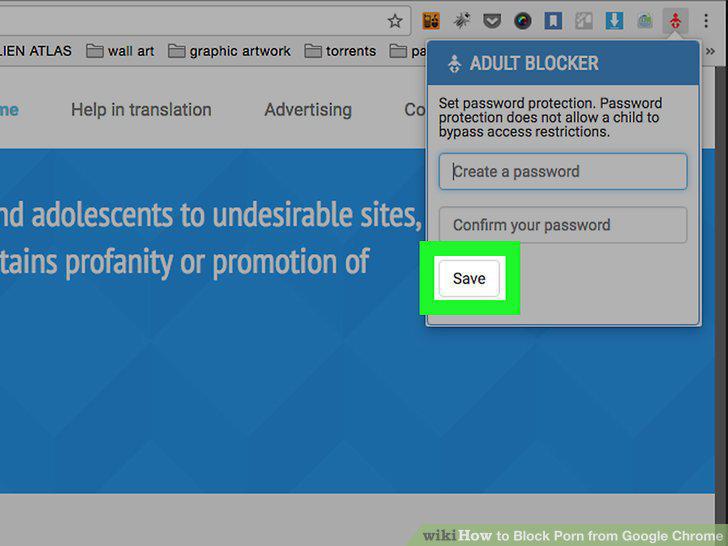
Click Save.
7
Open your Chrome Extensions page.
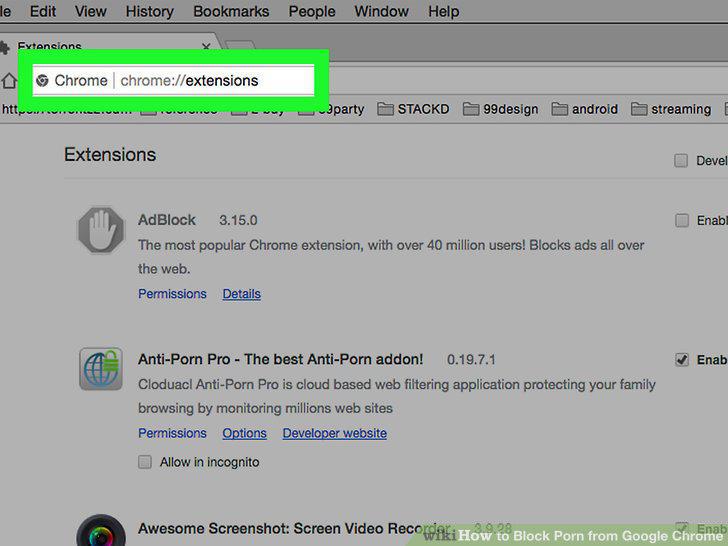
Open your Chrome Extensions page.
8
Scroll down to the Adult Blocker extension.
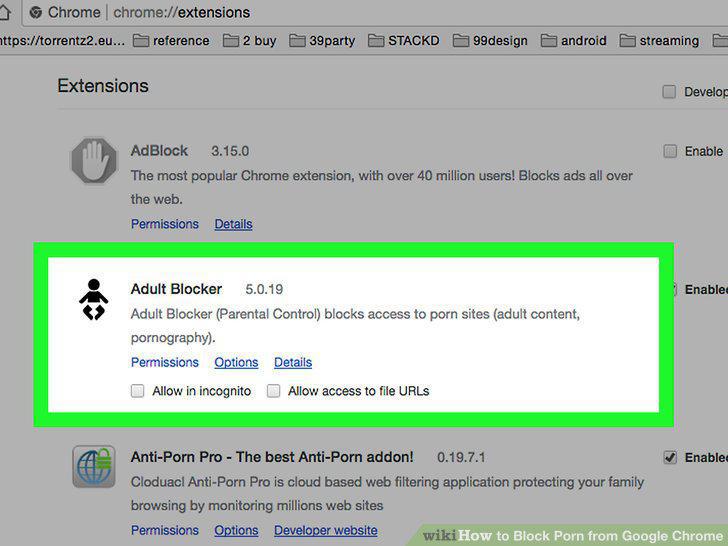
Scroll down to the Adult Blocker extension.
9
Check the "Allow in Incognito" box.
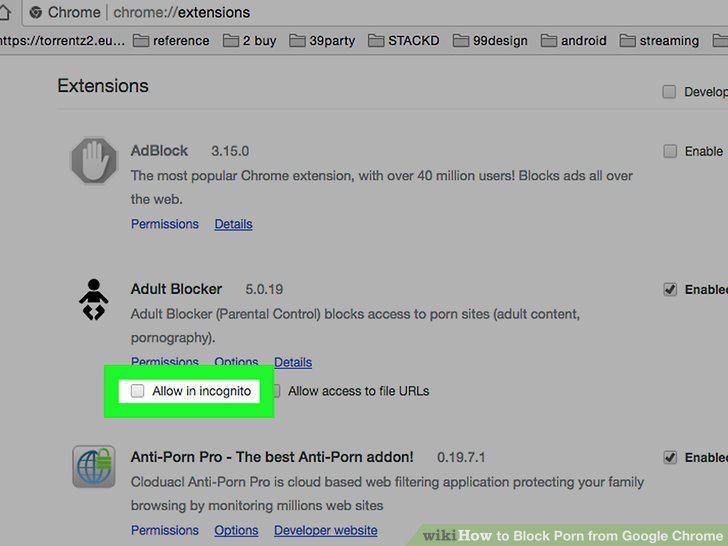
Check the "Allow in Incognito" box.
Comments (0)
No comments yet. Be the first to share your thoughts!