How to Record Google Translate Voice on PC or Mac
Go to https://www.google.com in your web browser.. Click the Apps icon.. Click Translate.
Steps
1
Go to https://www.google.com in your web browser.
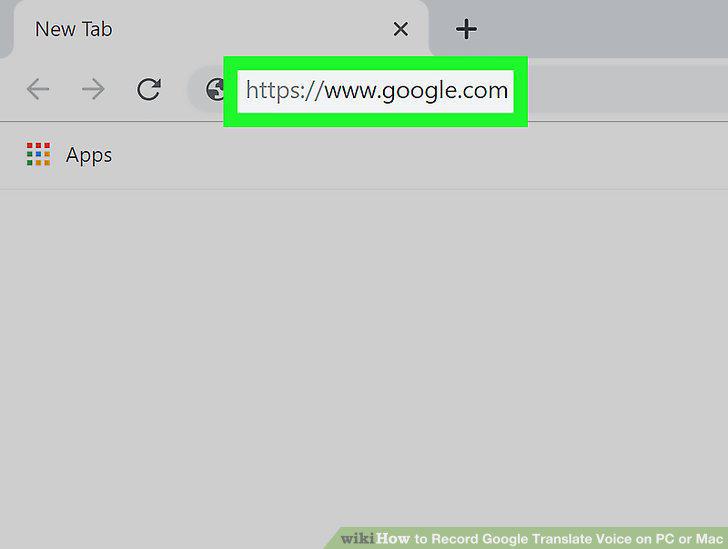
Go to https://www.google.com in your web browser.
2
Click the Apps icon.
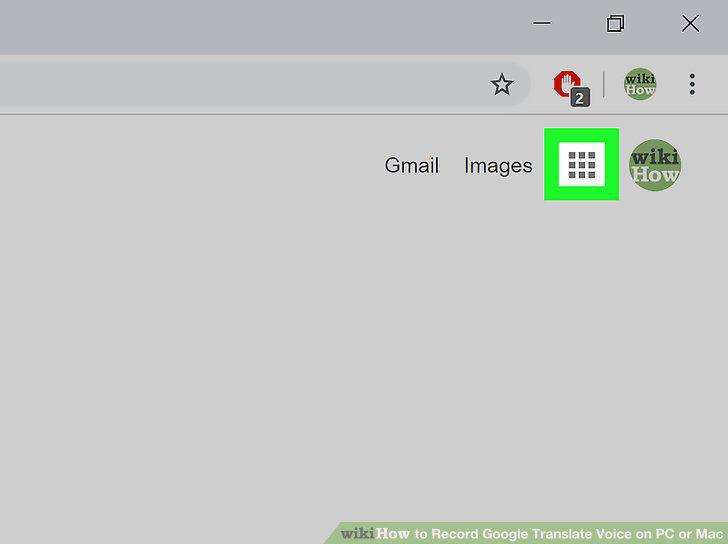
Click the Apps icon.
3
Click Translate.
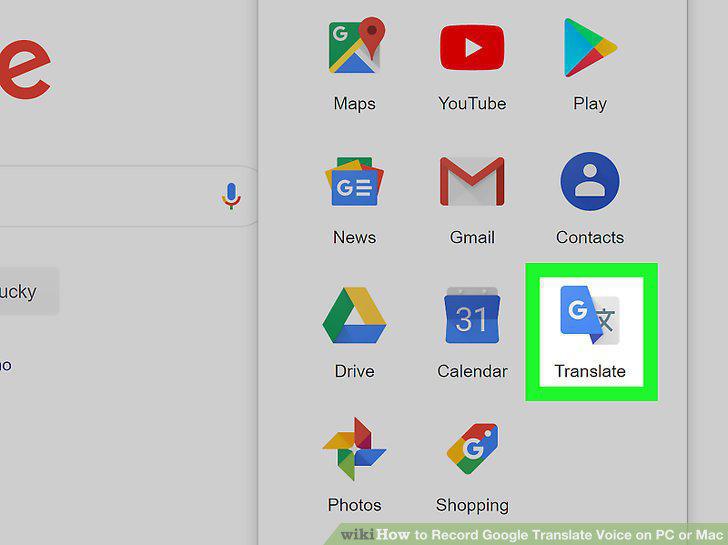
Click Translate.
4
Select the language you'll be speaking.
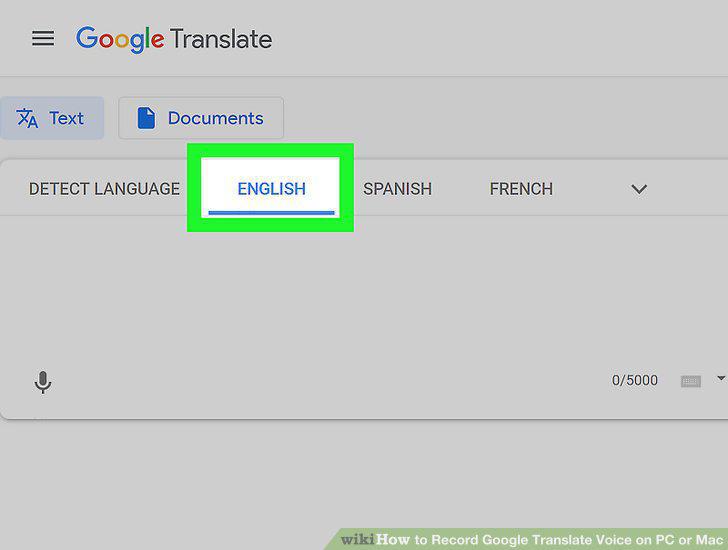
Select the language you'll be speaking.
5
Select a language to translate to.
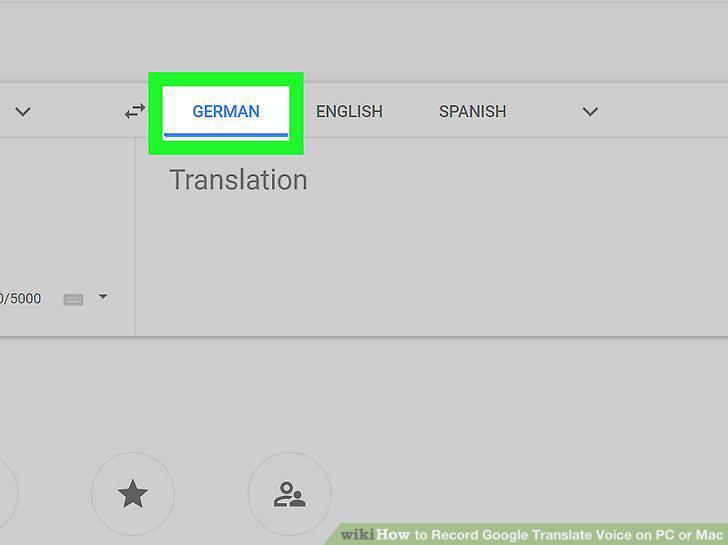
Select a language to translate to.
6
Click the microphone icon.
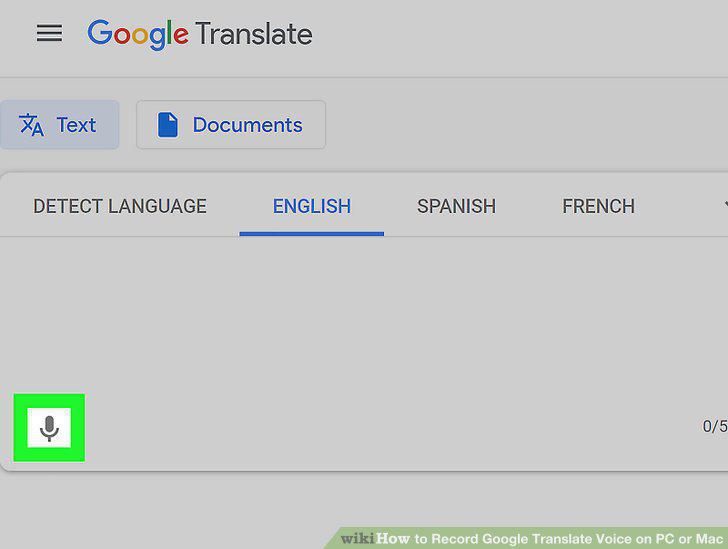
Click the microphone icon.
7
Speak the word or phrase you want translated.
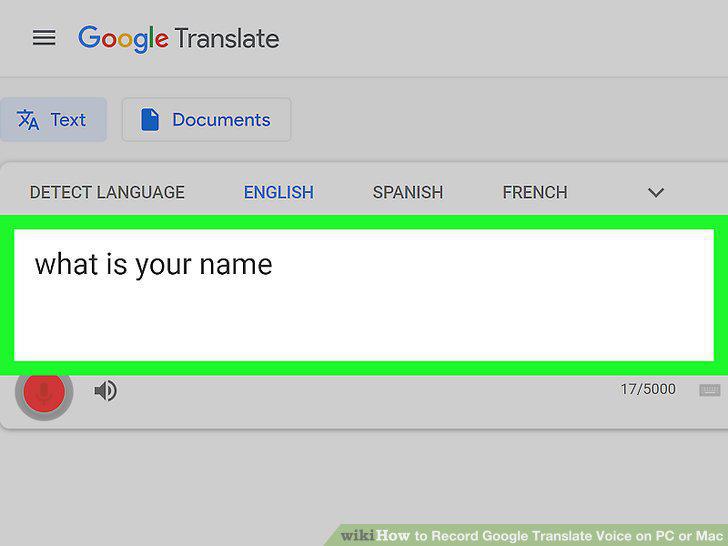
Speak the word or phrase you want translated.
8
Click the red button when you're finished.
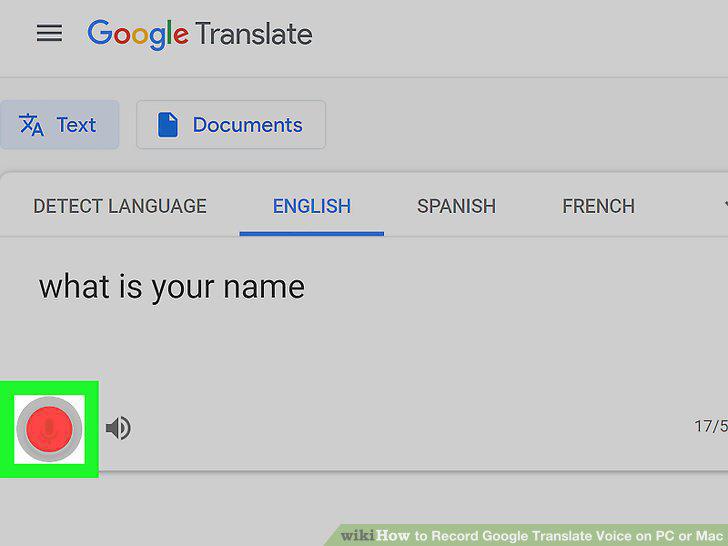
Click the red button when you're finished.
Comments (0)
No comments yet. Be the first to share your thoughts!