How to Drag and Drop Pages from a PDF Document Into Another PDF Document
Open the PDF document you would like to add pages to.. Open the PDF document from which you will be taking pages.. Hover your cursor over the Tile option and select Horizontally.
Steps
1
Open the PDF document you would like to add pages to.
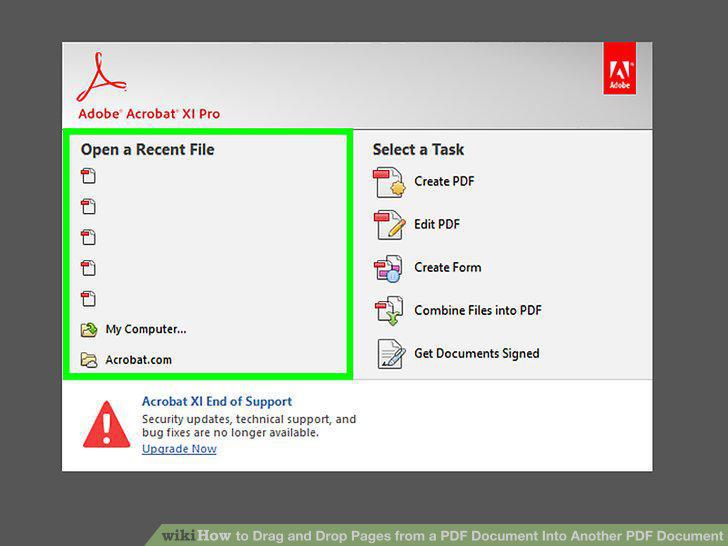
Open the PDF document you would like to add pages to.
2
Open the PDF document from which you will be taking pages.
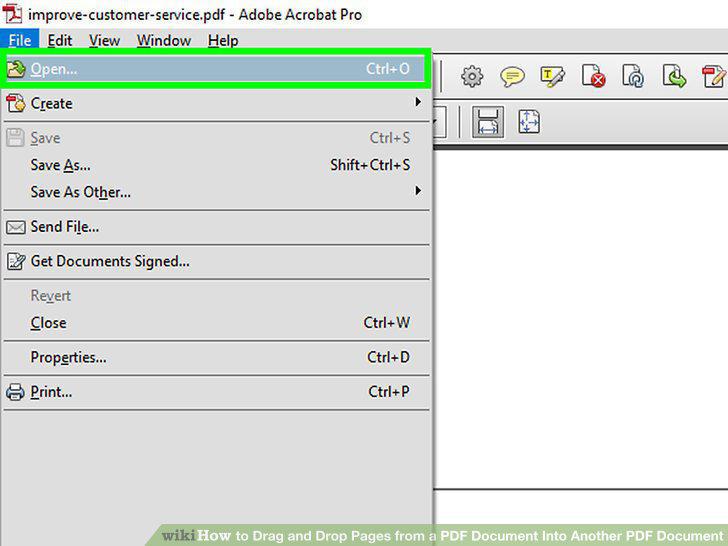
Open the PDF document from which you will be taking pages.
3
Hover your cursor over the Tile option and select Horizontally.
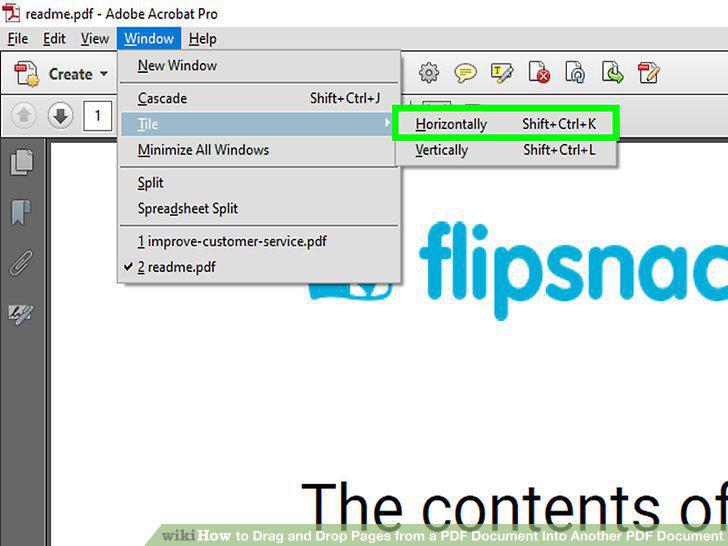
Hover your cursor over the Tile option and select Horizontally.
4
Click the Pages tab on each document.
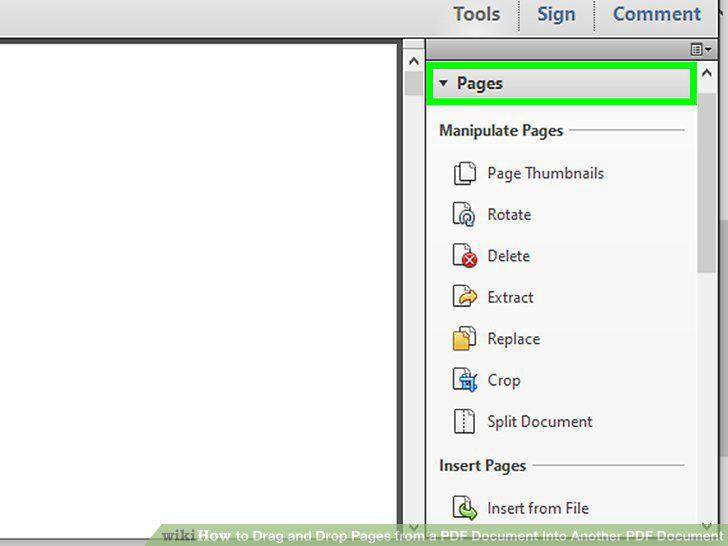
Click the Pages tab on each document.
5
Drag the right margins of the Pages pane of each document to the right.
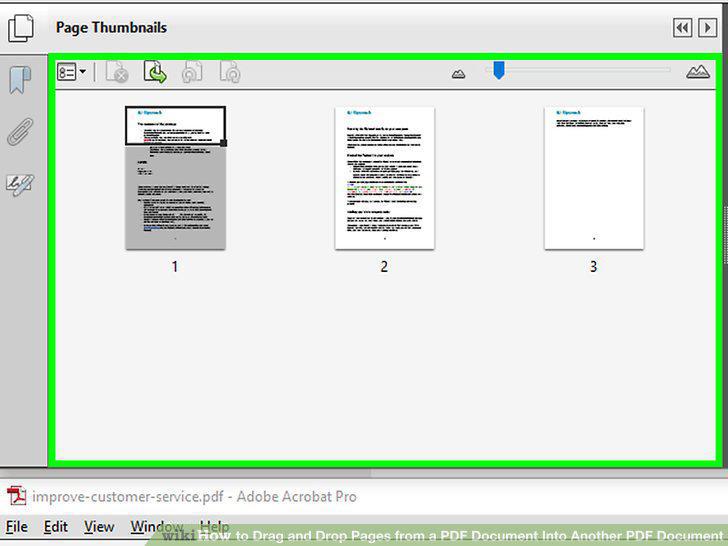
Drag the right margins of the Pages pane of each document to the right.
6
Select the thumbnail image of the pages you want to add to the recipient documen
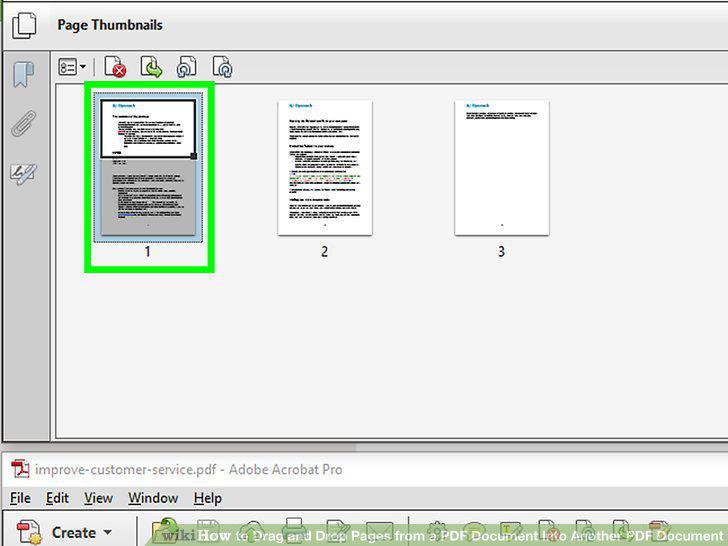
Select the thumbnail image of the pages you want to add to the recipient document.
7
Drag the selected thumbnail images from the donor document's Pages pane to the r
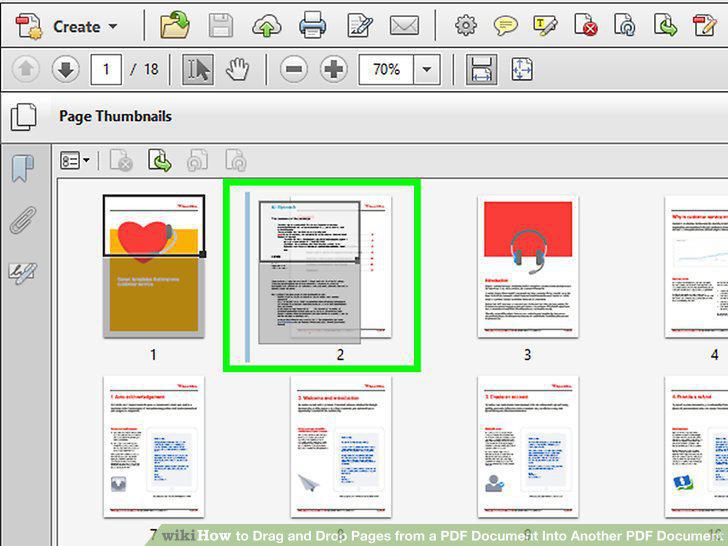
Drag the selected thumbnail images from the donor document's Pages pane to the recipient document's Pages pane.
8
Add the selected thumbnail images to the Pages pane of the recipient document.
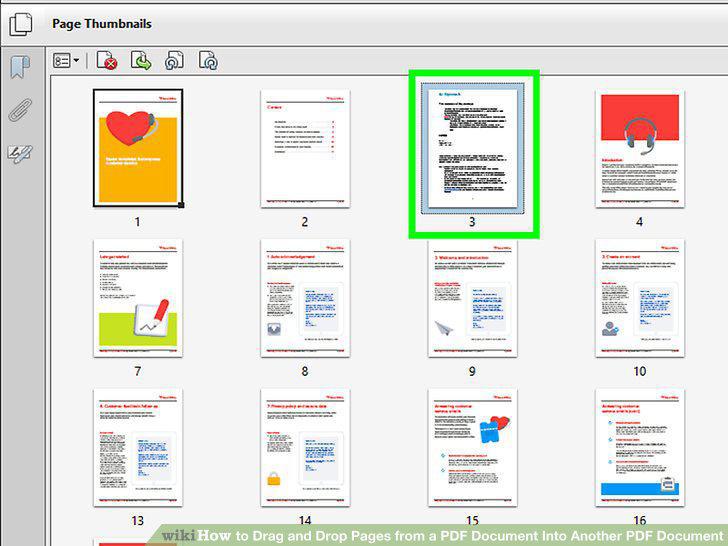
Add the selected thumbnail images to the Pages pane of the recipient document.
Comments (0)
No comments yet. Be the first to share your thoughts!