How to Stick Emoji to Moving Objects in Snapchat on iPhone or iPad
Open Snapchat.. Tap and hold the circle to record a video.. Tap the sticker icon.
Steps
1
Open Snapchat.
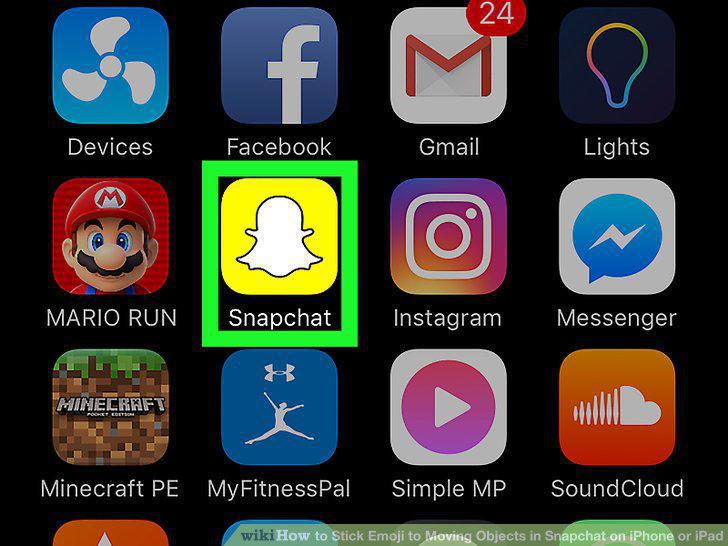
Open Snapchat.
2
Tap and hold the circle to record a video.
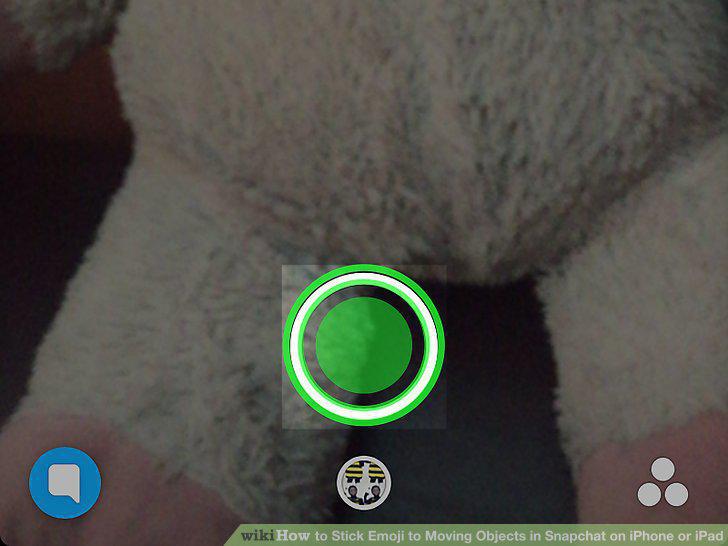
Tap and hold the circle to record a video.
3
Tap the sticker icon.
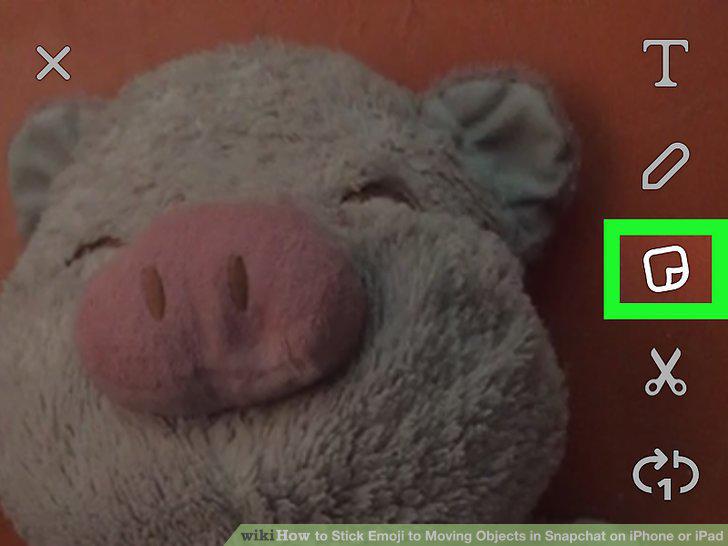
Tap the sticker icon.
4
Drag a sticker to the object.
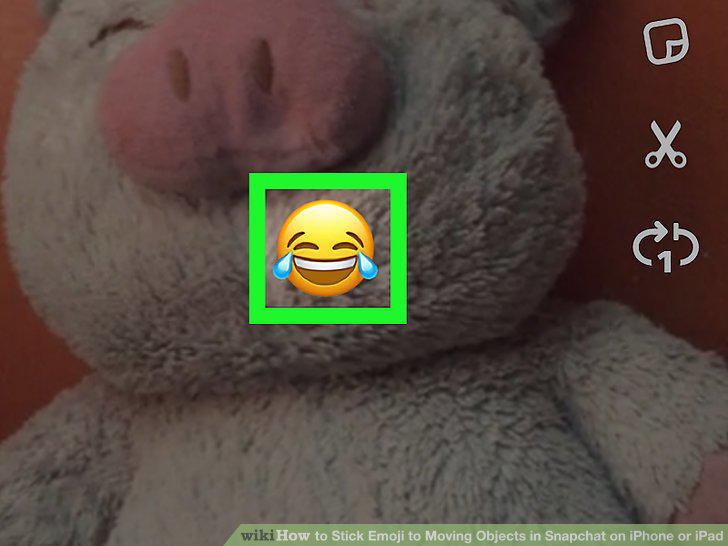
Drag a sticker to the object.
5
Tap and hold the sticker to pin it to the object.
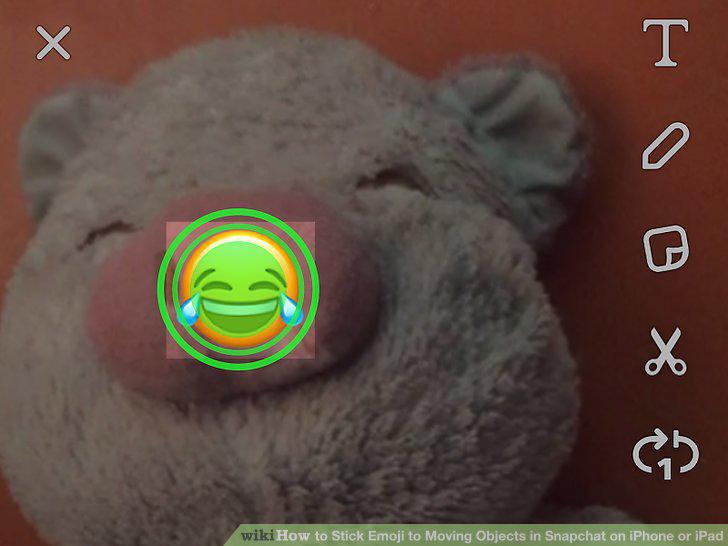
Tap and hold the sticker to pin it to the object.
6
Send your Snap.
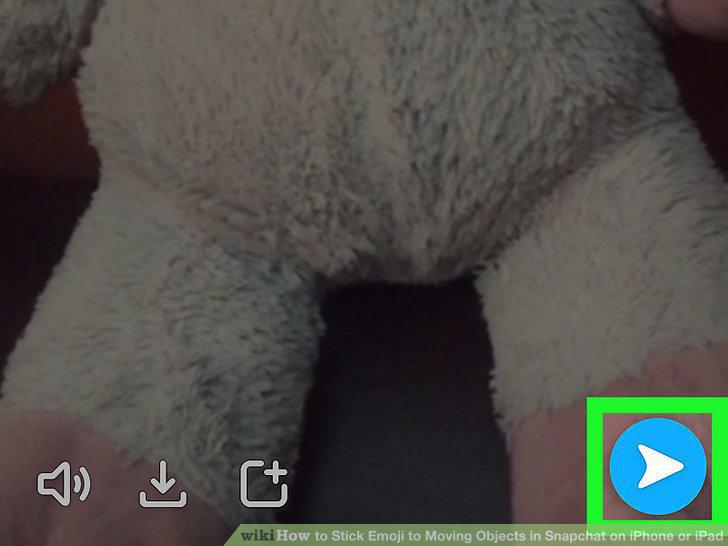
Send your Snap.
Comments (0)
Log in to leave a comment.
No comments yet. Be the first to share your thoughts!