How to Protect Cells on Google Sheets on PC or Mac
Open Google Sheets in your internet browser.. Click the spreadsheet you want to edit.. Select the cells you want to protect.
Steps
1
Open Google Sheets in your internet browser.
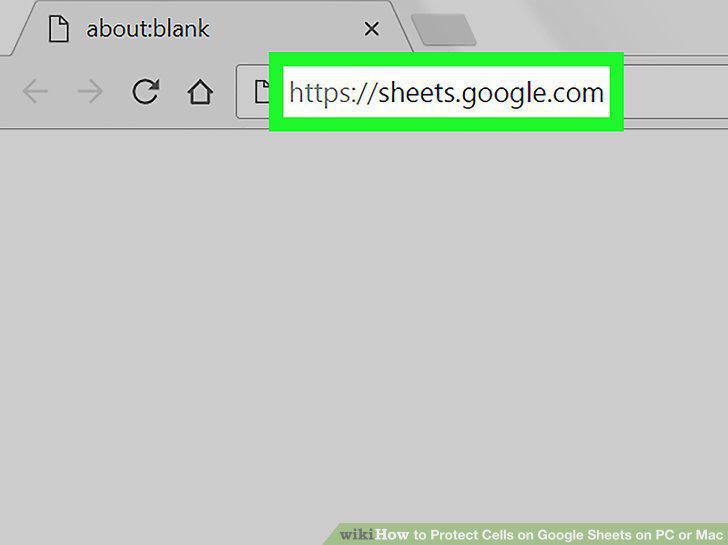
Open Google Sheets in your internet browser.
2
Click the spreadsheet you want to edit.
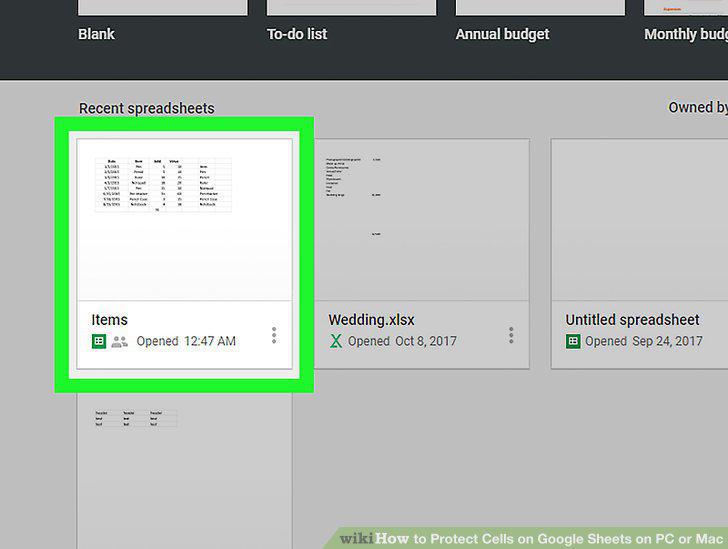
Click the spreadsheet you want to edit.
3
Select the cells you want to protect.
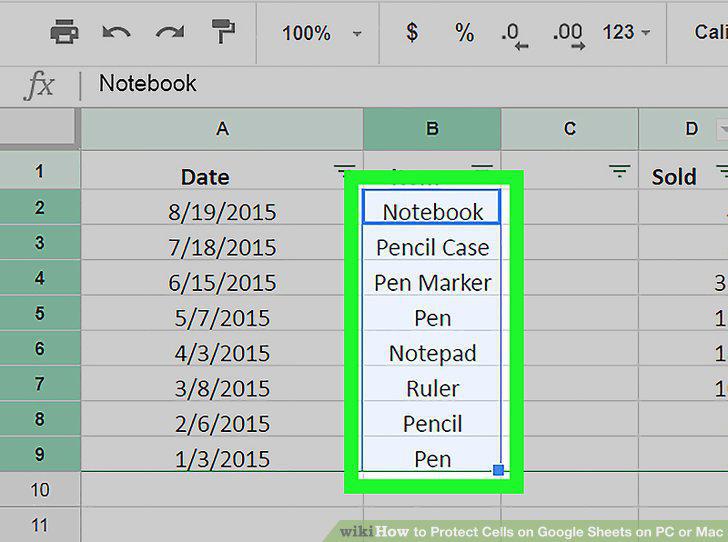
Select the cells you want to protect.
4
Click the Data tab.
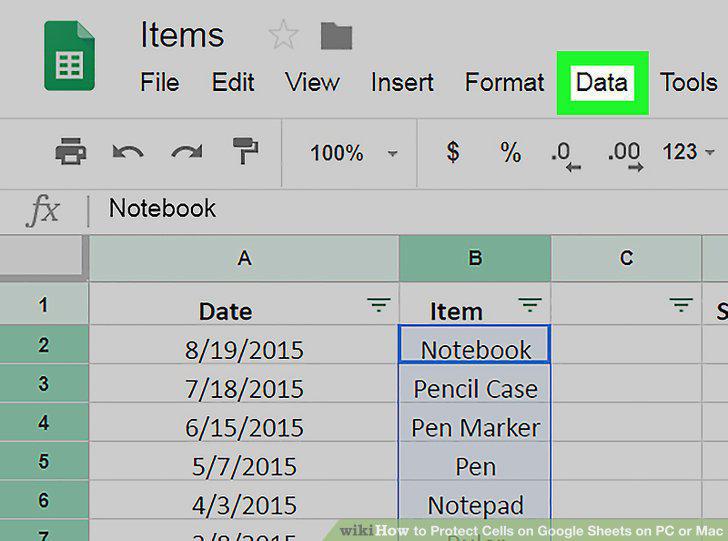
Click the Data tab.
5
Click Protected sheets and ranges on the Data menu.
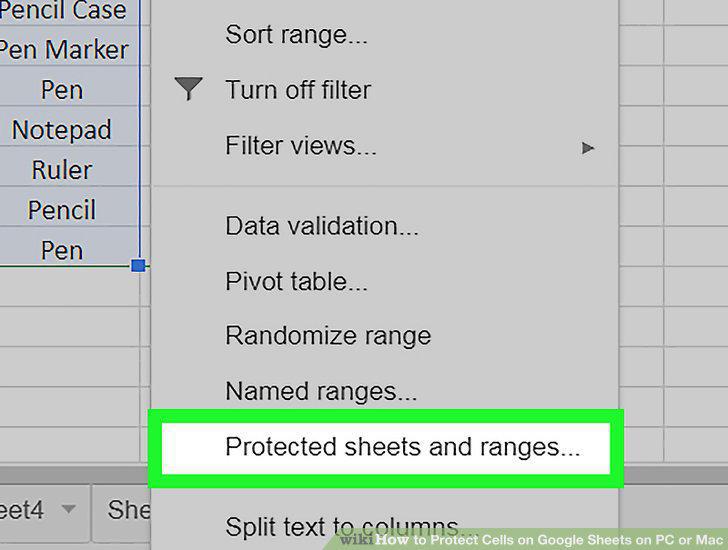
Click Protected sheets and ranges on the Data menu.
6
Click the blue Set permissions button.
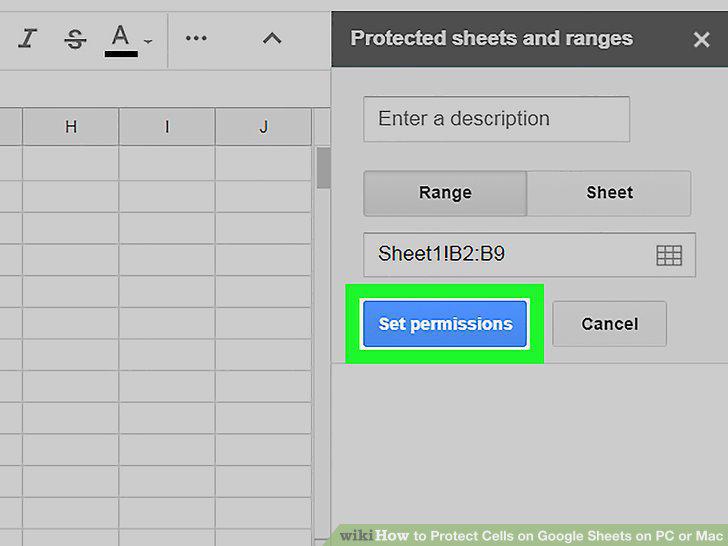
Click the blue Set permissions button.
7
Select the Restrict who can edit this range option.
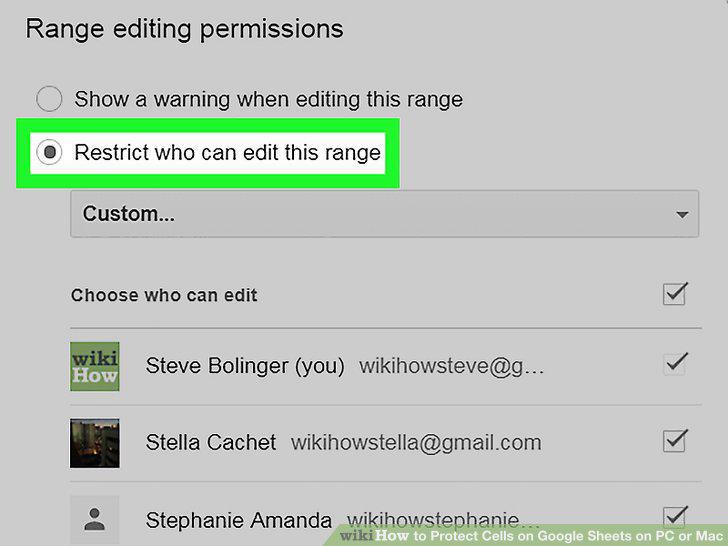
Select the Restrict who can edit this range option.
8
Click the drop-down menu.
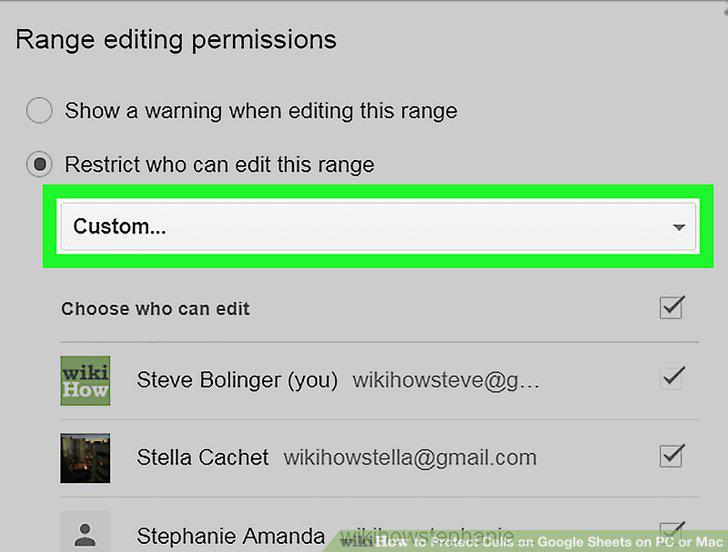
Click the drop-down menu.
9
Select Only you on the drop-down menu.
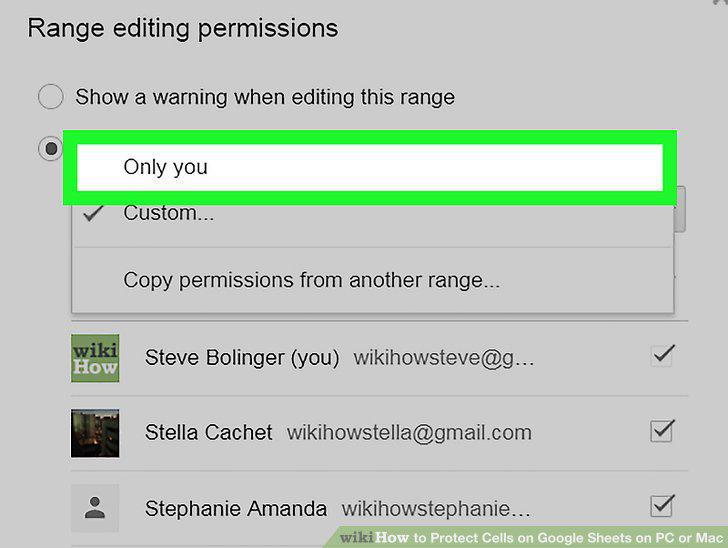
Select Only you on the drop-down menu.
10
Tap the blue Done button.
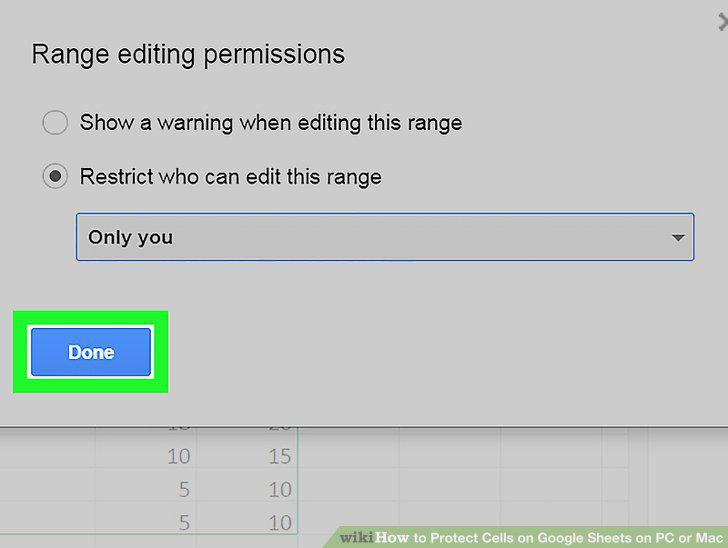
Tap the blue Done button.
Comments (0)
No comments yet. Be the first to share your thoughts!