How to Get Google One
Go to https://one.google.com/about in a web browser.. Click the subscription you want.. Click Subscribe.
Steps
1
Go to https://one.google.com/about in a web browser.
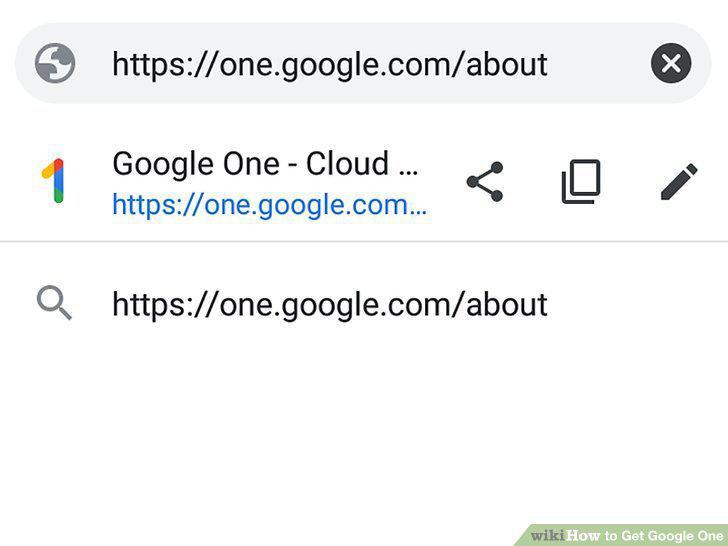
Go to https://one.google.com/about in a web browser.
2
Click the subscription you want.
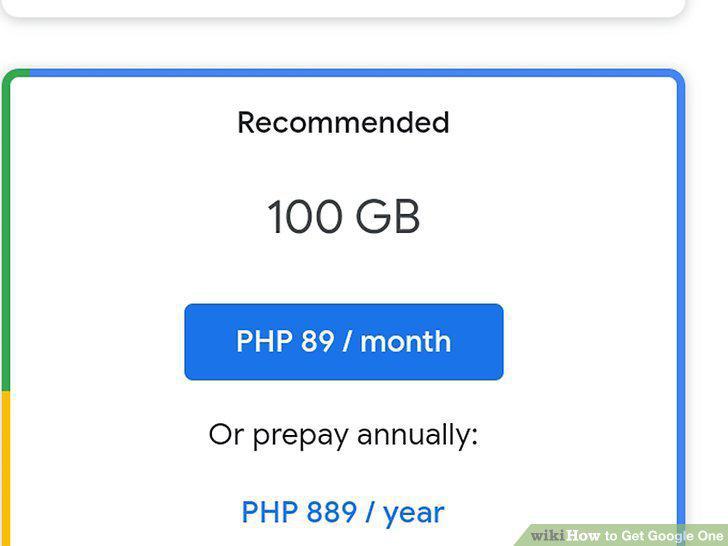
Click the subscription you want.
3
Click Subscribe.
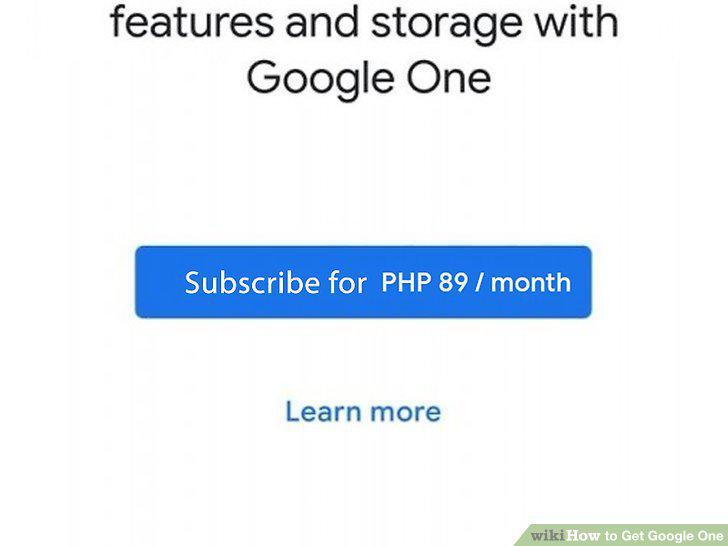
Click Subscribe.
4
Share your plan with your family.
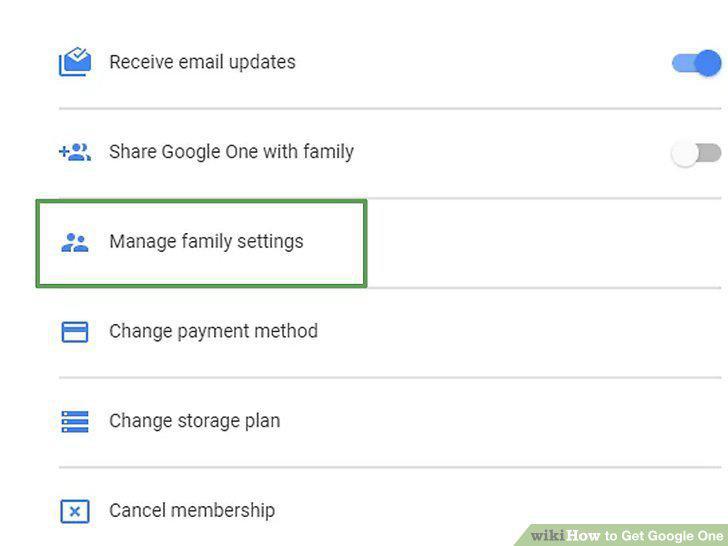
Share your plan with your family.
5
Download the Google One app if you want to backup the data on your mobile device
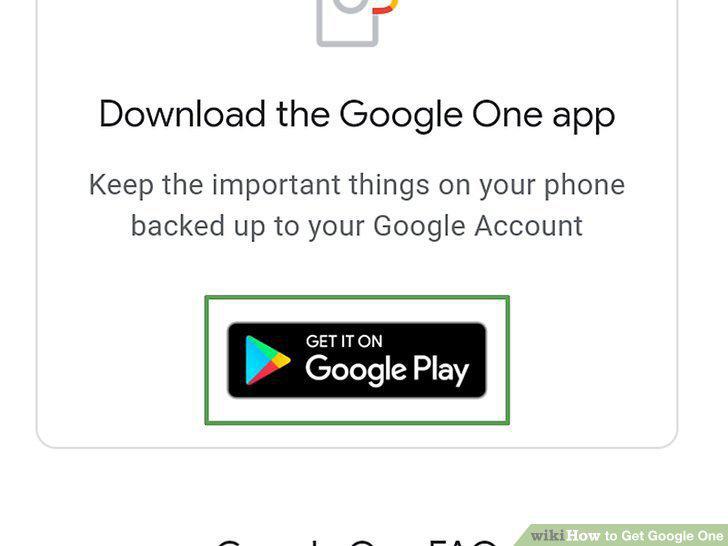
Download the Google One app if you want to backup the data on your mobile device.
6
Use your benefits.
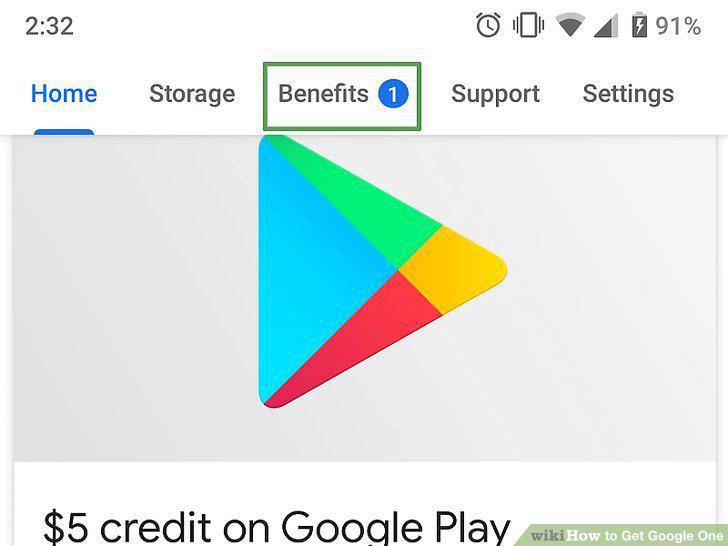
Use your benefits.
7
Cancel your subscription (if you don't want it anymore).
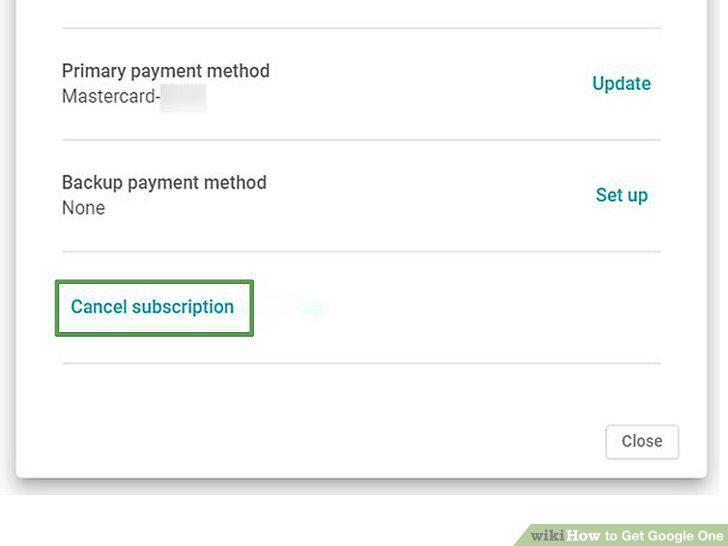
Cancel your subscription (if you don't want it anymore).
Comments (0)
No comments yet. Be the first to share your thoughts!