How to Save Messages to iCloud
Open Settings .. Tap your name.. Tap the iCloud option.
Steps
1
Open Settings .
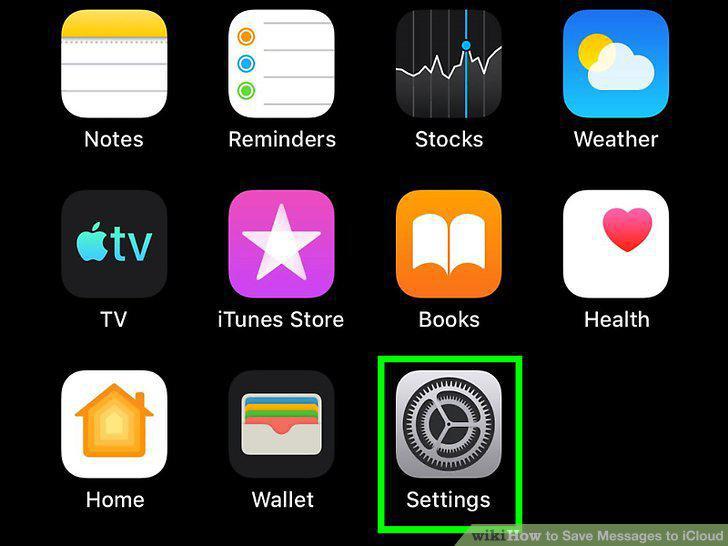
Open Settings .
2
Tap your name.
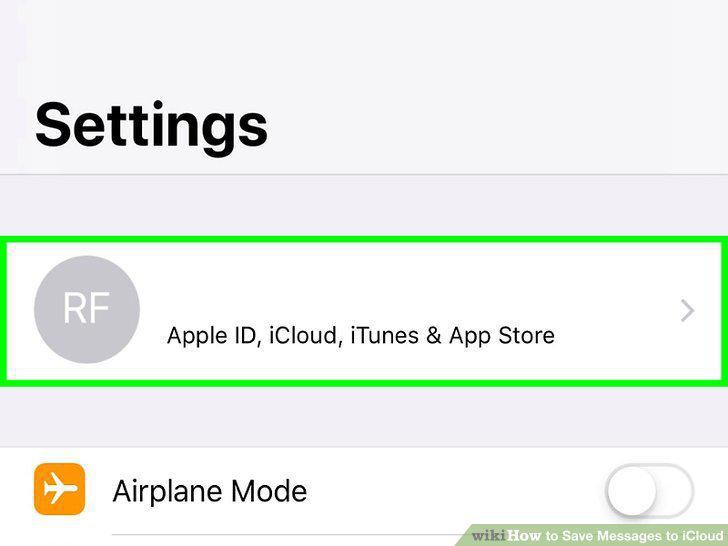
Tap your name.
3
Tap the iCloud option.
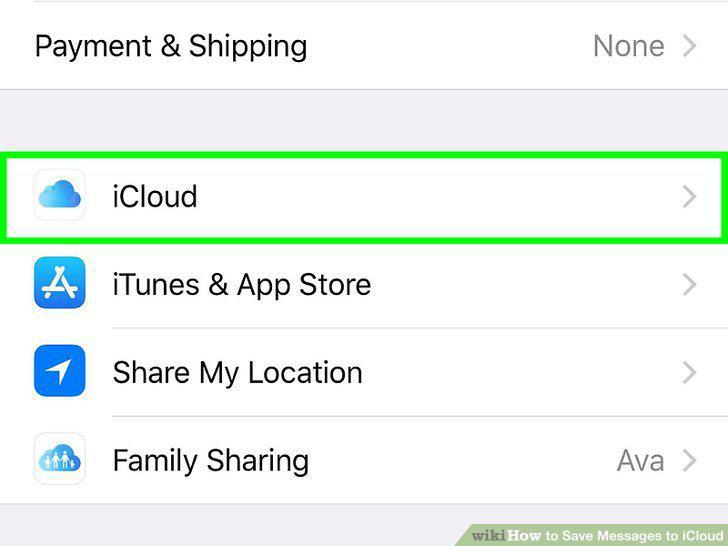
Tap the iCloud option.
4
Tap the switch next to "Messages" to turn it on .
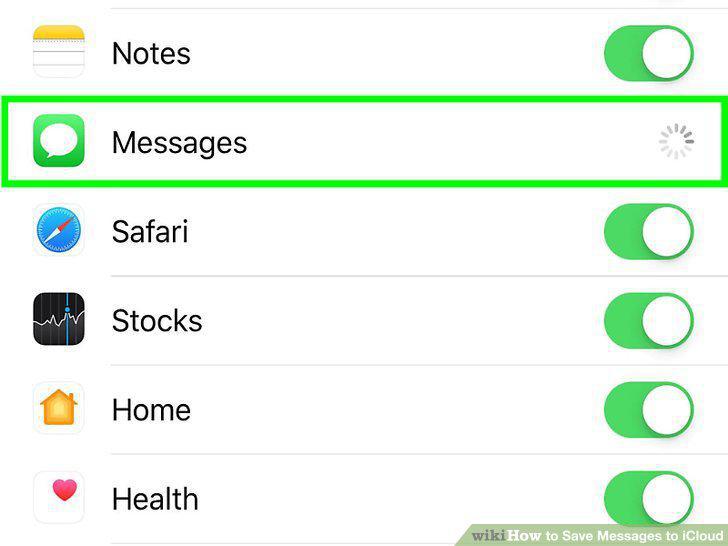
Tap the switch next to "Messages" to turn it on .
5
Log in to your Apple ID.
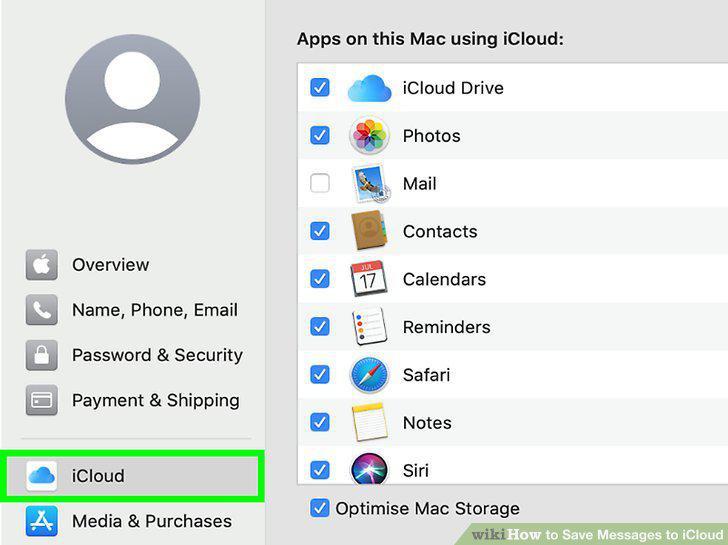
Log in to your Apple ID.
6
Open the Messages app on your Mac.
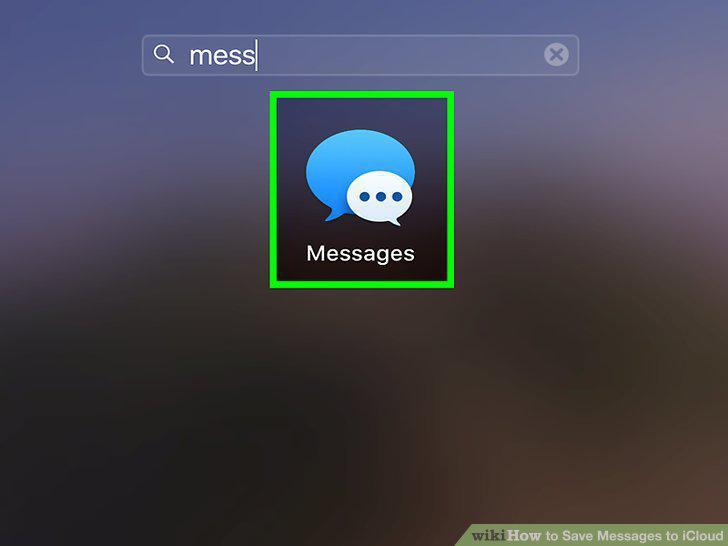
Open the Messages app on your Mac.
7
Click Messages.
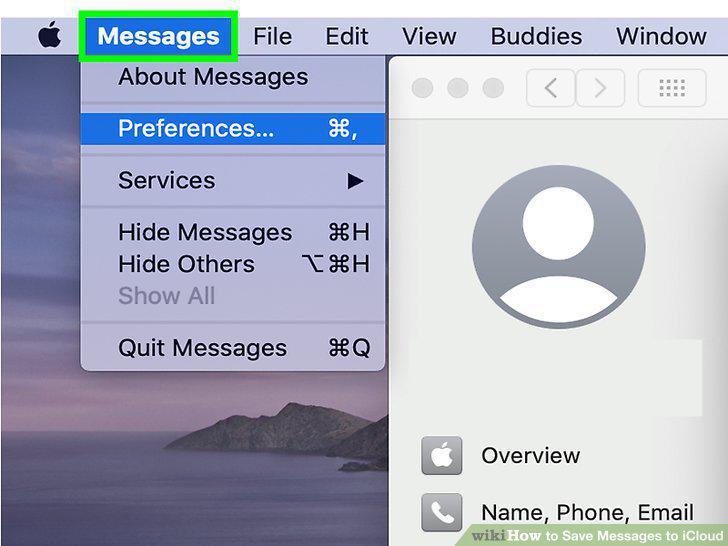
Click Messages.
8
Click Preferences.
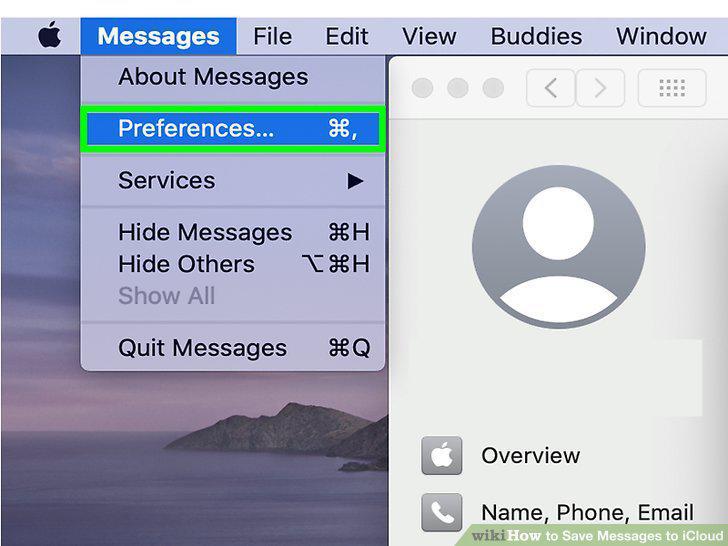
Click Preferences.
9
Click the Accounts tab.
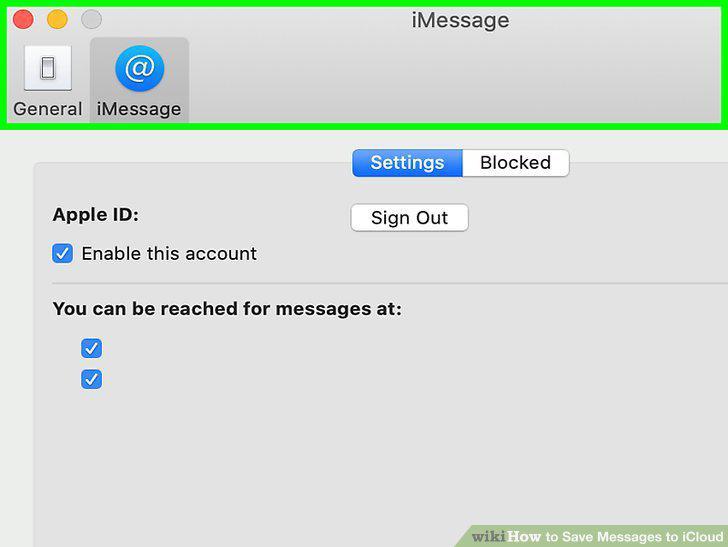
Click the Accounts tab.
10
Click to select your iMessage account in the column on the left.
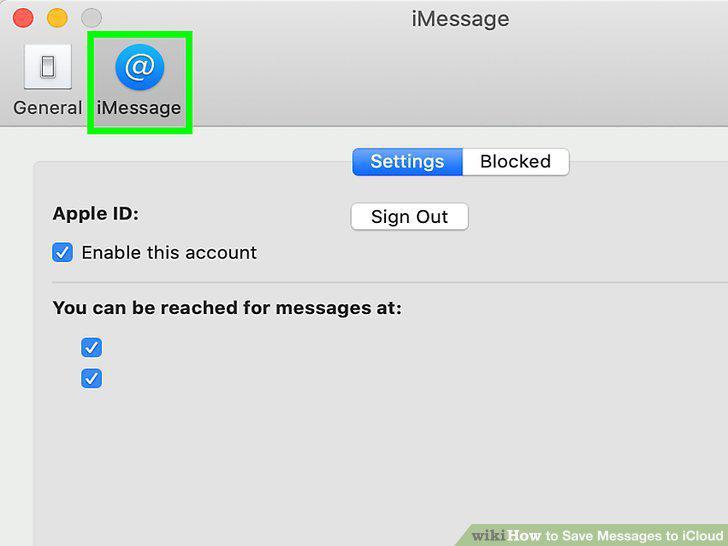
Click to select your iMessage account in the column on the left.
11
Click to check the box next to "Enable Messages in iCloud.
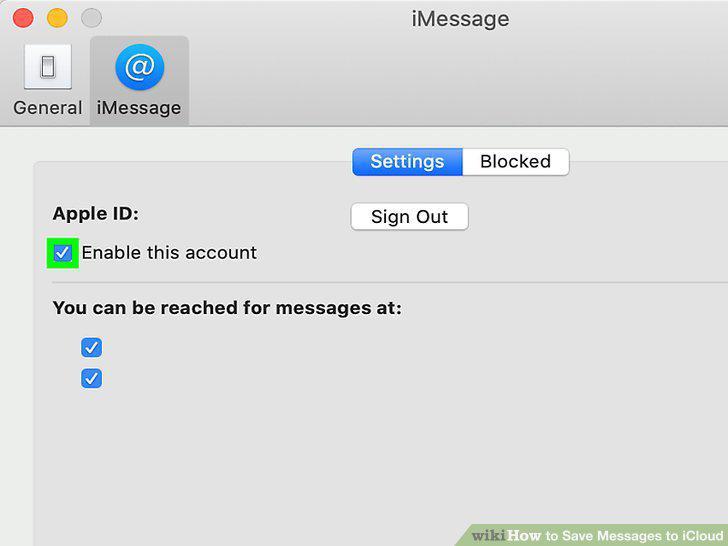
Click to check the box next to "Enable Messages in iCloud.
Comments (0)
No comments yet. Be the first to share your thoughts!