How to Resize Your Brushes in GIMP 2.8.6
Open GIMP 2.. Open a project.. Bring up the toolbox.
Steps
1
Open GIMP 2.
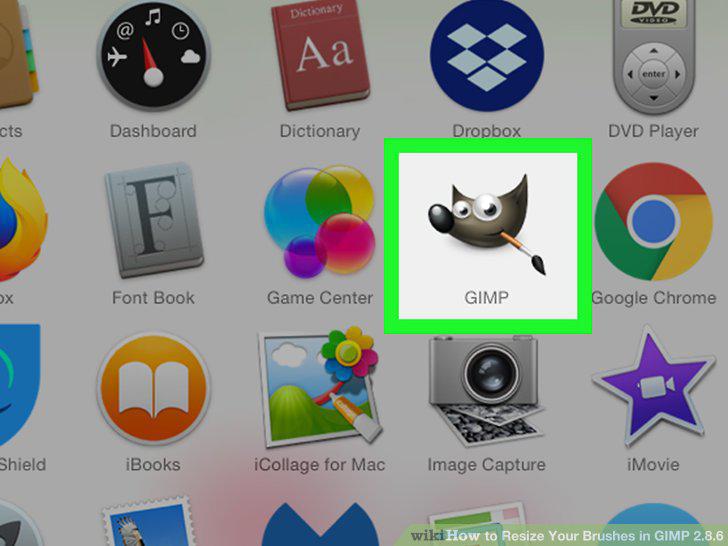
Open GIMP 2.
2
Open a project.
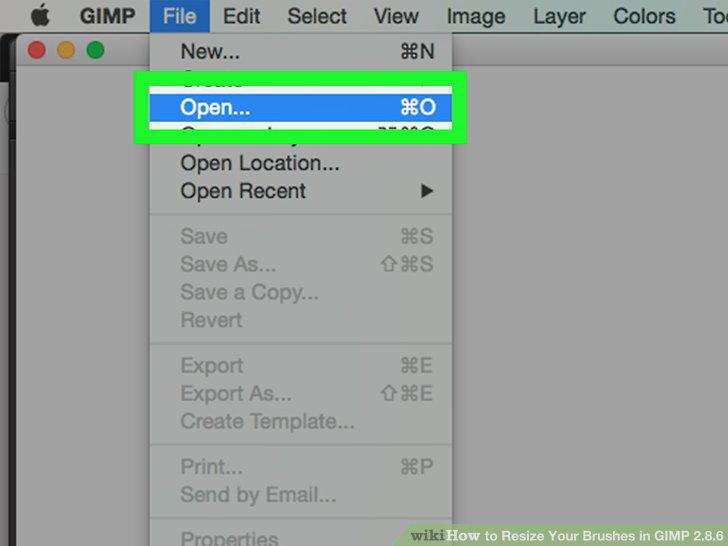
Open a project.
3
Bring up the toolbox.
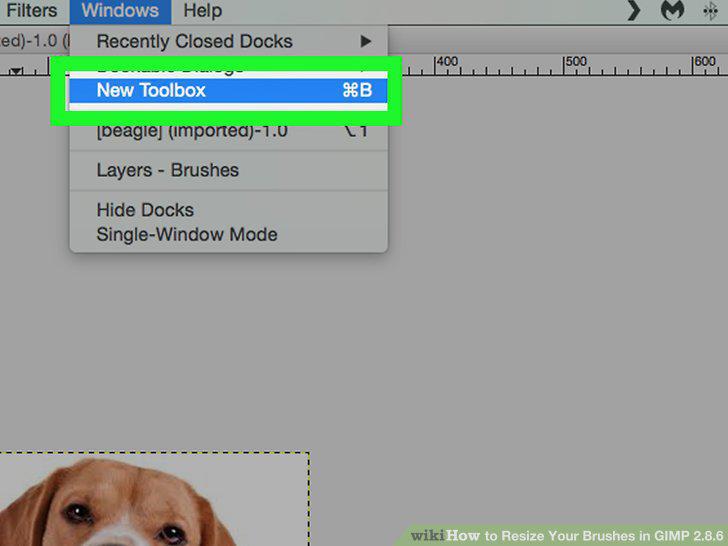
Bring up the toolbox.
4
Double-click the "Paintbrush" icon.
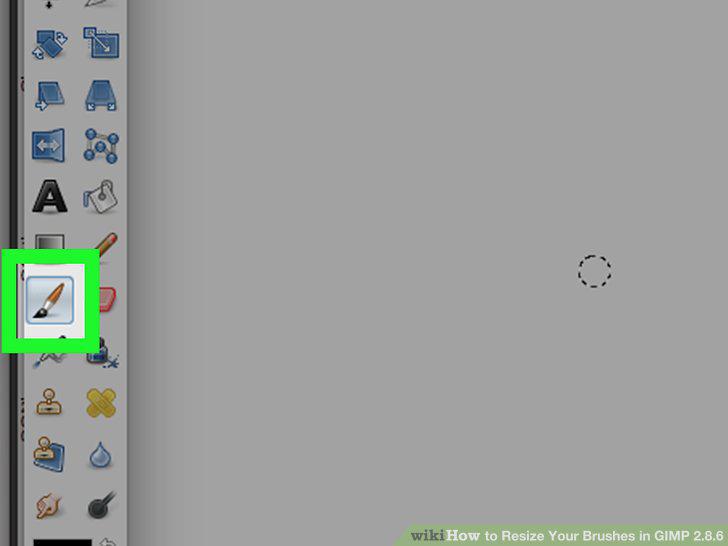
Double-click the "Paintbrush" icon.
5
Scroll down to the "Size" heading.
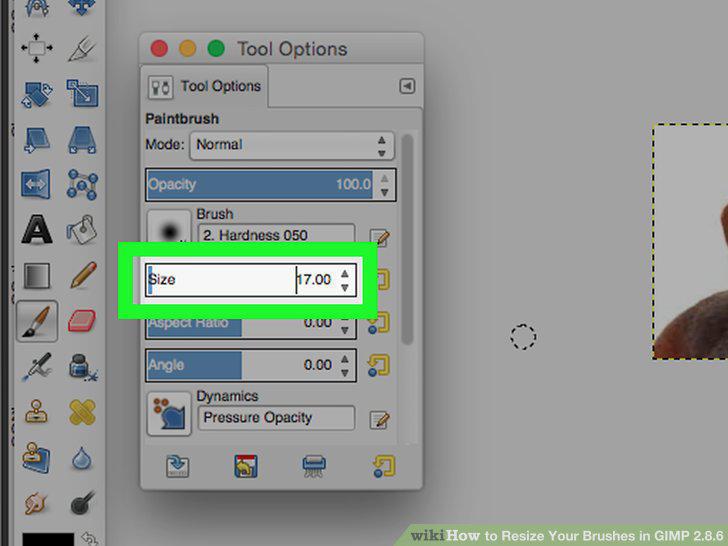
Scroll down to the "Size" heading.
6
Adjust the paintbrush's size.
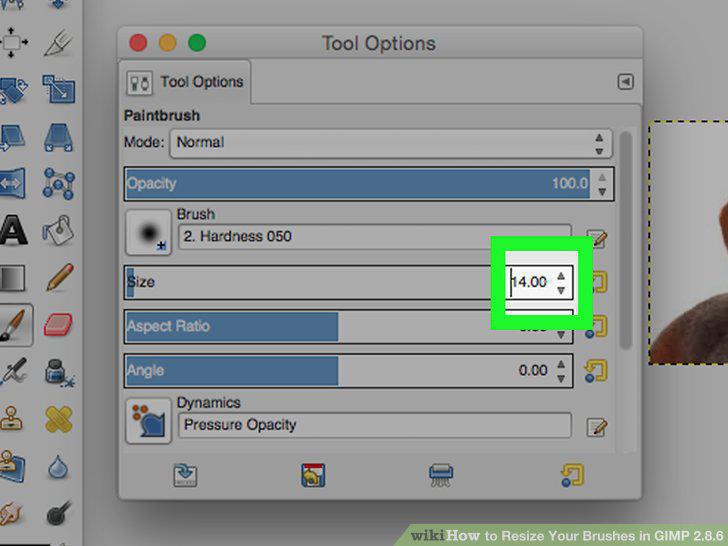
Adjust the paintbrush's size.
7
Test the paintbrush.
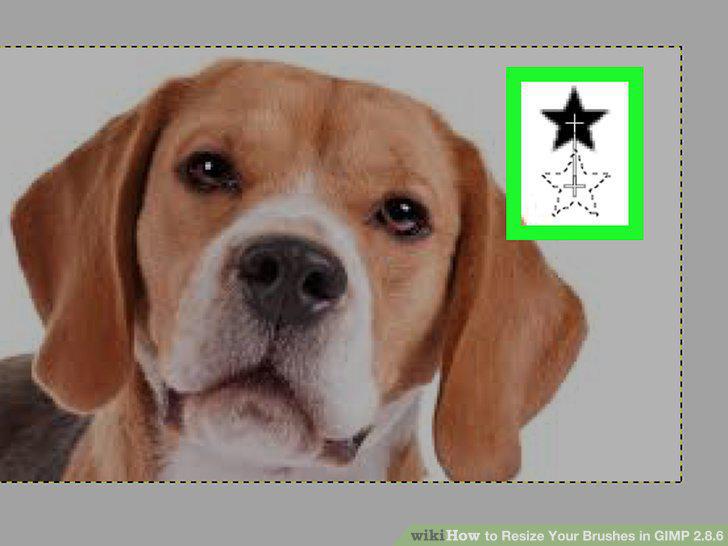
Test the paintbrush.
8
Close the Tool Options window.
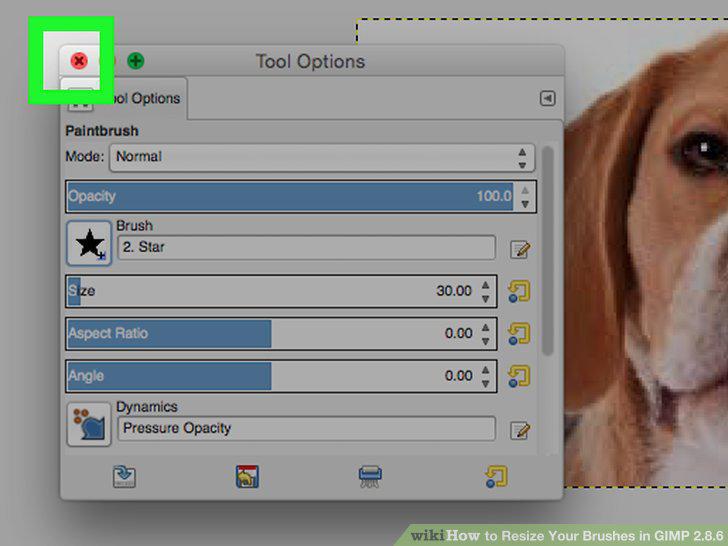
Close the Tool Options window.
Comments (0)
No comments yet. Be the first to share your thoughts!